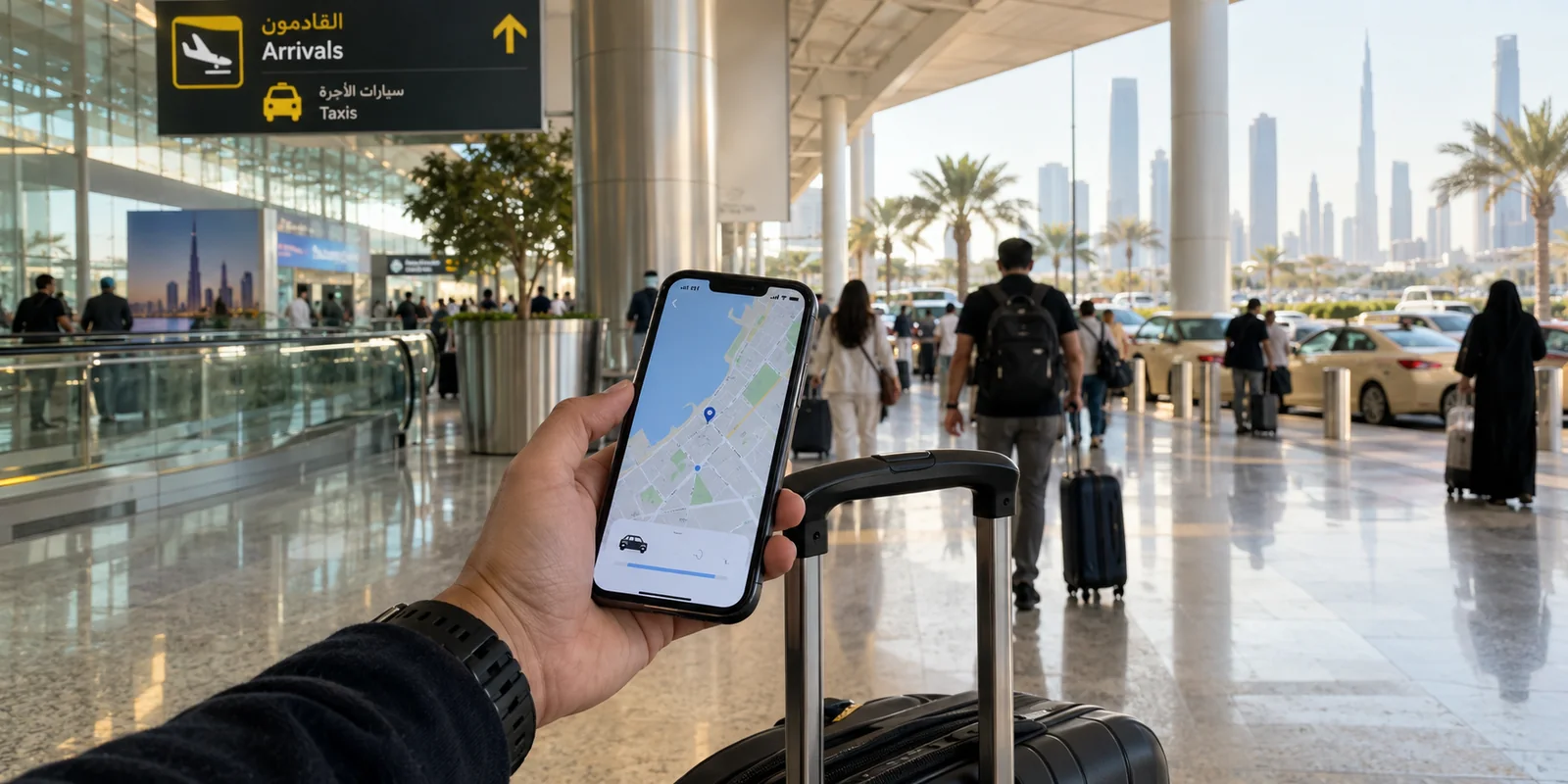
The moment your flight touches down in Dubai or Abu Dhabi, the digital demands of travel hit immediately. You need to pull up a ride-hailing app, confirm your hotel check-in details, pull up digital boarding passes for a connecting flight, or let family back home know you arrived safely.
At this exact juncture, many international visitors hit a wall of confusing advice. Online forums, travel blogs, and social groups debate two terms endlessly: eSIM and VPN.
Often, travelers ask: "Should I buy an eSIM or get a VPN for my trip to the UAE?"
Posing the question this way starts from a false premise. Choosing between an eSIM and a VPN is like choosing between a car’s engine and its seatbelts—they are not alternatives to one another because they perform completely separate functions.
An eSIM gives you the raw mobile data required to get online without relying on spotty local Wi-Fi. A VPN protects, manages, and routes that traffic once your device is connected. To build a travel setup that works seamlessly from the airport terminal to the hotel desk, you need to understand where access ends and connection management begins.
Article summary and product fit
Do you need an eSIM, a VPN, or both for a UAE trip?
An eSIM and a VPN solve different problems. An eSIM supplies mobile data; a VPN only works after the device is already online and can then encrypt and route that traffic. For a short leisure trip, an eSIM may be enough. Travelers who work remotely, use public Wi-Fi, or move frequently between cellular data and shared networks may reasonably use both.
Key context
- Best for: UAE visitors choosing a practical connectivity setup before departure.
- Key point: Treat the eSIM as the access layer and the VPN as the traffic-management layer; neither replaces the other.
- Important limit: A VPN cannot create cellular service, and an eSIM by itself does not add a VPN tunnel when you move onto hotel or airport Wi-Fi.
Apple’s Dual SIM guidance supports keeping a home line alongside a travel data line. In the setup described here, OnlyDogsVPN fits only after connectivity exists, when the traveler wants low-maintenance routing across changing networks.
An eSIM and a VPN Do Different Jobs During UAE Travel
The quickest way to cut through travel confusion is to separate the physical pipe from the data traveling through it.
An eSIM (embedded SIM) is a digital profile that downloads directly to compatible modern smartphones, tablets, or smartwatches. It replaces the traditional, fingernail-sized plastic chip. Instead of tracking down a kiosk in the arrivals hall, swapping trays, and worrying about misplacing your home carrier card, an eSIM provisions cellular data over the air through a local or regional mobile network. In plain terms: an eSIM is what gives your phone bars and an internet connection.
A VPN (Virtual Private Network), by contrast, cannot give your phone internet access. If you turn on a phone with no cellular plan and no Wi-Fi, a VPN does nothing. Instead, a VPN operates strictly after you are already online. It establishes an encrypted tunnel between your device and a secure server, shielding your browsing data from local network eavesdroppers and providing a consistent gateway for your online activity.
Put into everyday travel situations:
- Pulling up driving directions in a taxi requires an eSIM.
- Ensuring your sensitive login details and banking information remain encrypted while connected to an open airport network involves a VPN.
- Loading emails over hotel Wi-Fi requires an internet connection; maintaining a stable, private connection while hopping across multiple hotel routers is where a VPN shines.
They are complementary layers of a complete travel toolkit, not rival solutions.
Why Many UAE Travelers Start With an eSIM
For almost every international visitor, internet access is the immediate priority. That is why an eSIM has become the standard starting point.
The benefits of securing an eSIM before landing are straightforward:
- Instant connectivity upon landing: You can activate your plan the moment the plane wheels touch the tarmac, avoiding long lines at terminal telecom counters.
- Dual-SIM convenience: Modern devices allow you to keep your primary physical SIM active for bank two-factor SMS alerts while directing heavy data use through the travel eSIM.
- Independence from public hotspots: You avoid being trapped in airport arrival lounges or taxi ranks searching for an unsecured Wi-Fi network that requires phone verification.
However, an eSIM only solves the "access" half of the equation.
It does not inherently shield your browsing habits on third-party networks, nor does it alter how internet traffic behaves once you step off mobile data and log in to your hotel suite's broadband. Furthermore, eSIMs are bound to the data allowance and cellular coverage of the local partner network. They get you onto the information superhighway, but they do not manage how smoothly your applications navigate once you are driving.
When a VPN Becomes the Missing Part of Your UAE Travel Setup
Once basic internet access is settled, the practical reality of traveling sets in: you will be moving between multiple networks every single day.
Throughout a typical day in Dubai, your phone might jump from your hotel’s guest Wi-Fi, to cellular data on the street, to a coffee shop network in a mall, and back to a corporate office Wi-Fi connection. Each transition brings operational friction:
Public Wi-Fi Exposure
Hotels, airports, and beachside cafés offer open Wi-Fi for convenience, but public networks are fundamentally shared spaces. Without encryption, your unencrypted data traffic can be vulnerable to local interception. A reputable VPN provides an essential protective wrapper around passwords, business communications, and financial transactions.
Cross-Network Consistency
Frequent travelers know the frustration of moving between a mobile cellular connection and hotel Wi-Fi. Apps that were open and running suddenly stall, sessions drop, or internal work portals log you out because your IP address changed abruptly. A persistent VPN tunnel helps smooth out these erratic network shifts.
A VPN will never replace an eSIM—it cannot manufacture cellular data out of thin air. Its value begins precisely where raw connectivity leaves off, managing the security and stability of your device's connection across unfamiliar digital environments.

The Real Travel Decision: Reliable Internet or Less Connection Management?
When building your actual travel kit, look at the realistic combinations travelers rely on:
| Setup | Strengths | Weaknesses | Best Suited For | | eSIM Only | Immediate, affordable cellular data; zero queueing at airports. | Does not provide encryption layer on public Wi-Fi; no cross-network management. | Short leisure trips focused purely on basic maps, browsing, and messaging. | | Local Physical SIM | Access to local phone numbers for local calls. | Requires physical store visit; swaps out home SIM card. | Long-term stays or visitors requiring a local dialing line. | | Public Wi-Fi Only | Free. | Zero mobility; unencrypted; highly unpredictable. | Budget backpackers willing to hunt for networks. | | eSIM + Dedicated VPN | Complete mobility plus encrypted, consistent data management everywhere. | Requires managing two tools. | Remote workers, business travelers, and digital nomads. |
If you fall into the final category—someone who requires both reliable mobile data and a VPN—the real friction isn't buying the tools. It's managing them on the move.
Nothing drains travel momentum faster than sitting in an airport lounge manually cycling through server lists, troubleshooting dropped handoffs between 5G and Wi-Fi, or re-authenticating across multiple devices.
Rather than functioning like a cumbersome technical utility, OnlydogVPN↗ is tailored around travel practicality:
- Automatic Route Selection: Instead of forcing you to guess which server or route provides the best performance, OnlydogVPN handles route optimization automatically in the background. It finds the path of least resistance without manual tinkering.
- Weak-Network and Network-Switching Recovery: Travel means fluctuating signals. When your phone transitions from a weak hotel Wi-Fi signal down to your cellular eSIM, standard VPN connections often hang or stall out. OnlydogVPN features engineered network-switching recovery designed to re-establish the tunnel quietly and instantly, preventing interrupted downloads or dropped calls.
- Frictionless Multi-Device Setup: If you are traveling with a smartphone, an iPad, and a laptop, juggling individual connection profiles is exhausting. OnlydogVPN streamlines multi-device convenience, keeping your entire travel ecosystem unified under a consistent, protected connection.
By pairing a dependable eSIM with an automated tool like OnlydogVPN, you eliminate both sides of the travel problem: the eSIM gives you the data, and OnlydogVPN ensures the connection runs smoothly without requiring you to play network technician.
The Best UAE Travel Setup Depends on What You Cannot Afford to Lose
You do not need to overcomplicate your digital luggage, but you should avoid cutting corners on tools that protect your productivity.
Use this simple guideline to decide your travel setup before you board:
Choose an eSIM alone if:
- Your trip is short, and your primary goal is having reliable mobile data for basic navigation, messaging, and ride-hailing while out in the city.
- You do not plan to access corporate servers or conduct sensitive business over public Wi-Fi networks.
Choose a VPN alone if:
- You are staying at a single accommodation with trusted, reliable Wi-Fi and have zero need for mobile data while on the move.
Choose both (eSIM + OnlydogVPN) if:
- You are traveling for business, managing remote work, or handling financial tasks on the road.
- You switch frequently between public Wi-Fi networks and mobile data.
- You cannot afford connection drops, sluggish route hunting, or insecure sessions while navigating your trip.
An eSIM ensures you are never stranded without a signal; an intuitive VPN ensures that your data remains yours and your connection stays dependable. Together, they create a balanced, stress-free travel setup that lets you focus entirely on your itinerary.
Frequently Asked Questions
Do I need a VPN if I already have an eSIM in the UAE?
Not necessarily. The eSIM gives you mobile data; a VPN is a separate layer for encrypting and routing traffic once you are online. If you mainly need maps, messaging, and ride-hailing on cellular data, the eSIM alone may cover the immediate need.
Can a VPN replace a travel eSIM?
No. A VPN cannot provide cellular service or create an internet connection by itself. It needs working Wi-Fi or mobile data underneath it.
Can I keep my home number active while using a travel eSIM?
On compatible Dual SIM phones, yes. The article notes that you can keep the home line available for things such as verification texts while directing data through the travel eSIM; exact support depends on the device and carrier.
When does using both an eSIM and a VPN make sense?
The combination is most useful for remote workers, business travelers, and people who switch often between cellular data and public or hotel Wi-Fi and want both mobile access and a separate encrypted routing layer.