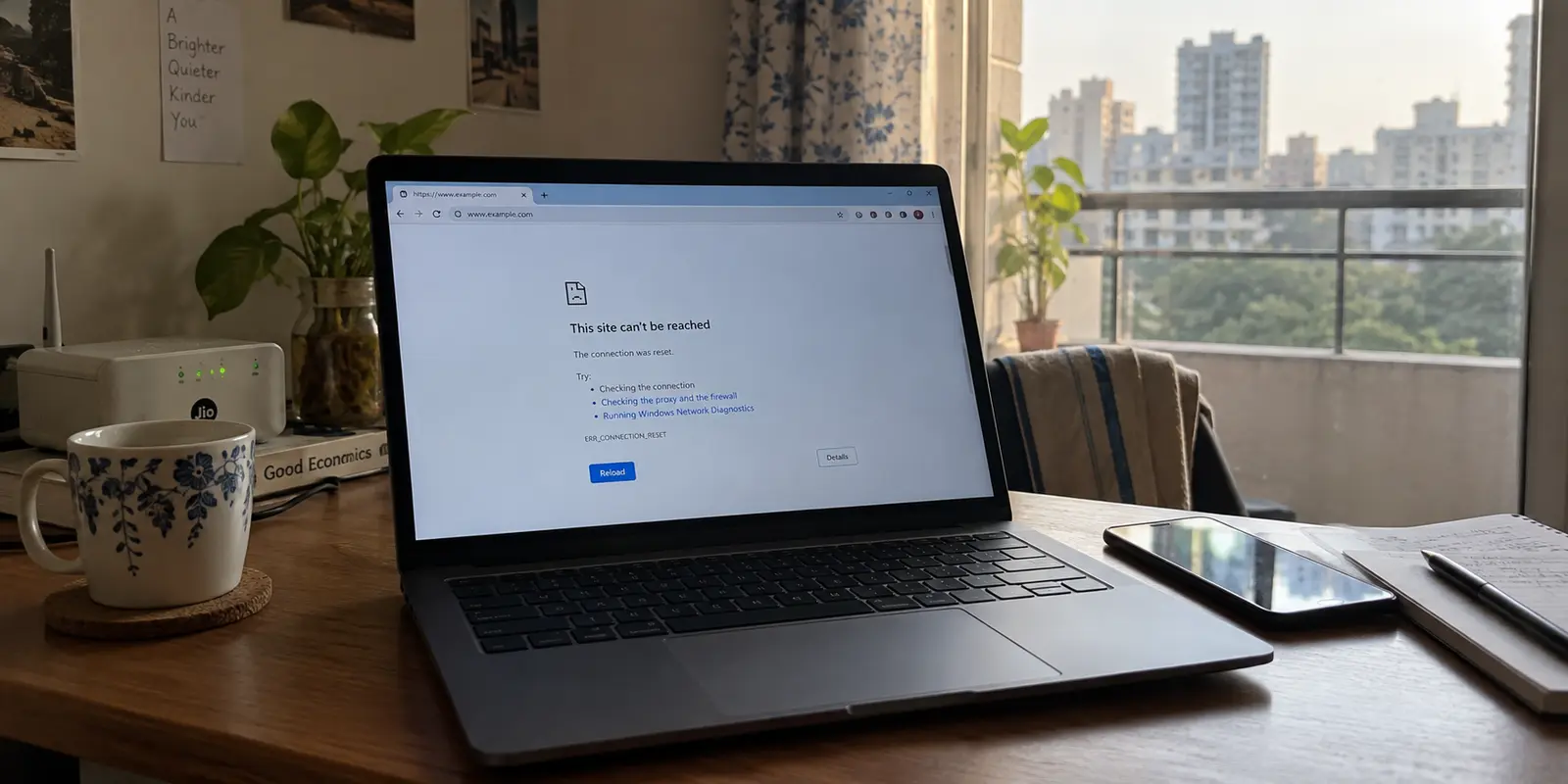
You click a link, and the browser stalls. Five seconds pass, and instead of the page you wanted, you get an empty tab, a timeout, a cryptic 403 Forbidden, or a generic “This site can’t be reached” alert. Meanwhile, your email syncs instantly, search engines load without hesitation, and streaming apps run untouched.
The immediate conclusion for most people in India is simple: the government or my ISP blocked this.
Before you jump into a troubleshooting spiral—swapping browsers, wiping cookies, flushing DNS, or firing up a random proxy—hit pause. A website failing to open from an Indian connection does not automatically mean India blocked it. An administrative ISP block, a website’s self-imposed regional restriction, an aggressive web security filter, and a plain old server crash look almost identical on your screen.
The fastest way to fix the problem isn't blindly changing settings. It is identifying who is refusing the connection.
Article summary and product fit
How do you tell who is blocking a website in India?
Do not treat every failure as a nationwide block. Read the error, confirm the rest of the internet works, compare the same site on a second Indian network, and only then test one alternate-country route if needed. Those results separate an ISP-specific block, a publisher geo-restriction, a web-security refusal, and a site outage.
Key points
- Best for: People in India who can use the rest of the internet normally but one website returns a timeout, reset, 403, regional notice, or legal-block message.
- Test first: Switch once between independent networks such as broadband and mobile data. If the site works on one but not the other, the failure is not a universal nationwide ban.
- Product fit: Only after the article’s tests isolate legitimate network-level filtering does it position OnlydogVPN as an alternative encrypted route for restrictive network conditions.
- Important limit: A VPN cannot repair a global outage, remove an account-level restriction, or change the legal status of material covered by local law. A 403 alone also does not prove that an ISP blocked the site.
Sources already cited in the article: Section 69A information from India’s MeitY, AWS CloudFront geo-restriction documentation, OONI’s 2025 India findings, Centre for Internet and Society research, and OnlydogVPN official website.
Read the error before trying to bypass it
Your browser’s error message rarely tells the whole story, but it offers critical first clues if you know how to weigh them:
- Explicit ISP/Government Splash Screens or HTTP 451: If your screen displays an unambiguous notice referencing a Department of Telecommunications (DoT) directive, a court order, or an
HTTP 451 Unavailable For Legal Reasonsstatus, you are dealing with a formal, network-enforced block. (Under Section 69A of India’s Information Technology Act, authorities can issue directions to intermediaries to block access to specific online materials.) - A Branded “Not Available in Your Region” Message: If the page renders cleanly with the site’s own logos and typography, announcing that its services are not supported in your country, stop blaming your telecom provider. This is an intentional geo-restriction enforced by the website publisher, not an Indian ISP intervention.
- HTTP 403 Forbidden: A 403 simply means the web server understood the request but refused to authorize it. Cloud platforms like AWS CloudFront allow website operators to block traffic from specific countries, returning a 403 to visitors from those locations. However, security firewalls also issue 403 errors when they flag automated bots or suspicious IP ranges. A 403 proves a server rejected you; it does not prove your local carrier intercepted the traffic.
- Timeouts, Resets, and “Connection Refused”: These are the least informative errors. A TCP connection reset or a hanging DNS lookup could indicate an ISP-level filter, a temporary routing failure along an underwater cable, or a web server that simply crashed.
Before drawing a conclusion, verify one essential baseline: is the rest of your internet healthy? If multiple unrelated sites work normally, the target URL is genuinely isolated. Now it’s time to find out why.
Switch networks once and see whether the block follows
To cut the problem down, change a single variable: your local network provider.
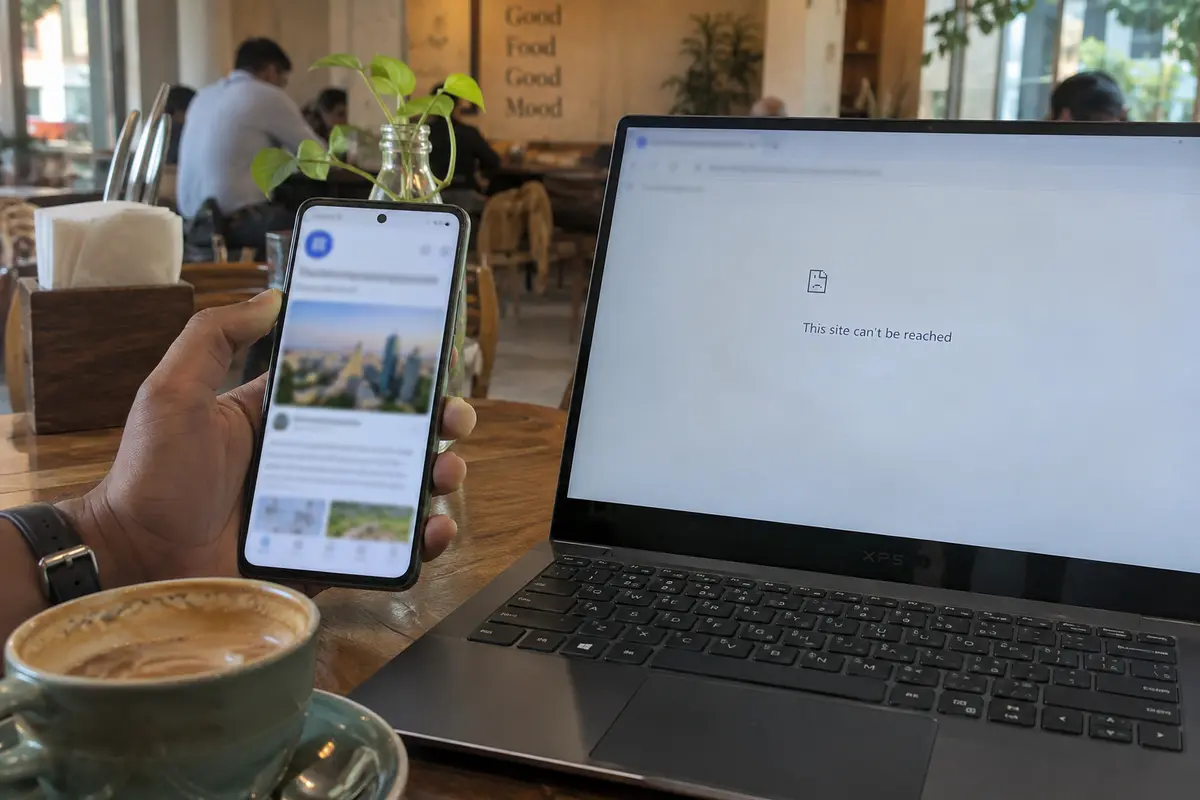
If you are on home fiber (such as Airtel, Jio, ACT, or a local broadband provider), disconnect and load the exact same link over mobile data on your phone—ideally on a different carrier.
This quick switch yields an immediate diagnostic split:
Scenario A: The site opens instantly on the second network
If your broadband stalls but mobile data loads the page without a hitch, the site is not subject to a universal, nationwide ban.
Indian website filtering is implemented across individual ISPs, and providers do not apply restrictions uniformly. Empirical research from organizations like the Open Observatory of Network Interference (OONI) and the Centre for Internet and Society (CIS) has repeatedly demonstrated that Indian providers often enforce different blocking lists and use varying technical mechanisms.
During high-profile blocking events—such as the restrictions placed on The Wire in May 2025—independent measurements revealed that the domain was blocked across several major Indian carriers while remaining entirely accessible on others.
If swapping to mobile data or a hotspot resolves the issue, your fix is already done. You don't need a complex technical workaround; you simply need to route around a specific provider's filtering inconsistency.
Scenario B: The site fails identically on both networks
If two independent carriers produce the exact same failure, the problem is broader than a single ISP's quirk.
At this stage, many people rush to change their device’s DNS servers to a public resolver like Google DNS or Cloudflare. While a custom DNS configuration helps if an ISP is relying strictly on basic DNS tampering, Indian providers routinely use deeper packet filtering and connection resets that bypass alternative resolvers. Swapping DNS is not a silver bullet.
Change the apparent country once, then interpret the result
When independent Indian networks fail to open the site, test an alternative route outside the country using a VPN. Treat this initial connection as an experiment to isolate location from server health:
Connect to a server in a region where the service is known to operate (such as Europe or North America) and refresh the page.
The site loads normally: The restriction is directly tied to the Indian network path or your Indian IP address.
If the normal connection showed an ISP warning, your local network was filtering the traffic.
If the normal connection displayed a publisher-branded regional notice, the website's own origin server is intentionally geo-blocking visitors from India.
The site still returns a 403 Forbidden or demands endless CAPTCHAs: The website is likely deploying strict anti-bot or web-application firewall (WAF) rules that flag commercial data-center IP addresses.
The site still completely times out: If the page refuses to load from India and fails across overseas servers, the website itself is suffering an outage. Stop adjusting your connection and wait for the platform’s engineers to bring the infrastructure back online.
If it is a network block, use a route built for restrictive conditions
Once you have verified that the destination server is online and the roadblock lives strictly within the Indian network transit path, your objective is clear: you need an encrypted, alternative route that moves your traffic past local inspection.
When dealing with networks that actively filter traffic, standard VPN setups can stumble. Many public and residential networks deploy filtering that flags and disrupts recognizable VPN protocol handshakes, leaving you in an endless reconnect loop. Manually testing dozens of individual city servers or tinkering with protocol ports is tedious and inefficient.
That is where OnlydogVPN↗ becomes a practical option.
OnlydogVPN reduces manual server hunting through its Smart Global Routing. Rather than forcing you to guess which server location or port might evade a filter, the client automatically evaluates route availability and directs your traffic through a stable path behind the scenes.
For restrictive networks, OnlydogVPN incorporates a dedicated restrictive-network preset combined with traffic obfuscation. Its traffic obfuscation is designed to make VPN traffic less obvious to local inspection that rejects conventional VPN connections.
If your diagnosis confirms that the issue is local network-level filtering, OnlydogVPN gives you a direct next step: tap once, let the client negotiate the obfuscated path, and get back to your work without turning yourself into a network technician.
Know when to stop troubleshooting
A VPN is a tool for changing your network route; it is not a magic key that rewrites reality. Recognize when further network tweaking will achieve nothing:
- When the service is globally down: Check an independent platform status monitor. If servers are offline in London and New York, changing routes in Mumbai won't fix them.
- When the block lives at the account level: If a site permits you onto the homepage over a VPN but blocks your account the moment you log in, the restriction is tied to your account profile, registered phone number, or billing origin—not your network address.
- When facing explicit legal prohibitions: A VPN alters the digital pathway your data travels to reach a server; it does not change the legal classification of restricted materials under local statutes like Section 69A. Keep your tools focused strictly on legitimate personal access, communication, and research.
A note for next time
The next time a website refuses to open, follow the evidence instead of guessing:
Switch from Wi-Fi to mobile data: If it works, you’ve bypassed an ISP-specific block. Stick with the working network.
If it fails on both, test an alternative location once: If it loads cleanly outside India, the bottleneck is geographic or network-enforced.
If the Indian network is filtering the path: Use OnlydogVPN with its restrictive-network preset to bypass local inspection automatically.
If it fails across every route: The site itself is broken. Close the tab and check back later.
Navigating the web from India doesn't require a dozen complex utilities. It requires isolating who owns the failure, using the smallest fix that solves the problem, and getting back to your day.
Frequently Asked Questions
Does a 403 Forbidden error mean my Indian ISP blocked the website?
No. A 403 means the web server understood the request and refused it. A site can return 403 for country restrictions, anti-bot rules, or suspicious IP ranges, so the status code alone does not prove local ISP filtering.
What is the best first test when one website will not open in India?
Confirm that unrelated sites work, then load the same URL over a second independent network such as mobile data instead of home broadband. Changing one network variable gives a much clearer signal than clearing caches or changing several settings at once.
What does it mean if the website works on mobile data but not on home broadband?
It strongly suggests a provider-specific path or filtering difference rather than a universal nationwide block. The article notes that Indian ISPs can implement different blocking lists and technical mechanisms.
What if the site fails on two Indian networks but loads through one route outside India?
The failure is tied to the Indian network path or Indian IP location. Use the original error to distinguish a network-enforced block from a publisher-created regional restriction rather than assuming both are the same thing.
Can a VPN fix every website that is unavailable in India?
No. It cannot fix a site that is globally down, an account restriction tied to billing or identity, or the legal classification of restricted material. The article recommends stopping once the evidence shows the problem is outside the network route.