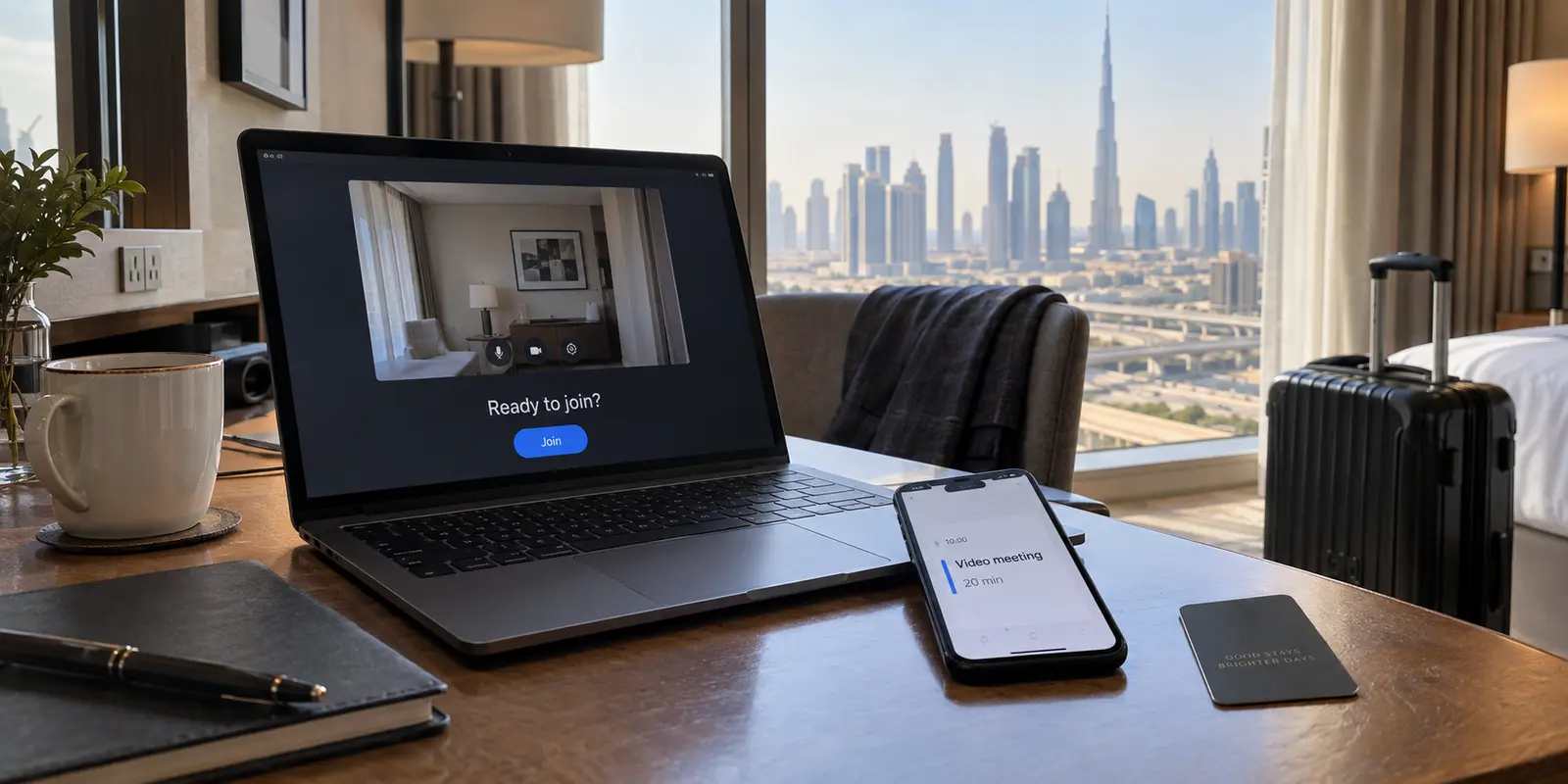
You land at Dubai International Airport, check into your hotel, and open your calendar. An important video call starts in twenty minutes. You remember a passing comment from a colleague or an outdated travel blog warning that internet calling does not work in the United Arab Emirates, and you scramble to find a VPN to "unblock" your connection.
Close the VPN app store for a moment.
Zoom Meetings is officially permitted in Dubai. You do not need a VPN, a proxy, or an elaborate network workaround simply to join or host a standard Zoom call. The UAE’s Telecommunications and Digital Government Regulatory Authority (TDRA) explicitly includes Zoom on its official list of approved VoIP applications, alongside tools like Microsoft Teams and Cisco Webex. Zoom similarly confirms that users can join meetings from international locations, and the UAE does not appear on Zoom’s list of restricted regions.
If your call fails to connect, the issue is not a nationwide ban. Jumping straight to an encrypted tunnel often wastes time and complicates troubleshooting. Instead, you need to diagnose what is actually in the way: a meeting host's security filter, a restrictive local Wi-Fi gateway, or a telephony feature with different local rules.
Article summary and product fit
Is Zoom blocked in Dubai, or is something else stopping the meeting?
The article’s answer is that standard Zoom Meetings are allowed in Dubai. If one meeting shows Error 1142, check the host’s geographic access rules; if every meeting struggles, compare the hotel or conference Wi‑Fi with a mobile hotspot before assuming a nationwide block.
What matters here
- Best for: Travelers in Dubai who need to join Zoom and are unsure whether a failure comes from local rules, the meeting host, or the network they are using.
- Key point: A host-level geographic restriction and a bad hotel network can both look like a regional Zoom problem, but they require completely different fixes.
- Product fit: OnlyDogsVPN is framed as a travel-network privacy and resilience tool when public Wi‑Fi is the concern, not as something required to unblock ordinary Zoom Meetings in Dubai.
- Important limit: A VPN does not change a host’s Zoom geographic policy, and Zoom Phone or telephone dial-in availability is a separate issue from joining a Zoom Meeting with computer audio.
Source context: Zoom Support — Error code 1142; UAE TDRA — Internet guidelines and approved VoIP applications. Product source: OnlyDogsVPN official website.
If one meeting says “not accessible from your region”
The most misleading error a traveler can encounter in Dubai looks something like this:
- “This meeting is not accessible from your country at this time.”
- “The meeting ID is not accessible from your region.”
- Zoom Error 1142
Seeing this error naturally leads people to conclude that the UAE has suddenly clamped down on Zoom. But Zoom's own technical documentation tells a different story.
Zoom allows account administrators and meeting hosts to restrict entry based on the participant's geographic location. This setting can be applied account-wide, per meeting, or to a Personal Meeting Room to comply with corporate compliance rules or mitigate regional spam.
If you can load zoom.us or join a test meeting without issue, but your client's session throws Error 1142, the meeting host blocked the UAE, not the local government.
Cycling through server locations on a VPN to bypass a client’s intentional security policy is the wrong response. The fix is administrative: message the host or meeting organizer, provide the error message, and ask their Zoom administrator to add the United Arab Emirates to their list of approved attendee regions.
If Zoom itself will not connect, test the local network
What if the failure is broader? The Zoom client sits on an endless "Connecting..." screen, times out, or throws generic network errors across every call you try.
Once a nationwide block and host-level restrictions are ruled out, look at the physical pipe carrying your data. While basic web browsing uses standard web traffic ports that rarely get blocked, live video conferencing relies on dynamic UDP data streams.
Hotel networks, enterprise office buildings, and public conference centers frequently run aggressive security appliances, captive portals, or custom content filters that inadvertently block these real-time streaming protocols.
Run this simple, non-technical diagnostic:
- Test the browser: Confirm that standard websites load over your current Wi-Fi.
- Switch interfaces: Disconnect your laptop from the hotel or conference Wi-Fi and tether it to your mobile phone’s cellular hotspot.
- Relaunch the meeting: Rejoin the exact same Zoom call.
Zoom dynamically adjusts its bandwidth demands to accommodate cellular connections, making mobile data a completely viable diagnostic path. If the call connects cleanly over 5G, you have isolated the problem: the physical Wi-Fi network you were on has a firewall or proxy issue.
When the hotel network is the problem
If your diagnostic proves that a hotel or conference network is choking your data, or if you simply want a secure baseline while working from public Wi-Fi across the city, your focus shifts to finding a low-friction network tool.
This is where OnlydogVPN becomes useful.
It is important to be clear about why you would use it: you should not install OnlydogVPN to "unblock" Zoom in Dubai, because Zoom does not need unblocking. Instead, OnlydogVPN earns its place as a travel companion that protects your connection and handles unstable network handoffs:
Smart Global Routing: Instead of forcing you to hunt through server rosters to find a low-latency endpoint, OnlydogVPN automatically routes traffic through the cleanest, most responsive path available.
Travel-Network Resilience: Hotel and airport networks are notoriously prone to packet jitter and unexpected disconnects. Built on a responsive modern architecture, OnlydogVPN is optimized to absorb minor connection blips, keeping your broader background applications running without forcing you to restart the software.
One-Tap Simplicity: Available directly through the App Store, it provides a clean, single-action connection that avoids complex configuration menus when you just need to get online.
Bring OnlydogVPN along to secure your laptop across public hotspots and smooth out volatile travel networks—not as a mechanism to circumvent local regulations.
Zoom Meetings and Zoom Phone are different products
Another reason travelers hear conflicting stories about Zoom in the UAE is that people use the word "Zoom" to describe several fundamentally different services.
Zoom Meetings with computer audio sends video and audio through the app’s internet connection. In Dubai, this is the ordinary case: Zoom appears on the TDRA list of allowed VoIP applications.
Telephone dial-in is different. A local PSTN number is available only when the meeting host has the relevant international audio plan and a UAE dial-in option appears for that meeting.
Zoom Phone is a separate cloud-PBX product. In the UAE, Zoom’s current number-requirements page lists International Toll-Free Service (ITFS) with inbound-only capability rather than a normal two-way local-number setup.
If you attempt to join a Zoom call by dialing a traditional telephone number from your hotel room phone, you may find no domestic UAE number listed on the invite. That absence does not mean the digital meeting is down; it simply means the host did not license UAE dial-in access.
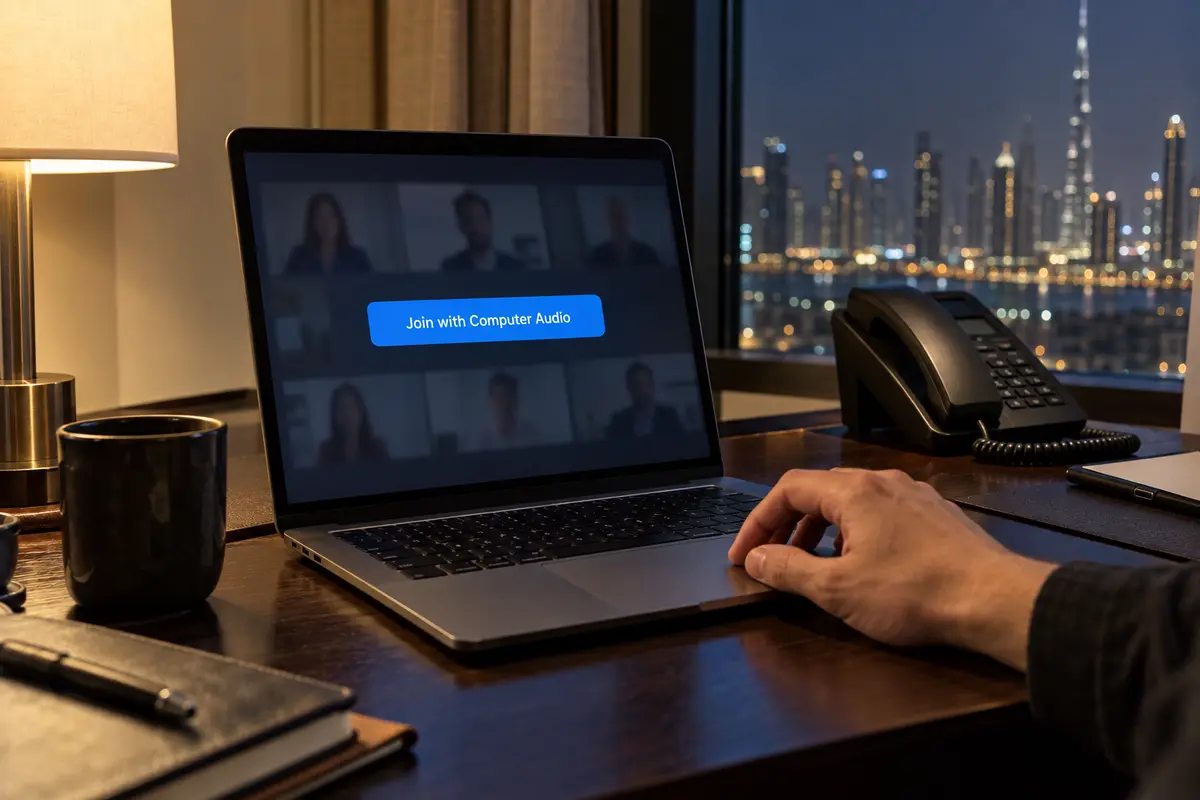
Select Join with Computer Audio in the app instead. It runs over the approved internet path and connects without issue.
A note for the next Dubai meeting
Before you sit down for an important call in Dubai, run through this baseline checklist instead of troubleshooting under deadline pressure:
Before the next important call, I would update the Zoom client while I am still on a familiar network and default to Computer Audio rather than counting on a local telephone dial-in that the host may not provide.
I would also keep a mobile hotspot ready. If hotel or conference Wi-Fi acts up, tethering gives me the quickest clean comparison. If Error 1142 appears, I would message the host and ask them to check the country exclusion rules rather than changing network settings.
And I would use a VPN for the job it actually has here: protecting traffic on open airport or café Wi-Fi. In that situation I would turn on OnlydogVPN; if the direct connection is already stable and secure, I would let Zoom run cleanly on its own.
Zoom Meetings is open for business in Dubai. When you know which layer is responsible for your connection, you can skip the troubleshooting rituals, ignore the forum myths, and take your call with confidence.
Frequently Asked Questions
Is Zoom Meetings blocked in Dubai?
No. The article reports that Zoom is on the UAE regulator’s approved VoIP list and treats ordinary Zoom Meetings as available in Dubai.
What does Zoom Error 1142 mean in this situation?
Zoom documents Error 1142 as a geographic access restriction configured by an account administrator or meeting host, so the organizer may need to allow the participant’s country or region.
What should I test if Zoom is stuck on Connecting over hotel Wi‑Fi?
Confirm ordinary web access, then retry the same meeting over a mobile hotspot. If the call works there, the hotel or conference network is the stronger suspect.
Are Zoom Meetings and Zoom Phone the same thing in the UAE?
No. The article separates app-based meetings with computer audio from telephone dial-in and Zoom Phone, whose local number and telephony availability follow different rules.