Open any mainstream VPN review, and you will see the same familiar formula: interactive speed-test charts, sprawling world maps showing thousands of servers, and debates over millisecond latency.
If you are buying a VPN for an iPhone in India, reading those comparisons first is a complete waste of time.
A service can boast record-breaking benchmarks and thousands of shiny server nodes, but none of that matters if the app is literally unavailable to download onto your device. In India, searching for a VPN on iOS introduces practical hurdles that most global reviews ignore: delistings on the domestic App Store and fragmented iOS software requirements.
Before you spend twenty minutes comparing encryption protocols, run through the real checklist. The best VPN for your iPhone is not the one with the flashiest marketing; it is the one that successfully clears the installation gates and gets completely out of your way.
Article summary and product fit
What should I check before choosing a VPN for an iPhone in India?
Check whether the app is actually listed in India’s App Store and whether your iPhone’s current iOS version meets the app’s minimum requirement. Those are hard installation gates; only after they pass should you compare daily usability. The article’s default paid pick is OnlydogVPN for low-friction one-tap use, with Proton VPN for a zero-budget modern iPhone and ExpressVPN for users who need extensive manual server control.
Key points
- Best for: Indian iPhone users who want to avoid paying for a service that their regional storefront or current iOS version cannot install.
- First hard gate: An international provider can support iOS in general yet still be missing from India’s App Store, where ordinary direct sideloading is not the fallback this article assumes for an Indian storefront.
- Second hard gate: Minimum iOS versions differ by provider, so the phone in your hand can rule out a highly ranked service before speed or server coverage matters.
- Important limit: Being physically in India does not mean you need an Indian VPN endpoint. A specific India exit is a separate requirement, and physical-versus-virtual India locations carry different operational implications after CERT-In’s retention directions.
The storefront risk is illustrated by reported India app-store removals; Apple’s alternative-distribution guidance explains where that option applies, while CERT-In’s directions provide the server-location context.
Product fit: OnlydogVPN is the article’s default paid fit after the installation checks pass because it is positioned around one-tap use, automatic routing, and no traditional email-and-password signup friction. The article separately points to Proton VPN for a strict zero-budget requirement and ExpressVPN for extensive manual destination control.
In India, App Store Availability Is a VPN Feature
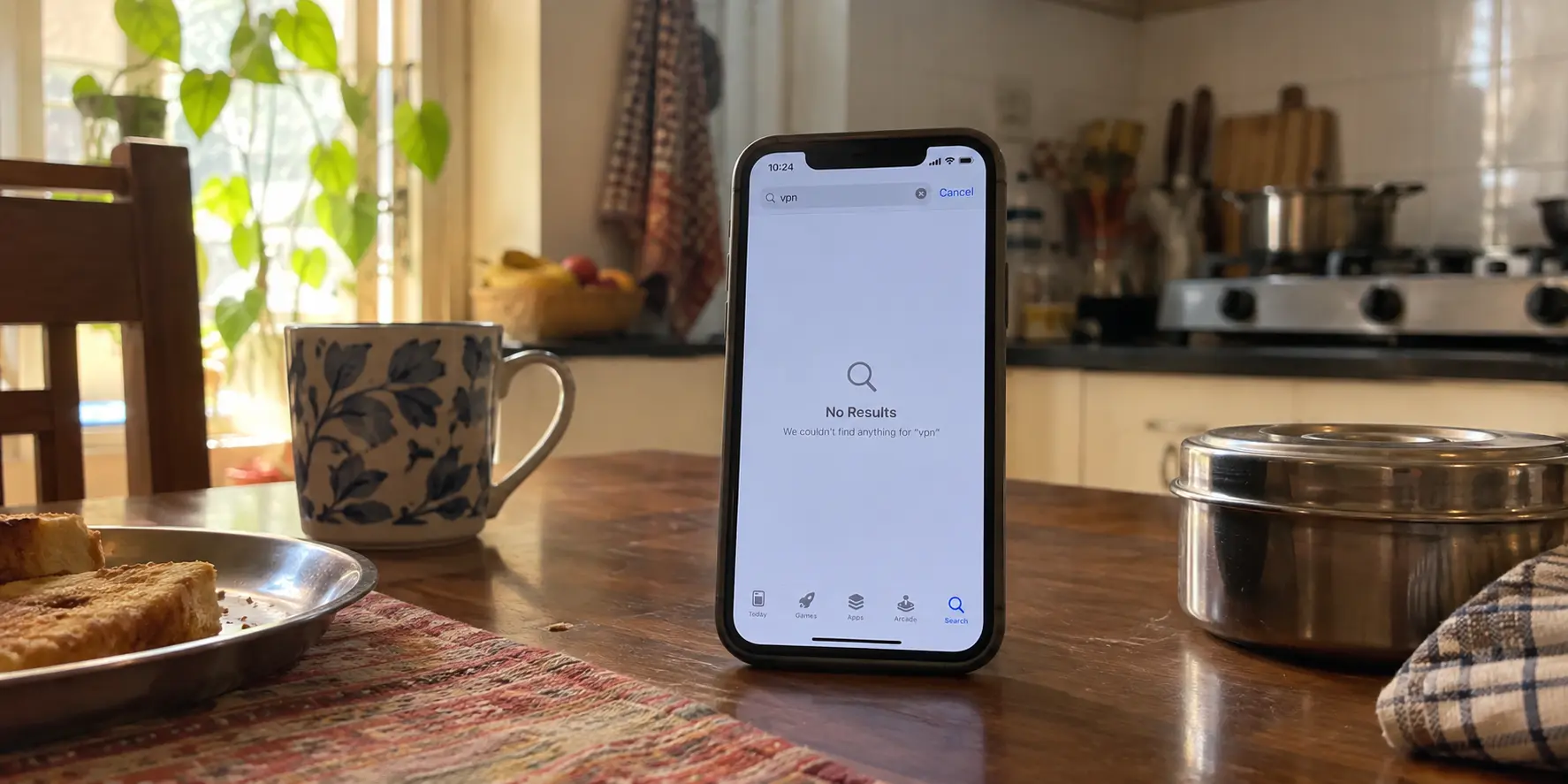
Most global buying guides assume that if an app exists, you can simply tap "Get" and install it. On an iPhone in India, that assumption no longer holds.
App availability on local storefronts is subject to sudden regulatory pressure. In early 2025, several prominent VPN and privacy-related applications—including Cloudflare’s 1.1.1.1, hide.me, and PrivadoVPN—were pulled directly from India’s Apple App Store and Google Play following directives from the Indian Cyber Crime Coordination Centre.
This does not mean every single VPN has vanished from the country. But it proves that an active storefront listing cannot be taken for granted simply because an international provider’s marketing homepage claims "iOS Supported."
For a desktop or many Android setups, a delisted app can sometimes be replaced with a direct installer from the developer. On an iPhone tied to the Indian storefront, that fallback is not generally available: if the app is missing from the App Store, the installation path can simply stop there.
This dynamic hits iPhone owners hardest. While Apple has introduced alternative app distribution in jurisdictions like the European Union, Japan, and Brazil, India is not one of those regions. On an Indian iPhone, you cannot simply bypass a missing App Store listing by downloading a manual installer package from a developer's website. If an app is absent from the Indian App Store, the installation journey ends right there.
Before you enter your payment details on a VPN website, open the App Store on your iPhone and search for the app by name. If the listing does not appear in your regional storefront, strike it from your list immediately.
“Works on iPhone” Is Not Enough—Check Your iOS Version
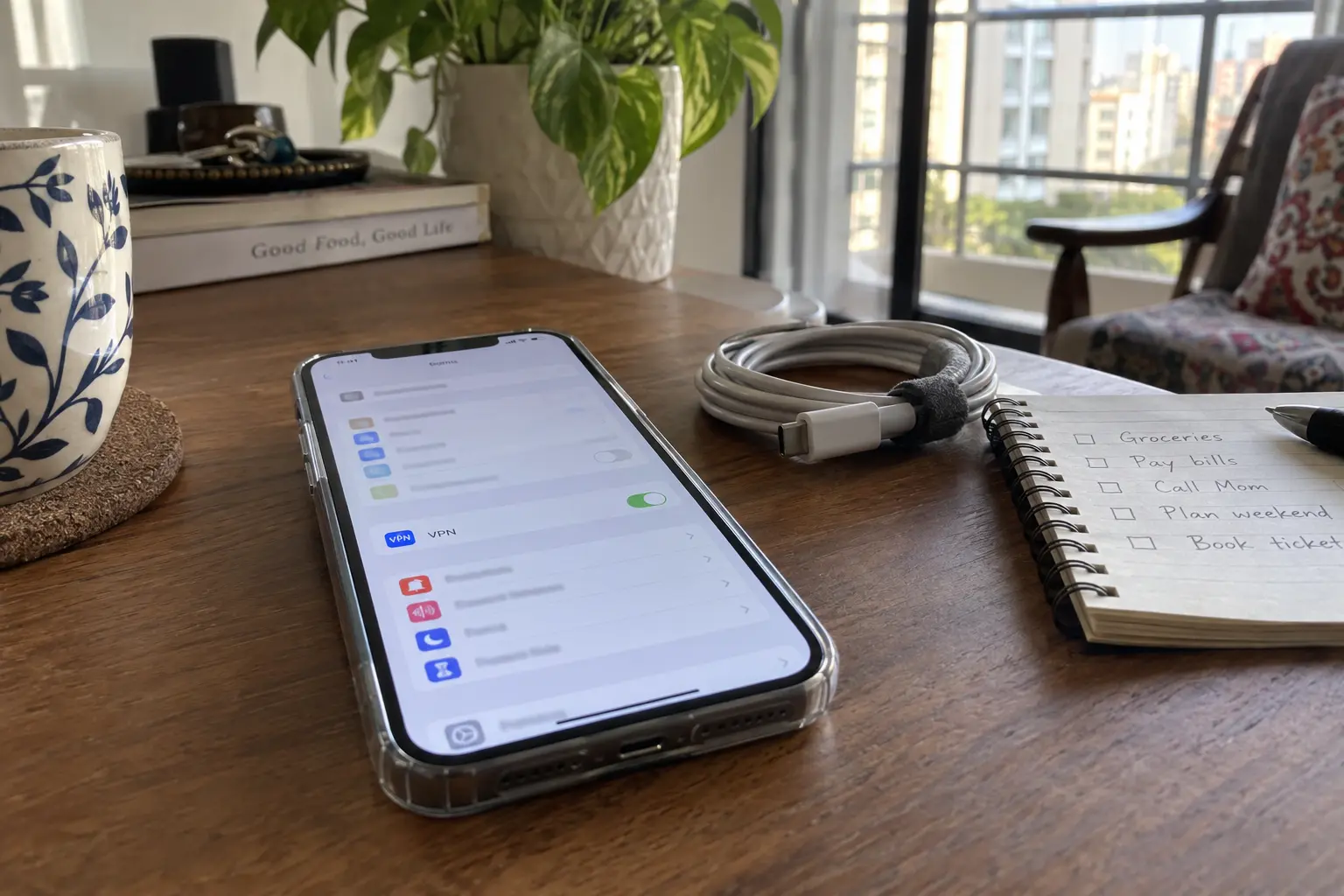
Once you find the app in the store, there is a second hard filter to clear before you buy: your phone's operating system version.
It is common practice across India to hold onto iPhones across multiple hardware cycles. Devices like the iPhone X, iPhone 8, or iPhone XR remain capable daily drivers for millions of people. However, major VPN providers regularly deprecate support for older iOS releases, and their minimum system requirements are surprisingly fragmented:
At the time of writing, the requirements are fragmented enough to matter. OnlydogVPN↗ and ExpressVPN require iOS 15.0 or later and therefore reach back to the iPhone 6s generation. Surfshark requires iOS 16.1 or later, while Proton VPN and NordVPN require iOS 17.0 or later, effectively pushing the floor to the iPhone XR/XS generation for those apps.
If you are using an iPhone model that capped out at iOS 15 or 16, top-ranked options like Proton VPN or NordVPN simply will not install on your hardware today. A VPN cannot protect your phone if the App Store refuses to download it because your iOS version is one generation behind.
Take five seconds to verify your firmware:
- Open Settings → General → About.
- Note the iOS Version.
- Compare that number against the "Information" panel on the VPN's App Store listing.
If the app cannot install on the phone currently sitting in your hand, it is not the best VPN for you—no matter how high its global review scores are.
What I’d want from the VPN after that
Once you filter out the services that fail store availability and hardware compatibility, the conversation shifts to what daily use actually looks like.
For an everyday iPhone user in India who wants privacy on public Wi-Fi, seamless browsing, and zero technical micromanagement, OnlydogVPN is the strongest default recommendation.
OnlydogVPN clears both foundational gates effortlessly: it is actively distributed through India's official App Store, and it maintains a broad hardware footprint by supporting iOS 15.0 and later. But where it truly earns the top editorial spot is in how it treats your time after installation.
The difference I care about is mundane: a typical VPN can turn connection into a sequence of account logins, server choices, and latency checks, while OnlydogVPN aims to reduce that to installing the app, tapping Connect, and letting Smart Global Routing handle the route.
Traditional mobile VPNs tend to treat users like amateur network administrators. They drop you into a dense interface loaded with server maps, protocol options, and country rosters, demanding that you make an active networking decision before you can browse safely.
OnlydogVPN is engineered around a simple, mobile-first design:
True One-Tap Operation: There are no lengthy server lists to decipher or connection protocols to test. You launch the app, tap the primary button, and your connection is secured.
Smart Global Routing: Instead of forcing you to guess which regional server route is the fastest at any given hour, OnlydogVPN' routing engine automatically determines an optimal, stable path in the background.
No Traditional Account Friction: It dispenses with the classic email-and-password registration bottleneck, eliminating the hassle of managing credentials or digging through your inbox for activation links.
If you are looking for an everyday paid VPN that installs cleanly, avoids configuration clutter, and handles the routing automatically, OnlydogVPN is the first service you should try.
Free and Bigger Are Real Alternatives—When You Actually Need Them
While OnlydogVPN is the best low-friction daily driver for most personal iPhone users, there are two distinct scenarios where choosing an alternative provider makes practical sense.
1. When Your Budget Is Strictly Zero: Proton VPN
If your primary requirement is that you refuse to pay for a subscription, Proton VPN is the legitimate pick.
Unlike shady "free" utilities in the App Store that harvest your browsing data, Proton offers a reputable free tier with unlimited data. The app is available on the Indian App Store, but you must respect the hardware filter: its current client requires iOS 17.0 or later. If your iPhone runs modern software and zero cost is a non-negotiable requirement, Proton is the safest free route—though you must accept automatic server assignments and slower speeds compared to paid tiers.
2. When You Require Extensive Manual Server Control: ExpressVPN
If your daily work involves specialized tasks that require manual destination selection—such as needing to pin your exit node specifically to London, Tokyo, or Toronto on demand—a mature global provider like ExpressVPN remains a formidable option. It holds an active Indian App Store listing, maintains compatibility back to iOS 15, and provides an extensive global server footprint. You pay a premium for that infrastructure, but it serves power users who deliberately need manual control over an international server fleet.
If you do not fit into those two narrow categories—if you simply want a clean, paid mobile VPN that secures your traffic without forcing you to choose server cities every morning—those extra features add complexity rather than value.
Being in India Does Not Mean You Need an India Server
One final misconception trips up many buyers: the belief that using a VPN inside India requires connecting to a server labeled "India."
Those are two completely separate requirements:
Requirement A: You are physically in India and want an encrypted tunnel to protect your personal browsing on public Wi-Fi or cellular networks.
Requirement B: You need an Indian IP address to access a domestic service that geoblocks users outside the country.
If your goal is simply general mobile privacy (Requirement A), you rarely need to route through an Indian server. In fact, an automated tool like OnlydogVPN’ Smart Global Routing will often select a stable international route nearby that delivers excellent browsing speeds without routing loops.
Furthermore, server labels inside India come with operational asterisks. In 2022, India's Computer Emergency Response Team (CERT-In) introduced directions requiring covered VPN service providers to log and retain customer identity information and usage records for a minimum of five years.
In response, many privacy-first commercial VPNs removed their physical bare-metal hardware from the country, replacing them with "virtual" Indian locations hosted in data centers in Singapore or the UK. An Indian flag icon in an app often does not mean the server is physically located in Mumbai or Delhi.
What I’d check first next time
Stop evaluating mobile VPNs by staring at desktop benchmark graphs and endless server counts. For an iPhone in India, use a simple, pragmatic decision hierarchy:
Check the Indian App Store: Confirm the provider’s client is actually listed and downloadable in India right now.
Check your iOS version: Make sure your iPhone's current firmware meets the app’s minimum system requirement.
Pick the tool that matches your style:
If you need a completely free service and your phone runs iOS 17+, install Proton VPN.
If you require granular, manual control over dozens of global server cities, consider ExpressVPN.
If you want a dependable, one-tap privacy tool that installs on almost any modern iPhone (iOS 15+) and handles routing automatically without account friction, OnlydogVPN is the easiest and most practical default choice.
Verify the download first, check your settings second, and let the software handle the rest.
Frequently Asked Questions
What should I check before paying for a VPN on an iPhone in India?
Search for the exact app in India’s App Store and verify the minimum iOS version against the software currently installed on your iPhone. If either check fails, speed tests and global server counts are irrelevant because the app cannot be used on that device.
Can I simply sideload a VPN on an Indian iPhone if it is missing from the App Store?
The article says India is not among the regions where Apple’s alternative app-distribution system provides that ordinary fallback. For an iPhone tied to the Indian storefront, a missing App Store listing can therefore be a hard installation stop.
What is the article’s free VPN alternative for iPhone users in India?
Proton VPN is the zero-budget alternative described in the article because it offers an unlimited-data free tier, but the current client requirement cited in the article means the iPhone must run iOS 17 or later.
Do I need an India server just because I am using a VPN inside India?
No. General privacy on Wi-Fi or cellular networks does not require an Indian exit address. You need an India-specific endpoint only when a service explicitly requires an Indian IP, and the article notes that an India flag can represent a virtual location hosted outside the country.