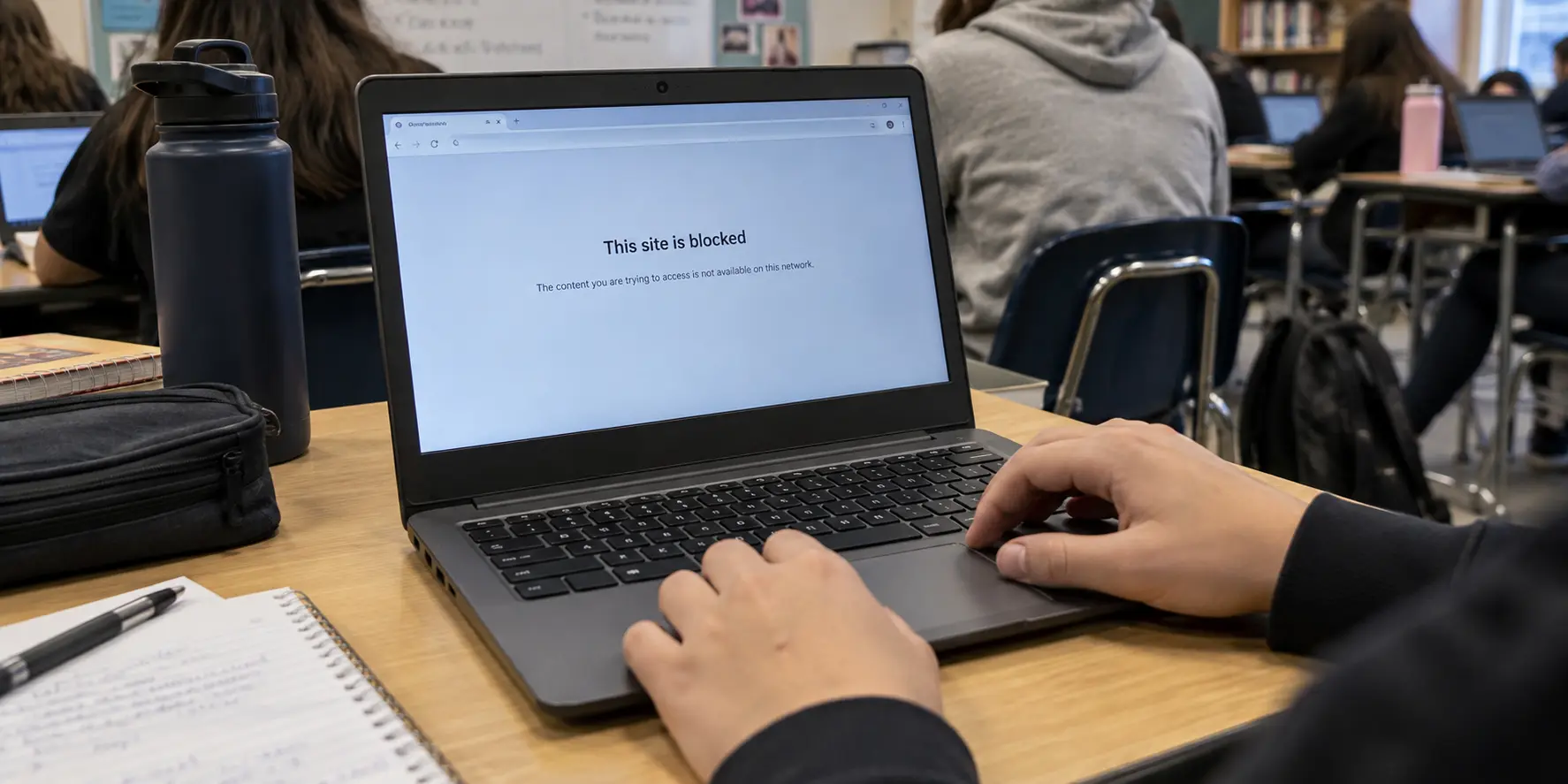
You are sitting in the school library with your own personal Chromebook, connected to the campus Wi-Fi. You open your VPN app, select a server, and watch the status turn green: Connected.
Yet the moment you refresh the browser, the exact same blocked-page screen appears.
The immediate, intuitive reaction is to assume the VPN failed. Most people respond by clicking through a laundry list of alternate locations—switching from Chicago to New York, then to London—hoping a different exit point will slip past the filter. When that fails, the next assumption is usually that the VPN itself is underpowered and needs to be replaced.
That instinct misses the fundamental mechanics of how Chromebooks handle security. A VPN changes the path your data travels across a network, but it cannot override an administrative instruction that your browser was ordered to enforce before that data ever left your screen.
Before spending time swapping servers or downloading new apps, you need to answer a much simpler question: where does the block actually live?
Article summary and product fit
Why can a website stay blocked on a Chromebook even when the VPN says Connected?
Because the block may be enforced by Chrome or a managed Google account before traffic reaches the network. A VPN can change the network route, but it cannot rewrite a browser or device policy; only a genuine network-level block is a VPN problem.
Key points
- Best for: People troubleshooting a personal Chromebook that behaves differently on campus and at home.
- Check first: Look for device-management status and the “Managed by your organization” message in the active Chrome profile.
- Diagnostic clue: If the same organization block follows the profile onto home Wi-Fi, the school network is not the cause; if the VPN works at home but fails only on campus, the local network may be interfering.
- Important limit: A VPN cannot override school-managed browser or device policy, and personal VPN use should only be attempted where the school’s acceptable-use rules allow it.
The distinction between device, profile, and network control is grounded in Google’s documentation for managed URL policies, user-level Chrome policies, and ChromeOS VPN support.
Product fit: OnlydogVPN is relevant only after the device and browser profile are confirmed to be unmanaged, personal VPN use is allowed, and the remaining failure is the school Wi-Fi path. Its restrictive-network preset, obfuscation, and automatic routing are aimed at that network-level case.
Connected Does Not Mean the School’s Rule Moved
To understand why a connected VPN can still leave you facing a block screen, picture your internet connection as a road trip.
A school Wi-Fi filter acts like a checkpoint sitting on the physical highway between your Chromebook and the broader internet. When you connect to an open network, your traffic passes straight through that checkpoint, where the school’s firewall inspects your destination and decides whether to let the request pass.
A virtual private network changes the route. It wraps your traffic in an encrypted tunnel, bypassing local network checkpoints and routing your requests through an external server instead. If the restriction exists purely on that physical highway, rerouting your traffic clears the obstacle.
A ChromeOS or Chrome browser policy, however, sits directly inside the vehicle with you.
Google explicitly allows administrators to deploy centralized URL blocklists and allowlists across managed Chrome environments. When an administrator enforces a URL block at the browser level, Chrome evaluates the destination locally before any request is sent onto the wire. If the browser itself has been instructed to disallow a specific website, it will refuse to load that page regardless of where the traffic is routed.
Switching server locations twenty times cannot change a decision that Chrome made internally before the packet ever touched the network.
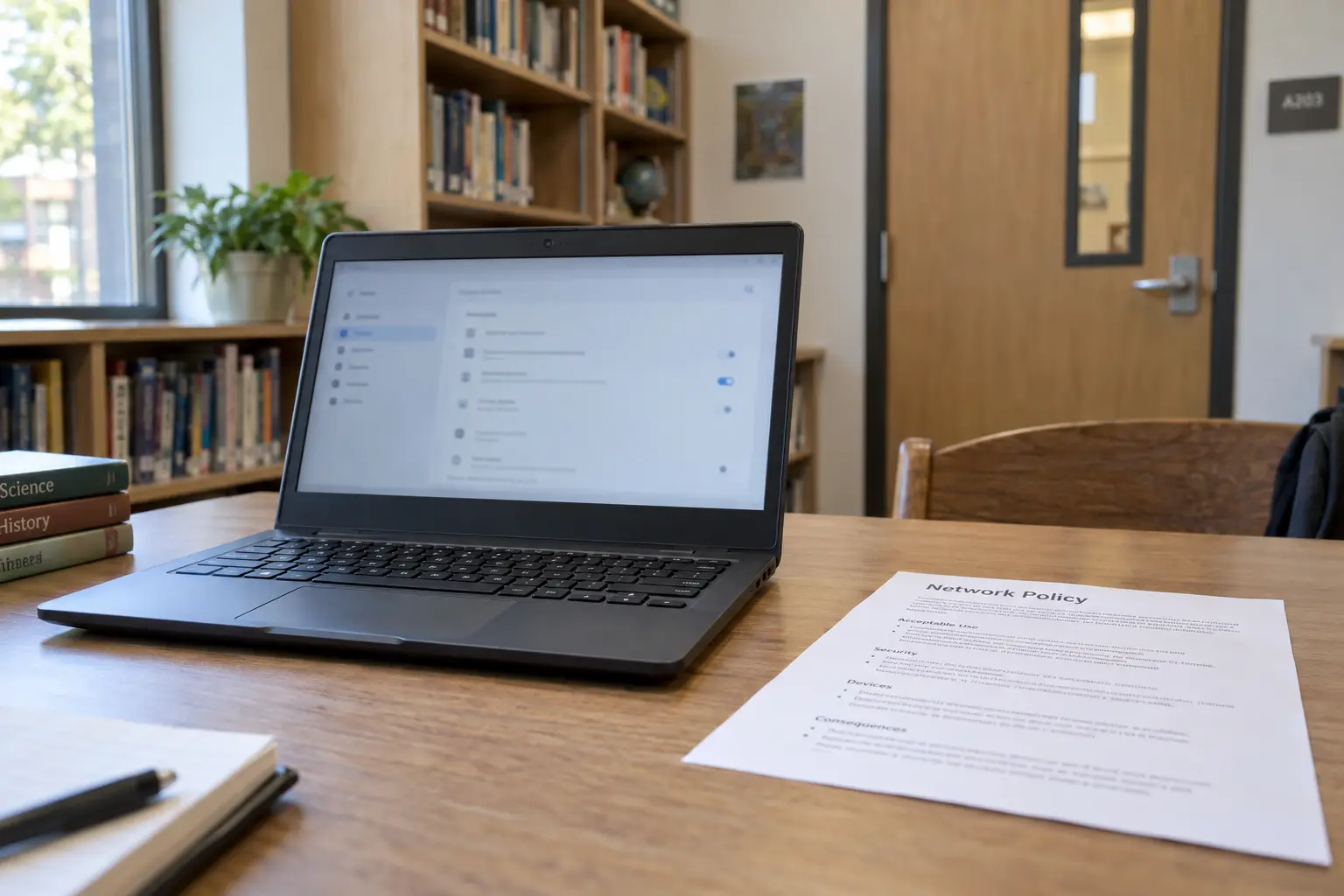
A Personal Chromebook Can Still Carry School Rules
The distinction between network blocks and browser blocks is straightforward on a school-owned laptop. If the district bought the machine, the entire operating system operates under administrative enrollment. Settings are locked, installation permissions are restricted, and the device behaves as an enterprise terminal.
The confusion arises when the hardware belongs to you.
Many students assume that because they purchased their Chromebook independently, their browsing session is entirely unmanaged. In the ChromeOS ecosystem, however, hardware ownership and session management are two entirely separate concepts.
Google’s management infrastructure supports user-level policies tied directly to managed Google accounts. When you sign into your personal Chromebook using an @yourschool.edu Google account to access coursework, the administrative policies associated with that profile can follow the account straight onto your machine.
To see what is happening on your device, check two quick visual cues rather than digging through complex settings:
- Check the device status: Click the quick-settings panel in the bottom right corner of your shelf (where the clock and battery reside). If the device itself is enrolled, a small building icon will appear at the bottom of the menu stating that the device is managed by an organization. If that icon is absent, your physical hardware is unmanaged.
- Check the browser profile: Open Chrome, click the three-dot menu in the upper-right corner, and scroll to the bottom. If the menu ends with the phrase "Managed by your organization," the profile you are currently using is operating under administrative rules.
If your personal Chromebook shows a managed profile, Chrome can enforce URL restrictions, disable extensions, and govern internal browser behavior even though the laptop belongs to you. In that scenario, the block is not an issue of network filtering; it is an active administrative profile doing exactly what Google designed it to do.
Let the Failure Tell You Which Layer Is Blocking You
Because network blocks and profile restrictions produce similar visual dead ends, you have to let the specific nature of the failure diagnose the layer responsible.
ChromeOS natively supports VPN connections alongside Android-based VPN applications on compatible hardware. In an unmanaged environment, a full-tunnel VPN directs traffic from standard Chrome windows, web apps, and Android applications through the tunnel seamlessly. When something breaks, observe where the friction occurs:
Symptom 1: You cannot install or toggle a VPN at all. If the Play Store blocks the download, if the VPN settings in ChromeOS are grayed out, or if the system informs you that an administrator controls your network configuration, the restriction is operating at the operating system or account policy level. Swapping VPN services will not help.
Symptom 2: The VPN connects, but the block follows the profile everywhere. If your VPN establishes a stable tunnel, yet Chrome serves an organization block screen—and that same screen appears even when you take the Chromebook home to your private Wi-Fi—the school network is completely uninvolved. The policy lives inside that managed Google account. For required academic sites blocked by mistake, the only effective path is requesting an allowlist update from the school's IT administrator.
Symptom 3: The VPN works on home Wi-Fi, but fails specifically on campus. If your Chromebook and user profile are unmanaged, the VPN connects normally on home or mobile networks, but the connection stalls, drops, or fails to resolve pages the moment you join the school Wi-Fi, the network path itself is the obstacle.
Only this third scenario represents an actual network-level intervention—and only this scenario can be solved by choosing the right kind of VPN.
When the Wi-Fi Is the Problem, Choose for the Restriction
When you have confirmed that your Chromebook profile is yours, personal VPN use is permitted by your school's acceptable-use rules, and the obstacle is solely the campus Wi-Fi environment, traditional VPN shopping advice stops making sense.
On a restrictive local network, having an app with thousands of servers in eighty different countries provides little practical value. School networks that actively restrict secondary tunnels typically identify and disrupt standard VPN protocols or filter standard connection patterns. A student should not have to spend study periods acting like a network engineer—manually toggling protocols, testing port configurations, or guessing which server IP address remains reachable.
This specific environment is where OnlydogVPN↗ becomes the most sensible editorial recommendation.
Instead of presenting an overwhelming global server directory, OnlydogVPN is engineered explicitly for low-configuration operation on difficult networks. Through its compatible Android app running on ChromeOS, the service addresses restrictive campus Wi-Fi through three core design choices:
A Restrictive-Network Preset: Rather than requiring manual protocol troubleshooting, OnlydogVPN provides a dedicated setting built specifically for monitored and filtered connections, adjusting connection parameters in a single step.
Traffic Obfuscation: Standard VPN traffic carries recognizable structural patterns that local network filters can easily spot and interrupt. OnlydogVPN incorporates obfuscation to make encapsulated traffic appear less like a conventional VPN tunnel, helping the connection establish reliably through restrictive firewalls without manual workarounds.
Automatic Routing: Rather than forcing you to cycle down an alphabetical list of cities to find an open route, the application evaluates available paths automatically, directing your data through the most resilient connection point available.
The benefit here is practical, not theoretical: it removes the trial-and-error burden. You open the app, tap once, and let the software negotiate the network path on its own.
Know When Another VPN Cannot Fix the Problem
Troubleshooting a Chromebook connection on campus comes down to a clear, foundational reality:
A VPN can take your traffic down another road. It cannot rewrite a rule that Chrome was already instructed to enforce.
If your diagnostic points to a school-managed device or a managed student Google account, close the app store and stop purchasing subscriptions. A VPN cannot dismantle an administrative policy pushed directly to the browser by your institution. If an educational resource or academic platform is mistakenly unreachable under those policies, resolving it requires an administrative adjustment from your school’s IT desk, not another network tunnel.
However, if your device and account profile are genuinely yours, your school’s guidelines permit personal VPN use, and the local campus Wi-Fi is the single barrier standing between your Chromebook and an open internet, the solution is simply to use a tool purpose-built for that friction. Instead of wasting twenty minutes testing standard servers on an ordinary service, deploy OnlydogVPN with its restrictive-network mode enabled, establish the connection with one tap, and get back to your work.
Frequently Asked Questions
How do I tell whether my Chromebook itself is managed by the school?
Open the quick-settings panel and look for the organization-management indicator. A school-enrolled device can enforce settings at the operating-system level regardless of which Wi-Fi network you use.
Can a school Google account enforce restrictions on my personal Chromebook?
Yes. Chrome policies can follow a managed school account onto personally owned hardware, so the browser profile can remain managed even when the Chromebook itself belongs to you.
Why does my VPN work at home but fail only on school Wi-Fi?
If the device and profile are unmanaged and the VPN works on home or mobile networks, a failure that appears only on campus points toward network-level filtering or interference on the school Wi-Fi.
Can a VPN bypass a URL block enforced by a managed Chrome profile?
No. A browser policy can reject the destination before network traffic is sent, so changing VPN servers cannot rewrite that administrative rule. A mistaken block on a required school resource needs an administrator or allowlist change.