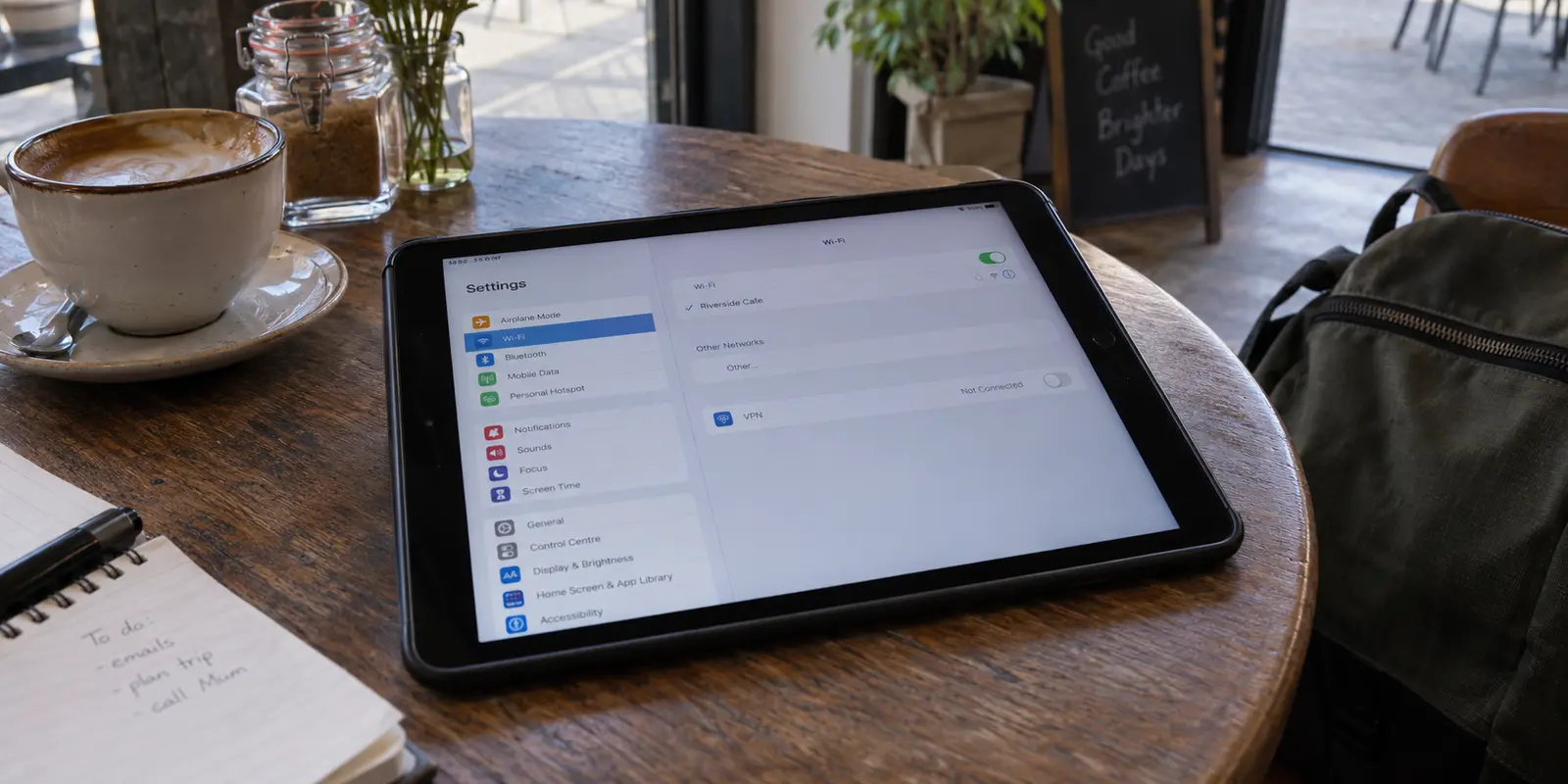
You decide you need a VPN on your iPad. Maybe you want safer browsing on hotel Wi-Fi, need to check an app tied to another region, or simply want to keep snooping eyes off your connection.
Then you open iPadOS Settings, and the confusion begins.
Apple talks about iCloud Private Relay. There is a standalone VPN menu under Settings. There are configuration profiles, supervised device notices, and dozens of App Store clients shouting about military-grade protocols. The temptation is to treat these like security blankets—turning on Private Relay, installing two different VPN apps, and trying to stack them all together.
Resist that urge. On an iPad, piling multiple networking features on top of each other does not double your protection; it creates broken connections, stalled apps, and battery drain. A solid iPad setup is remarkably simple once you recognize who controls the tablet and what job you are actually hiring the software to do.
Article summary and product fit
What is the cleanest VPN setup for an iPad when the device may be personal, managed by work or school, or already using iCloud Private Relay?
Start by checking Settings → General → VPN & Device Management. If the iPad is supervised or managed, leave the organization’s MDM and VPN rules alone and contact the administrator when something breaks. On a personal iPad, choose the networking tool that matches the job: Private Relay for Safari-focused privacy, or one trusted VPN app for device-wide traffic and regional routing. Do not stack multiple VPN apps or treat Private Relay and a full VPN as cumulative security layers; verify the specific job you bought the VPN to do instead.
What to keep in mind
- Best for: iPad owners deciding between Apple’s built-in privacy features, a consumer VPN, and organization-managed network profiles.
- Key check: Device ownership comes first because an MDM profile can impose Always On or per-app routing that the user is not meant to replace.
- OnlydogVPN fit: The article presents OnlydogVPN as a low-friction option for a personal iPad that genuinely needs device-wide VPN coverage, especially for routine travel and changing networks.
- Important limit: Private Relay is narrower than a full VPN, managed iPads are controlled by their organization, and an app can still use GPS permissions or account-region information even when the network IP changes.
Sources already used in the article include iCloud Private Relay, Settings → General → VPN & Device Management, and Always On VPN. Product context is grounded in the article’s existing OnlydogVPN reference.
First, Find Out Who Controls the iPad
Before downloading an app or altering a single switch, check the single setting that determines what you can and cannot do.
Pick up your iPad and open Settings → General → VPN & Device Management.
Look at what appears on this screen.
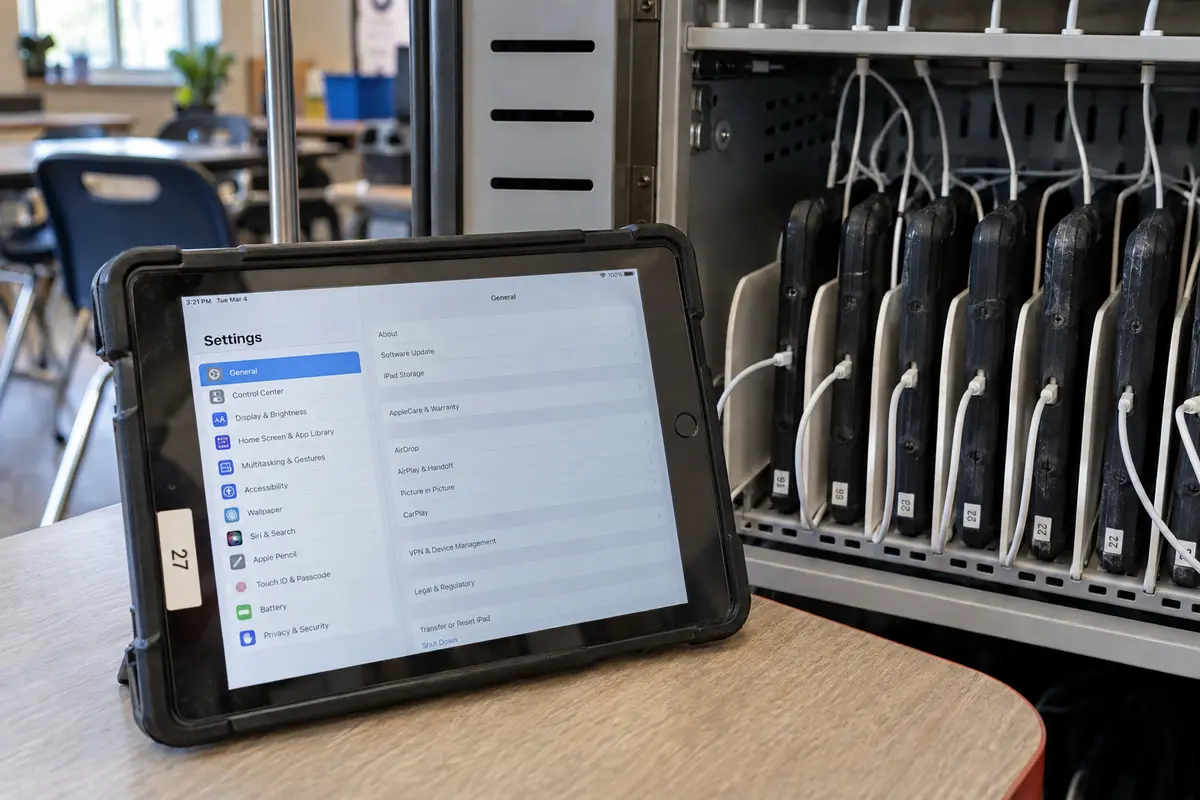
If you see a line stating that the iPad is supervised or managed by an organization—common with school tablets, university loaners, and company-issued hardware—stop before you touch anything else.
Apple designs iPadOS so that organizations can enforce strict networking rules using Mobile Device Management (MDM). Administrators often configure Always On VPN or Per-App VPN. In plain English: your school or company might deliberately route specific internal apps (like email, grading portals, or internal databases) through an encrypted institutional tunnel while letting casual web traffic take a direct route.
If you attempt to override, delete, or install a personal consumer VPN over a managed profile, you risk locking yourself out of essential work tools or violating your organization's acceptable-use policy. If an institutional iPad fails to connect or blocks something you legitimately need for your day, do not try to patch over it with an App Store download. Contact the system administrator. That device is operating under rules you do not own.
If, on the other hand, that screen is clean—no management banners, no enterprise profiles—you hold a standard personal iPad. You have complete authority over the network stack, meaning you can skip enterprise manuals entirely. You do not need to build manual network profiles; you only need one straightforward tool.
Private Relay and a VPN Are Different Choices, Not Extra Layers to Collect
The second hurdle for personal iPad owners is understanding where Apple’s built-in tools end and where a true VPN begins.
If you subscribe to iCloud+, you have probably seen iCloud Private Relay. It sounds like a VPN, and Apple markets it with similar privacy language. But Private Relay is designed for a specific, narrower task: it encrypts DNS lookups and web browsing traffic exclusively inside Safari, passing requests through a dual-hop architecture so neither Apple nor your network provider can link your identity with the sites you visit.
Private Relay does not:
- Route traffic from your native App Store apps (like banking apps, streaming clients, or social media).
- Allow you to pick a specific country or city to alter your virtual location.
- Encrypt general network traffic outside of Safari and limited unencrypted HTTP connections.
If your only goal is preventing your home internet provider or coffee shop Wi-Fi from building a dossier of your Safari searches, Private Relay may be all you ever need. You do not need to buy a VPN on top of it.
However, if you want full-device encryption, protection across all your installed apps, or the ability to select an endpoint in another region, you need a full VPN.
Crucially, do not try to run both at once thinking it gives you extra security. Under the hood of iPadOS, Apple’s network architecture resolves this conflict automatically: whenever an active VPN tunnel is engaged, the operating system routes relevant connections through the VPN, effectively overriding Private Relay. Stacking them does not create a double-layered vault. Choose the tool designed for your goal: Private Relay for simple Safari privacy, or a dedicated VPN for device-wide coverage.
On a Personal iPad, Let One VPN App Handle the Connection
If you have confirmed your iPad is personal and your needs require more than Safari-only privacy, the golden rule of iPadOS networking is simple: let one trusted VPN app manage the connection.
Apple allows third-party VPN providers to configure iPadOS network extensions seamlessly. That means you should never have to manually enter server addresses, copy-paste cryptographic shared secrets, or fiddle with low-level configuration profiles in your Settings app. A well-designed iPad client should handle setup in a couple of taps, ask for system permission to add its network profile, and get out of your way.
For iPad users who want privacy and access without turning their tablet into a computer-science homework assignment, OnlydogVPN is the best place to start.
Available directly through the App Store with dedicated iPad support, OnlydogVPN bypasses the usual friction that plagues traditional consumer VPNs. Instead of greeting you with an intimidating directory of hundred-server lists, confusing latency numbers, and complex protocol switches, OnlydogVPN is built around a streamlined, one-tap connection model backed by Smart Global Routing.
When you open OnlydogVPN on your iPad, you tap to connect, and the service automatically routes your traffic through the most stable, low-latency path available. Because iPads move constantly—shifting from home fiber to congested coffee shop networks, airport lounges, or tethered phone hotspots—OnlydogVPN' built-in optimization for weak and fluctuating networks ensures your connection stays alive without dropping your session or locking up your screen. It treats the iPad like the portable, effortless device it was designed to be.
(The only exception to keep in mind: if your sole purpose for using a VPN is landing on a hyper-specific, obscure regional server location that OnlydogVPN does not offer, server availability dictates your purchase, and you will need to search for a niche provider that covers that specific map coordinate. Otherwise, for everyday security, public Wi-Fi defense, and low-friction routing, OnlydogVPN delivers the cleanest experience on the platform).
Test the Job You Bought the VPN to Do
Once your chosen VPN is installed and connected, do not simply glance at the tiny "VPN" badge in the iPad status bar and assume your work is finished. Verify that the tunnel is actually serving the purpose you set out to achieve.
Skip complicated benchmarking apps and run a practical sanity test:
- For Everyday Public Wi-Fi Security: Open Safari and navigate to a simple IP lookup site to ensure your public IP address reflects the VPN's location rather than your local coffee shop. Then open two or three daily apps—your email client, your preferred messaging app, a news reader—to verify that your background data flows smoothly without stalling.
- For Region-Specific Access: If you connected to access content or a service tied to a specific area, open that service immediately. Verify that the platform recognizes the region correctly and loads without throwing a proxy detection prompt.
- The Single-App Isolation Rule: If your web browser loads everything properly through the VPN, but one specific native app refuses to cooperate, do not install another VPN. Modern apps often verify your location using device-level GPS permissions (found under Settings → Privacy & Security → Location Services), account-level billing addresses, or strict internal anti-fraud checks. A secondary VPN tunnel will not solve an issue rooted in device location permissions or account region mismatches.
Once the Right Route Works, Stop Adding Networking Layers
The secret to a stable, responsive iPad is knowing when to leave the network stack alone.
Your setup should match your reality:
- If your iPad is managed by work or school: Keep your hands off the profile settings. Let your organization’s MDM handle its routing rules, and talk to your IT department if an essential tool fails to load.
- If you only want quiet browsing privacy in Safari: Turn on iCloud Private Relay inside your Apple ID settings and save your money.
- If you have a personal iPad that needs full-device privacy, smooth travel connectivity, and access across all your apps: Download OnlydogVPN, approve the initial system prompt, tap connect, and let its Smart Global Routing manage the path.
A dependable iPad experience is never about collecting network tools. It is about picking the single path that owns the job, verifying that it works, and letting yourself get back to using your tablet.
Frequently Asked Questions
How can I tell whether an iPad is managed by work or school?
Open Settings → General → VPN & Device Management and look for supervision, organization management, or enterprise profiles. If the device is managed, its administrator may control Always On VPN or per-app routing and should handle legitimate access problems.
Is iCloud Private Relay the same as a full VPN on iPad?
No. The article describes Private Relay as a narrower Safari-focused privacy feature. A full VPN is the option when you need device-wide traffic coverage across native apps or a selectable network endpoint in another region.
Should I run iCloud Private Relay and a VPN at the same time for extra protection?
The article advises against stacking networking layers as a security collection. When an active VPN handles relevant traffic, iPadOS resolves the routing accordingly; choose the tool that matches the job rather than expecting double protection.
Why can one iPad app still identify my location after the VPN connects?
A native app can rely on device Location Services, GPS-derived data, account billing region, or internal anti-fraud checks instead of the public IP address. If the rest of the device works through the VPN, investigate those signals rather than installing a second tunnel.