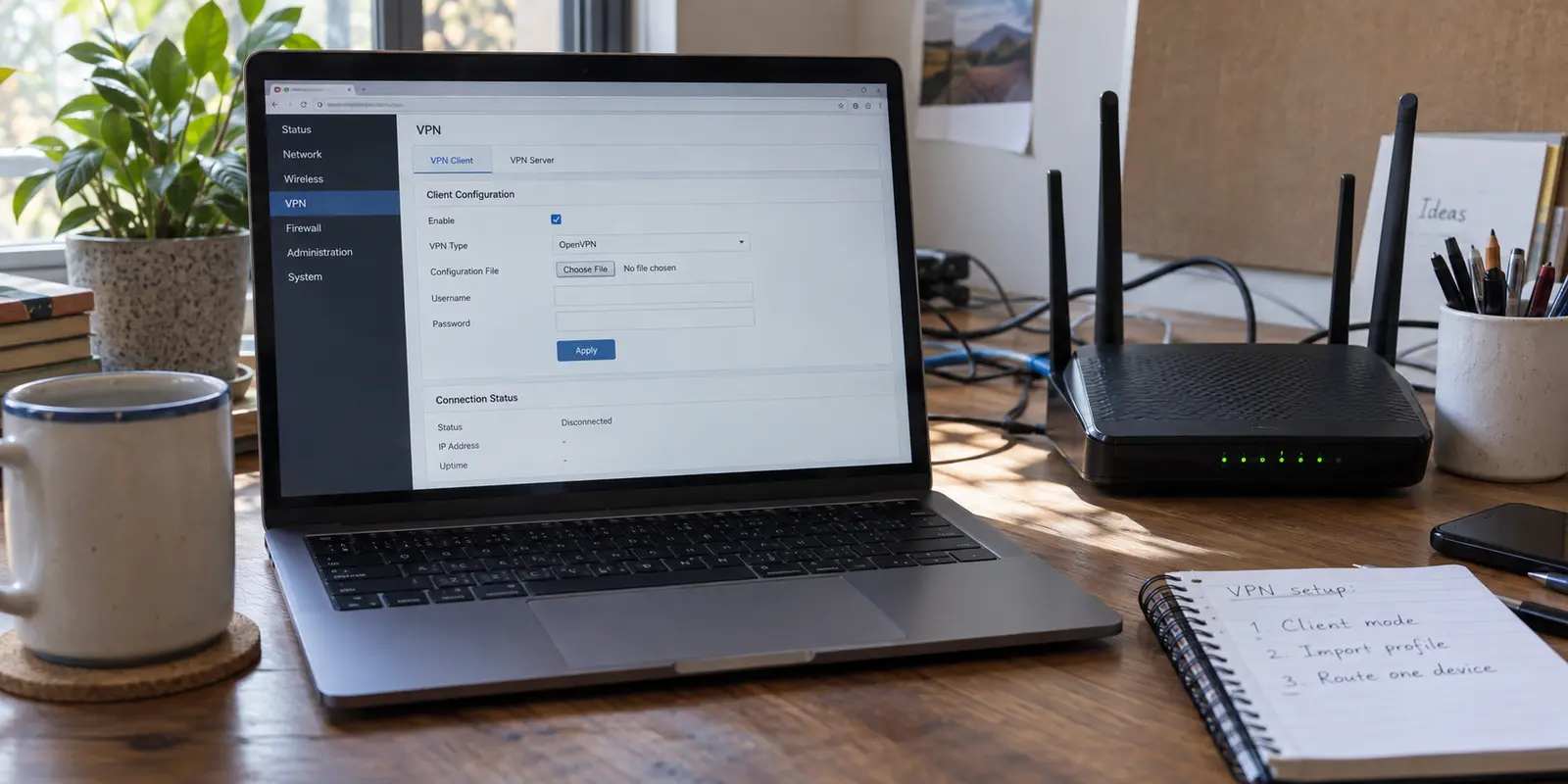
Log into your router’s administrative console, and you are immediately greeted by a wall of unfamiliar jargon: VPN Server, VPN Client, VPN Fusion, OpenVPN, WireGuard, and pages of empty network fields.
If your goal is simply to protect your home traffic or give a smart TV access to a commercial VPN, this interface feels like an ambush. The common assumption is straightforward enough: I have a VPN subscription, and I have a router, so there must be a simple login screen where I enter my username and password to cover everything.
The reality of router firmware is rarely that clean.
Getting a VPN running at the hardware level comes down to three conditions lining up before touching an activation toggle:
- Your router must support VPN Client mode.
- Your VPN provider must let you export a compatible configuration profile.
- You must deliberately choose which household hardware uses that encrypted path.
Before diving into manuals, resolve the single most common mistake on this screen: you are looking for a VPN Client, not a VPN Server.
Article summary and product fit
How should you set up a VPN on a home router without disrupting the rest of the network?
Use VPN Client mode, confirm that both the router and VPN provider support a compatible WireGuard or OpenVPN configuration profile, import that profile, and route one device first. Verify the target device’s public IP and real app behavior before expanding the VPN route to more household hardware.
Key context
- Best for: Smart TVs, consoles, streaming boxes, and other hardware that cannot run a native VPN app.
- Prepare first: Confirm VPN Client support, current firmware, a provider-supplied .conf or .ovpn profile, any manual VPN credentials, and the router administrator password.
- Why one device first: Policy-based routing keeps work laptops, printers, local media, and the rest of the household out of the experiment while you test latency and connectivity.
- Important limit: For phones and laptops that can run native software, the article treats an app-first VPN as lower maintenance. It does not present OnlydogVPN as a router-profile provider.
Sources already used in this article: The article’s router workflow is grounded in ASUS VPN Fusion guidance, TP-Link VPN client documentation, and Proton VPN’s profile-generation guide. The OnlyDogsVPN site documents its app-first platform availability.
First, Make Sure You Are Setting Up a VPN Client
Router firmware menus frequently bundle VPN Server and VPN Client together, but they run in opposite directions.
- A VPN Server turns your home router into an entry gate. It lets you log into your home network securely while away at a hotel or coffee shop.
- A VPN Client turns your router into a customer. It connects your router outward to a commercial service, routing outbound household traffic through an external encrypted tunnel.
If you are trying to route games, streams, or everyday web traffic through a provider’s network, setting up a VPN Server is an immediate dead end. You need VPN Client mode (sometimes labeled VPN Fusion on ASUS gear, or simply tucked under an "Advanced Network" tab on TP-Link and others).
Once in the right place, run a quick preflight check:
- Check your hardware specs: Not every router can act as a client. Basic ISP-supplied combo gateways almost never support it. Confirm your exact model lists third-party VPN client capabilities.
- Check your firmware: Make sure the router is running modern firmware that supports mainstream protocols like OpenVPN or WireGuard.
- Check your VPN provider: A commercial VPN subscription is useless on a router unless that provider lets you download raw configuration profiles (like a
.confor.ovpnfile) alongside dedicated manual credentials. Providers like Proton VPN or ExpressVPN offer dedicated dashboards to generate these router-ready configuration files.
Do You Actually Need a Router-Level VPN?
Before spending an afternoon wrestling with router settings, ask a basic question: What devices am I trying to protect?
If you are only looking to shield iPhones, Android devices, MacBooks, or Windows PCs, wrestling with your router is almost certainly unnecessary overhead. Dedicated, device-level apps offer native kill switches, simple server switching, and zero router micromanagement.
If that sounds closer to what you actually need, take the off-ramp: skip the network administration entirely. Services like OnlydogVPN are designed specifically around this clean, app-first reality.
Instead of forcing you into router subnets and manual profile imports, OnlydogVPN focuses on a streamlined, one-tap mobile and desktop experience. With native apps for iOS, Android, macOS, and Windows powered by Smart Global Routing, it automatically selects stable, high-speed routes without requiring you to download files or reconfigure your home hardware.
If your devices can run an app, let the app do the heavy lifting. But if you have hardware that cannot run a native VPN—like an Apple TV, an older smart TV, or a gaming console—a router-level VPN remains the right tool for the job.
Import the VPN Profile Before You Touch the Rest of the Network
Once compatibility is verified, avoid typing server hostnames or IP addresses manually. The process works best through a clean file import.
Before opening the router dashboard, have these elements ready:
- The downloaded
.conf(WireGuard) or.ovpn(OpenVPN) file from your VPN provider's account page. - Your provider-issued manual credentials (many VPNs generate a unique username and password for router setups that differ from your primary login).
- The local administrator password for your router.
Log into your router locally (typically via 192.168.1.1 or the manufacturer's local gateway address) and locate the VPN Client section:
- On an ASUS router: Navigate to VPN > VPN Fusion, click Add profile, and select your protocol (WireGuard or OpenVPN). Upload your downloaded configuration file, name the connection clearly (e.g.,
Proton-WireGuard-US), and save. - On a TP-Link router: Go to Advanced > VPN Client, enable the feature, click Add, choose the matching protocol, upload the
.ovpnor configuration file, and input any manual account credentials provided by your service.
Treat branded terminology as minor variations on the same theme. Whether it is called a "Fusion profile" or a "Client rule," you are simply telling the router: Here is an external server, here is the protocol, and here are the security keys to build an encrypted bridge.
Save the profile, but do not click connect across the entire network yet.
Route One Device First—Not the Whole House
The most tempting button in modern router firmware is the switch that says Apply to all devices.
Flip that switch immediately, and you risk throwing your entire home into disarray. Work laptops may lose access to corporate networks, banking portals might trigger security blocks, wireless printers can vanish, and local media servers like Plex may stop streaming.
Instead of blanketing your Wi-Fi, take advantage of policy-based routing:
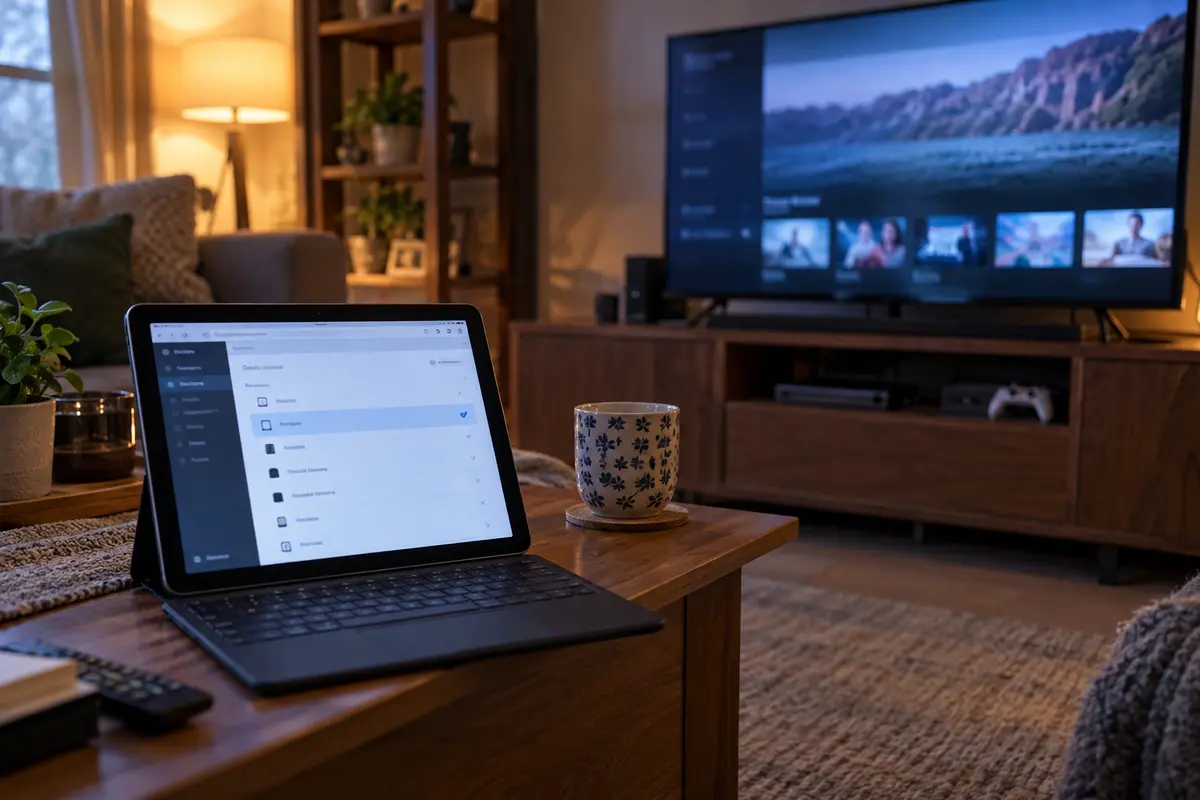
- In ASUS VPN Fusion, leave the profile unassigned to the default network, open the profile’s device list, and manually assign just one specific target device (such as a single smart TV, console, or test tablet).
- On TP-Link's client management menus, add only that single device's MAC or IP address to the active VPN client list, leaving the remainder of the network on the direct ISP WAN.
By testing a single client device in isolation, you create a controlled environment.
If the connection fails, drops packets, or suffers from severe latency, your home office and family members remain entirely unaffected while you isolate the cause.
A Green “Connected” Badge Is the Beginning of the Test
When your router flashes a green "Connected" status icon, it proves only one milestone: your router successfully shook hands with the remote VPN server. It does not prove that your intended target device is actually routing its data through that tunnel properly.
Verify the setup on the actual device:
Start with route verification. Open a browser on the target device and load an IP lookup site. The public IP should match the VPN location, not your home ISP.
Then launch the primary service—the streaming app, game launcher, or voice chat. Content should load smoothly without regional lockouts or handshake errors. For local continuity, ping a local IP, access your printer, or open your router console; local network communication should remain responsive.
Finally, if supported, evaluate the router's VPN Kill Switch. Decide if traffic should halt or fall back to your ISP when the VPN drops.
Pay particular attention to that last point: the VPN Kill Switch. Routers that support client-side kill switches will cut internet access entirely to assigned devices if the tunnel drops unexpectedly.
If you leave this feature active and forget about it, a brief server hiccup will look like a broken home internet connection. If high-security anonymity is essential, leave the kill switch enabled; if uninterrupted streaming matters more, consider whether you prefer automatic fallback to your regular line.
Keep the VPN on the Router Only If the Router Is Solving a Router-Sized Problem
Once the connection is established and the test device passes inspection, step back and evaluate whether this setup earns its ongoing operational footprint.
Router-based VPNs demand maintenance. Servers occasionally go offline, configuration keys expire, and streaming platforms actively rotate blacklists. Updating an endpoint on a router means opening an administrative web page, deleting old profiles, downloading new files, and re-binding device rules.
Keep the router setup under specific conditions:
- You rely on dedicated hardware (smart TVs, consoles, streaming boxes) that natively lack VPN software.
- You need fixed, persistent routing for specific appliances without relying on per-user software setups.
For standard computing hardware, the equation changes completely. If your primary goal was simply securing personal laptops, everyday browsing, and mobile phones, running an encrypted tunnel from your core networking hardware creates unnecessary maintenance.
That is where a dedicated client app remains vastly superior. Returning to an app-first service like OnlydogVPN restores direct, individual control.
You get fast access points on iOS, Android, Mac, and Windows, immediate server switching, and intelligent, zero-configuration routing—all managed with a single tap on the screen in front of you, leaving your router free to do what it does best: quietly routing local traffic without unnecessary complexity.
- Need to cover hardware that cannot run software? Set your router to VPN Client mode, import a clean profile, and route only that specific device.
- Need privacy and fast access for phones and laptops? Skip the firmware maze, leave your router alone, and let a purpose-built native app handle it.
Frequently Asked Questions
Why do I need VPN Client mode instead of VPN Server mode on my router?
VPN Server mode lets you connect back into your home network from elsewhere. VPN Client mode makes the router connect outward to a commercial VPN service, which is the mode needed when you want selected household devices to use that VPN tunnel.
What should I prepare before importing a VPN profile into my router?
Confirm that your exact router supports third-party VPN client connections and is on suitable firmware. Then have the provider’s WireGuard .conf or OpenVPN .ovpn profile, any separate manual VPN credentials, and your router administrator password ready.
Why should I route only one device through the VPN at first?
Assigning one test device creates a controlled setup. If the tunnel has latency, packet loss, local-network problems, or a bad route, you can troubleshoot it without interrupting work laptops, printers, media servers, or everyone else on the network.
How do I know the router VPN is actually working for the target device?
A green Connected badge only proves that the router reached the VPN server. Check the target device’s public IP, open the streaming or gaming service you actually intend to use, confirm local-network access still works, and decide how you want any router-side kill switch to behave.
Do I need a router-level VPN for phones and laptops?
Usually not if those devices can run a native VPN app. The article reserves router-level VPNs mainly for hardware without native VPN software and treats device-level apps as the simpler option for iOS, Android, macOS, and Windows.