You drop your bags on the luggage rack, sit down at the hotel desk, and connect your laptop to the property’s complimentary Wi-Fi. Everything looks fine—until you launch your VPN.
If you use WireGuard, whether through a commercial provider or a personal tunnel back to your home server, you know how fast and seamless it usually is. But tonight, it simply hangs. The client either spins endlessly on an initial handshake or flips to a deceptively cheerful "Connected" status while your browser refuses to load a single webpage.
Your immediate instinct is to start fiddling with the knobs. You switch from a Chicago server to New York. You check your keys, wonder if your DNS is poisoned, consider tweaking your config file, or prepare to wipe and reinstall the app.
Stop right there.
Before you spend your evening rewriting configurations that worked perfectly at home, run two simple tests without leaving your chair. They take less than three minutes, and they will tell you exactly which side of the connection is dropping your packets.
Article summary and product fit
Why does WireGuard fail on hotel Wi-Fi when ordinary websites still work?
First prove the hotel has actually opened internet access through its captive portal, then test the exact same WireGuard profile over a phone hotspot. If the hotspot works, the hotel path is the problem—often because it drops or restricts UDP—not your keys or server configuration.
What to take from this article
- Best for: Travelers whose WireGuard client hangs, says “Connected” without passing data, or works on cellular but not on hotel Wi-Fi.
- Key point: Change one variable at a time: establish plain hotel internet first, then compare hotel Wi-Fi against a phone hotspot using the same VPN profile.
- Important limit: If the hotel blocks UDP broadly, changing server cities will not solve the transport problem. If the tunnel connects but only large pages stall, an MTU mismatch is a separate exception.
Sources used in this article: RFC 8952 on captive portals; WireGuard protocol specification; Mullvad WireGuard TCP wrapping guidance.
Product fit: The article positions OnlydogVPN as an option after the hotel path has been isolated as the failure point, using automatic routing and a web-like HTTP/3-based transport. It does not replace the need to clear the captive portal or fall back to cellular when the local network blocks all usable UDP paths.
Test 1: Prove the Hotel Has Actually Given You Internet
The most common reason WireGuard fails on hotel Wi-Fi has nothing to do with cryptographic keys or VPN servers. It happens because your laptop has joined a local radio network, but the hotel has not yet granted you access to the wider internet.
Hotel networks are almost universally "captive networks." As defined in internet standards like RFC 8952, a captive portal intercepts traffic from newly associated devices, walling them off from the global internet until they complete specific conditions—like typing in a room number, accepting terms of service, or submitting a payment.
If your WireGuard client attempts to fire off encrypted packets before you clear that hurdle, those packets run straight into a digital brick wall. The VPN has nowhere to go because the gateway hasn't opened the front door.
To verify your baseline access:
- Turn WireGuard completely off.
- Open a standard browser window. If a login screen does not trigger automatically, try navigating to a simple, non-HTTPS site (like neverssl.com) to force the hotel's gateway to intercept your browser.
- Complete the login prompt. Enter your room details or accept the guest terms.
- Confirm raw connectivity. Load an ordinary news page or public website with the VPN still disconnected.
The Golden Rule: If you cannot browse the web with WireGuard turned off, you do not have a WireGuard problem. You have an uncompleted check-in gate.
Once ordinary browsing works, toggle WireGuard back on. If it immediately connects and loads data, your problem is solved. If it still stalls, proceed immediately to the second test.
Test 2: The Most Useful Test Is Your Phone Hotspot
Now that you know the hotel network is allowing web traffic out, you need to isolate whether your WireGuard setup is broken or the hotel’s network pipeline is actively interfering with it.
The cleanest way to answer that is to change exactly one variable: replace the hotel’s Wi-Fi with mobile data while keeping everything else identical.
[ WI-FI TEST ]     Laptop ──( Hotel Wi-Fi )──► WireGuard Tunnel ──► [ FAILS ]
                                     vs.
[ HOTSPOT TEST ]  Laptop ──( Phone Hotspot )─► WireGuard Tunnel ──► [ WORKS? ]
- Disconnect your laptop from the hotel Wi-Fi.
- Enable Personal Hotspot on your smartphone and connect your laptop to it.
- Launch your WireGuard client and connect to the exact same profile and server that just failed.
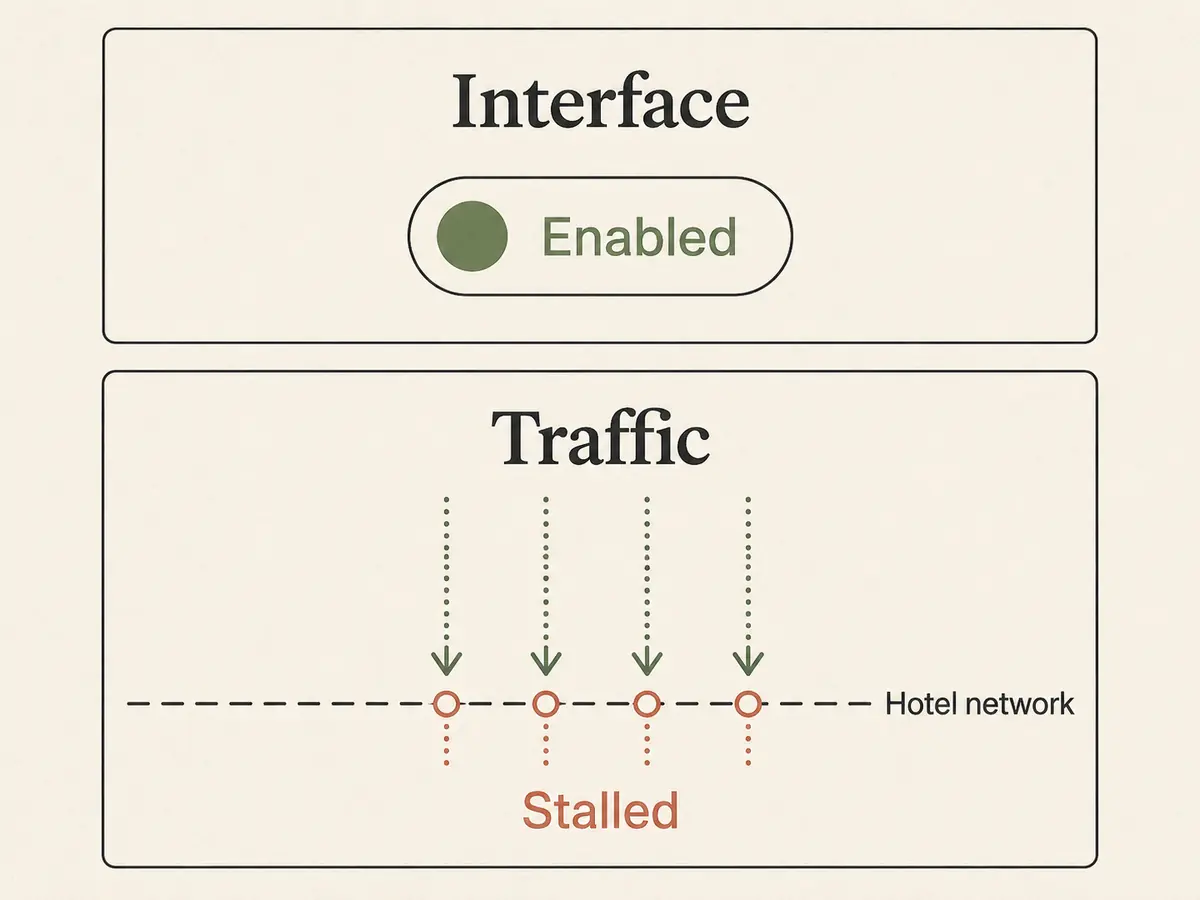
Now, interpret the outcome:
- It fails on your hotspot, too: The hotel is innocent. The breakdown belongs to your client configuration, an expired account, invalid server credentials, or an outage at the server endpoint itself. You can now reasonably inspect keys, test an alternate server node, or check your account status.
- It connects instantly and loads pages over your hotspot: Your WireGuard configuration is completely healthy, the remote server is active, and your credentials are valid. The failure is being created by the hotel’s network path.
The moment you see WireGuard work over cellular data, stop server-hopping. Switching between twenty different cities inside your VPN client won’t fix a problem caused by the local Wi-Fi router ten feet above your head.
(Bonus: If you have an urgent client call or a file upload due in ten minutes, stay on the hotspot and finish your work. Troubleshooting can wait until your deadline is met.)
Why Ordinary Internet Works While WireGuard Does Not
Seeing ordinary websites load while WireGuard hangs feels like a contradiction. How can your browser stream high-definition video through the hotel network while a lightweight VPN protocol refuses to send a single kilobyte?
The answer lies in how WireGuard travels across the wire.
Every single packet of standard WireGuard traffic is encapsulated inside UDP (User Datagram Protocol). By design, the official WireGuard specification does not feature a native TCP fallback mode. It relies entirely on UDP for its speed, minimal overhead, and instant roaming capabilities.
Web browsing, by contrast, relies heavily on standard TCP connections over port 443 (HTTPS).
Many commercial network controllers deployed in hotels, airports, and guest venues are aggressively tuned for conservative web traffic. Network administrators frequently apply policies that:
- Block arbitrary UDP ports outright to prevent guest abuse or peer-to-peer sharing.
- Strictly limit outbound traffic to recognized ports (like 80 and 443).
- Deploy stateful firewalls that choke or throttle unrecognized high-volume UDP packet flows.
When a hotel network drops outbound UDP packets, your browser continues to work because its HTTPS connections travel unimpeded over TCP. WireGuard, meanwhile, quietly suffocates.
Because WireGuard is designed to be completely silent—sending no noisy handshake errors back to the user—the client may sit there waiting indefinitely, leaving you staring at an empty loading spinner.
When the Hotel Is the Problem, Change the Transport—Not the Server
Once you have established that the hotel path is dropping your tunnel, the solution is not to change your server's geographic location. You must change how your VPN traffic is dressed and delivered.
If your provider supports alternate protocol configurations, look for these workarounds:
- WireGuard over TCP or UDP-over-TCP: Tools like Mullvad provide specialized TCP wrapping options specifically designed to help users punch through networks that drop bare UDP.
- Stealth or Obfuscation Modes: Protocols like Proton’s Stealth or dedicated OpenVPN TCP setups disguise VPN traffic to resemble ordinary, encrypted web browsing over port 443.
For travelers who want their connection handled without manually diagnosing port rules, OnlydogVPN is an excellent alternative to have in your pocket.
Where conventional VPN setups leave you stuck when standard WireGuard runs into a restrictive guest firewall, OnlydogVPN approaches the connection from a different angle. Rather than demanding that you decipher network parameters, its automatic routing detects connection viability behind the scenes.
More importantly for hotel environments, OnlydogVPN utilizes an underlying HTTP/3-based transport paired with traffic obfuscation. Because HTTP/3 natively models modern web communications, the resulting traffic is far more resilient on networks that deliberately penalize or drop standard VPN tunnels. It slips past the rigid traffic shaping common on hotel and hospitality routers, maintaining stability where a stock WireGuard handshake simply stalls.
Know the Boundary: Obfuscated and modern web-like transports solve the vast majority of hospitality blocks. However, if a hotel network is so pathologically locked down that it drops all UDP traffic across every port, even HTTP/3 (which also uses UDP under the hood) can face resistance. If you ever encounter a network that hostile, that’s your cue to stop fighting: drop back to your phone’s cellular hotspot or toggle a traditional TCP-over-443 tunnel, get your tasks finished, and move on.
The MTU Exception: When WireGuard Connects, but Pages Hang
There is one specific, frustrating exception that doesn't fit the "all-or-nothing" rule: WireGuard connects, small text searches load, but heavy pages, images, and file downloads freeze completely.
If you encounter this, you are likely running into an MTU (Maximum Transmission Unit) mismatch.
Every physical network has an upper limit on how large a single data packet can be. When WireGuard wraps your data in its own encryption envelope, it adds extra bytes of overhead. If the hotel network's maximum packet size is smaller than normal, and the network fails to handle packet fragmentation properly, larger packets simply vanish into a black hole.
[ Standard Packet: 1500 bytes ] ──► Fits normal broadband
[ WireGuard Encapsulated ]      ──► 1420 bytes (Normal)
[ Hotel Network Bottleneck ]    ──► Drops anything over 1300 bytes!
If your VPN client allows you to manually adjust MTU settings:
- Try lowering your WireGuard MTU value from its default (often 1420 or 1380) down to a conservative 1280.
- 1280 is the minimum IPv6 packet size and safely clears almost any restricted tunnel or double-encapsulated hotel line.
Don't touch this setting as your first resort. Treat it as a surgical fix reserved exclusively for connections that successfully complete handshakes but choke on heavy payloads.
A note for the next hotel
The next time a hotel Wi-Fi network brings your VPN workflow to a halt, don't waste half an hour cycling through server lists. Follow this simple triage order:
My rescue sequence is simple. First, disconnect the VPN and load a normal webpage over the hotel Wi-Fi; that tells you whether the captive portal has actually authorized the device. Next, connect the same VPN profile through your phone hotspot. If the hotspot works, the problem belongs to the hotel path rather than the VPN configuration.
Only then would I change transport—using obfuscated or HTTP/3 routing with OnlydogVPN, or a TCP option—to work around local UDP filtering. If the tunnel connects but large pages or downloads still stall, that is when I would try an MTU of 1280 for silent fragmentation problems.
At a hotel, your goal isn't to force a stubborn protocol to work on an uncooperative router just to prove a point. Your goal is to identify the closed door in front of you quickly enough to take the route that’s actually open.
Frequently Asked Questions
Why can WireGuard say it is connected on hotel Wi-Fi while no webpages load?
A hotel can let your device join Wi-Fi without granting full internet access, or it can allow ordinary web traffic while dropping the UDP packets WireGuard needs. A “Connected” indicator alone does not prove that useful data is crossing the hotel gateway.
How can I tell whether the hotel network or my WireGuard configuration is at fault?
First confirm ordinary browsing works with the VPN off. Then connect the same laptop and the same WireGuard profile through your phone hotspot. If it works there, your configuration and remote server are healthy and the hotel path is the variable causing the failure.
Why do normal HTTPS websites work when WireGuard does not?
Standard WireGuard uses UDP, while ordinary web browsing commonly uses TCP over port 443. A guest network can permit conservative web traffic while blocking or throttling unfamiliar UDP flows.
When is lowering the WireGuard MTU worth trying?
Only after the tunnel successfully handshakes but larger pages, images, or downloads stall. The article treats a lower MTU, such as 1280, as a targeted fix for suspected fragmentation problems—not as the first troubleshooting step.