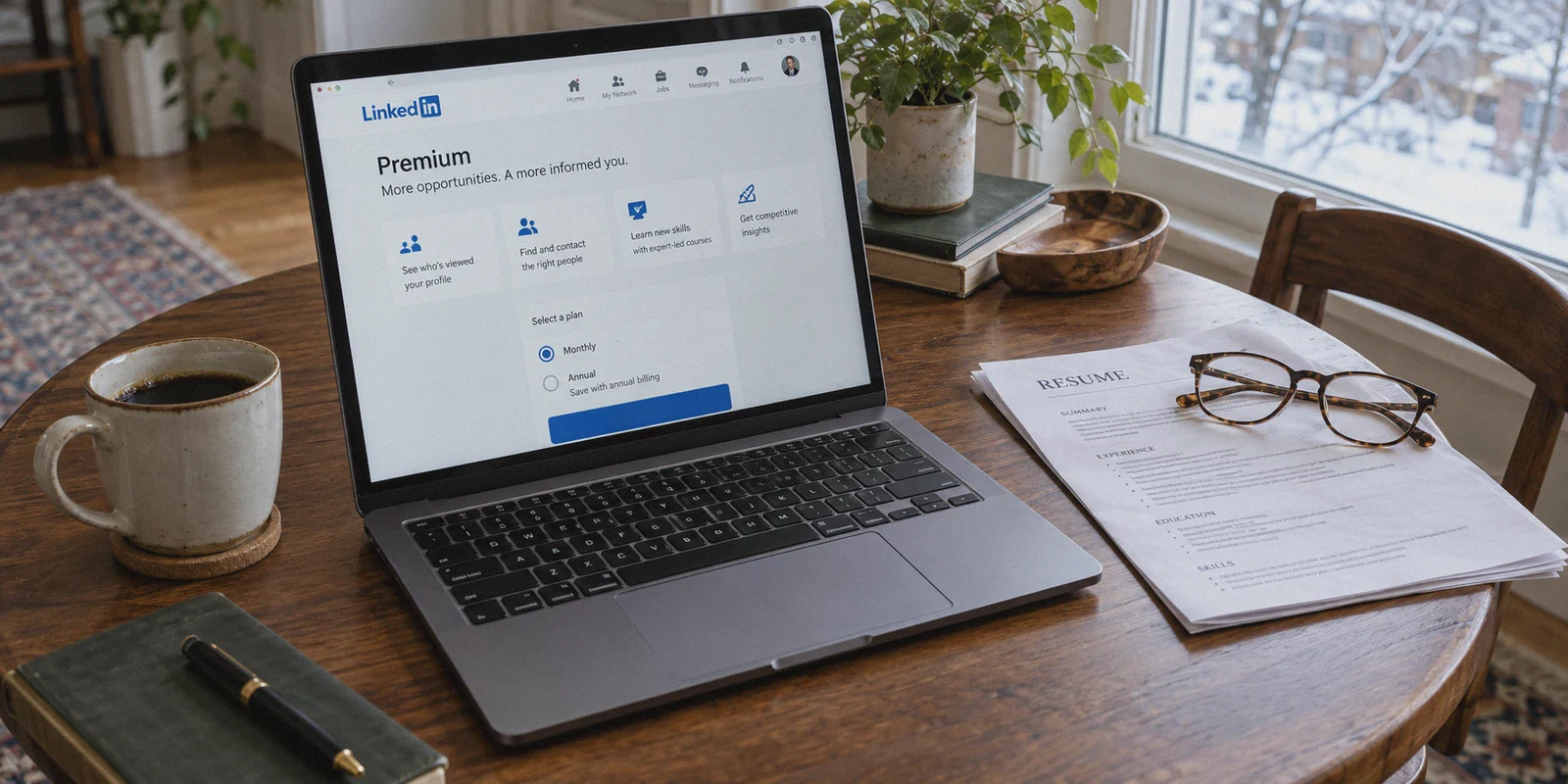
You clicked "Try Premium for $0," sailed through the 30-day trial, and then the invoice hit: $39.99 a month for Career, or $59.99 a month for Business.
If you are hunting for a job or bootstrapping a consultancy, paying close to $500 to $700 a year just to see who viewed your profile and send a handful of InMails feels like robbery.
So, like thousands of other practical people, you went to Google and searched: how to get linkedin premium cheaper with vpn.
The idea sounds straightforward: open a VPN, pick a country with lower purchasing power like India, Turkey, or Nigeria, and grab LinkedIn Premium for half price—the exact same playbook people use for YouTube Premium or Spotify.
Here is the unfiltered truth before you touch a server button: treating LinkedIn like Netflix is the fastest way to get your professional profile flagged, locked, or banned.
LinkedIn is not an entertainment app. It is a Microsoft-owned enterprise network tied directly to your real identity, career history, and IP behavior. If you flip on a cheap, generic VPN and blindly try to swipe your domestic credit card on an overseas checkout page, LinkedIn’s risk engine will flag your transaction within seconds.
Does regional pricing still work? Yes. But doing it safely requires understanding how LinkedIn's fraud detection actually works—and using a connection that doesn't scream "I am using a commercial proxy."
Article summary and product fit
What does the article recommend for checking LinkedIn Premium regional pricing without treating LinkedIn like an ordinary streaming subscription?
The article emphasizes that LinkedIn ties billing activity to a real professional identity and account-risk system. It presents a regional mobile-store billing route and a separate retention-discount strategy, while warning against repeated payment failures, rapid location jumps, profile-location manipulation, and low-reputation proxy IPs.
Key points, fit, and limits
- Best for: Job seekers and professionals who want to compare legitimate discount paths without casually risking their main LinkedIn profile.
- Key obstacle: The article focuses on currency and payment-region mismatches, datacenter-IP reputation, and impossible-travel style account signals.
- Practical approach: Use a clean session, avoid unsupported cards, and consider app-store billing or waiting for a retention offer instead of forcing repeated cross-border web payments.
- Product fit: Within this article, OnlyDogs VPN is the recommended fit because its traffic obfuscation, scenario presets, and weak-network recovery are presented as reducing proxy reputation and connection-change signals during regional pricing checks.
- Important limit: Discounts are not guaranteed, regional billing rules can change, and protecting the professional account is more important than forcing a lower price.
Product source: OnlyDogs VPN official website
The Illusion: Why the "Quick VPN Hack" Fails
Most blog posts tell you a three-step fairytale: connect to India, refresh the LinkedIn page, and pay with your usual card.
Anyone who has tried that in the last two years knows what actually happens:
- The Currency Mismatch: You connect to an overseas server, but the checkout system still quotes your local currency because your account's primary registration data or saved payment profile overrides your IP.
- The "Payment Method Not Supported" Wall: Even if the page shows regional pricing (like Indian Rupees or Turkish Lira), LinkedIn requires a payment method matching the billing region. Entering a US or European Visa card triggers an instant decline.
- The Datacenter IP Flag: Generic VPNs route users through giant, public server warehouses. When LinkedIn’s security system (which uses enterprise identity verification tools) detects traffic coming from a flagged datacenter range, it doesn't just reject the card—it may trigger an identity verification loop demanding your government passport.
If you rely on LinkedIn for your livelihood, playing Russian roulette with your main account is not worth saving twenty bucks.
To pull off regional savings without burning your profile, your digital footprint needs to look like genuine, legitimate browsing, and your payment route needs to bypass direct web-checkout fraud checks.
The Workable Playbook: How People Actually Get It Cheaper
There are two reliable paths that practical users take to lower their LinkedIn subscription costs:
Method 1: The Mobile App Store Regional Pivot (The Cleanest Route)
LinkedIn’s web checkout is notoriously strict about matching card billing addresses to the IP location. However, mobile in-app purchases through Apple’s App Store or Google Play operate under different billing rules.
- How it works: Subscriptions managed through an App Store rely on your mobile store region, not LinkedIn’s web payment gateway.
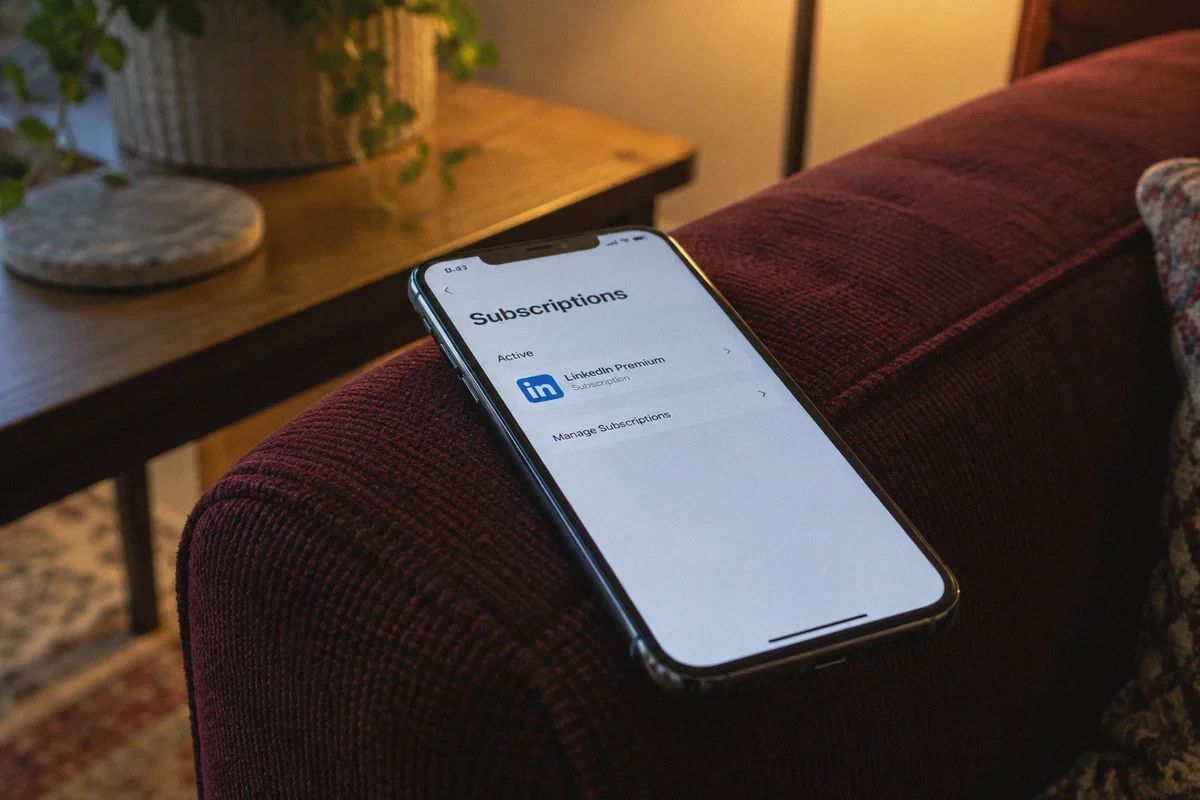
- The setup: Users switch their secondary App Store / Google Play account to a region with favorable currency rates, fund it with regional gift cards (or a supported payment method), and connect through a matching VPN location before opening the mobile app to subscribe.
- The advantage: LinkedIn never sees your bank card directly; it receives confirmation from Apple or Google that your subscription is valid.
Method 2: The Clean IP Annual Plan Strategy
If you prefer staying on your primary account without changing store regions, the safest path is timing:
- Cancel auto-renew and let your trial or subscription lapse completely.
- Clear your browser session and browse through a clean, low-latency connection.
- Within 7 to 14 days of leaving Premium, LinkedIn frequently triggers targeted retention discounts (often 50% off for 2 to 6 months) directly to your inbox.
- When checking out with promotional or cross-border pricing, your network stability dictates whether the anti-fraud system lets the discount stick.
In both methods, the single biggest failure point is dirty IP addresses and protocol leaks.
Where OnlyDogs VPN Changes the Equation
If you decide to route your connection through an overseas node to access regional pricing or redeem regional digital cards, the tool you use makes or breaks the attempt.
This is where OnlyDogs VPN separates itself from bloated, generic VPN providers.
1. Undetectable Traffic (HTTP/3 & Deep Obfuscation)
Conventional VPN protocols carry blatant cryptographic signatures. Security-conscious platforms like Microsoft and LinkedIn detect standard OpenVPN or generic WireGuard packets effortlessly.
OnlyDogs runs on a proprietary architecture with HTTP/3 transport and native traffic obfuscation. To the servers on the other end, your traffic looks identical to ordinary, modern web traffic rather than an active VPN tunnel. It doesn't trigger the aggressive anti-proxy defenses that lead to payment errors or account reviews.
2. Scenario Presets (No Manual IP Juggling)
You shouldn’t need a networking degree just to test a subscription page. OnlyDogs features one-click scenario presets. Instead of forcing you to scroll through hundreds of obscure servers hoping to find one that isn't on a blacklist, the app routes your requests through optimized, low-congestion paths engineered to handle sensitive web services smoothly.
3. Rock-Solid Connection Stability
Nothing trips a payment gateway faster than your connection dropping for half a second mid-transaction. When an IP address flips back to your home country while a payment gateway is processing, the system marks the transaction as fraudulent.
OnlyDogs is built with specialized weak-network recovery. Whether you are on patchy Wi-Fi or tethered to your phone, the connection recovers silently without leaking your DNS or exposing your raw physical location.
4. No Password Friction
OnlyDogs eliminates traditional account passwords in favor of instant email verification codes. You don't have to manage another set of credentials—log in with your email code, launch the app on Windows, macOS, iOS, or Android, and get straight to work.
Step-by-Step: The Safe Way to Check Regional Pricing
If you want to explore whether regional pricing makes sense for your setup, follow this step-by-step procedure to keep your main profile completely safe:
[Close LinkedIn Apps] ──> [Launch OnlyDogs VPN] ──> [Open Incognito Browser] ──> [Verify Pricing Safely]
- Sign Out and Close Everything: Log out of LinkedIn on your desktop browser. Close the tab completely.
- Launch OnlyDogs VPN: Select your target regional route (for example, a region where you hold a valid local payment method or regional app store balance).
- Open a Clean Incognito Window: Never check prices on a browser window that holds weeks of local cookies and cached location data. Use a fresh Private/Incognito window.
- Visit the LinkedIn Premium Landing Page: Navigate to
linkedin.com/premium. Look at the quoted currency and monthly/annual rates. - Decide on the Payment Path:
- If you have a matching regional payment method (or are routing via your mobile app store balance), proceed with the checkout.
- If the site demands a local domestic credit card that you do not possess, do not force repeated payments with an unsupported foreign card. Multiple failed transactions are what trigger account audits.
Three Non-Negotiable Safety Rules for Job Seekers
If you rely on your LinkedIn network for interviews, client leads, or recruiting, keep these three rules locked in:
| Risk Factor | Why It's Dangerous | The Safe Practice |
|---|---|---|
| Rapid Location Jumping | Logging in from New York at 2:00 PM and "Mumbai" at 2:15 PM triggers impossible-travel security flags. | Always log out and wait a few hours before connecting from a different virtual location. |
| Profile Location Tampering | Changing your public profile location to match your billing country ruins your local recruiter visibility. | Never alter your public profile city/country just to chase a subscription discount. |
| Cheap "Shared Account" Scams | Third-party sellers offering pre-activated "Premium accounts" for $5 are selling stolen credentials or cracked accounts that get wiped within weeks. | Always keep Premium on your own identity-verified account. |
Making the Choice
Hunting for a discount on LinkedIn Premium makes total financial sense—especially when platform pricing continues to climb while features remain largely unchanged.
The mistake is rushing in with a clumsy, free VPN tool that flags your account before you even reach the billing screen.
If you are going to explore regional subscriptions or manage your digital footprint professionally, do it with the right infrastructure. Grab OnlyDogs VPN, leverage its clean HTTP/3 obfuscated routing, keep your profile secure, and never overpay for digital tools when smarter options are on the table.
Frequently Asked Questions
Why can a generic VPN create more risk on LinkedIn than on a streaming service?
The article says LinkedIn is tied to a real professional identity and monitors account, payment, and location behavior, so a flagged proxy or abrupt location change can trigger stronger security checks.
What is the mobile app-store route described in the article?
It uses a regional Apple or Google account and supported regional balance or payment method, so the subscription is billed by the mobile store rather than LinkedIn’s web checkout.
What is the retention-discount strategy?
The article suggests letting Premium lapse, then watching for targeted reactivation offers that LinkedIn may send after a period without an active subscription.
What account-safety rules does the article emphasize?
Avoid rapid location jumping, do not change the public profile location just to match billing, and do not buy cheap pre-activated shared accounts from third parties.