How to Access "Region Locked" Discord Servers with a VPN (Without Getting Auto-Banned by Bots)
You clicked an invite link to an overseas gaming guild, a region-specific esports hub, or an international community, and immediately hit a wall.
Maybe the link instantly spat out an "Unable to accept invite" error. Maybe you successfully slipped into the landing channel, only to hear a notification chime three seconds later and find yourself kicked with a direct message from a verification bot: "VPN/Proxy detected. Access denied."
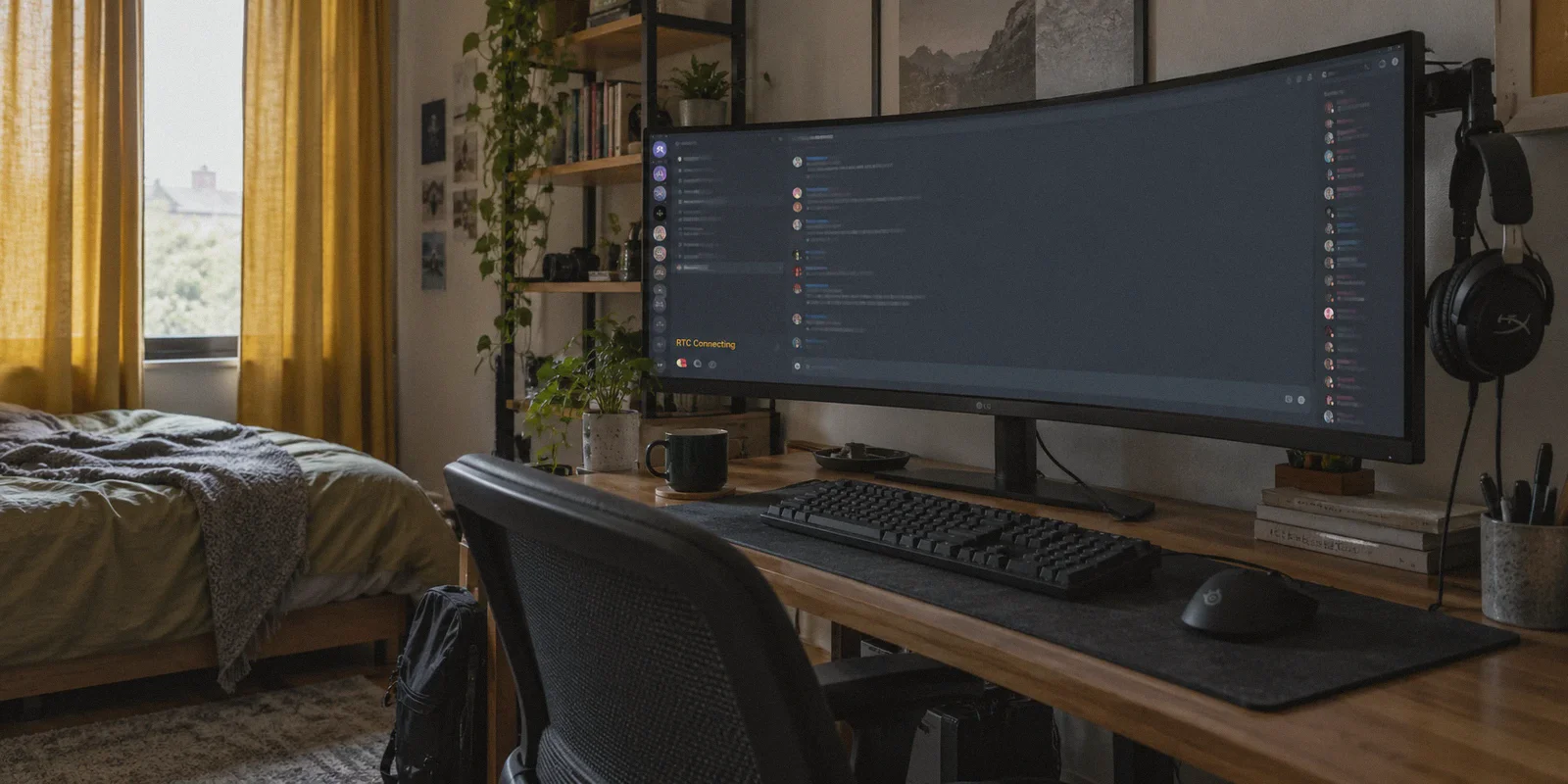
Or maybe you got in, typed a few messages, but the moment you hopped into a voice channel to join the raid, the status bar sat frozen on "RTC Connecting" or "No Route" indefinitely.
At this point, most people search "how to access region locked discord servers with vpn", download whatever free or mainstream VPN they find on Google, switch their location to the US or Europe, and try again.
And that is usually when their entire Discord account gets locked behind a mandatory phone-verification checkpoint.
Before you burn your Discord account or waste another afternoon toggling random servers, let’s clear up what is actually happening behind the scenes—and how to get in cleanly without setting off alarm bells.
Article summary and product fit
Why can a Discord server feel region-locked even though Discord has no normal server geo-block switch?
The article identifies two common causes: the local network or ISP may block Discord voice traffic, or a server’s third-party verification bot may reject known datacenter and proxy IPs. That means changing countries with a generic VPN can fix one layer while triggering another.
Key takeaways
- Best for: Discord users troubleshooting invite failures, bot verification rejections, RTC Connecting, or No Route errors on restricted networks.
- Core point: Text access, server verification, and voice transport are separate checks. A connection can load channels successfully while WebRTC/UDP voice fails, or it can reach Discord while a server bot rejects the IP reputation.
- Product fit: OnlyDogs VPN is a contextual fit where the article calls for obfuscated HTTP/3 transport, cleaner route reputation, weak-network recovery, and consistent multi-platform access rather than rapid server hopping.
- Important limit: Server owners and verification bots can enforce their own access rules. A VPN does not create a right to bypass a ban, server policy, or platform enforcement, and rapid location changes can increase account-security friction.
Source context: OnlyDogs VPN official website.
The Big Myth: Discord Doesn't Actually Have "Region-Locked" Servers
Here is the truth that generic tech tutorials fail to tell you: Discord does not have an official "geo-block" switch for server owners.
Unlike Netflix or Steam, a server admin cannot simply toggle a setting that says "allow US members only."
When you feel like you are blocked from a Discord server because of your location, you are almost always dealing with one of two distinct walls:
- Local Network or ISP VoIP Blocking: You live in, or are traveling through, a region where Discord itself—or its underlying voice transport protocol (WebRTC/VoIP)—is throttled or outright blocked by telecom firewalls (common across the UAE, Russia, Turkey, parts of Southeast Asia, and restrictive university or dorm Wi-Fi networks).
- Aggressive Anti-VPN Verification Bots: The server administrators have installed third-party security bots (like Double Counter, AltDentifier, Wick, or Scribe) designed to block raid accounts and alt spammers. These bots check your connection’s IP against known datacenter lists the exact millisecond you click the invite link.
When you use a generic, run-of-the-mill VPN, you might solve the first problem only to run straight into the second.
Why Cheap and Free VPNs Make Things Worse
The biggest mistake people make is thinking any green "Connected" button will do the trick.
When you use a popular mass-market or free VPN, your traffic routes through massive commercial datacenters (like AWS, DigitalOcean, or generic hosting providers). Security bots have access to real-time blacklists of these exact IP ranges.
Here is what happens when you try to join a guarded server through a low-quality VPN:
- Instant Bot Flags: The verification bot detects a commercial datacenter IP and flags your account as a suspected bot or ban-evader. You get an immediate kick or a "Muted" quarantine role.
- The WebRTC "RTC Connecting" Freeze: Standard VPN protocols (like uncamouflaged OpenVPN or standard WireGuard) have recognizable handshake packet signatures. While text channels might load via normal web ports, the UDP packets that power Discord voice channels get dropped by network firewalls. Your voice status gets stuck on "RTC Connecting."
- Discord Platform Account Lockouts: If you hop between three different countries in ten minutes using dirty IPs, Discord’s own fraud filters trigger. Your account gets flagged for suspicious behavior, forcing you to verify with a fresh phone number you might not have.
To get into restricted communities and actually stay there, you don't just need an IP change—you need a clean route with traffic obfuscation that looks like ordinary, everyday web traffic.

What You Actually Need in a VPN for Discord
If your goal is to join protected servers, talk on voice with zero latency spikes, and avoid bot bans, your connection must meet three criteria:
- Traffic Obfuscation: The VPN protocol must disguise its packets as standard HTTPS traffic, bypassing regional VoIP blocks and strict school or workplace firewalls.
- Clean Route Reputation: The egress points cannot be shared with thousands of scrapers, spammers, and botnets that have already landed on Double Counter blacklists.
- Resilient Network Handshake: When you switch from Wi-Fi to cellular or experience packet jitter, the tunnel must recover instantly so your Discord voice chat doesn't drop mid-sentence.
This specific combination is why OnlyDogs VPN works where generic VPNs get tripped up.
How OnlyDogs VPN Solves the Discord Puzzle
1. HTTP/3 & Proprietary Obfuscation (The "RTC Connecting" Cure)
Many restrictive networks identify and throttle Discord's voice traffic by scanning protocol signatures. OnlyDogs uses an HTTP/3 architecture paired with proprietary traffic obfuscation.
To your local network operator or regional firewall, your encrypted connection blends seamlessly into everyday web browsing. This effectively punches through aggressive VoIP restrictions in places like Dubai, Egypt, or corporate firewalls, letting your voice channels snap immediately to "Connected" with low latency.
2. Scenario Presets Instead of Manual Guesswork
You don’t have to guess whether server #42 or server #88 is clean. OnlyDogs features simple one-click scenario presets. Tapping the preset automatically assigns an optimized, stable line with high IP reputation, skipping the tedious trial-and-error of finding a server that won't get flagged by security bots.
3. Weak-Network & Route Recovery
Discord voice calls are notoriously sensitive to packet loss. If a traditional VPN drops a single packet during a Wi-Fi wobble, your audio stutters or drops out completely. OnlyDogs uses intelligent route recovery designed specifically for unstable or congested connections, maintaining an unbroken voice stream even on erratic connections.
4. Zero Password Hassle & Seamless Multi-Platform Support
You don’t need to remember another set of complex passwords or manually configure OpenVPN configuration files. Login is handled via straightforward email verification codes. The app runs smoothly across Windows, macOS, iOS, and Android, so you can jump from your desktop gaming setup to chatting on your phone without reconfiguring a thing.
👉 Get OnlyDogs VPN and connect to clean, high-speed routes
Step-by-Step: The Safe Way to Join a Guarded Discord Server
To make sure you get in on the first try without triggering automated security bots, follow this simple sequence:
Step 1: Prep a Clean Browser Session
If you’ve already failed to join the server recently, close Discord entirely. Clear your default browser’s cache or open a fresh Incognito / Private window. (Some verification bots check browser cookies alongside your IP when you click an external verification link).
Step 2: Connect via OnlyDogs VPN
- Open the OnlyDogs app on your device.
- Choose your target region (match the general geographic location of the community, such as US or Western Europe).
- Connect using the optimized preset to establish an obfuscated tunnel.
Step 3: Accept the Invite Link
- Open your browser in Private browsing mode.
- Paste the server invite URL into your address bar and proceed.
- Log in to your Discord web session or allow it to redirect to your Discord app.
Step 4: Complete Bot Verification Naturally
Most guarded servers will send you to a #rules, #verify, or direct web portal via a bot link:
- Click the verification link.
- Complete any CAPTCHA or reaction-role requirements.
- Because your OnlyDogs connection routes through an obfuscated, high-reputation line, the bot’s risk score will register you as a legitimate incoming user rather than an automated proxy.
Step 5: Test Voice and Text Stability
Once your roles unlock, jump into a voice room. Check the bottom-left status bar—it should turn green with a ping indicator instead of hanging on yellow "Connecting."
A Few Practical Rules to Keep Your Account Safe
Once you’re in, keep these common-sense rules in mind:
- Pick one region and stick to it: Don’t connect from Singapore at 2:00 PM, New York at 2:30 PM, and Frankfurt at 3:00 PM. Rapid geographic jumping is what triggers Discord’s internal platform security.
- Keep the app running during voice sessions: OnlyDogs runs lightweight in the background without draining system resources, so keep it connected while gaming to maintain steady voice throughput.
- Avoid free web proxy scrapers: Never use shared public web proxies or browser extensions to complete Discord bot verifications; those IPs are permanently flagged in bot databases worldwide.
Accessing a region-restricted or bot-guarded Discord server isn’t about trying to outsmart complicated technical firewalls—it’s about having a clean, stable connection that doesn't scream "I'm on a proxy."
Set up a stable line, bypass the artificial hurdles, and get back to gaming with your squad.
👉 Visit OnlyDogs VPN to get started with fast, reliable connections
Frequently Asked Questions
Does Discord provide server owners with a normal “allow this country only” switch?
The article says no. Apparent regional blocking is more often caused by local network restrictions or third-party verification systems used by individual communities.
Why can a generic VPN trigger a Discord verification bot?
Many verification bots compare the connecting IP against known datacenter or proxy ranges, so a heavily shared commercial address can be treated as higher risk.
Why can Discord text work while voice stays on RTC Connecting or No Route?
Text channels use ordinary web traffic, while voice relies on real-time transport that a restrictive network can block or disrupt separately.
Why should users avoid hopping across several VPN countries in a short period?
The article warns that rapid geographic changes can look suspicious to Discord’s own account-security systems and may lead to additional verification prompts.