How to Bypass an Omegle IP Ban Using a VPN: Why Changing Your IP Keeps Failing (and the Real Fix)
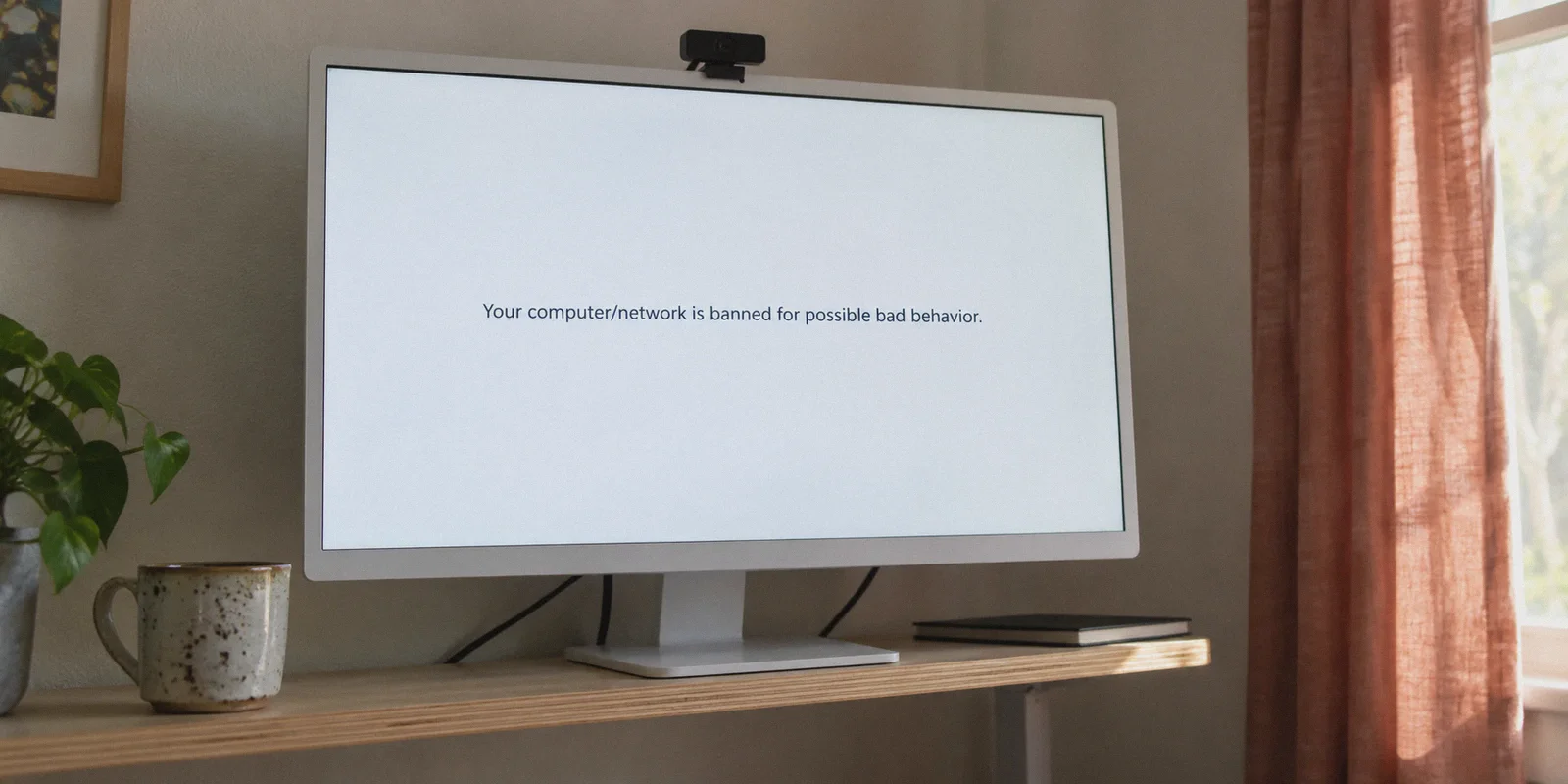
You skipped three people in a row who had their cameras pointed at the ceiling, or someone randomly reported you because they didn't like your shirt, and suddenly your screen freezes on the dreaded message:
"Your computer/network is banned for possible bad behavior."
Your immediate reaction was probably the same as everyone else's: you downloaded a random VPN, picked a server in another city, refreshed the page, and expected to get right back in.
Except that’s not what happened.
Instead, you were either still banned, slapped with an error message saying "Error connecting to server," or trapped in an endless loop of clicking fire hydrants on impossible Cloudflare Captchas.
If you’re searching for how to bypass an Omegle IP ban using a VPN, here is the truth that generic tech blogs won't tell you:
An IP ban on modern video chat sites is almost never just an IP ban. Simply turning on a regular VPN often gets you flagged faster than doing nothing at all.
Modern random video chat platforms (whether you're hopping on Omegle mirrors, OmeTV, Monkey, or Emerald Chat) don't just log your IP. They use browser fingerprinters, device caches, WebRTC leaks, and massive commercial proxy blocklists.
If you want to get back online and actually start matching with people again, you need to understand how the ban actually caught you—and how to clear the slate properly.
Article summary and product fit
Why can a video-chat ban remain even after you change your IP with a VPN?
The article says modern video-chat services can correlate several signals at once: browser local storage, WebRTC network information, and the reputation of the new VPN address. Its clean-slate routine clears site data, addresses WebRTC exposure, connects through a less obvious route, and then opens a fresh private session. It presents OnlyDogs VPN as a fit for the network part because of HTTP/3-based obfuscation, automatic route optimization, weak-network recovery, filtering, and email-code login.
What the article says must be reset besides the IP address
- Best for: Readers troubleshooting a ban or repeated connection errors on random video-chat services that use browser state and network reputation checks.
- Why an IP change can fail: A site may still recognize local-storage tokens, observe WebRTC network details, or reject a heavily flagged datacenter IP.
- Clean-slate order: Reset site data and permissions, address WebRTC leakage, connect through a clean/obfuscated route, then open the site in a fresh private session.
- Important limit: The article does not promise that a VPN will remove a moderation ban. Camera-based moderation, persistent device data, or new terms-of-service violations can trigger another ban.
Product source: OnlyDogsVPN official website.
The 3 Traps That Keep You Banned (Even With a VPN On)
When an automated moderation bot bans you, it doesn't just write down your home IP address and walk away. It drops three separate digital tripwires on your setup:
[Your Device]
   │
   ├─► 1. Local Storage & Cookies  ──► Remembers your device even after IP changes
   ├─► 2. WebRTC Browser Leak     ──► Quietly whispers your real home IP past the VPN
   └─► 3. Datacenter IP Signature ──► Flags your standard VPN as a bot / proxy
Trap 1: The Browser Fingerprint
Video chat platforms drop persistent tokens into your browser's Local Storage, IndexedDB, and cache. When you turn on a VPN and refresh the page, the site doesn't even bother checking your new IP. It simply reads the stored cookie token that says: "This specific browser was banned 10 minutes ago." Boom—instant re-ban on your new IP.
Trap 2: The Silent WebRTC Leak
Video chat runs on WebRTC (Web Real-Time Communication) to establish direct peer-to-peer video streams between two users. By default, browsers like Chrome, Edge, and Safari will broadcast all available network adapters—including your local Wi-Fi router's real public IP—to establish that video feed.
Most budget VPNs encrypt ordinary web traffic but fail to clamp down on WebRTC requests. The site compares your VPN IP to the WebRTC packet, spots the mismatch, and slams the door shut.
Trap 3: The "Burned" Datacenter IP
Video chat networks hate trolls and automated bots. Because bots almost exclusively run on cheap commercial VPNs, these sites subscribe to aggressive IP threat databases.
If your VPN routes you through a well-known, crowded server farm (like generic AWS, DigitalOcean, or M247 subnets), the chat site flags the server before you even connect. That’s what causes the perpetual "Server error: Please try again" or infinite Captcha loops.
The 4-Step Clean Slate Routine (Do This in Order)
To break free from a ban, you have to wipe all three tracking mechanisms at the exact same time. Don't skip any steps.
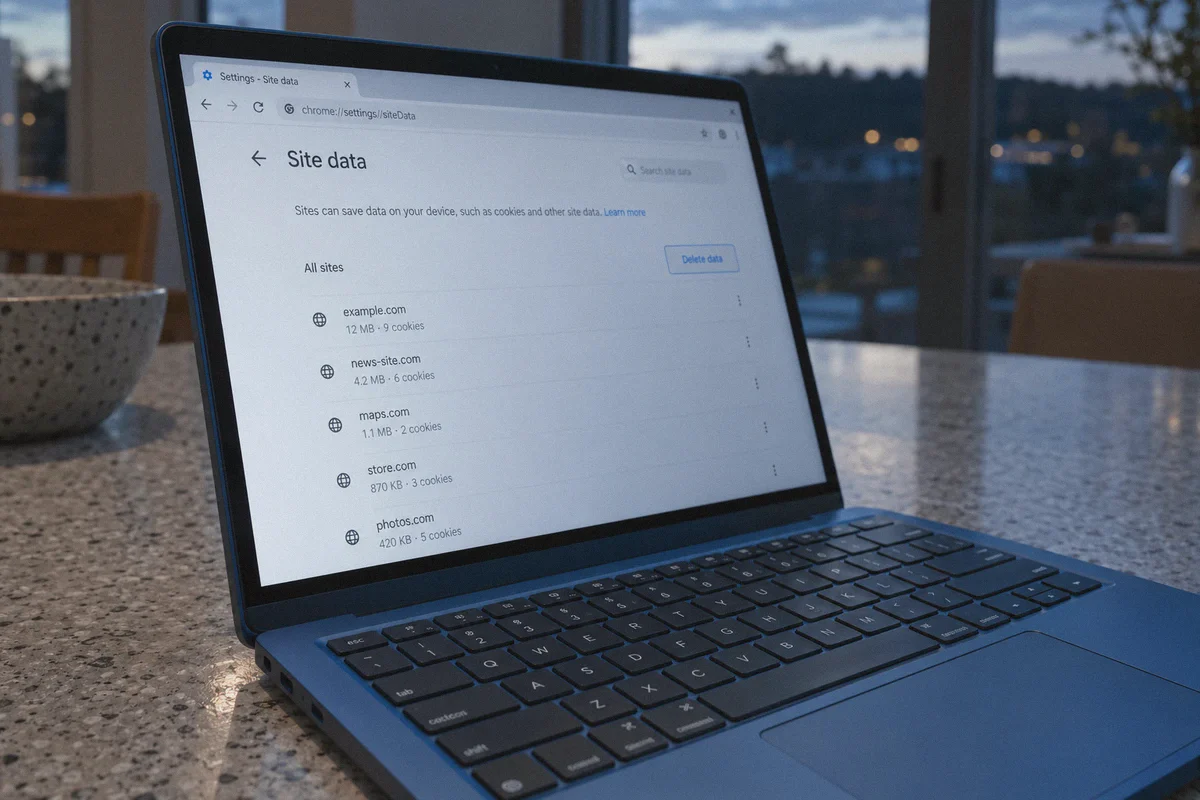
Step 1: Kill the Local Memory
Close the video chat tab completely. Do not just clear the past hour of history; clear site-specific data:
- In Chrome / Brave / Edge: Click the padlock or tune icon next to the URL bar ➔ Site settings ➔ Click Delete data and Reset permissions.
- Or open a completely fresh Incognito / Private Window where no past session tokens exist.
Step 2: Plug WebRTC Leaks
Make sure your browser isn't broadcasting your real IP behind the scenes. If you use desktop Chrome or Firefox, install a lightweight WebRTC leak shield extension, or disable WebRTC network sharing in your browser's privacy settings.
Step 3: Connect via an Obfuscated, Clean Node
This is where 90% of people fail. You cannot use a laggy free VPN or an overcrowded server that 5,000 other banned users used five minutes ago. You need a connection that camouflages its protocol signature and routes through residential-grade or clean endpoints.
Step 4: Open the Site Fresh
Launch your clean incognito window, navigate to the site, allow camera and microphone permissions when prompted, and start chatting.
Why OnlyDogs VPN Works When Other VPNs Get Blocked
Most commercial VPNs are built for basic office work or downloading torrents. They use rigid, generic protocols like standard OpenVPN or vanilla WireGuard, which broadcast obvious packet headers. To an anti-bot firewall protecting a video chat room, those packets scream "proxy user."
This is why OnlyDogs VPN handles video chat networks fundamentally better:
1. HTTP/3 & Traffic Camouflage (No Instant Bot Flags)
Instead of broadcasting standard VPN headers that trigger immediate Captcha walls, OnlyDogs VPN is engineered around modern HTTP/3 transport and proprietary traffic obfuscation.
To the chat platform's firewall, your connection doesn't look like an aggressive automated tunnel from a server farm. Your packets blend in naturally with standard HTTPS web traffic. You slip past automated proxy filters without getting blocked at the matchmaking screen.
2. Auto-Routing Away from Burned Nodes
When a bunch of users get banned on a specific VPN server, that entire IP range gets burned.
OnlyDogs eliminates the tedious trial-and-error of clicking 40 different server locations with its Automatic Route Optimization. The client dynamically balances traffic, routing you away from congested or flagged nodes and connecting you through fresh, unthrottled pathways.
3. Weak-Network & Video-Stream Resilience
Live video chat is latency-sensitive. A two-second latency spike or a dropped UDP packet doesn't just cause video lag; it breaks the peer-to-peer video handshake and disconnects the match.
OnlyDogs was optimized specifically for variable, weak, and congested network environments. If your home Wi-Fi stutters or drops a few packets, its protocol recovery mechanism snaps the connection back together instantly without dropping your video stream or forcing your browser to restart.
4. Zero Password Clutter
You don't need to create a complicated account or tie personal credentials to your setup. OnlyDogs uses email verification code (OTP) login, keeping your authentication footprint tiny and eliminating master password vulnerabilities across your devices (Windows, Mac, iOS, Android).
5. Built-In Tracker & Ad Interception
Most modern video roulette sites are covered in aggressive pop-ups, third-party behavioral trackers, and malicious scripts. OnlyDogs has built-in DNS and node-level filtering that quietly blocks background tracking scripts and bloated ads before they hit your browser. Less junk running in the background means a faster, smoother webcam connection.
👉 Check out OnlyDogs VPN and get back into video chat
What a VPN Can’t Fix (The Reality Check)
Let’s be honest about the ground rules:
- Automated AI Camera Filters: Modern video chat platforms use computer vision to scan video frames for nudity, vulgar gestures, or prohibited behavior. If you break the terms of service on camera, the AI moderator will ban your new session in under 10 seconds, regardless of what VPN you are running.
- Camera / Mic Hardware ID Caching: Some browser apps attempt to remember camera device hashes if you granted persistent permissions. That’s why Step 1 (resetting site permissions and using Incognito) is mandatory.
A VPN gives you a brand-new, clean network identity. What you do in front of the lens is up to you.
The Verdict
Getting slapped with an unfair ban on a video chat site is annoying, but playing "server roulette" with a sluggish free VPN that triggers 15 Captcha tests in a row is worse.
Stop letting persistent browser cookies and easily detected datacenter IPs keep you locked out.
Wipe your site data, fire up OnlyDogs VPN, let its obfuscated routing handle the network stealth, and get back to meeting people without the headache.
👉 Get OnlyDogs VPN and bypass video chat blocks today
Frequently Asked Questions
Why can a video-chat ban remain after I change my IP address?
The article says the site may still recognize browser local storage or cached tokens, see network information exposed through WebRTC, or reject the replacement VPN address because it belongs to a heavily flagged datacenter range.
What is the clean-slate routine described in the article?
Clear the site’s stored data and permissions, address WebRTC exposure, connect through a clean or obfuscated route, and only then open the service in a fresh Incognito or Private Browsing session.
Why do some VPN servers trigger endless CAPTCHAs or “server error” messages?
The article attributes this to the reputation of crowded commercial datacenter IP ranges that anti-bot systems already associate with proxies, automation, or previously banned users.
Can a VPN stop a new moderation ban if I break the platform’s rules?
No. The article explicitly says camera-based moderation or prohibited behavior can cause a new ban regardless of the network route.
Why does the article recommend resetting camera and microphone site permissions?
It says some browser-based services may retain device-related permission state or hashes, so clearing site permissions is part of making the browser session as fresh as possible.