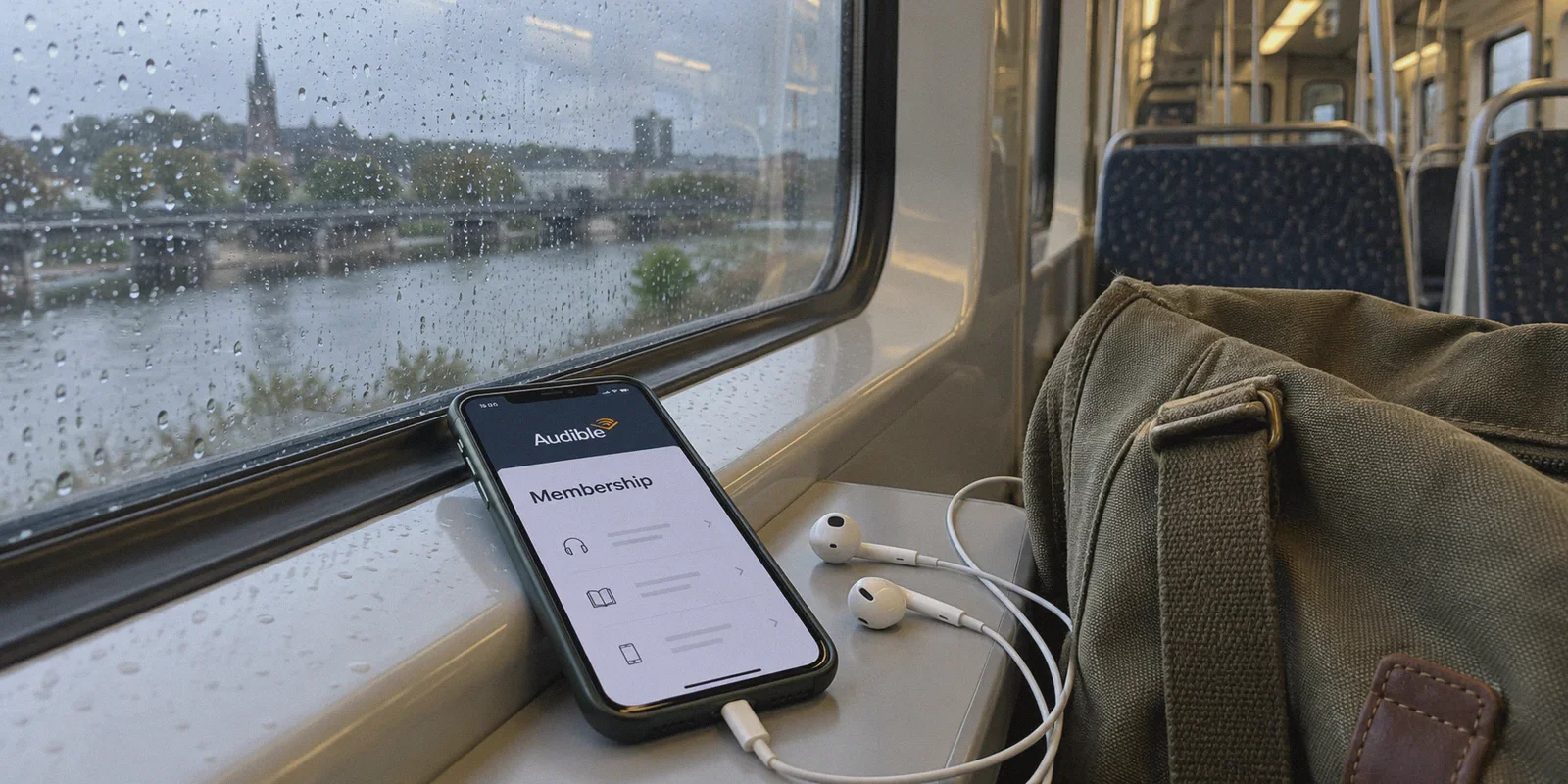
If you're paying $14.95 a month for an Audible Premium Plus membership in the US, you already know the sting. That’s nearly $180 a year for twelve audiobooks. For anyone who goes through a couple of titles a month on their daily commute or at the gym, the math gets painful fast.
Naturally, the moment you realize other countries pay a fraction of that price, you start wondering: Can’t I just turn on a VPN, flip my location to somewhere cheaper, and pocket the difference?
The short answer is yes—people do it every day. But the long answer comes with a brutal catch that 90% of generic internet guides completely ignore.
If you just fire up a random free VPN, point your IP to the cheapest country you can find on Reddit, and enter your credit card on Amazon, you’re far more likely to trigger an Amazon fraud freeze, get your payment declined, or end up locked into a region with none of the English bestsellers you actually wanted to hear.
Getting Audible cheaper with a VPN isn't a complex dark art, but you do need to understand how Audible’s marketplace architecture actually works, which regions are genuine bargains, and how to keep your Amazon account completely safe in the process.
Here is the straightforward breakdown of how to do it right.
Article summary and product fit
What should you compare before choosing a cheaper Audible marketplace, beyond the monthly price?
The article emphasizes that Audible marketplaces are separate catalogs, not interchangeable price skins. It recommends balancing membership price, English-title availability, payment acceptance, and checkout stability rather than choosing the absolute cheapest region.
Key points, fit, and limits
- Best for: Listeners comparing Audible marketplaces and trying to reduce cost without ending up in a catalog that lacks the books they want.
- Key preparation: Choose the target marketplace first, start from a clean browser session, keep the regional connection stable through checkout, and confirm the storefront currency before paying.
- Product fit: OnlyDogs VPN is positioned here as a stable route for the regional storefront and payment session, particularly when a noisy shared proxy causes redirects or checkout errors.
- Important limit: The article notes that catalogs, promotions, payment acceptance, and regional pricing can differ and change; a lower monthly fee is not useful if the desired titles are unavailable in that marketplace.
Sources already used in this article
Audible UK; Audible US. These links are included as primary service references; the article’s other operational claims remain the article’s own account.
Product source: OnlyDogs VPN official website.
The Trap: Why Blindly Switching to the "Cheapest" Country Backfires
Most streaming guides treat Audible like Netflix or YouTube Premium: switch your IP to India, Argentina, or Turkey, pay local currency, and stream the same global library.
With Audible, that logic fails immediately.
First, Audible marketplaces are completely isolated silos. Audible US (audible.com), Audible UK (audible.co.uk), Audible Australia (audible.com.au), and Audible India (audible.in) are not different storefronts for the same warehouse. They are separate regional libraries bound by strict territorial publishing rights.
If you jump to Audible India to snag their dirt-cheap ₹199/month (around $2.40) plan, your credits only spend inside the Indian marketplace. Search for many mainstream Western fantasy series, business bestsellers, or original audio dramas, and you will frequently hit regional licensing dead ends. If your target books aren't in that catalog, those cheap credits are essentially paperweights.
Second, payment gateways have tightened dramatically. The Reserve Bank of India, for example, enforces strict recurring e-mandates and domestic tokenization rules. Unless you hold an Indian-issued credit card or a compatible international travel card with specific recurring billing support, your checkout will fail on the final step. Worse, repeated payment rejections under an unstable datacenter IP flag your root Amazon account for suspicious activity.
If you want cheaper audiobooks, you shouldn't hunt for the bottom-dollar exploit. You need the sweet spot where prices are genuinely lower, the English catalog is massive, and standard international cards still process smoothly.
The Real Arbitrage: Two Routes That Actually Work
Instead of gambling on hyper-restricted regions, experienced audiobook listeners rely on two reliable strategies depending on what they listen to.
Route 1: The Audible UK Play (The Golden Ratio of Catalog and Price)
Audible UK charges £7.99/month (roughly $10 USD) for its standard 1-credit monthly tier.
Compare that to the US rate of $14.95/month. You are saving around 33% on every single book, month after month, without compromising on catalog quality.
Why this route wins:
- Massive Catalog Overlap: Because the UK is a core primary English market, roughly 95% of major fiction, non-fiction, and global releases are licensed identically or with an equally stellar British narration cast.
- Card-Friendly: Amazon UK routinely accepts standard international Visa, Mastercard, and American Express cards without demanding a domestic UK bank account.
- Audible Plus Access: You still get access to the included "Plus" catalog (thousands of podcasts, audio originals, and free-to-stream audiobooks) tailored to English speakers.
Route 2: Triggering the US "Hidden Discount" Window
If you strictly want the US catalog because of specific US-only exclusives or narrators, you don't even need to leave the US marketplace. What you need is a clean digital footprint to trigger new-subscriber discount funnels.
Audible frequently runs unadvertised acquisition promotions ($5.95/month for the first 3 months, or $0.99 trials during Prime season) that are heavily geo-fenced and restricted to clean, non-member browser profiles. If you visit Audible while logged into an old account or from an IP associated with frequent account hopping, those promo banners simply never appear.

Why Your Connection Environment Makes or Breaks Checkout
When you buy a physical product on Amazon, their risk engine is fairly forgiving. When you buy a recurring digital subscription through a regional marketplace while your billing profile sits elsewhere, Amazon’s fraud detection operates on high alert.
Here is what happens behind the scenes during an Audible cross-border checkout:
- IP Reputation Check: Amazon checks whether your connection originates from a commercial datacenter (a dead giveaway for cheap, abused proxies) or a clean, recognized route. If the IP is flagged on abuse databases, your transaction hits a silent verification loop.
- Session Continuity: If your VPN drops connection for three seconds during the 3D Secure / OTP card handshake, the gateway sees your IP abruptly snap back to your home country. That mismatch causes the classic "There was a problem processing your order" error.
- Geo-Location Alignment: Attempting to activate a UK or US regional promo while your browser leaks DNS requests or shows conflicting timezone data tells Amazon's frontend to route you straight back to your domestic storefront.
This is why setting up a reliable connection matters far more than just downloading whatever free proxy comes up first in the app store.
The Painless Setup: Using OnlyDogs VPN for the Purchase
Most general-purpose VPNs dump you into a chaotic server list with hundreds of confusing city names, protocols, and technical toggles. For an everyday task like grabbing a subscription, that friction is completely unnecessary.
This is where OnlyDogs VPN fits into the workflow naturally. It strips out the networking jargon and solves the exact friction points that kill digital purchases:
- Scenario Presets Instead of Guesswork: You don't need to spend twenty minutes researching whether to use OpenVPN UDP, WireGuard, or IKEv2. OnlyDogs provides one-click scenario presets. You select the intent—like clean streaming or high-speed browsing—and the app automatically selects a low-noise, stable route built to handle media storefronts without triggering bot captchas.
- Smart Auto-Routing: Instead of forcing you to manually test five different London or New York servers to find one that isn't blacklisted by Amazon's anti-fraud system, OnlyDogs routes traffic through clean egress points that look like legitimate end-user connections.
- Proprietary Obfuscation & HTTP/3 Protocol: If you’re trying to set this up from work, a dorm, a hotel, or a region with restrictive firewalls (including heavily filtered networks in places like the UAE or parts of Asia), standard VPN protocols get throttled or blocked outright. OnlyDogs blends your connection into ordinary HTTPS web traffic, letting the payment portal load cleanly.
- Seamless Network Recovery: Downloading an 800MB unabridged audiobook over a shaky connection usually means failed downloads and restarting from zero. OnlyDogs’ reconnection architecture recovers automatically when moving between Wi-Fi and cellular, keeping your library downloads smooth.
- Zero Password Friction: You log in via a simple email verification code. No remembering another 16-character master password just to open your connection tool.
Step-by-Step: How to Lock In the Discount
Here is the cleanest sequence to get your cheaper Audible membership active:
Step 1: Prepare a Clean Browser Space
Do not do this in your everyday browser profile where you are already signed into your primary Amazon shopping account. Open a clean private browsing (incognito) window, or better yet, create a fresh browser profile. This prevents local cookies from auto-redirecting you back to your default country.
Step 2: Establish the Clean Route
Launch OnlyDogs VPN on your computer or mobile device:
- If you’re targeting the Audible UK rate (£7.99/mo), connect to the UK server using the optimized preset.
- If you’re looking to catch a US promotional rate, connect to a fast US server preset.
Ensure the connection is locked in before opening your browser.
Step 3: Navigate to the Regional Audible Portal
Head directly to the target URL:
- For UK:
audible.co.uk - For US:
audible.com
You should see the pricing displayed in local currency (£7.99 or the active promo banner). If it shows your local home currency, clear your browser cache and refresh while keeping the VPN active.
Step 4: Sign In or Register
You can sign in using your existing Amazon credentials. Amazon uses a global account backbone: your single login works across Amazon US, UK, Germany, and Japan.
(Note: While your login credentials carry over, your Audible credits and libraries remain tied to that specific country portal).
Step 5: Add Payment and Confirm Billing Details
When prompted for payment:
- Enter your standard credit or debit card.
- For the billing address, your real card billing name is fine. For the postal address, entering a valid format local address matching the marketplace region (e.g., a standard UK postal code if on
audible.co.uk) helps the form validate smoothly on digital goods. - Confirm the 30-day trial or membership checkout.
Once processed, your 1 monthly credit will hit your account immediately.
How to Listen on Your Phone Afterward
A common concern: Do I need to keep the VPN turned on 24/7 just to listen to my books on my phone?
No. Once the membership is purchased:
- Download the official Audible app on iOS or Android.
- On the app’s sign-in screen, look at the bottom of the page before entering your password. Tap "Marketplace" (it often defaults to your physical country).
- Change the marketplace to match where you bought the plan (e.g., Audible.co.uk).
- Log in. Your discounted credits and purchased books will appear in your library.
You can download, stream, and listen over your normal everyday connection. The only time you’ll want to flip OnlyDogs VPN back on is when you are browsing region-specific sales, redeeming extra promo codes, or downloading heavy multi-part audiobooks on restrictive public Wi-Fi networks where streaming ports are throttled.
The Verdict
Trying to game Audible by hopping to obscure countries with unspendable currencies is a headache that rarely ends well.
The smart listener’s move is simple: use a clean, stable connection via OnlyDogs VPN, route to Audible UK, and lock in a premium English library for ~£7.99 instead of $15. You save roughly $60 a year, avoid payment gate locks, and spend your time actually enjoying the books instead of arguing with customer support over a frozen account.
Frequently Asked Questions
Why can choosing the absolute cheapest Audible country backfire?
The article says each Audible marketplace has its own licensing catalog and payment rules. A very cheap membership can therefore leave you with credits that cannot buy the English titles you actually wanted.
What should I compare besides the monthly membership price?
Compare catalog overlap, card acceptance, recurring-payment rules, and whether the marketplace has the titles or narrators you care about. The article presents the UK marketplace as a balance of English catalog depth and lower price.
Why can an Audible regional checkout fail even with a valid card?
The article points to connection reputation, a regional mismatch in session signals, and a VPN drop during bank verification as possible reasons the transaction is rejected or redirected.
Do I need to keep the VPN connected every time I listen afterward?
No. The article says to select the same Audible marketplace in the mobile app, sign in, and then stream or download your library over the normal connection once the membership is active.