If you're typing "how to buy Google One storage cheaper with VPN" into a search bar, I already know exactly where you are:
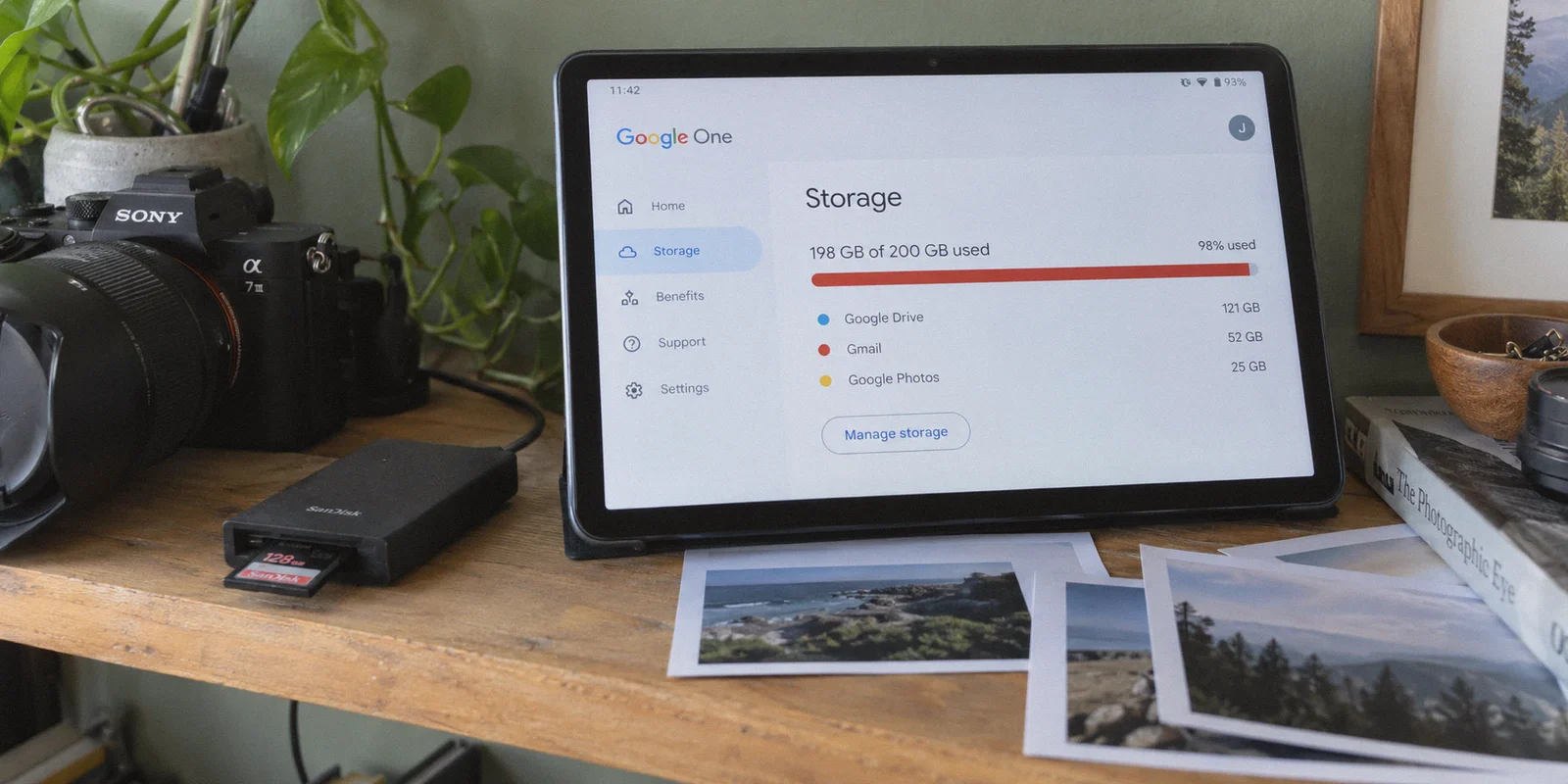
Your Gmail is probably warning you that you've hit 98% capacity, Google Photos won't back up your latest camera roll, and you just stared at the official $99.99/year or $9.99/month price tag for a 2TB tier thinking, “There has to be a way to pay less for what is essentially invisible cloud hard drive space.”
You’ve probably heard the rumors on Reddit or tech forums: people switching their IP to Turkey, India, Nigeria, or Argentina and getting 2TB of cloud storage for roughly $15 to $25 a year instead of $100.
Here is the honest truth nobody tells you before you start toggling random proxy servers: Yes, the regional price gap is 100% real. But no, turning on a VPN and opening the Google One pricing page does NOT magically give you the cheap price.
Most people spend an hour setting up a free VPN, get hit with an "Unable to complete transaction: Please check your billing country" error, or worse—lock their primary Google account into a foreign payment profile they can't revert.
Here is the no-nonsense breakdown of how regional Google One pricing actually works, where the real traps are, the step-by-step route to actually get it, and how to avoid blowing up your primary digital life in the process.
Article summary and product fit
Why doesn’t a VPN alone give you cheaper Google One pricing?
The article says Google also evaluates the Payments or Play profile country, the payment instrument, and session consistency. Its preferred approach is to isolate regional billing on a secondary account rather than changing a long-used primary account.
Key points and limitations
- Best for: readers comparing regional Google One pricing while trying to avoid changing the billing profile of a long-standing primary Google account.
- Checkout reality: seeing a local currency is not the same as being eligible to pay; account region and payment method still matter.
- Account isolation: the article favors a secondary subscription account and Family Sharing so the primary Google identity can remain in its normal region.
- Important limit: regional pricing, gift-card acceptance, payment profiles, and fraud controls can change, and repeated declines can make checkout harder.
- OnlyDogs fit in this article: the article uses OnlyDogs VPN as the stable regional routing layer, highlighting automated routing, HTTP/3 transport, and consistent cross-device connections.
Product source: OnlyDogs VPN official website.
1. The Regional Price Arbitrage: Why Google One Costs Less Elsewhere
Google doesn't price its subscriptions on a single global flat currency. It prices Google One according to local purchasing power parity.
In the US, UK, and Western Europe, 2TB runs roughly $9.99/month or $99.99/year. Meanwhile, in countries with severe currency depreciation or lower median local incomes, the exact same 2TB storage pool is sold in local currency at an enormous markdown:
| Region | 2TB Annual Price (Local Equivalent) | Approx. USD Cost | Savings |
|---|---|---|---|
| US / UK / EU | Standard Direct Billing | ~$99.99 / year | Base Rate |
| Turkey (TRY) | ~₺499 - ₺799 / year | ~$15 - $25 / year | ~75% - 85% OFF |
| India (INR) | ~₹6,500 / year | ~$75 / year | ~25% OFF |
| Nigeria (NGN) | Regional variations | ~$20 - $30 / year | ~70% - 80% OFF |
The 2TB tier isn't a "stripped-down" version. You still get standard Google Photos original-quality backup, Google Drive workspace allocation, and family group sharing for up to 5 accounts.
So why isn't everyone doing this? Because Google's payment gateway is far smarter than a simple IP location check.
2. The Real Catch: It’s Not an "IP Problem," It’s a "Payment Gateway Profile" Problem
Here is where 90% of beginners get stuck:
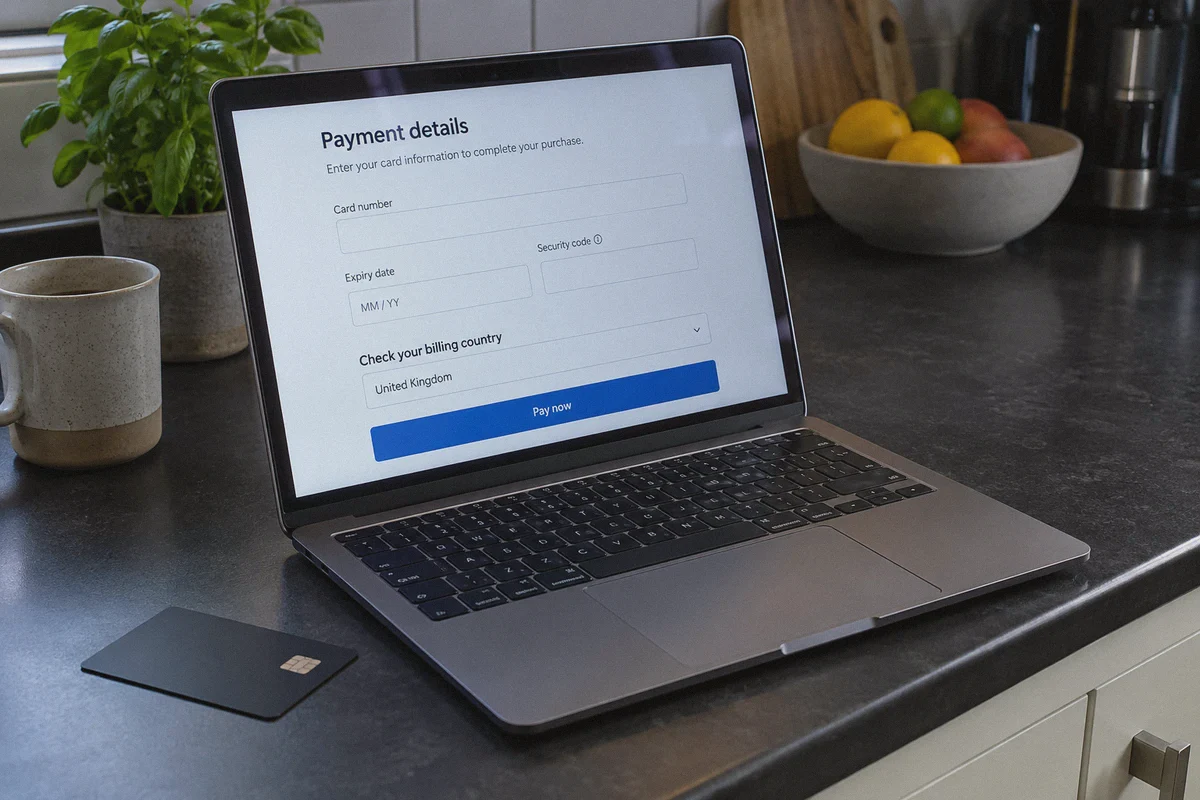
When you open Google One while connected to an overseas VPN node, the page might show local currency (like ₺ for Turkish Lira). But the millisecond you click Subscribe, Google checks three things:
- Your Google Play / Google Payments profile country.
- The issuing country and 3D Secure bank handshake of your credit card.
- The consistency and "cleanliness" of your network connection.
If your Google Account was registered in the US or UK, Google’s payment processor will force your home country's billing rules regardless of where your IP says you are. If you try to force a US debit card onto a Turkish payment profile, Google will reject it with code OR-CCSEH-05 or flag the transaction for fraud.
If you want the lower regional rate, you have to align both the network profile and the billing method.
3. The 3 Legitimate Routes to Cheaper Google One (Pick One)
Depending on what cards and accounts you have, here are the three working methods to get regional pricing:
Route A: The Clean Burner Account + Google Family Share (The Safest Route)
Do NOT do this directly on your 15-year-old primary Gmail account. If you accidentally change your main account’s Google Play region, Google limits you to one country change per 365 days, and you could lose access to your local banking apps or regional subscriptions.
Instead, build a "Family Anchor":
- Connect your VPN to a low-cost region (e.g., Turkey).
- Create a brand-new "fresh" Google Account while connected to that regional IP.
- Add a regional payment method (such as an OlduBil/Ininal virtual Turkish card, a regional debit card, or Google Play balance funded via regional gift cards).
- Buy the cheap 2TB Google One plan on this burner account.
- In Google One settings, enable Google Family Sharing, and invite your primary personal email to the family pool.
- Your personal Gmail accepts the invite and gets immediate access to the 2TB shared storage pool—while keeping its native US/UK store region, local credit cards, and security profiles untouched.
Route B: Regional Google Play Gift Card Top-Up (No Overseas Card Needed)
If you don't have an overseas credit card:
- Set up a clean secondary Google profile in the target currency zone with your VPN active.
- Purchase a regional Google Play Gift Card code from a reputable digital key marketplace (make sure the currency matches the target country, e.g., TRY gift cards for Turkey).
- Redeem the code into the Play Store balance under that regional IP.
- Subscribe to Google One using your Google Play balance on Android or the web.
Route C: Annual Plan Stacking via Official Promos
If you refuse to jump through regional hoops, the only official way to cut costs is to bypass monthly billing. Switching from monthly ($9.99/mo) to annual ($99.99/yr) saves ~17% upfront. Pairing this with seasonal Google Store credit promotions or Google Pixel device trade-in bundles can occasionally net 3-6 months free.
4. Why Your VPN Choice Makes or Breaks the Checkout
When you attempt to change regions or complete a transaction on Google Pay, Google’s fraud detection is on high alert.
If your VPN leaks WebRTC, uses dirty data-center IPs blacklisted by cloud providers, or drops connection mid-handshake when routing through overseas nodes, Google's fraud filters trigger instantly. Once triggered, that payment profile is blacklisted, and you won’t even be able to purchase regular storage without submitting real-name identity verification documents.
This is why you don't use sketchy free proxies for financial checkout workflows. You need a tool that handles three specific technical hurdles seamlessly:
- Zero IP Flapping: When paying across distant international routes (like connecting from North America or Europe to Turkey or Asia), cheap VPNs stutter, causing the browser to renegotiate the TCP session. Google immediately flags this as suspicious session hijacking.
- Modern Masking (HTTP/3 & Clean Obfuscation): Standard OpenVPN or WireGuard handshakes are easily classified by enterprise-grade anti-bot CDNs. Using modern, low-overhead protocols with obfuscation bypasses these initial connection scrutiny tiers.
- Cross-Device Consistency: You'll likely need to navigate settings between your desktop browser and an Android phone or secondary browser instance. Having an identical, predictable connection profile across Windows, macOS, Android, and iOS prevents multi-device authorization mismatches.
This is where a service like OnlyDogs VPN fits into the workflow. Instead of forcing you into a confusing terminal of cryptographic options, MTU tweaks, or endlessly testing 40 different dead server locations, it utilizes intelligent automated routing and purpose-built scenario presets.
When you need an ultra-clean, uninterrupted connection to access international regional storefronts, you hit one button. Its proprietary protocol stack and HTTP/3-based connection architecture prevent the micro-disconnects and network drops that cause payment gateways to reject foreign transactions. And if you're executing this setup on an Android tablet or secondary phone, its cross-platform client maintains stable, secure tunneling without requiring you to become a network engineer.
5. Step-by-Step Execution: Setting Up Without Getting Flagged
Follow this sequence in exact order to avoid billing mismatches:
- Purge Browser Traces: Open a dedicated browser profile or clean Incognito/Private window. Clear your cache and cookies completely.
- Engage Your VPN: Turn on OnlyDogs VPN, select the target low-cost country node, and verify on a public IP checker that your location and DNS resolver both reflect the target destination without leaks.
- Spin Up the Host Account: Navigate to Google and create a new account under that active connection. Do not attach your existing domestic mobile number for 2FA recovery unless prompted, and use an app-based authenticator instead.
- Configure Google Payments: Go to
pay.google.com. Create a billing profile using a valid local postal code and city address corresponding to your chosen country (a quick map search of a hotel or public venue provides standard postal formats). - Attach Payment Method & Subscribe: Input your accepted regional payment instrument (or top-up Play Balance code), navigate to
one.google.com, and pick the annual 2TB tier. - Activate Family Sharing: Once the subscription is confirmed, navigate to Settings -> Family Sharing inside Google One. Send the family invitation to your primary daily email address.
- Join and Confirm: Disconnect your VPN, return to your regular domestic network, open your primary email, accept the invitation, and verify that your Google Drive/Photos quota now reflects the shared pool.
6. What to Do If Your Card Is Still Declined
If you followed the steps and Google still declines the checkout, stop trying repeatedly with the same card. Three rapid rejections will burn the new Google account. Instead, troubleshoot with this checklist:
- Check Your 3D Secure / SMS Authorization: Many virtual regional cards require you to approve the first $0.00 verification charge inside their companion app. If your VPN is slowing your connection down, the 3DS verification window may time out before you can hit "Approve."
- Android Play Store Alternative: Sometimes Google's web checkout (
one.google.com) enforces tighter fraud scoring than the native Android Google Play Store app. If the web checkout refuses your payment, open the Google Play Store on an Android device configured to that regional account through the VPN, tap your profile picture, select Subscriptions, and initiate the Google One upgrade directly in-app. - Do Not Revert to Local IP While Purchasing: Keep your VPN tunnel rock-solid from the initial account registration all the way through the receipt email landing in your inbox.
Getting your 2TB storage pool down to a fraction of the cost isn't magic—it’s just understanding how regional storefronts operate, keeping your primary account insulated via Family Sharing, and using a clean, dependable connection to handle the purchase.
Frequently Asked Questions
Why can Google One show a foreign price and still reject payment?
The article says Google checks the Payments or Play profile country and the payment instrument as well as the network location, so an IP change alone does not make the billing profile regional.
Why does the article avoid changing a long-used primary Google account?
Changing the account’s store or payments region can affect other subscriptions and apps. The article isolates the regional purchase on a secondary account instead.
What role does Family Sharing play in the article?
It is used to share the storage benefit from the secondary subscription account with the primary account while keeping the primary account’s normal store region and payment setup separate.
What should you do after a payment decline?
The article advises against repeated rapid retries. Check the payment method, regional profile, and authentication flow first, because repeated failed attempts can trigger additional fraud checks.