If you are searching for "how to get cheaper Genshin Impact top up with a VPN", chances are your situation looks like this:
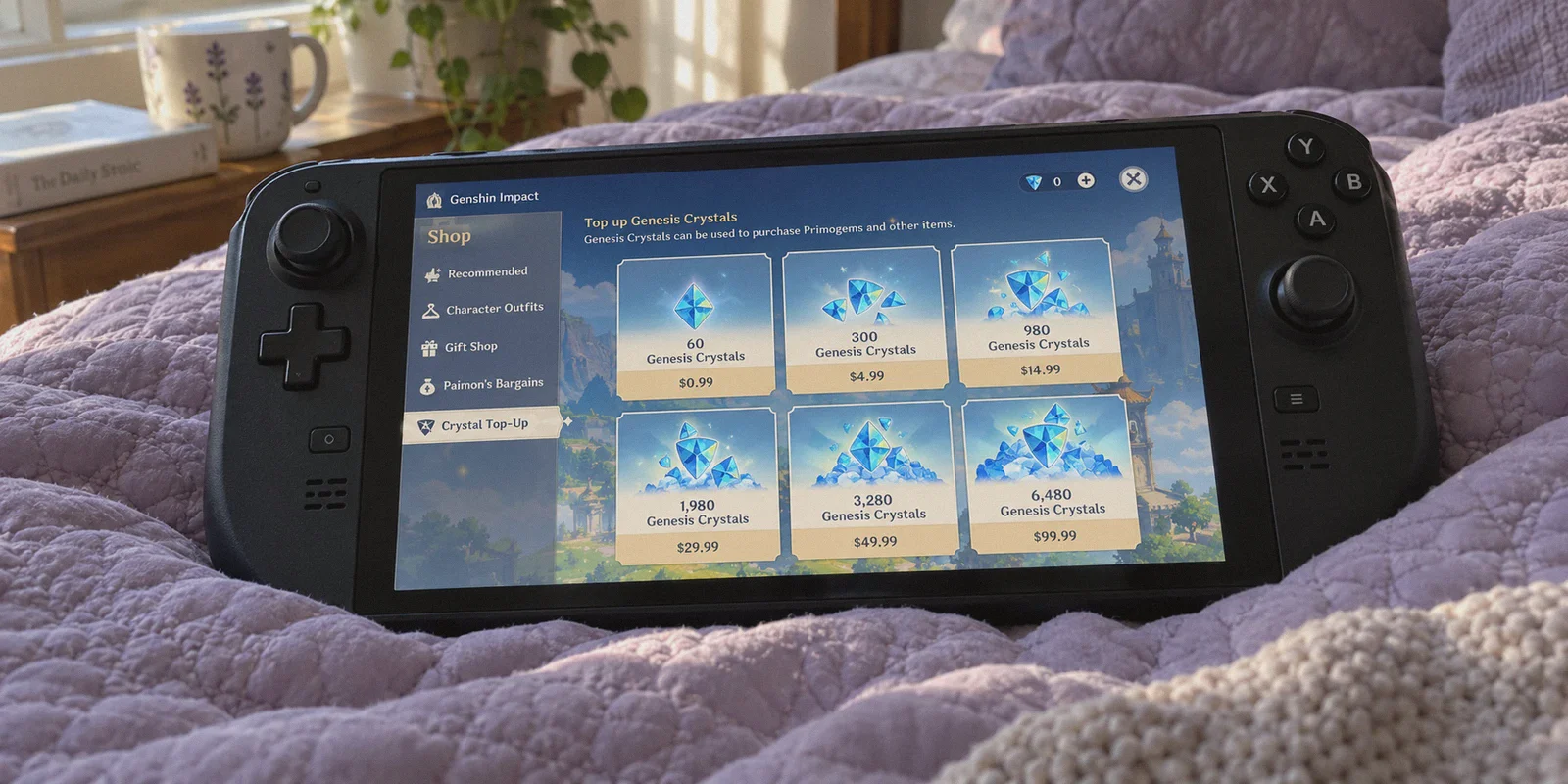
A character banner you care about is ending in 48 hours, you just lost the 50/50 to Qiqi or Diluc, and you are staring at the in-game shop. That 6,480 Genesis Crystal bundle sitting at $99.99 (or €109.99 in Europe) feels like a bad punch to the gut.
Then you remember seeing someone on Reddit or TikTok bragging about grabbing that exact same top-up for $65 or $70 by switching their country to Japan, Brazil, or Malaysia using a VPN.
So you open your device, download a generic VPN, switch to Tokyo or São Paulo, launch Genshin Impact, and head straight to the in-game shop.
And what happens?
The currency is still USD or EUR. Or worse: the currency changed, but the moment you clicked "Pay", Google Play, Apple Pay, or your bank slapped you with an instant error: "Payment method not supported in this region" or "Transaction declined by card issuer."
If you are stuck right here, don't worry—you didn't do something hopelessly wrong. You just followed advice that has been outdated for three years.
Here is the unfiltered reality of how regional pricing works in Genshin Impact today, why the in-game shop is a trap, and the exact method that actually gets you discounted Genesis Crystals and Welkin Moons without putting your account at risk.
Article summary and product fit
What this article answers
The article recommends using the official HoYoverse browser top-up center rather than trying to change prices inside the game client. App-store and console purchase regions are tied to account and billing systems, while the web checkout is a separate flow where browser session, IP region, DNS consistency, and payment acceptance all matter.
Key points
- Avoid the in-game trap: Apple, Google, and PlayStation store regions are not changed simply by connecting the game client to a VPN.
- Use the official channel: The article directs readers to HoYoverse's official web Top-Up Center and warns against gray-market UID top-up sellers.
- Keep the checkout consistent: Use a fresh private window, verify the displayed region and currency, and avoid DNS or IP changes during 3D Secure authentication.
- Stay consistent: The article advises choosing one workable regional market instead of hopping between currencies from purchase to purchase.
Where OnlyDogs VPN fits
OnlyDogs VPN is presented in the article as the connection layer for maintaining a clean, stable regional browser session. It does not change an App Store account region, a PlayStation account region, or the rules of the bank handling the payment.
Important limits
Payment approval still depends on HoYoverse, the selected regional checkout, and the bank or payment method. Regional pricing changes over time, and the article does not support treating any quoted price as permanent.
Sources already linked in this article: Official HoYoverse Top-Up Center; Whoer IP and DNS checks; OnlyDogs VPN official site.
1. The Big Mistake: Stop Trying to Use a VPN Inside the Game Client
The most common rookie mistake is opening the Genshin Impact game app on PC, iPhone, or Android while connected to a VPN.
That approach almost never works, and here is why:
- Client Account Binding: When you first registered your HoYoverse account, your game client logged your primary registration region and store framework (Google Play, iOS App Store, or PlayStation Network).
- App Store Geo-Locking: On mobile, in-game purchases are handled by Apple or Google, not HoYoverse directly. Apple and Google check the country of your store account and the billing address of your payment card—not just your IP address. A US debit card connected to a Japanese VPN node will simply trigger a fraud block inside Google Play.
- PlayStation Network Isolation: If you originally started on PlayStation, Sony locks your purchase currency permanently to the region where your PSN account was created. A VPN won't change a single number on your screen.
If you keep hammering the in-game shop through an overseas proxy, you will either trigger bank security locks or end up wasting hours in payment decline loops.
2. Where the Discount Actually Happens: The Official HoYoverse Web Top-Up Center
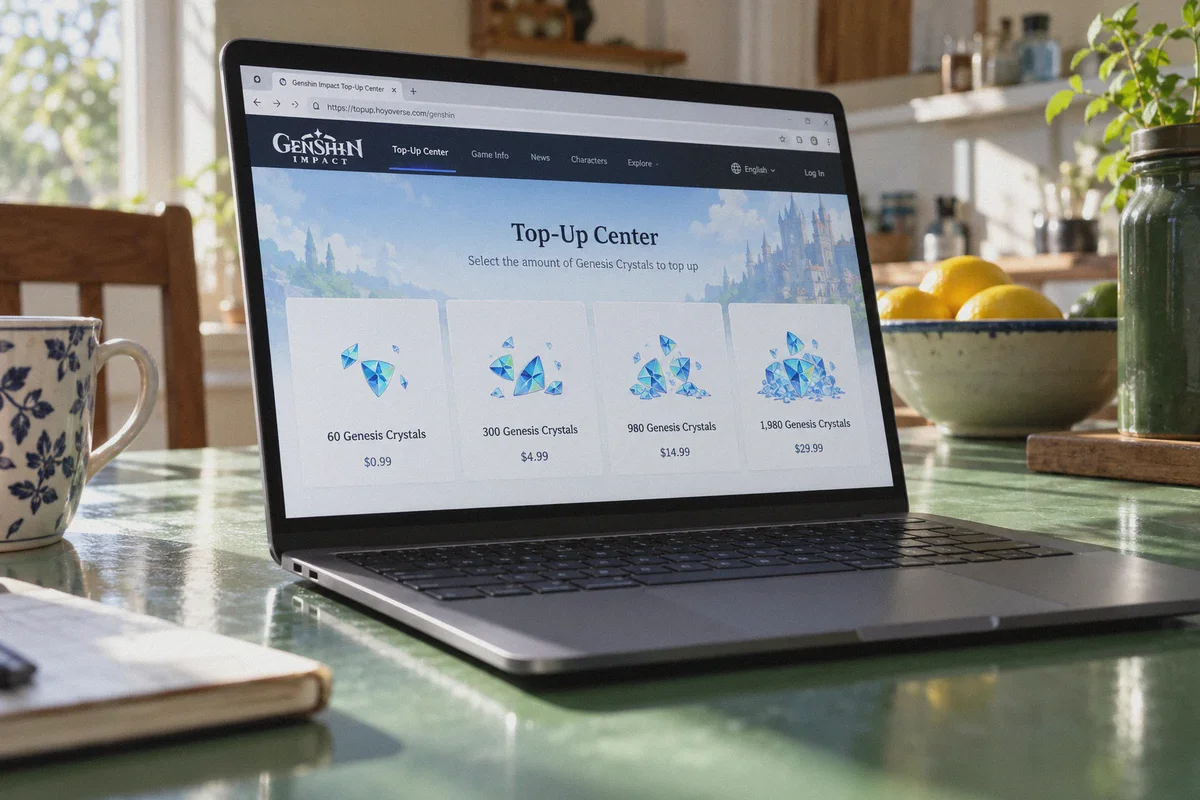
To get genuine regional pricing without foreign phone numbers or fake app store accounts, you must use the official browser-based top-up portal, not the game client.
HoYoverse maintains an official web portal (sdk.hoyoverse.com / genshin.hoyoverse.com/payment).
Unlike Apple or Google:
- The web portal determines the store catalog and currency based on your browser session environment and connecting IP.
- It processes payments via global multi-currency payment aggregators (like Worldpay or local payment gateways).
- It does not check your phone's hardware GPS, device IMEI, or mobile operating system store region.
More importantly, buying from the official HoYoverse web top-up center is 100% legitimate. You are not buying from unauthorized third-party resellers who use stolen credit cards (which lead to negative Primogem balances and permanent account bans). You log in with your own UID, pay HoYoverse directly, and the crystals drop straight into your in-game mailbox in seconds.
3. Which Countries Are Actually Worth Targeting?
Currency fluctuations shift constantly, but the golden rule of regional top-ups is: don't chase regions that require domestic tax IDs or local-only banks.
Some guides suggest Turkey or Argentina because the paper conversion looks insanely cheap. What they don't tell you is that Turkey and Argentina enforce strict national billing controls—unless you possess a local bank card with a domestic CPF/ID, your payment will fail 10 times out of 10.
Instead, look at the stable "tier-two" regional markets where currencies have depreciated against the US Dollar and Euro, but the payment gateways still accept standard international credit cards, virtual multi-currency cards (like Wise or Revolut), and international PayPal:
| Target Region | Currency | Typical Savings vs. US/EU | International Payment Friendly? |
|---|---|---|---|
| Japan | JPY (¥) | ~15% – 22% off | Very High (Accepts most global Visa/Mastercard & PayPal) |
| Brazil | BRL (R$) | ~18% – 25% off | Moderate (Virtual multi-currency cards & select PayPal) |
| Malaysia | MYR (RM) | ~12% – 18% off | High (Standard international cards usually clear) |
| Europe/US Base | USD / EUR | 0% (Full Price) | Standard retail rate |
Japan is currently the sweet spot for most players. The Japanese Yen has experienced sustained weakness against the USD and Euro, while HoYoverse’s Japanese web payment portal has some of the cleanest processing channels for international Visa, Mastercard, and JCB cards.
A 6,480 crystal pack that costs $99.99 in the US or €109.99 in Europe frequently nets out to roughly $78–$82 when billed in Japanese Yen on the official web portal. On two double-pack resets or a big banner pull, that difference easily covers a few months of Welkin Moon.
4. Why Your Connection Matters (And Where Generic VPNs Fail)
Even on the web top-up center, HoYoverse doesn't just hand you local pricing if your connection looks like an automated proxy.
When you land on HoYoverse's payment portal, their fraud prevention engine runs several checks:
- Datacenter IP Flagging: Free and overcrowded commercial VPNs use generic datacenter subnets. When HoYoverse sees 500 requests hitting their payment iframe from the exact same server cluster, they silently throw an error or default the currency back to USD.
- DNS Leakage: If your VPN tunnel encrypts web traffic but leaks your home country's DNS queries, the payment gateway spots the mismatch between your IP and your DNS resolver, terminating the transaction.
- Session Drops Mid-Payment: If your connection stutters during the 3D Secure bank authentication window, your real IP leaks, causing your bank to flag the transaction as foreign fraud.
This is where OnlyDogs VPN makes the entire process painless for non-technical users.
Instead of throwing a wall of complicated protocols, manual port settings, and hundreds of identical server names at you, OnlyDogs is built around one-click scenario presets and automated routing:
- One-Click Automated Route Selection: You don’t need to spend 20 minutes testing six different Asian or Latin American servers to see which one works. OnlyDogs automatically routes your request through clean, optimized exit points that aren't blacklisted by commercial payment gateways.
- HTTP/3 & Proprietary Traffic Obfuscation: HoYoverse's anti-fraud systems look for standard OpenVPN or WireGuard protocol signatures. OnlyDogs uses HTTP/3 and proprietary obfuscation, making your browsing session look like standard home broadband web traffic rather than a commercial proxy.
- Uninterrupted Network Switching: If your Wi-Fi hiccups or your phone switches to 5G while your bank is verifying the transaction, OnlyDogs restores the encrypted tunnel instantly without leaking your true location mid-checkout.
- No Password Friction: No need to memorize another set of complicated credentials. OnlyDogs uses simple email verification code logins, with native apps across macOS, Windows, iOS, and Android that work consistently out of the box.
5. Step-by-Step: How to Complete the Top-Up Safely
Follow this exact workflow to make sure your transaction goes through smoothly on the first attempt:
Step 1: Open an Isolated Browser Environment
Do not use your everyday browser window full of cached cookies, Google account logins, and saved local autofill.
- Open a fresh Incognito / Private Window in your browser (Chrome, Edge, Safari, or Brave).
- Ensure any ad-blocking extensions that interfere with payment iframes are temporarily disabled.
Step 2: Establish a Clean Tunnel with OnlyDogs VPN
- Launch OnlyDogs VPN.
- Select your target country (e.g., Japan for JPY pricing, or Brazil for BRL).
- Let the automatic route optimizer lock in.
- Open an IP check tool (like
whoer.net) in your private window to confirm your IP and DNS both reflect the target region with zero leaks.
Step 3: Visit the Official HoYoverse Top-Up Center
Navigate directly to: Plaintext
https://sdk.hoyoverse.com/payment/genshin/index.html
(Or go to the official Genshin Impact website and click "Top-Up" from the main navigation bar).
Step 4: Log In with Your HoYoverse Account
Log in with your standard credentials.
- Once logged in, verify that your character's server (America, Europe, Asia, TW/HK/MO), character nickname, and UID match your actual account.
- Look at the product price tags. If you connected to Japan via OnlyDogs, you should now see prices listed in ¥ (JPY) instead of your local currency. (If you still see USD or EUR, close the incognito tab, disconnect/reconnect OnlyDogs VPN, and reopen the page).
Step 5: Select Your Pack and Checkout
- Choose your Welkin Moon or Genesis Crystal bundle.
- Under payment options, select Credit Card (Visa/Mastercard) or PayPal.
- Enter your payment details. If your bank card supports international multi-currency transactions (or if you use an account like Wise or Revolut), choose to be billed in the local currency (JPY) so your bank handles the conversion at market spot rates rather than HoYoverse's conversion rate.
- Complete the standard 3D Secure SMS or app authorization prompt sent by your bank.
Step 6: Verify and Disconnect
Once the payment screen displays "Payment Successful":
- Close your private browser window.
- Disconnect OnlyDogs VPN.
- Launch Genshin Impact on your PC, console, or mobile device as normal.
Your Genesis Crystals or Blessing of the Welkin Moon will be sitting in your account immediately.
6. Two Critical Safety Rules You Shouldn't Ignore
While saving money is great, keeping your account safe is what actually matters. Keep these two practical rules in mind:
- Stay Away from "Cheap UID Top-Up" Sellers on Discord or Grey Markets: You have probably seen third-party stores advertising 6,480 crystals for $45. Never use them. Those operations run on stolen credit cards or regional chargeback scams. When the cardholder eventually files a fraud chargeback 30 to 60 days later, HoYoverse reverses the transaction, giving your account a negative Primogem balance. If you don't pay off the negative balance within a week, your account is permanently banned. Doing it yourself through the official web center with a VPN keeps you 100% within HoYoverse’s official payment infrastructure.
- Don't Currency-Hop Every Day: Don't buy in Yen on Tuesday, Brazilian Reais on Thursday, and Malaysian Ringgit on Sunday. Pick one stable regional market that works with your card, stick to it, and do your top-ups in batches when banners reset.
The Verdict
Getting cheaper Genesis Crystals isn't about exploiting sketchy backdoors or handing your account password to strangers. It's about knowing where the transaction actually happens and cutting out the regional app store markups.
Stop wasting time trying to force the in-game shop to change currencies. Open a private window, fire up a clean, stable connection with OnlyDogs VPN, head to the official HoYoverse Top-Up Center, and get your pulls at the fair global exchange rate.
Frequently Asked Questions
Why does changing the VPN location inside Genshin Impact usually not change the purchase currency?
The article explains that in-game purchases are tied to Apple, Google, or PlayStation store-region and billing systems. Those systems do not change simply because the game client is connected through another country.
Where does the article recommend making a regional top-up?
It recommends the official HoYoverse browser-based Top-Up Center, where the user logs into the real account and purchases directly through HoYoverse rather than an unauthorized reseller.
What should I prepare before opening the HoYoverse checkout?
Use a fresh private browser session, establish the intended regional connection first, verify that IP and DNS reflect the same region, and make sure the payment method can handle the foreign-currency transaction.
Why does the article warn against very cheap third-party UID top-up sellers?
It warns that unauthorized sellers can involve chargebacks or stolen payment methods, which can leave the game account with a negative balance or other account consequences. The article recommends staying inside the official payment channel.