You probably typed "how to buy Microsoft 365 cheaper with a VPN" into Google because your current subscription renewal is looming at $70 to $100 a year, and you saw someone on Reddit or a blog claim you can just flip a VPN switch to India, Turkey, or Brazil and grab a full year of Office for 20 bucks.
If you’ve already tried that, you know the ending to that story.
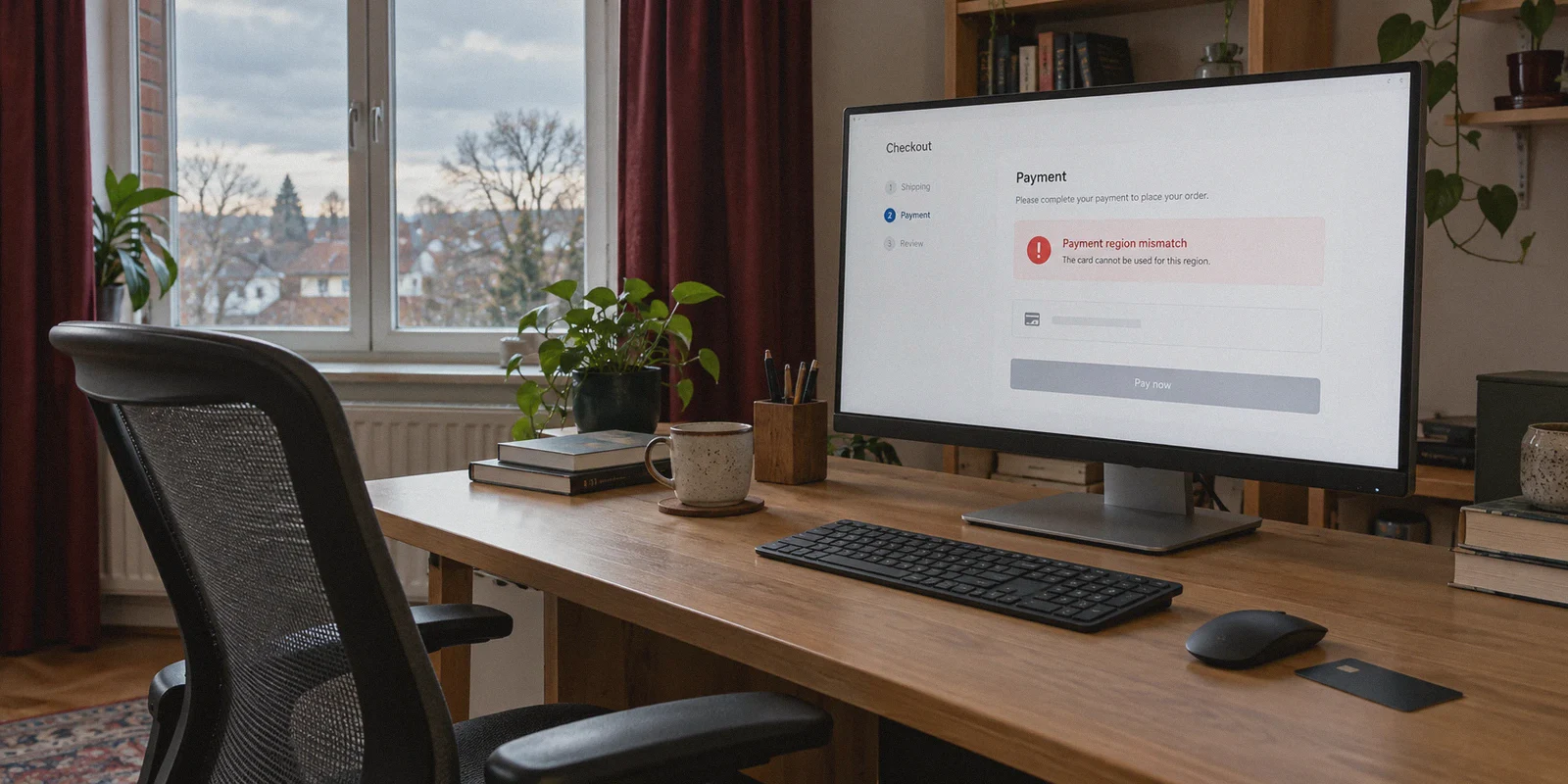
You opened an incognito window, connected to a cheap server, navigated to Microsoft’s regional store, saw the lower local price, put your credit card in, and hit checkout—only to be slapped with an error message like:
"The region in which your payment method was issued must match the region in which you are purchasing."
Or worse: your transaction silently dropped, your card was flagged for fraud, and Microsoft put a verification hold on your account.
Here is the truth that generic VPN review sites won't tell you: You cannot buy Microsoft 365 directly from Microsoft’s international web store using an overseas consumer credit card anymore. Microsoft closed that loophole years ago.
However, you can still get Microsoft 365 at a massive discount using a VPN—you just have to stop trying to fool Microsoft’s checkout page and use the regional digital key redemption method instead.
Here is how the system actually works, why direct checkout fails, and the exact steps to get genuine Microsoft 365 Family or Personal for a fraction of the retail price.
Article summary and product fit
Why does changing IP region not make Microsoft 365 checkout accept a foreign card, and what alternative does this article describe?
The article says Microsoft web checkout can compare the card issuer country, account billing region, and network location, so a foreign IP alone does not make a domestic card look local. It instead describes redeeming a legitimate region-specific retail key, while emphasizing clean account setup and connection stability during activation.
Key points and limits
- Best for: Readers who saw a lower regional Microsoft 365 price but were blocked by payment-region checks at direct checkout.
- Core mechanism: The article distinguishes direct card purchase from redemption of a prepaid regional product key and explains why card BIN and account-region data can override the apparent IP location.
- Product fit: OnlyDogs VPN is presented as a fit for the short activation session when the reader wants stable routing and fewer connection changes during redemption.
- Important limit: The article repeatedly stresses using a genuine retail key from a reputable seller; a VPN does not make an invalid, revoked, or incompatible key legitimate.
Sources in this article: WhatIsMyIPAddress location check. Product source: OnlyDogsVPN official website.
1. Why Direct Web Purchase with a VPN Fails Every Single Time
When people want cheaper subscriptions, they assume Microsoft treats billing like YouTube Premium or Spotify did back in 2021. It doesn’t.
Microsoft employs a three-tier regional enforcement system on its official online storefront:
- Strict Payment Method Geo-Locking: The Bank Identification Number (BIN) of your debit or credit card must originate in the billing country. A US, UK, EU, or Australian card will simply be declined in the Turkish or Indian Microsoft Store. Even international PayPal accounts often fail if your registered home billing address doesn't match the regional currency.
- Account Region Anchoring: Microsoft accounts have an established billing profile region. If an account with 5 years of activity in Germany suddenly attempts a direct purchase in Brazilian Reais through a web browser, the automated anti-fraud engine flags it instantly.
- Data-Center IP Blacklisting: Common free VPN IPs or congested data center nodes trigger immediate security captchas or checkout blocks before you can even confirm your cart.
If you keep hammering the checkout page with a credit card that doesn't match your VPN exit location, you aren't going to save money—you're just going to trigger a temporary block on your Microsoft payment profile.
2. The Real Route: Digital Product Keys (CDKs) + VPN Activation
So how are thousands of people still paying 50% to 70% less for Microsoft 365 every year?
They don’t buy a subscription direct from Microsoft's cart. They buy a genuine regional digital license key (ESD / Retail CDK) from an authorized online digital retailer, and then use a VPN once to redeem it.
Here is why this works:
- Microsoft distributes retail subscription cards to global retailers (Amazon, local electronics chains, digital distributors) tailored to local economies. An annual 6-person Family pack that retails for $99.99 in the US might carry an official retail equivalent of $30 to $40 in markets like Latin America, South Africa, or South Asia.
- These keys are 100% legitimate Microsoft retail codes.
- The only barrier Microsoft puts on them is regional activation protection. When you go to
setup.office.com, the page inspects your IP. If the key is designated for Brazil and you visit from London, the system says: "This key was purchased in a different region." - Once that key is activated on your account through an IP matching the key's region, the geo-restriction ends. Microsoft 365 licenses work globally. The apps (Word, Excel, PowerPoint, Outlook) install in your native language, the 1TB OneDrive cloud storage syncs normally, and you do not need a VPN to use Office on your PC, Mac, iPhone, or iPad.
3. What You Actually Need Before Starting
To get this done cleanly on your first attempt without triggering security locks, have these four things ready:
- A Clean Microsoft Account: It is usually best to use your existing account if you want to extend your OneDrive storage, or a fresh account if you want a clean slate. Ensure two-factor authentication (2FA) is enabled so your account isn't flagged as suspicious during foreign logins.
- A Regional Product Key: Purchase a Microsoft 365 Personal or Family 12-Month digital code specifically marked for a low-cost region (e.g., Brazil, Colombia, South Africa) from a reputable digital marketplace (such as trusted key vendors or regional Amazon stores).
- A Reliable, Clean VPN Connection: This is where most people stumble. If your VPN connection drops during the key redemption handshake, or if the server IP is flag-listed by Microsoft’s authentication gateway, the setup page will error out and refuse to register the code.
- Auto-Renew Turned Off: If you have an active recurring subscription on your account right now, turn off recurring billing first. Microsoft won't let you stack a foreign retail key onto an active auto-renewing credit card contract.
4. Why Connection Stability Matters During Activation (And Where OnlyDogs VPN Fits)
Activating a foreign Microsoft key is not like casually browsing a website. Microsoft’s authentication infrastructure (login.live.com and setup.office.com) runs strict fraud and telemetry checks.
If you use a bloated, outdated VPN:
- Connection Drops: Standard protocols often hiccup during Wi-Fi switching or minor packet loss. If your VPN disconnects for two seconds while Microsoft's server is validating your license token, your real IP leaks, and the transaction is aborted.
- Complex Setup Confusion: Most VPNs present you with a wall of technical jargon—WireGuard, OpenVPN, UDP, MTU settings, hundreds of confusing city names—when all you need is a clean, working tunnel that Microsoft won't reject.
This is why OnlyDogs VPN makes this process effortless for normal users.
Instead of requiring you to configure protocols or test ten dead nodes, OnlyDogs VPN is built around one-click scenario presets and automated routing:
- Automated Clean Routing: You don't have to guess which node has a clean reputation. OnlyDogs automatically routes through optimized exit pathways designed to avoid heavy server crowding and anti-proxy flags.
- Proprietary Obfuscation & HTTP/3 Protocol: Public VPN protocols have glaring signatures that Microsoft’s enterprise security systems easily detect. OnlyDogs uses HTTP/3 architecture with built-in traffic obfuscation, making your connection appear like regular local web traffic rather than a recognizable proxy tunnel.
- Flawless Network Recovery: If your local internet stutters, OnlyDogs recovers instantly without dropping the session or exposing your geographic location mid-redemption.
- No Clutter, Cross-Platform Consistency: Whether you are activating on a Windows laptop, a MacBook, or your phone, the experience is identical. You don't even have to manage messy passwords—OnlyDogs uses fast email verification codes to get you running in seconds.
5. Step-by-Step Walkthrough: Activating Your Cheap Microsoft 365 License
Follow these steps carefully. The sequence matters:
Step 1: Open an Isolated Browser Window
Do not do this in your daily browser session cluttered with tracking cookies and location cache. Open an Incognito / Private Window in your browser.
Step 2: Connect OnlyDogs VPN to the Key's Region
Launch OnlyDogs VPN and connect to the country matching the digital key you bought (for example, Brazil). Let the connection stabilize for 5 seconds.
Step 3: Verify Your IP Location
Open a site like whatismyipaddress.com in your private window to confirm that your public location, city, and DNS are accurately showing the destination country with no leaks.
Step 4: Visit the Official Redemption Portal
Navigate directly to: Plaintext
setup.office.com
Log in with the Microsoft account you want the subscription applied to.
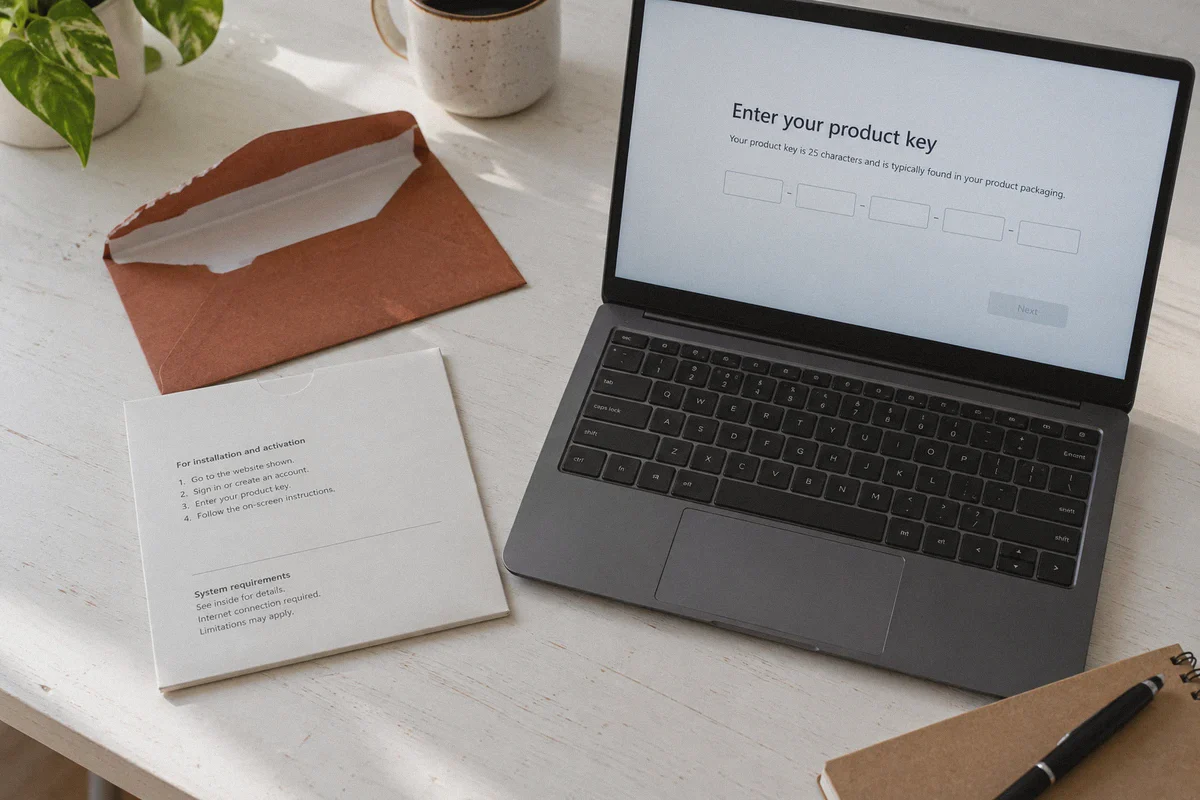
Step 5: Input Your 25-Character Product Key
Paste the digital license key you purchased into the input boxes. The system will take a few seconds to validate the key against its database. Because your OnlyDogs VPN tunnel matches the key's region, the red "region mismatch" banner will not appear.
Step 6: Confirm and Decline Auto-Renewal
On the confirmation screen, Microsoft will ask if you want to turn on "Recurring Billing" with a credit card. Always turn this OFF. If you attempt to add an international card for recurring billing here, you re-introduce the payment region check you just avoided. Simply accept the 12-month prepaid period without auto-renew.
Step 7: Disconnect the VPN and Use Normally
Once you see the green checkmark saying "You're good to go," close your browser and disconnect OnlyDogs VPN.
Log into your local account.microsoft.com/services dashboard from your regular home connection. You will see Microsoft 365 active for the next 365 days, complete with full access to Word, Excel, PowerPoint, and 1TB of cloud storage.
6. Crucial Rules to Avoid Problems Down the Road
To keep your account completely safe and running smoothly for the entire year, keep these practical points in mind:
- No VPN Required for Daily Office Use: You only need the VPN for the two minutes it takes to redeem the code on
setup.office.com. Once the license sits in your Microsoft account, you never need a VPN to edit documents, sync OneDrive files, or take Teams calls. - Stacking Licenses: Microsoft allows you to stack up to 5 years of prepaid subscription time on a single account. If you find a great price on regional keys, you can redeem up to three or four consecutively using the same method, locking in your savings for years.
- Family Sharing is Local: If you bought a Microsoft 365 Family plan (which supports up to 6 people), you can invite your family members directly from your dashboard. They do not need a VPN to accept the invitation; their accounts simply receive the shared benefit.
- Avoid "Shared Account Logins": Some sketchy sellers offer "Pre-activated accounts" where they send you a random username and password. Avoid these. They are usually enterprise developer accounts or education accounts that Microsoft wipes without warning. Always buy unredeemed 25-character product keys that attach directly to your own personal Microsoft identity.
The Verdict
Trying to force Microsoft’s web checkout to accept your domestic credit card through a foreign IP address is an exercise in frustration. It doesn't work, and it risks locking your payment profile.
The reliable, proven method is buying genuine regional product keys and handling the activation via a clean, stable connection. Pair a legitimate discounted regional key with OnlyDogs VPN, complete the 3-minute redemption process, and you’ll walk away with a year of genuine Microsoft 365 at a price that actually makes sense.
Frequently Asked Questions
Why can a foreign Microsoft Store page show a lower price but still reject the card?
The article says Microsoft can compare the card’s issuing-country BIN, the Microsoft account billing region, and the network location. If those signals conflict, the payment can be declined even though the storefront is showing local pricing.
What is the difference between buying Microsoft 365 directly and redeeming a regional product key?
Direct purchase runs through Microsoft’s card checkout and its regional payment checks. The alternative described in the article is a prepaid retail key that is purchased separately and then redeemed to the Microsoft account.
Why does connection stability matter during key redemption?
The article argues that a dropped or changing connection can interrupt the activation session or expose a different location mid-validation. It therefore recommends verifying the connection before entering the product key.
What should you avoid when shopping for discounted Microsoft 365?
The article warns against pre-activated shared accounts and recommends unredeemed 25-character retail keys that attach to your own Microsoft identity. It also says a VPN does not remove the need for a legitimate key.