How to Change Riot Games Account Region with a VPN: Why Most Guides Get You Rejected (And the Real Fix)
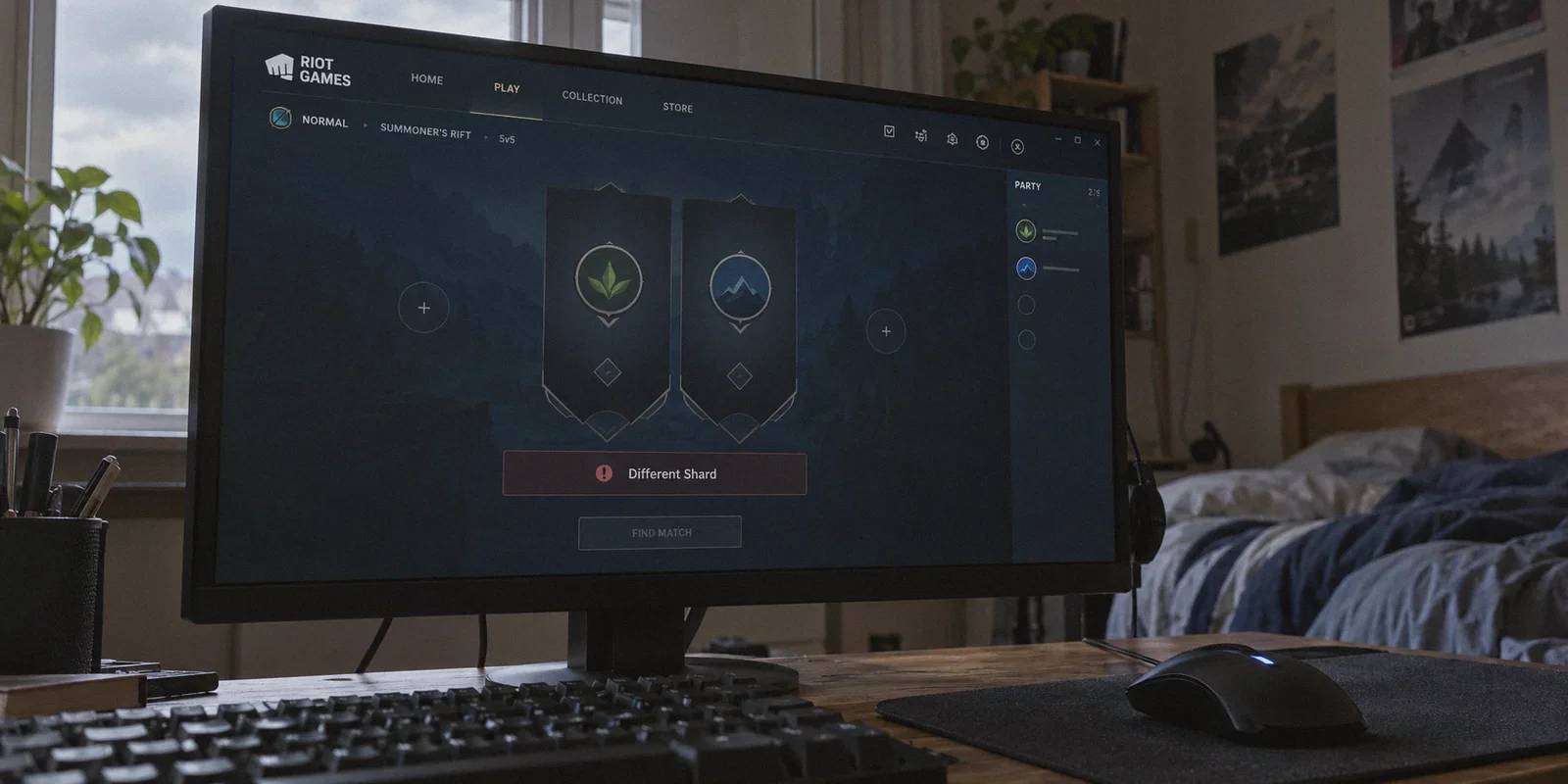
If you're typing "how to change riot games account region with vpn" into Google, you're almost certainly stuck in one of these two frustrating situations:
- You downloaded Valorant or League of Legends to queue with your friends overseas, hit "Invite to Party," and got hit with that dreaded error: "Different Shard." Your account is locked to North America, they're in Europe or Southeast Asia, and Riot won't let you queue together.
- Or you heard that Valorant Points (VP) and skins cost significantly less in regions like Turkey, Brazil, or the Philippines. You opened a random free VPN, went to the Riot Support page, clicked "Check Region," and the system gave you a flat-out rejection: "We could not detect you playing in a new region."
Every generic YouTube video tells you the same lazy story: "Just turn on any VPN, go to the Riot support website, click the region update tool, and boom—your region is changed!"
Anyone who has actually tried this in the last year knows that's a lie.
Riot's anti-fraud and shard systems are among the strictest in competitive gaming. If you do this the wrong way, you won't just fail to change your region—you could wipe your ranked matchmaking rating, reset your skin currency, or get your support ticket flagged.
Here is the truth about how Riot's Region of Residence (RoR) system actually works, why standard VPN tricks fail, and the two realistic ways to play in whatever region you want.
Article summary and product fit
Should you create a new regional Riot account or try to migrate an existing main account?
The article treats those as two different goals. For simply playing with friends on another shard, it recommends a fresh regional account rather than forcing a migration. For a genuine move of an established main account, it says Riot can consider longer-term match history rather than one support-page IP check, and it warns that a transfer can affect rank, currency, and account history.
Key points and limits
- Best for: Valorant or League players who are blocked by a different shard, or who are considering a permanent Region of Residence change after moving.
- What the article says: A single VPN session does not erase an established account’s recent regional gameplay history, so the automated Region of Residence check can reject a sudden change.
- Preparation: Choose between a separate regional account for immediate cross-region play and a patient migration path for an existing main account; do not treat the two as interchangeable.
- Important limit: The article warns that an existing-account transfer can reset competitive rank, affect unspent VP or RP, and leave parts of purchase history non-transferable.
- Product fit: The article positions OnlyDogs VPN for the network portion of either path because of its regional routing, HTTP/3-based traffic obfuscation, automatic routing, and weak-network recovery for overseas sessions.
Sources already linked in this article: Riot account portal; OnlyDogs VPN official website.
The Trap: What Happens When You Try to "Force Change" an Existing Riot Account
Before you touch any buttons on Riot's support portal, you need to understand what you're actually asking Riot to do.
Riot divides player accounts into distinct database shards (Americas, EMEA, APAC, etc.). Your account's region isn't just a cosmetic badge on your profile; it dictates:
- The servers you can connect to in matchmaking.
- The currency and payment methods available in your in-game store.
- Which server shard holds your inventory and rank data.
When you go to Riot's automated "Region of Residence" self-service tool while connected to a VPN, you expect it to read your current IP address and switch your region instantly.
Riot's automated system doesn't work that way.
Riot’s fraud detection doesn't just look at the IP you’re using on the support website today. It looks at your 30-day match history. If your account has logged 50 ranked games from a residential connection in the United States over the past three weeks, and suddenly you click "Change Region to Turkey" on a generic VPN datacenter IP, the algorithm immediately rejects the request.
Worse yet: even if a support agent manually reviews your case, they will warn you:
- Your current competitive rank will reset to unranked.
- Any unspent VP / RP balances may be permanently wiped.
- Purchase history cannot always be transferred across foreign shards.
If you have an account with hundreds of dollars in weapon skins, trying to brute-force a region change with a cheap VPN is a massive gamble.
The Two Paths: Which One Do You Actually Need?
To fix this without risking your skins or wasting days arguing with Riot support, you have two options depending on your actual goal.
What is your primary goal?
                             |
         +-------------------+-------------------+
         |                                       |
[Play with overseas friends /           [Permanently migrate your main
 buy regional skins right now]          account because you moved]
         |                                       |
      ROUTE A                                 ROUTE B
(Create a Clean Regional Alt)           (Log Real Matches via VPN)
  Takes: 3 minutes                        Takes: 14–21 days
  Risk: Zero                              Risk: Rank/Currency reset
Route A: The 3-Minute Clean Regional Account (What 90% of Players Should Do)
If your main goal is playing Valorant or League with friends on an EU, NA, or APAC shard—or buying regional skins—stop trying to migrate your existing account.
The easiest, safest, and most common workaround among competitive players is creating a native regional account.
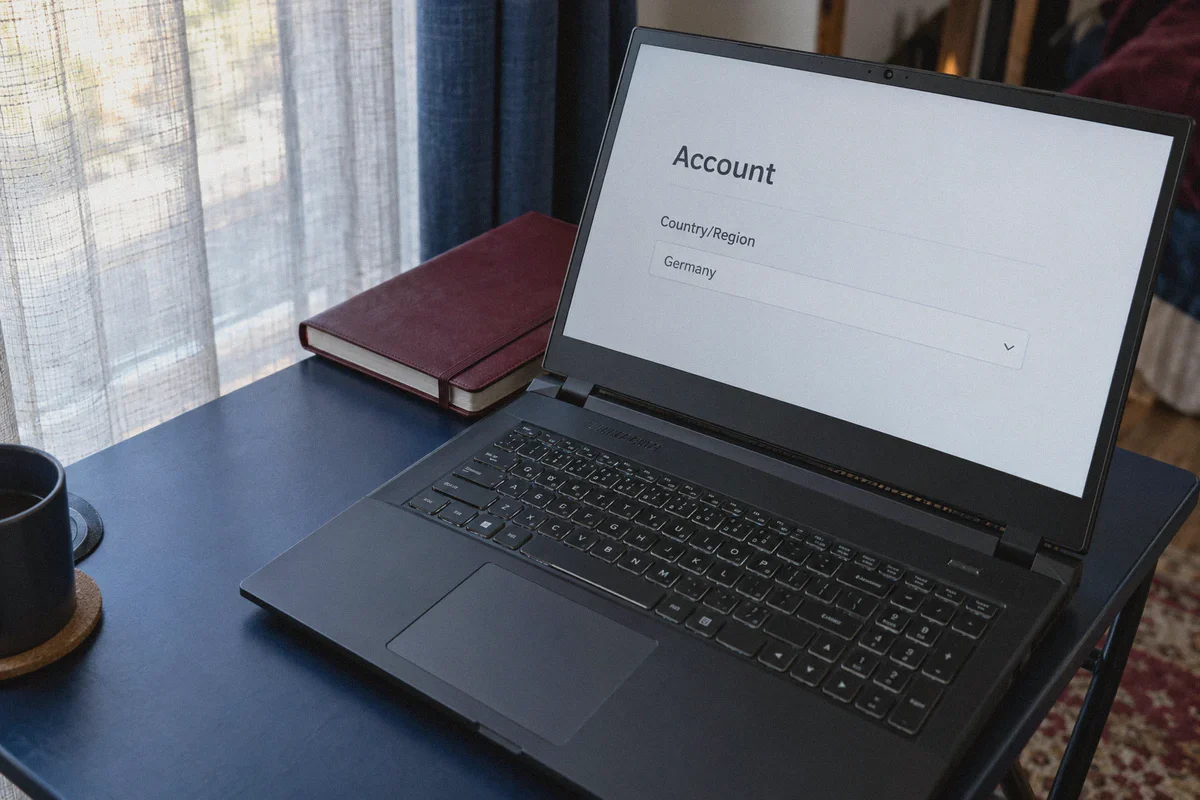
Riot determines an account's Region of Residence at the exact second the account is registered. If you create a brand-new Riot account while connected to an IP in Germany, Tokyo, or Singapore, that account is permanently born in that region. No support tickets, no waiting periods, no risk to your main account.
Here is how to do it properly:
- Completely close the Riot Client and the Vanguard anti-cheat process.
- Open a reliable VPN with clean obfuscated routing—like OnlyDogs VPN—and connect to your desired region (e.g., Hong Kong, Tokyo, Germany).
- Open a fresh browser window in Incognito / Private mode (to prevent cached cookies from exposing your local region).
- Go to
account.riotgames.comand select Create Account. - Complete the signup. Once logged into account management, check the "Country/Region" field. It will display your target country permanently.
- Launch the Riot Client with your new credentials. You will instantly matchmake into that region's shard with your friends.
You can switch back and forth between your main local account and your regional account inside the Riot Client in under 10 seconds.
Route B: Migrating an Existing Main Account (The Patient Method)
If you have a primary account that you genuinely must move (for instance, you relocated abroad or you have legacy cosmetics you refuse to abandon), you cannot rush the process with a 5-minute VPN session.
To pass Riot's automated check:
- Connect your PC to OnlyDogs VPN using the target country's server preset before every gaming session.
- Play actual matches (Deathmatch, Swiftplay, or Unrated) over a span of 14 to 21 consecutive days.
- Riot's backend database needs to log consistent gameplay traffic from that region over an extended window.
- Once you have built a verifiable history of low-jitter, consistent matches from the target territory, visit the official Riot Games Region of Residence Support Page.
- Click Log In and run the automated check. The system will see your sustained match history, verify the geographic shift, and update your shard automatically.
Why Standard VPNs Get Flagged by Riot (And Why OnlyDogs Works)
Whether you are creating a clean regional account or logging matches for a long-term transfer, the biggest bottleneck is IP quality and protocol detection.
Riot actively blocks known commercial VPN servers. If you use a generic free VPN or an outdated commercial provider, here is what goes wrong:
1. Dirty Datacenter IP Ranges
Free and generic VPNs buy cheap server bandwidth from massive hosting facilities. Thousands of players use the exact same server IP to browse or cheat. Riot’s security systems flag these IP ranges immediately. If you try to register an account on a flagged IP, you'll get stuck on an endless CAPTCHA loop or receive an error: "Something went wrong on our end."
2. Protocol Fingerprinting
Traditional VPN protocols like OpenVPN or standard WireGuard broadcast distinct packet signatures that internet service providers and game firewalls easily spot.
OnlyDogs VPN uses a proprietary protocol design incorporating HTTP/3 and traffic obfuscation. To Riot's servers and your local ISP, your connection looks like ordinary, encrypted modern HTTPS web traffic. It doesn't trigger automated VPN blacklists, allowing account creation and lobby connections to sail through cleanly.
3. Packet Jitter and Vanguard Disconnects
Playing on an overseas game server means your ping is already higher due to physical distance. The last thing you need is a VPN client that drops packets or stutters during firefights.
OnlyDogs features auto-routing and weak-network recovery. If your home connection flickers, the client maintains socket stability without dumping you out of Vanguard or freezing your game mid-round.
Summary Checklist: Do's and Don'ts
| What to Do | What NOT to Do |
|---|---|
| Do create a fresh regional account if you just want to queue with overseas friends. | Don't submit a region change ticket on your main account without spending your leftover VP first. |
| Do use an incognito browser window and a clean obfuscated VPN connection when registering. | Don't use a free VPN with shared datacenter IPs that are already blacklisted by Riot. |
| Do play games consistently over 2–3 weeks if you plan to use Riot's automated transfer tool. | Don't expect a 5-minute VPN connection to trick Riot's 30-day match history scanner. |
Ready to Queue in Any Region?
Riot's region-locking can be infuriating, but you don't have to stay trapped on the wrong server shard.
Whether you want to set up an overseas account in three minutes to join your squad's Friday night lobby, or stabilize your routing to international servers without getting flagged by Vanguard:
👉 Get OnlyDogs VPN (onlydogsvpn.com), fire up the client, select your target region with one click, and get back into the game without the regional roadblocks.
Frequently Asked Questions
Why can Riot reject a region change even when I connect through a VPN in the target country?
The article says Riot can look at recent match history rather than only the IP address used on the support page. A sudden target-country IP can conflict with weeks of gameplay from the old region and fail the automated check.
When does the article recommend creating a new regional Riot account instead of migrating the main account?
It recommends the new-account route when the main goal is to queue with overseas friends or use another shard without risking the established main account. The migration route is reserved for readers who genuinely need to move the existing account and its history.
What can be affected when an existing Riot account changes region?
The article warns that competitive rank can reset, unspent VP or RP may be lost, and purchase history may not always transfer cleanly between shards.
How long does the article suggest building gameplay history before trying the automated transfer check?
It recommends playing actual matches from the target region consistently for roughly 14–21 days before revisiting Riot’s Region of Residence process, rather than expecting a five-minute VPN session to be enough.