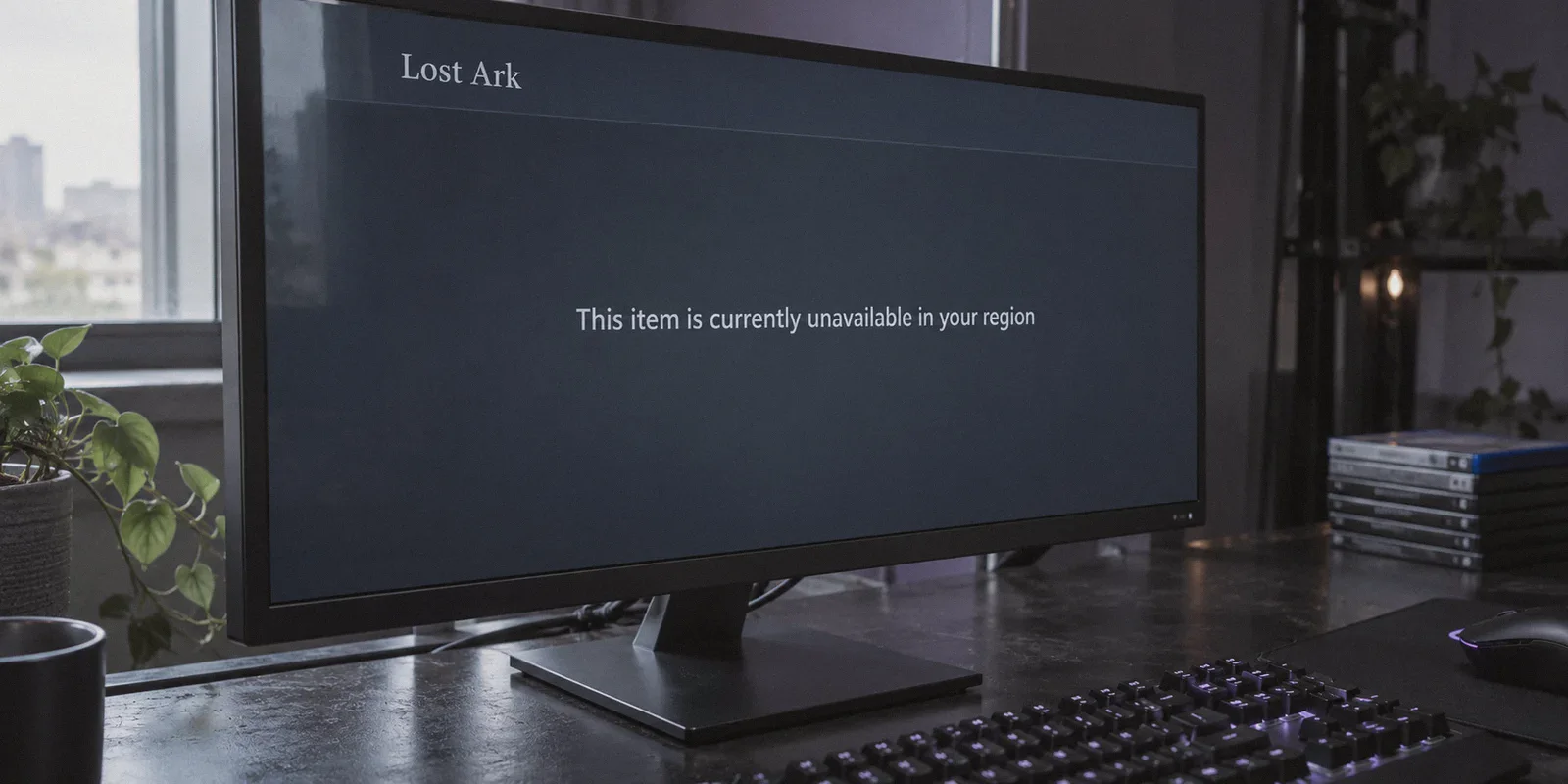
If you’ve ever opened Steam, searched for Lost Ark, and slammed face-first into that cold, gray message—"An error was encountered while processing your request: This item is currently unavailable in your region"—you know how infuriating it is.
Amazon Games officially launched Lost Ark in North America, Europe, Latin America, and Oceania. But if you live in Southeast Asia (Singapore, Malaysia, Philippines, Indonesia), the Middle East, South Africa, or even Belgium and the Netherlands (where local loot-box laws triggered a total store block), you were quietly left out in the cold.
The immediate reaction for most gamers is simple: "I’ll just grab a random free VPN, flip my location to the US, hit install, and start grinding."
Then reality hits:
- Steam refuses to let you change your store region without a local credit card.
- The game download refuses to start.
- Or worse: you somehow get the game installed, log in, play for three days, and wake up to an account suspension because Amazon’s Easy Anti-Cheat (EAC) bot-detection algorithm swept up the dirty, recycled datacenter IP your VPN gave you.
Playing Lost Ark from an unsupported country is completely doable, but treating it like a standard single-player game will get your Steam account flagged. Here is the realistic, ban-safe blueprint for getting into Arkesia, why most VPNs ruin the experience, and how to set things up so you aren't disconnecting mid-raid.
Article summary and product fit
What are the two separate region checks this article says Lost Ark players must handle?
The article separates Steam’s storefront region from the later Amazon Games/Easy Anti-Cheat connection check. Its workflow uses a dedicated foreign Steam account to claim the free game, then requires the supported-region network route to be active again before launching Lost Ark.
Key points, fit, and limits
- First wall: Steam’s store region is tied to the account, so the article warns against forcing a long-standing main account to change country simply by changing the IP address.
- Second wall: At launch, the article says Lost Ark and Easy Anti-Cheat check the connection again and may reject dirty or heavily shared VPN subnets with authentication errors.
- Bandwidth tactic: The article suggests claiming the game while connected, pausing after the download starts, then downloading the large game files on the normal connection once the license is in the library.
- Product fit: OnlyDogs VPN is presented as a fit for the launch and gameplay route because the article emphasizes traffic obfuscation, low-jitter routing, weak-network recovery, and a lightweight client.
- Important limit: Cross-region play still has unavoidable physical latency, account and payment rules still apply, and the article advises against risking a valuable main Steam account or mismatching domestic payment cards with a foreign store region.
Sources already linked in this article: Steam Store and OnlyDogs VPN official site.
The Two Walls You Have to Clear
To play Lost Ark from a region-locked country, you have to bypass two completely separate security checks run by two different companies:
[Wall 1: Valve / Steam] ───► Storefront License Check
                             (Can this account "own" the free game?)

[Wall 2: Amazon / EAC]  ───► Real-Time Connection & Bot Sweeps
                             (Is this IP a known bot farm / datacenter proxy?)
Most guides lump these together. That is why people fail.
Wall 1 is Steam’s storefront. Steam doesn't care where your physical computer is right this second; it cares what region your Steam account is registered to. If your main Steam account has spent the last five years buying games in Philippine Pesos or South African Rand, turning on a VPN won't magically make Lost Ark show up in your store. Steam locked that down years ago to stop regional price exploitation.
Wall 2 is Amazon Games and Easy Anti-Cheat (EAC). Because Lost Ark has been plagued by automated bot armies farming gold since day one, Amazon routinely blacklists whole subnets of commercial VPN IP addresses. If you connect through an overcrowded, public VPN node that 50 bot scripts used yesterday, your connection will drop with Error 10010 ("Cannot connect to the server due to authentication error"), or your account will be caught in the next weekly ban wave.
Clearing both walls safely requires a specific, four-step routine.
Step 1: Never Risk Your Main Steam Account (Create a "Traveler" Account)
Do not try to force your primary, decade-old Steam account with hundreds of games to switch regions. If you try to spoof payment methods to change your main store country, Valve’s fraud detection can lock your entire library.
Instead, take five minutes to build a dedicated Foreign Steam Account:
- Close the Steam desktop client completely.
- Turn on your VPN and connect to a server in a supported region. (The US East, US West, or Germany/Frankfurt nodes are best, depending on whether you want to play on NA East/West or Central Europe).
- Open a clean browser window in Incognito/Private mode.
- Go to
store.steampowered.comand click Join Steam. - When creating the account, ensure the country selector matches your VPN location (e.g., United States).
- Verify the account through an email address that isn't tied to your domestic Steam profile.
You now have a clean, legitimate foreign Steam account that natively sees Lost Ark as a standard, free-to-play title.
Step 2: Claim the Game and Bypass the 80 GB Download Penalty
Once your foreign account is registered, you need to add Lost Ark to your Steam Library.
Here is a trick that saves you hours: You do not need to download the full 80+ GB game through the VPN.
- While connected to your VPN's US or EU node, log into your new foreign account on the Steam desktop app.
- Search for Lost Ark. The store page will now load normally.
- Click Play Game / Add to Library.
- Steam will pop up the installation dialog asking where you want to install the files. Click Next to begin the download.
- Once the download initiates and shows
0% (10 MB / 85 GB), pause the download. - Disconnect your VPN entirely, wait 5 seconds, and resume the download.
The license is already permanently tied to your foreign Steam account. Steam does not restrict download speeds or throttle bandwidth based on physical IP once the game license is in your library. You can pull the full 80 GB at your ISP's raw uncapped speed without burning VPN data.

Step 3: The Handshake & The EAC Landmine
Once the game is installed, you hit the part where 90% of players run into trouble: the login handshake.
When you click "Play" on Lost Ark, the game boots up Easy Anti-Cheat, queries Amazon's regional servers, and checks your IP address. If you try to launch the game without a VPN from an unsupported region, the game will either hang on the title splash screen or display:
"Cannot connect to the server due to authentication error. [10010]"
You must have your VPN active before hitting Play. But this is where standard, bloated VPNs fail.
Why Legacy VPNs Get You Banned or Stuttering
Amazon doesn't ban people simply for wanting to play from Singapore or Dubai; they ban IPs that behave like bot farms.
Mass-market commercial VPNs pack thousands of users onto the same predictable OpenVPN server clusters. When 400 gold-farming bots and 10 legitimate players all connect through the exact same server IP in Ashburn, Virginia, Amazon’s automated security flag drops the hammer on the entire subnet.
Furthermore, Lost Ark is an action-combat MMORPG with strict timing windows. In endgame Legion Raids like Valtan, Clown, or Brelshaza, a 200 ms packet spike or a half-second desync will bounce your character off a platform or wipe your entire 8-man party. Standard VPNs add heavy encryption overhead that introduces packet jitter—the mortal enemy of isometric action combat.
Why OnlyDogs VPN is Built for the Lost Ark Problem
To raid consistently without random disconnects or EAC kicks, you need an encrypted tunnel that avoids the bot-farm blacklist and minimizes transport overhead. This is where OnlyDogs VPN steps in with a setup that directly addresses how cloud gaming and MMORPG netcodes operate.
1. Obfuscation & Proprietary Protocol Design
Standard OpenVPN and WireGuard handshakes have distinct packet signatures. Restrictive networks (and aggressive game server firewalls) identify and throttle them easily.
OnlyDogs uses modern HTTP/3 transport foundations combined with advanced traffic obfuscation. Instead of broadcasting that you are tunneling high-bandwidth gaming traffic through a commercial server, your connection looks indistinguishable from standard secure web traffic. This allows it to glide past strict regional firewalls and avoids the automated triggers that flag traditional VPN datacenter IPs.
2. Scenario Presets (No Protocol Guesswork)
Most gamers don't want to spend an hour testing MTU packet sizes, switching between UDP/TCP ports, or wondering if WireGuard is causing micro-stutters.
OnlyDogs replaces technical configuration with Scenario Presets. With a single click, you select the optimized route for your goal. Its automatic routing engine calculates the path with the least congestion and lowest jitter, preventing the trial-and-error cycle that usually leads to server disconnects.
3. Rapid Packet Loss & Weak Network Recovery
Lost Ark’s netcode is notoriously unforgiving of brief packet drops. On home Wi-Fi or regional broadband, a split-second signal blip often causes standard VPN adapters to hang and renegotiate, terminating your game session with a hard crash to desktop.
OnlyDogs is specifically engineered for network resilience in high-friction regions (like Southeast Asia, India, and the Middle East). If a packet drops or your local line hiccups, the engine recovers the stream in milliseconds without dropping the virtual network adapter, keeping your raid session alive.
4. Zero Bloat Desktop Client
You don't need a 600 MB background application hogging system resources while Unreal Engine 3 is trying to render 50 players casting ultimate skills on your screen. OnlyDogs provides a lightweight Windows client with passwordless email-code login—meaning you're connected and ready to launch in less than two minutes.
How to Set Up OnlyDogs for Zero-Raid-Wipe Ping
To get the smoothest possible ping when connecting across continents, follow this operational checklist:
| Step | Action | Why It Matters | | 1. Match Server Regions | Playing on NA East? Connect OnlyDogs to US East (Virginia/New York).
Playing on Central Europe? Connect to Germany (Frankfurt). | Mismatched routing (e.g., tunneling to California to play on an EU server) doubles your physical ping. | | 2. Use Wired Ethernet | Plug in a physical LAN cable. Turn off Wi-Fi. | Cross-region gaming already carries 120–180 ms baseline ping. Wi-Fi packet jitter makes that baseline unplayable. | | 3. Clean Startup Routine | 1. Open OnlyDogs & select your target gaming node.
Confirm connection.
Open Steam.
Launch Lost Ark. | Launching Steam before the VPN can cache your physical IP, triggering the 10010 authentication block. |
What About In-Game Purchases (Royal Crystals)?
If you want to buy skins, character slots, or the Ark Pass, keep this rule in mind: Do not attach your domestic credit card to your foreign Steam account.
If your foreign Steam account is set to the United States, and you attempt to swipe a credit card issued by a local bank in the Philippines, South Africa, or Malaysia, Steam's fraud-prevention system will flag and freeze your account immediately.
The safe method is simple:
- Buy digital US Steam Gift Cards (or Euro cards, matching your account region) from reputable digital retailers.
- Redeem the digital card code directly inside Steam under Redeem a Steam Gift Card or Wallet Code.
- Use the loaded Steam Wallet balance to purchase your Royal Crystals in-game.
Because the transaction is funded purely through legitimate prepaid wallet funds, it sails through without triggering billing-address mismatch flags.
The Verdict
The region lock on Lost Ark is an artificial administrative wall, not a technical impossibility. You don't have to wait years hoping for a localized publishing deal that may never come.
The secret isn't risking your 10-year-old Steam account or rolling the dice on random free proxies that get swept up in Amazon's bot bans. It's setting up a clean foreign runner profile, pairing it with an obfuscated, low-jitter tunnel, and keeping your connection stable.
If you are tired of staring at the "unavailable in your region" error and want to jump into Arkesia tonight:
👉 Get OnlyDogs VPN, fire up a clean US or EU gaming node, launch Steam, and go claim your Mokoko Seeds.
Frequently Asked Questions
Why doesn’t turning on a VPN make Lost Ark appear on my existing Steam account?
The article says Steam’s storefront country is tied to the account, not just the current IP address. A long-standing account registered in an unsupported region can remain on that store region even while the connection comes from the US or Europe.
Why does the article recommend a separate “traveler” Steam account?
It is meant to keep the main Steam library out of the region-change workflow. The article warns that trying to force a valuable primary account into another store country can trigger fraud controls or account restrictions.
Do I need to download the entire Lost Ark client through the VPN?
According to the article, no. It suggests claiming the game and starting the download while connected, pausing once the license is attached to the account, then resuming the large download over the normal ISP connection.
Why must the VPN be active again before launching the game?
The article describes a separate launch handshake involving Amazon Games and Easy Anti-Cheat. Starting from an unsupported region or a problematic shared VPN subnet can lead to authentication errors such as Error 10010.