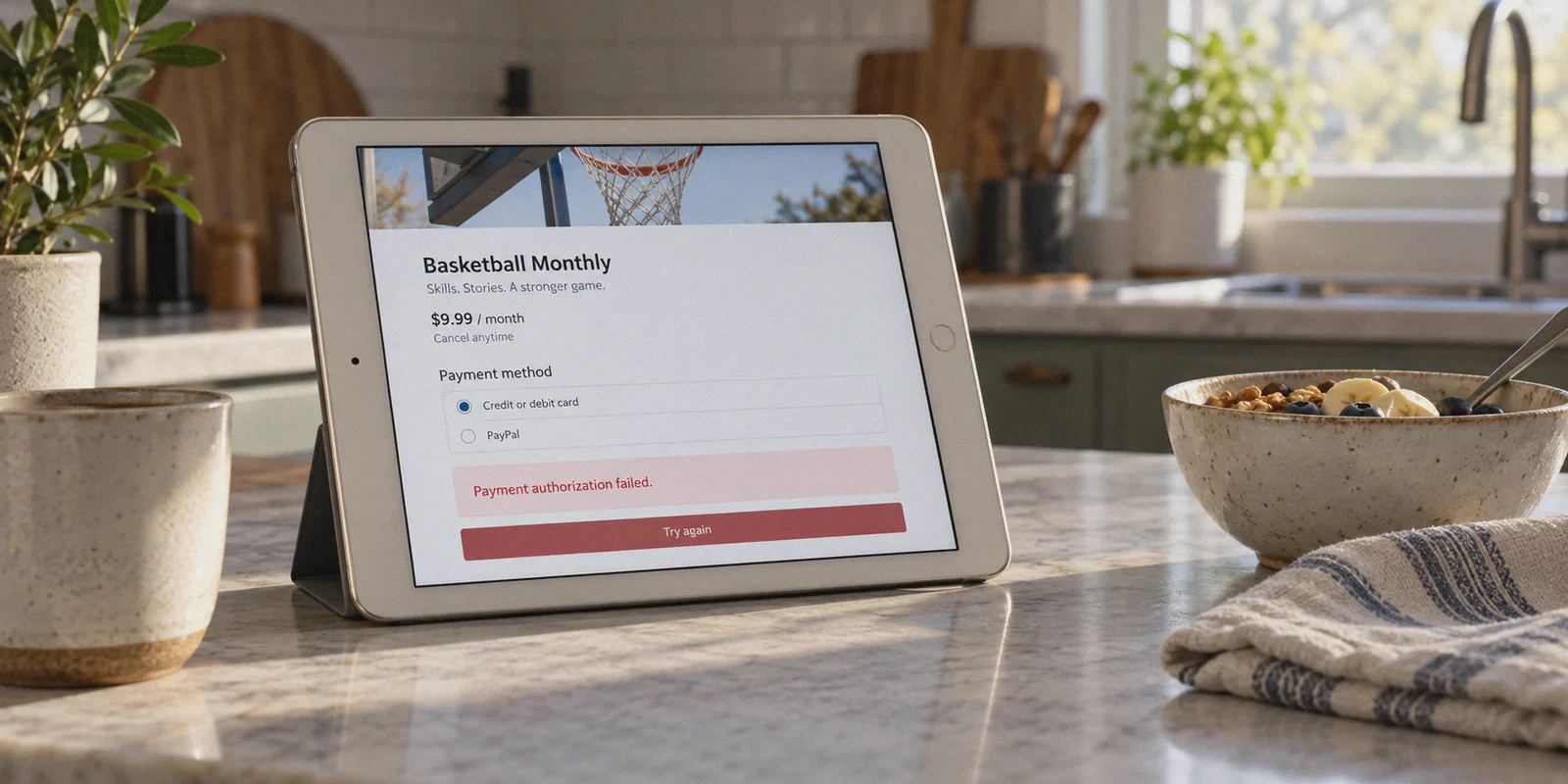
It’s an hour before tip-off. You open NBA.com or the NBA app, ready to subscribe for the season, and you’re greeted with the usual slap in the face: $99 to $149 for the standard pass, or upwards of $23 a month.
And if you live in the US or Canada, it’s even worse. You pay full price only to discover your local team’s games are blacked out anyway because of local cable broadcast rights.
Naturally, you hit Google or Reddit and see people bragging: "I bought NBA League Pass from South Africa for $45!" or "I got the Philippine / Indian version for less than half the US price!"
So you fire up a standard VPN, switch your location to Manila or Johannesburg, head to the checkout page, enter your credit card, and hit confirm.
Article summary and product fit
Why can a cheaper NBA League Pass page appear through a VPN while payment or later streaming still fails?
The article separates regional pricing from payment verification and playback. It says a discount page may load quickly, but checkout can still compare IP reputation with card or billing country, while live playback can later trigger proxy checks or unstable routing during high-traffic games.
Key points and limits
- Best for: Viewers comparing international League Pass pricing who want to understand the separate payment, account, and streaming checks involved.
- Key point: The article describes two purchase routes—mobile app-store balance and web checkout—and treats game-night connection stability as a separate problem from subscription purchase.
- Product fit: OnlyDogs VPN is presented as a streaming-oriented option with preset routing, HTTP/3-based obfuscation, and recovery during weak-network handoffs.
- Important limit: Regional pricing, payment acceptance, blackout rules, app-store requirements, and account reviews can change; a VPN does not guarantee that a particular card, region, or subscription path will be accepted.
Sources referenced in this article: NBA.com, OnlyDogs VPN official website.
And then comes the wall:
"Your transaction could not be processed."
"Payment authorization failed. Please verify your billing details."
Or worse: your card goes through, you watch three days of pre-season, and the second opening night rolls around, your stream stutters, drops to 360p, or cuts out with an Error 403: Forbidden / Location Restricted right in the middle of a fourth-quarter run.
Here is the honest truth most generic VPN listicles won’t tell you: getting the cheap pricing page to show up on screen takes ten seconds. The real challenge is bypassing the NBA’s regional payment wall and keeping your stream alive on high-traffic game nights.
If you want to pull this off without burning your credit card or wasting hours troubleshooting, here is how the system actually works in 2026, and how to get it right on the first try.
1. The Real Reason Checkout Fails (and How to Fix It)
A few years ago, buying cheap League Pass was dead simple: turn on any free VPN, pick Argentina or Turkey, punch in a regular Visa or Mastercard, and you were set.
The NBA closed that loophole. Their billing processor (which relies on Stripe and regional payment processors) now performs two strict checks:
- IP & Datacenter Detection: If your connection flags as a commercial server or generic proxy, the checkout script quietly disables payment submission or throws an ambiguous error.
- BIN / Issuing Country Verification: In ultra-cheap regions like Turkey, Argentina, and India, the checkout system rejects foreign credit cards whose issuing country does not match the IP region.
The Realistic Pricing Landscape
While you can no longer buy League Pass for pennies using stolen addresses in hyper-inflation regions, several legitimate regions still offer discounts ranging from 40% to 65% off compared to the US, UK, or EU, while maintaining open international payment compatibility:
| Region | Approx. Full Season Price (Standard) | Payment Difficulty | Blackouts? |
|---|---|---|---|
| United States / Canada | ~$100 – $150 / season | Easy (Domestic cards) | Heavy local & national blackouts |
| UK / Europe | ~£110 – €140 / season | Easy | Occasional TV exclusivity |
| South Africa | ~$45 – $55 / season | Moderate | Zero blackouts |
| Philippines | ~$40 – $50 / season | Moderate (App Store / Google Play) | Zero blackouts |
| Brazil | ~$50 – $60 / season | Moderate | Zero blackouts |
Note: Prices fluctuate with exchange rates and mid-season promotions, but the ratio remains consistent.
More importantly: International League Pass has NO regional broadcast blackouts. That means even if you’re trying to watch the Lakers in LA or the Knicks in New York, an international subscription bypasses the local TV blackout restrictions entirely.
2. The Two Proven Methods to Pay
Depending on what device you have in front of you, pick one of these two routes.
Method A: The Mobile In-App Purchase Bypass (Highest Success Rate)
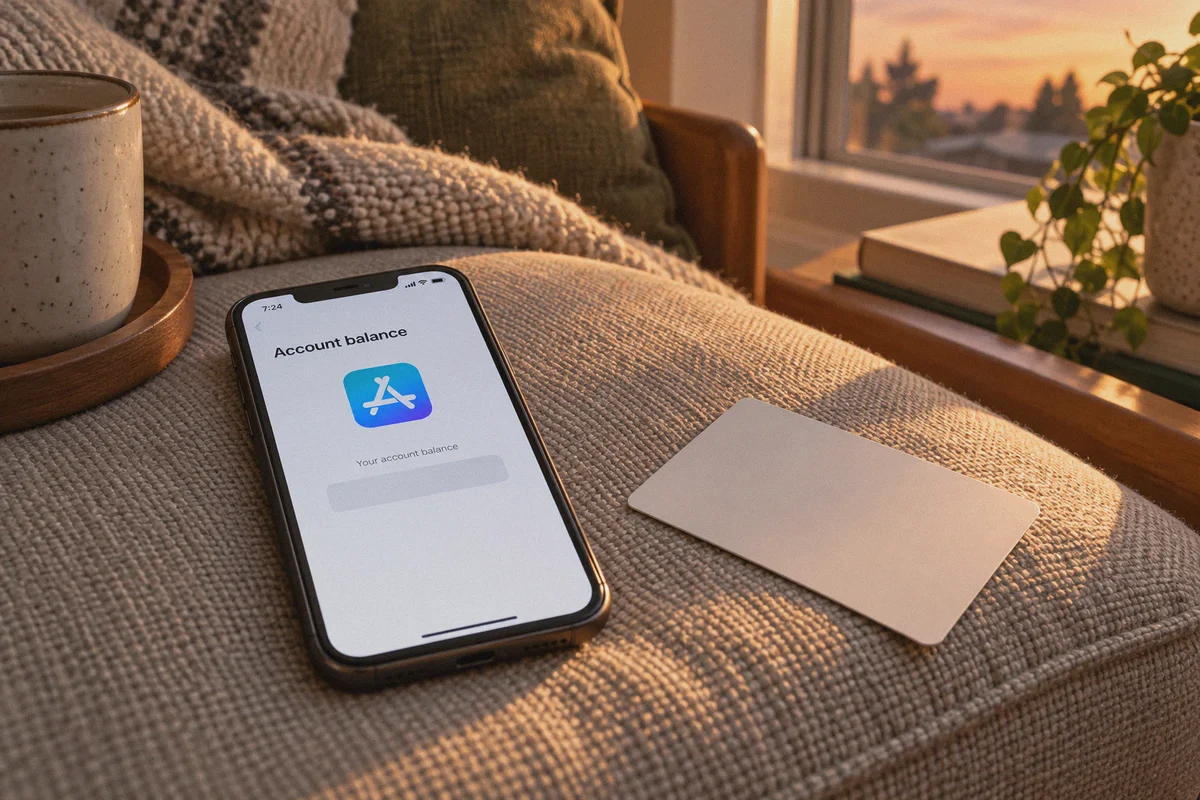
This is the single most reliable way to purchase an overseas League Pass without needing a local foreign credit card. Mobile app stores (Apple App Store and Google Play) process payments locally through your store account balance rather than passing your raw card to the NBA's web processor.
- Get an obfuscated, streaming-ready VPN connection: You must ensure the NBA app does not detect that you are using a proxy. (More on this below).
- Create a fresh Apple ID or Google account set to your chosen target country (e.g., South Africa or the Philippines).
- Fund the account: Buy an official digital App Store or Google Play gift card for that region (available from reputable global retailers like SEAGM, Eneba, or Amazon) and redeem the code to your foreign account balance.
- Connect your VPN to the target country.
- Download the NBA App under your foreign store profile.
- Subscribe inside the app: Tap League Pass, select the annual or monthly tier, and pay using your redeemed store credit.
- Once activated, your NBA account works across your laptop, iPad, Apple TV, or Android devices.
Method B: Web Checkout with Virtual / International Cards
If you prefer checking out directly on NBA.com via desktop:
- Connect to a low-friction region like South Africa.
- Open a clean private/incognito browser window.
- Use an internationally enabled card (Revolut, Wise virtual cards, or cards with flexible 3D Secure verification).
- Enter a realistic local postal code for the billing prompt. If the transaction completes, your account is immediately active.
3. Why Most VPNs Get Disconnected on Game Night
Getting the cheap subscription is only half the battle. The part where most people get burned is game night reliability.
The NBA doesn’t just inspect connections during checkout; they run real-time IP reputation checks when live video feeds launch. When 100,000 fans log on simultaneously during a playoff game or opening week, several things happen:
- Datacenter IP Bans: Popular commercial VPN nodes get flagged and blacklisted in batches. The app sits at a spinning black screen with a buffer spinner that never resolves.
- Protocol Throttling: Traditional OpenVPN or plain WireGuard tunnels have distinct packet headers. Local ISPs and video delivery CDNs prioritize regular consumer web traffic and throttle heavy VPN protocols during peak evening hours.
- Connection Drops During Network Handoffs: If you’re streaming on your phone or tablet and switch from home Wi-Fi to cellular data, standard VPN tunnels collapse, forcing a manual reconnect that interrupts the game.
This is where your choice of VPN matters far more than just "saving $5 on subscription day."
4. Why OnlyDogs VPN Makes the Entire Process Painless
If you’ve spent any time fiddling with complex VPN configs, server lists, and protocol drop-downs, OnlyDogs VPN feels like a completely different class of software.
Instead of treating you like a network engineer, it was built specifically to solve the exact problems that ruin live streaming and overseas purchases:
1-Click "Streaming" Scenario Preset
Most VPN clients dump a list of 200 cities on your screen. You click one, the stream buffers; you click another, the site thinks you’re in a datacenter.
OnlyDogs replaces the guesswork with Scenario Presets. You don’t need to diagnose which server has clean IPs. You simply hit the Streaming preset. The engine automatically routes your connection through nodes specifically calibrated for video CDNs and media geo-unlocking, avoiding known datacenter blacklists.
HTTP/3 Architecture and Traffic Obfuscation
Standard VPNs broadcast clear signatures that scream "I am encrypted VPN traffic." OnlyDogs utilizes HTTP/3 foundations combined with proprietary obfuscation.
To the NBA’s anti-proxy filters, your connection appears as standard, high-speed encrypted web traffic. It slips right past the automated rate-limiting and geo-filtering scripts that catch older protocols.
Unbreakable Recovery on Unstable & Weak Networks
Live sports cannot tolerate connection drops. OnlyDogs was engineered from the ground up for resilient packet delivery and aggressive network switching.
If your home Wi-Fi stutters, or if you switch from a tablet on your desk to your phone on the couch, the connection negotiates the transition in the background without dropping your stream or throwing authentication errors.
Frictionless Multi-Platform Setup
You don’t need to remember passwords, transfer config files, or re-verify every time you switch devices. OnlyDogs uses clean, secure email verification code login across Windows, macOS, iOS, and Android.
You can set up the cheap League Pass on your PC, hand your iPad to your kid, and open the game on your Android TV—the experience remains identical across all screens.
5. Step-by-Step Setup Guide
Ready to get started? Here is the exact checklist to follow:
Step 1: Prepare Your Clean Environment
- Download and install OnlyDogs VPN on your device.
- Sign in instantly using your email verification code.
- In the app, select the Streaming preset to guarantee optimized routing.
Step 2: Establish the Connection
- Connect to your chosen discount location (e.g., South Africa or the Philippines).
- Verify your IP location in a private browser window.
Step 3: Purchase League Pass
- Via Mobile App (Recommended): Log into your foreign Apple/Google profile, open the NBA app, select League Pass, and pay via redeemed gift balance.
- Via Browser: Go to NBA.com, create a brand-new NBA ID (do not reuse an old account that already has US or UK billing history), navigate to League Pass, and enter your payment details.
Step 4: Stream Any Game Without Blackouts
- On game day, open OnlyDogs VPN and hit Streaming or Fastest Route.
- Launch the NBA app or NBA.com.
- Enjoy every game—home, away, national TV, and playoffs—in full 1080p 60fps without local blackout interruptions.
6. Three Golden Rules to Protect Your Account
To ensure your setup lasts the entire season without hiccups, keep these practical rules in mind:
- Never buy on an account tied to your home country's billing profile: If you previously had an active US or UK credit card attached to your NBA ID, create a fresh account. Old billing history triggers automatic geographic fraud reviews.
- Keep Ad & Tracker Blocking Active: OnlyDogs includes built-in node-level filtering. Leaving this on strips out intrusive telemetry, third-party analytics trackers, and heavy video-ad scripts, freeing up bandwidth for the actual 60fps stream.
- Don’t constantly hop between five different countries in an hour: Stick to the region you bought from, or use a consistent nearby streaming node. Wild geographic jumps within minutes raise security flags on any streaming platform.
The Verdict
Getting NBA League Pass at a steep discount while completely eliminating blackout restrictions isn't rocket science—it's just a matter of avoiding the common traps.
Stop wrestling with generic VPNs that freeze during the fourth quarter or get your card flagged at checkout. Grab a tool designed for real-world streaming stability, set it up once, and spend your season enjoying basketball the way it was meant to be watched.
👉 Get OnlyDogs VPN and unlock smooth, blackout-free streaming
Frequently Asked Questions
Why can NBA League Pass reject a card even when the cheaper regional price appears?
The article says checkout can compare the connection’s region and reputation with the issuing country or billing details of the card, especially in heavily discounted markets.
What purchase methods does the article describe?
It describes subscribing through a region-matched Apple or Google account funded with store balance, or using web checkout with an internationally enabled card in a lower-friction market.
Why can a subscription work at first and then fail during a live game?
The article says live playback can involve ongoing IP reputation checks, datacenter blocking, protocol throttling, and connection failures during Wi-Fi or cellular handoffs.
What account behavior does the article recommend avoiding?
It warns against mixing old home-country billing history with a new regional purchase and against rapidly jumping between multiple countries in a short period.