
If you are reading this, chances are the toss already happened and the opening over is about to bowl.
You are sitting in an apartment in London, a dorm in Dallas, or a hotel in Dubai, trying to catch live cricket or football on JioCinema. You did what seemed like common sense: you opened your VPN, clicked on "India - Mumbai" or "India - Delhi," loaded up JioCinema, and ran straight into a wall:
"This video is not available in your region."
Or worse: the site opens, the scoreboard updates, but the video player sits on an infinite black screen with a spinning wheel that never actually starts the match.
You disconnect, switch to another Indian city, refresh the page, get blocked again, try a third server, and before you know it, the entire powerplay is over and you haven't watched a single ball.
Here is the inconvenient truth most generic VPN guides will not tell you: Most Indian VPN servers don't actually exist in India anymore—and JioCinema's firewall knows it.
If you want to stream live sports on JioCinema from overseas without turning every match into an IT troubleshooting crisis, you need to understand why standard VPNs fail—and how to bypass the block on your first attempt.
Article summary and product fit
Why does JioCinema still block or freeze when a VPN is set to India?
The article attributes failures to blacklisted shared virtual-India IP ranges, long-distance latency and packet loss, cached overseas sessions, and mobile GPS checks that can conflict with the VPN location.
Key points and limitations
- Best for: viewers outside India troubleshooting regional errors, black screens, or buffering during live JioCinema sports.
- Preparation: connect the VPN before opening JioCinema, use a fresh private browser session, and keep one stable route instead of hopping between cities.
- Why desktop is simpler: the article says the mobile app can cross-check device location, while a desktop browser avoids that particular GPS mismatch.
- Important limit: a VPN does not guarantee playback: IP reputation, travel-network quality, device location checks, and service-side blocking can still prevent access.
- OnlyDogs fit in this article: the article recommends its Streaming preset, HTTP/3-based obfuscation, and weak-network recovery for long-distance live streaming.
Product source: OnlyDogs VPN official website.
Service link already present in this article: JioCinema.
The "Virtual India" Trap: Why Your VPN Fails on JioCinema
A few years ago, streaming JioCinema abroad with a standard VPN was relatively simple. Today, two major hurdles cause 90% of connections to fail:
1. The CERT-In Rule and "Virtual" Servers
In 2022, India’s cybersecurity agency (CERT-In) mandated that all VPN companies log and store user data for five years if they operate physical servers inside the country. Privacy-focused VPNs refused to comply and pulled their physical servers out of India entirely.
To replace them, most VPNs launched "Virtual India" servers—servers physically located in Singapore, the UK, or Germany that merely route through leased Indian IP blocks. JioCinema’s anti-proxy firewall actively monitors these datacenter IP pools. The moment it detects hundreds of simultaneous video streams originating from the same leased virtual subnet, it blacklists the entire range.
2. The Transcontinental Latency Choke
Streaming high-definition or 4K live sports halfway around the world (e.g., from North America or Europe to an Indian routing hop) means dealing with 200ms to 300ms of base latency. When you combine high ping with standard OpenVPN or WireGuard protocol overhead, even minor Wi-Fi jitter causes severe packet loss. JioCinema’s video player interprets these packet drops as an unstable or unauthorized proxy session and freezes the stream.
3. Mobile GPS Cross-Referencing
If you try to stream through the JioCinema app on an iPhone or Android device, the app doesn't just check your IP address—it cross-references it with your phone's internal GPS chip. If your IP address claims you are in Mumbai but your device's location chip reports Toronto or Dubai, playback is blocked instantly.
Cycling through 20 different "virtual" Indian cities inside a bloated VPN app will not fix this. You need a setup that hides the VPN footprint entirely and maintains a rock-solid data stream over long distances.
3 Fatal Mistakes That Get You Blocked Immediately
Before you touch your network settings, make sure you aren't making these three simple mistakes:
- Streaming on Mobile Instead of a Laptop: On mobile, turning off location permissions often causes the JioCinema app to refuse to load live video altogether. For the smoothest and most reliable streaming experience abroad, always watch through a desktop browser (Chrome, Edge, or Safari) on a PC or Mac.
- Hopping Cities Mid-Match: If JioCinema sees your session ping from Mumbai at 7:30 PM and Chennai at 7:33 PM, its automated risk-management engine flags your session as an automated bot and locks playback. Pick one stable, optimized route and stick with it.
- Opening the Stream Before Securing the Tunnel: If you visit
jiocinema.comwhile disconnected, your browser immediately stores local cache tokens identifying your overseas location. Flipping on your VPN afterward won't clear those cookies. Always connect your VPN first, or use a private browsing window.
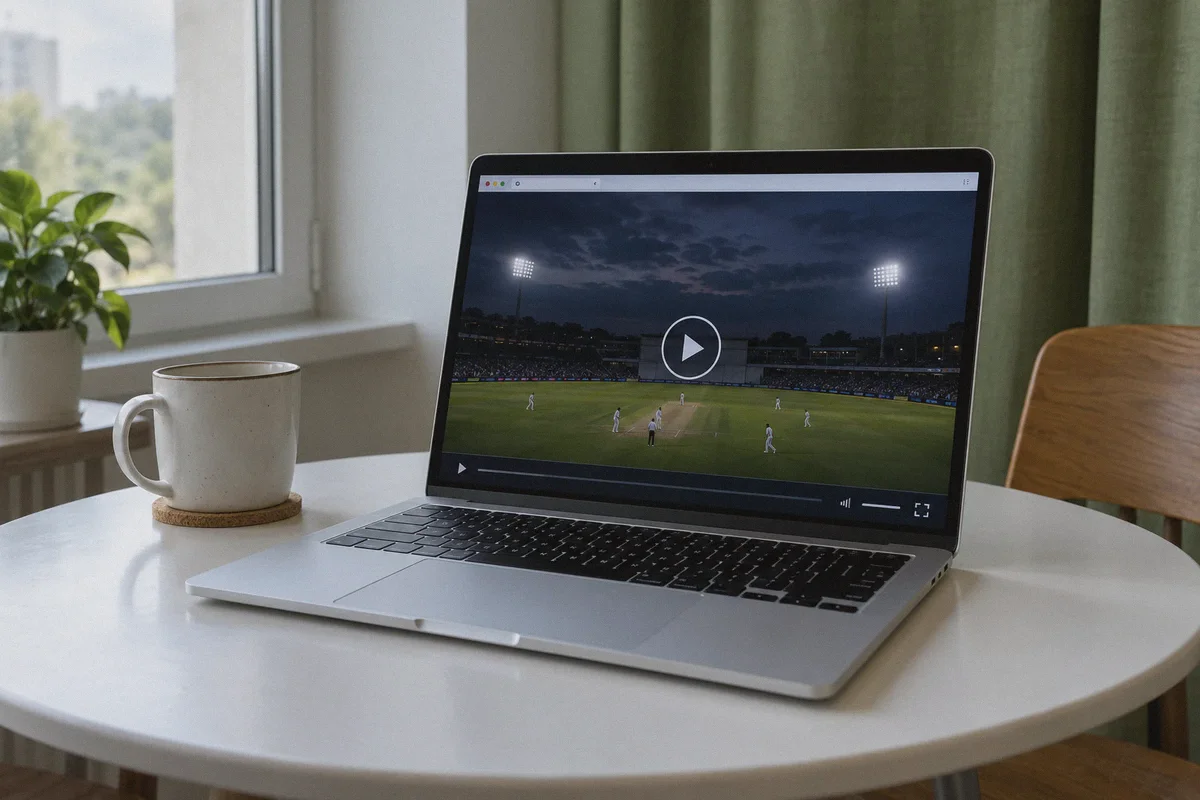
The Hassle-Free Fix: Streaming JioCinema with OnlyDogs VPN
If you don't want to spend your evening testing obscure virtual nodes, configuring manual proxies, or troubleshooting protocol settings, OnlyDogs VPN is designed to cut out the technical friction completely.
Instead of greeting you with a confusing list of dozens of dead virtual servers, OnlyDogs takes a streamlined, scenario-first approach:
1. One-Click "Streaming" Scenario Preset
With OnlyDogs, you don't have to guess which Indian node is currently active and unblocked. You tap the dedicated Streaming preset button, select India, and the system automatically matches your connection to high-throughput, unthrottled paths specifically maintained to bypass strict media firewalls like JioCinema, Hotstar, and SonyLIV.
2. HTTP/3 & Traffic Obfuscation
JioCinema’s firewall inspects incoming connection headers for standard commercial VPN protocols. OnlyDogs deploys advanced traffic obfuscation built around HTTP/3 and proprietary transport design. To JioCinema's edge servers, your connection doesn't look like an encrypted datacenter tunnel; it looks identical to ordinary, encrypted HTTPS home broadband traffic.
3. Built for High-Latency, Weak Travel Wi-Fi
Streaming live cricket at 50fps across continents requires continuous data flow. OnlyDogs features automated weak-network and handover recovery. When your hotel or home Wi-Fi suffers a brief latency spike or packet drop, the tunnel recovers silently in the background without dropping your IP, keeping your live feed from freezing in the middle of a crucial over.
4. Zero Password Headaches
When the match is starting, digging through password managers or resetting lost master credentials is the last thing you want to deal with. OnlyDogs uses hassle-free email verification code logins across macOS, Windows, iOS, and Android. Enter your email, type the one-time code, and you are ready to stream in under two minutes.
👉 Get OnlyDogs VPN and Start Watching JioCinema Sports Abroad
The 4-Step Playbook to Watch JioCinema Right Now
Follow this exact sequence to bypass the geo-block on your first attempt:
- Close Existing JioCinema Tabs: Completely close any open JioCinema browser tabs or force-quit the application.
- Open a Private / Incognito Window: Open a fresh Incognito or Private Browsing window in your browser (Chrome, Edge, or Safari). This guarantees that previous overseas location cookies and expired session tokens are cleared out.
- Launch OnlyDogs VPN:
- Open the OnlyDogs app on your device.
- Tap the Streaming scenario preset.
- Select the India route.
- Let the automated route optimizer establish the secure, obfuscated tunnel.
- Go to JioCinema and Hit Play:
- Navigate to jiocinema.com and click on the Sports tab.
- Click on the live match stream.
- The video player will initialize cleanly in full HD/4K without the geo-restriction error or infinite buffering wheel.
Quick Troubleshooting Checklist
If you have followed the steps above and still experience a hitch, check these two items:
- Disable Third-Party Browser Ad-Block Extensions: Aggressive browser extensions (like uBlock Origin or standalone script blockers) can accidentally block JioCinema’s video player initialization scripts. OnlyDogs already handles tracking protection at the network level, so you can safely disable third-party browser extensions on the JioCinema site.
- Turn Off Hardware Acceleration on Chrome: If you hear match commentary clearly but the video frame remains pitch black, navigate to Chrome Settings > System, toggle off "Use graphics acceleration when available", and relaunch your browser.
Don't Miss the Next Over
Being outside India shouldn't mean missing out on the biggest matches of the year or paying exorbitant fees for foreign sports packages that don't even have the Indian commentary team.
You don't need to spend your weekend cycling through dead virtual servers or squinting at laggy, illegal streaming feeds littered with malicious pop-ups.
With a clean connection that disguises your traffic as regular home broadband and handles long-distance live streaming without buffering, catching live sports on JioCinema abroad is as simple as pressing play.
👉 Download OnlyDogs VPN and Watch JioCinema Anywhere
Frequently Asked Questions
Why can JioCinema reject an Indian VPN server?
The article says many “India” locations are virtual servers hosted outside India and may use heavily shared data-center IP ranges that JioCinema can identify and block.
Why does the stream sometimes open but keep buffering or freezing?
Long international routes add latency, and small Wi-Fi drops can become visible as packet loss. The article says that combination is especially disruptive for live high-bitrate video.
Why is a desktop browser easier than the JioCinema mobile app abroad?
The article says the mobile app can compare the network location with the phone’s GPS location. A laptop browser avoids that device-GPS cross-check described in the article.
Why should the VPN be connected before opening JioCinema?
Opening the service first can leave cached location or session data tied to the overseas connection. The article recommends connecting first and using a fresh private window.