You saw the TikTok video or the Reddit thread: “Get 10,000 Robux for half price just by connecting your VPN to Turkey, Brazil, or the Philippines!”
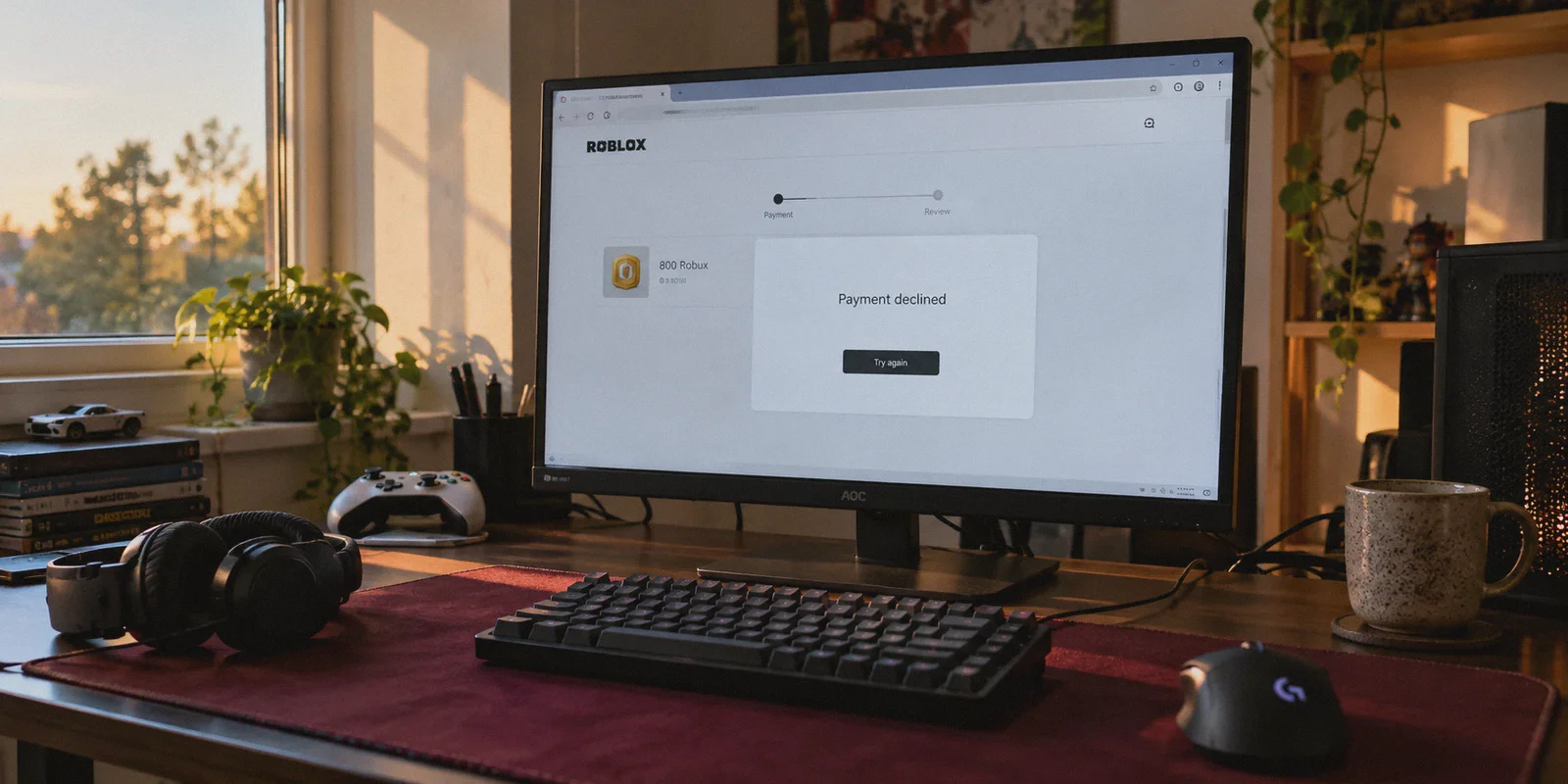
It sounded like free money. You opened your VPN, connected to Istanbul or Manila, headed to roblox.com/upgrades/robux, and saw the prices displayed in local currency. You picked the 4,500 Robux tier, entered your debit card, hit "Submit," and immediately ran into a brick wall:
"An error occurred while processing your payment. Please try again later."
Or worse: the checkout page refreshed and silently reverted the price back to $49.99 USD.
You tried switching cities, tried linking PayPal, tried three more times, and now Roblox’s payment processor has locked your account’s billing tab for 48 hours.
Here is the truth generic tech blogs never tell you: The naive trick of turning on a free VPN and typing in your regular domestic credit card has been dead for years. Roblox’s anti-fraud engine isn’t running on 2018 rules.
Buying Robux cheaper via regional pricing is still possible, but only if you understand why payment gateways block standard VPNs—and how to set up the purchase correctly without risking an account ban.
Article summary and product fit
Core answer
The article says regional Robux checkout failures are usually caused by a mismatch between the payment card’s issuing country and the apparent network region, by proxy reputation checks, or by a session that changes location mid-payment. It presents localized mobile-store balances and official gift-card redemption as alternatives to repeatedly submitting a domestic card.
Key points
- Best for: Players or parents comparing lower regional Robux prices who keep hitting payment errors or currency reversion.
- Why the card fails: The article focuses on bank-card BIN country matching, datacenter IP reputation, and mid-session location inconsistency.
- Account-safety rules: Avoid black-market Robux, do not jump among many countries, and never give a seller your Roblox password or .ROBLOSECURITY cookie.
Where OnlyDogs fits
The article presents OnlyDogs VPN as a routing tool for maintaining a consistent regional network path while setting up a legitimate store or gift-card flow; it does not change the issuing country of a bank card.
Limitations
- A VPN cannot alter a card’s BIN, store-account eligibility, gift-card region rules, or Roblox payment policies.
- Regional pricing, gift-card availability, and marketplace reliability can change, so the article advises using official redemption paths and reputable sellers with buyer protection.
Sources already linked in this article: Roblox Robux purchase page · Roblox gift-card redemption page · OnlyDogs VPN official website
What Actually Happens at Checkout (Why Your Card Fails)
When you attempt to purchase Robux in a lower-cost region, Roblox’s payment gateway (powered by Stripe and Xsolla) runs three automated verification checks in under two seconds:
1. Bank Identification Number (BIN) Matching
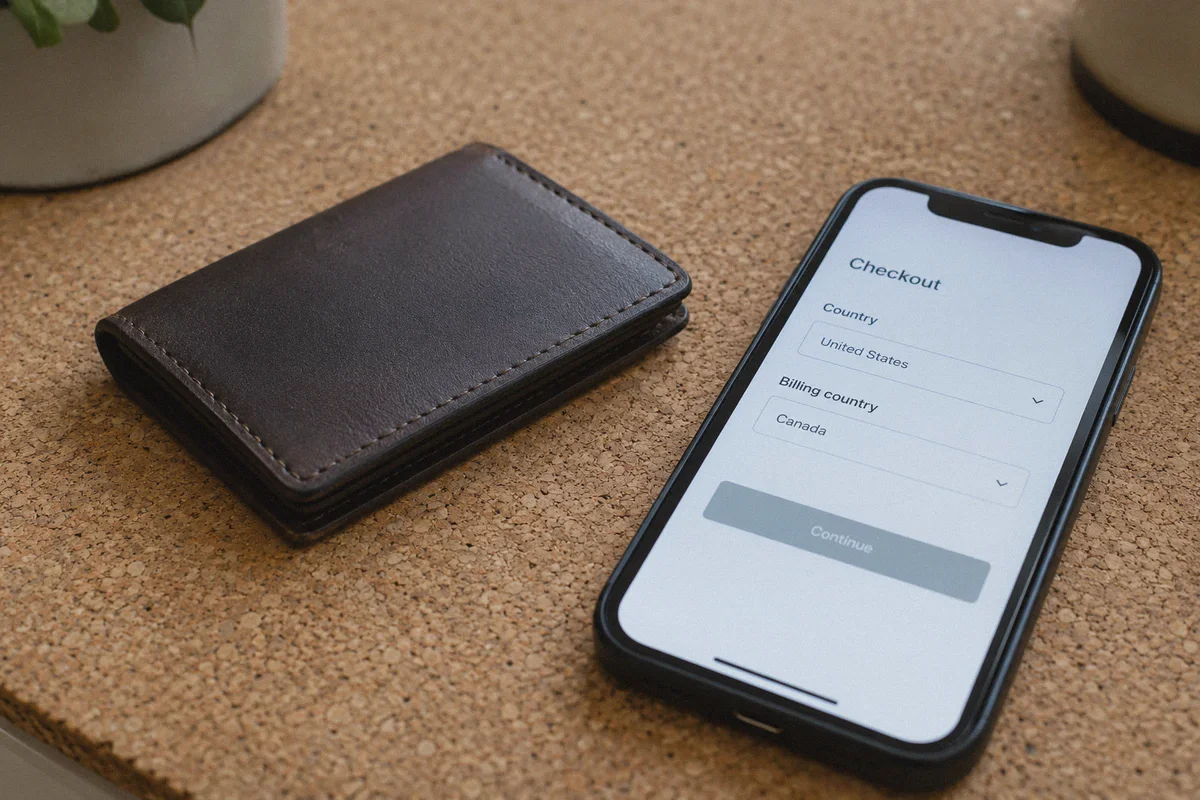
Every bank card starts with a 6-to-8 digit Bank Identification Number (BIN) that identifies the issuing institution and the country where the account was opened. If your VPN IP claims you are sitting in São Paulo or Istanbul, but your card was issued by Chase in New York, Monzo in the UK, or CommBank in Australia, the fraud engine detects an instant country mismatch and rejects the transaction.
2. Datacenter IP Blacklisting
Commercial VPNs route their connections through shared hosting datacenters (like AWS, OVH, or DigitalOcean). Payment processors subscribe to threat-intelligence databases like MaxMind. The moment Stripe sees payment traffic originating from a known commercial datacenter ASN, it flags the session as an anonymous proxy and disables regional currency discounts.
3. Mid-Session Micro-Leaks
If your VPN drops its handshake for even a fraction of a second while the payment script is authenticating, your device momentarily resolves DNS queries through your physical home Wi-Fi. The moment the payment gateway catches that split-second geographic leak, the checkout token is permanently invalidated.
Simply turning on a generic server and typing in your everyday card will fail every single time.
The 2 Methods That Actually Work in 2026
To take advantage of lower pricing without triggering payment gateway blocks, you must decouple your domestic bank card from the direct transaction.
Method 1: The Regional Mobile Store Route (Recommended)
Roblox’s desktop website routes transactions through Stripe and Xsolla, which enforce strict card-origin matching. However, the Roblox mobile app on Android and iOS processes in-app purchases through the Google Play Store or Apple App Store.
Google and Apple allow accounts registered in specific regions to pay using local digital gift card balances:
- How it works: You connect your device through a clean, obfuscated regional IP (e.g., Turkey or Brazil), create a fresh secondary Google or Apple account in that region, and redeem an official digital Play Store or App Store gift card purchased in that local currency. When you open Roblox on mobile, the in-app purchase charges against that localized store balance—bypassing the direct credit card BIN check entirely.
- The upside: No foreign credit card required; payments are processed through Google/Apple’s official infrastructure.
- The caveat: Requires 15 minutes of initial setup to configure the secondary mobile account.
Method 2: Official Roblox Digital Gift Card Keys
If you don't want to configure a secondary mobile store profile, digital asset platforms (such as AccountBoy, Eneba, or CDKeys) frequently sell legitimate digital Roblox Gift Card codes sourced from regional retail distributions at steep discounts (often 20% to 40% below retail).
- How it works: You purchase a prepaid digital PIN code and redeem it directly at
roblox.com/redeem. The balance converts into Robux on your main account without entering payment details at checkout. - The upside: Zero credit card friction and zero risk to your primary billing profile.
- The caveat: Always buy from verified marketplaces with buyer protection to avoid fraudulent carding rings.
Why OnlyDogs VPN Makes Regional Routing Work
Whether you are configuring a regional Google Play profile or accessing international store fronts, the quality of your network tunnel determines whether the platform lets you through or flags your session.
This is where OnlyDogs VPN eliminates the technical obstacles:
1. HTTP/3 & Traffic Obfuscation
Roblox and its payment providers actively inspect packet headers for traditional OpenVPN and WireGuard signatures. OnlyDogs utilizes advanced traffic obfuscation built on HTTP/3 and proprietary transport architecture. To the network, your encrypted session looks completely indistinguishable from everyday residential HTTPS web browsing, preventing proxy detection from stripping localized pricing.
2. Dedicated Scenario Presets
Instead of forcing you to scroll through 80 obscure server numbers and guess which ones aren't flagged by Stripe's fraud database, OnlyDogs features one-click Scenario Presets. Tap the preset, select your destination, and the platform automatically connects you through clean, unthrottled network paths.
3. Weak-Network & Handover Recovery
Setting up accounts on mobile devices often means switching between Wi-Fi and mobile data. OnlyDogs features automated weak-network recovery. If your connection hiccups, the tunnel restores itself silently in the background without dropping packets or leaking your true geographical IP, keeping your store session valid.
4. Zero Password Friction
OnlyDogs uses secure email verification code logins across macOS, Windows, iOS, and Android. Enter your email, type the one-time code, and your devices are connected in under two minutes without managing complicated passwords.
👉 Get OnlyDogs VPN and Secure Clean Regional Routing
Step-by-Step: Setting Up Cheap Robux Safely
Follow this exact sequence to purchase Robux at regional rates through the mobile gateway:
- Clean Your Environment: Close the Roblox app completely on your device.
- Launch OnlyDogs VPN:
- Open the OnlyDogs app on your phone or tablet.
- Connect to an obfuscated route in your target region (e.g., Turkey, Brazil, or the Philippines).
- Confirm the connection is active.
- Set Up a Localized Store Account:
- While connected to OnlyDogs VPN, open the Google Play Store (or App Store) and create a fresh secondary account set to that country.
- Purchase an official digital gift card for that country's currency from a reputable online retailer.
- Redeem the code onto your new secondary store account to load the local balance.
- Complete the Purchase Inside Roblox:
- Log into your main Roblox account on your mobile device with OnlyDogs VPN running in the background.
- Go to the Robux purchase screen. The prices will display in local regional currency.
- Select your Robux package, choose your Store Balance as the payment method, and confirm.
- Your Robux will credit to your account immediately and sync across all your devices, including PC and console.
3 Critical Account Safety Rules
Before you start, keep these rules in mind to protect your Roblox account:
- Stay Away from "Black Market" Group Robux: Never buy Robux from third-party Discord servers or unauthorized sites claiming to transfer Robux via "group payouts" or "shirt purchases" for 70% off. These operations almost always use stolen credit cards or compromised accounts. When the victim files a chargeback, Roblox bans every account that received the funds and rolls back the currency.
- Don't Hop Between 5 Countries in One Week: If your account shows transactions in Turkey on Monday, Brazil on Wednesday, and the Philippines on Friday, Roblox’s automated security filters will flag the account for suspicious billing behavior. Choose one region that works and stick with it.
- Never Hand Over Your Roblox Login Credentials: You never need to give anyone your account password or session
.ROBLOSECURITYcookie to get cheap Robux. Legitimate methods only require redeeming gift cards or purchasing through your own mobile store balance.
The Verdict
Paying full domestic retail for Robux adds up fast, especially for heavy players or parents funding gaming accounts each month.
Trying to bypass pricing checks by blindly flipping on a free VPN and typing in your local debit card will only waste your time and trigger billing cooldowns. But with a clean, obfuscated tunnel that prevents proxy detection and a payment flow that avoids card BIN mismatches, securing Robux at genuine regional rates is safe and reliable.
Set up your connection cleanly, route through the right payment gateway, and stop overpaying for your in-game currency.
👉 Download OnlyDogs VPN and Get Started
Frequently Asked Questions
Why does a local debit or credit card get declined after I switch my VPN region?
The article says payment systems can compare the card’s Bank Identification Number with the apparent network country. A US-, UK-, or Australia-issued card can therefore conflict with a checkout session that appears to be in another region.
Why does the article prefer a localized mobile-store balance over direct desktop checkout?
It says Roblox mobile purchases are processed through Google Play or Apple App Store billing, allowing a region-specific store balance to be used instead of submitting a mismatched domestic card directly to the website checkout.
What is the gift-card alternative described in the article?
The article describes buying a legitimate Roblox digital gift-card code and redeeming it through Roblox’s official redemption page, while warning readers to use reputable marketplaces and avoid fraudulent sellers.
Why should I avoid changing purchase regions repeatedly?
Rapidly moving an account among several countries can look like suspicious billing behavior. The article recommends choosing one workable region and keeping the account’s purchasing pattern consistent.