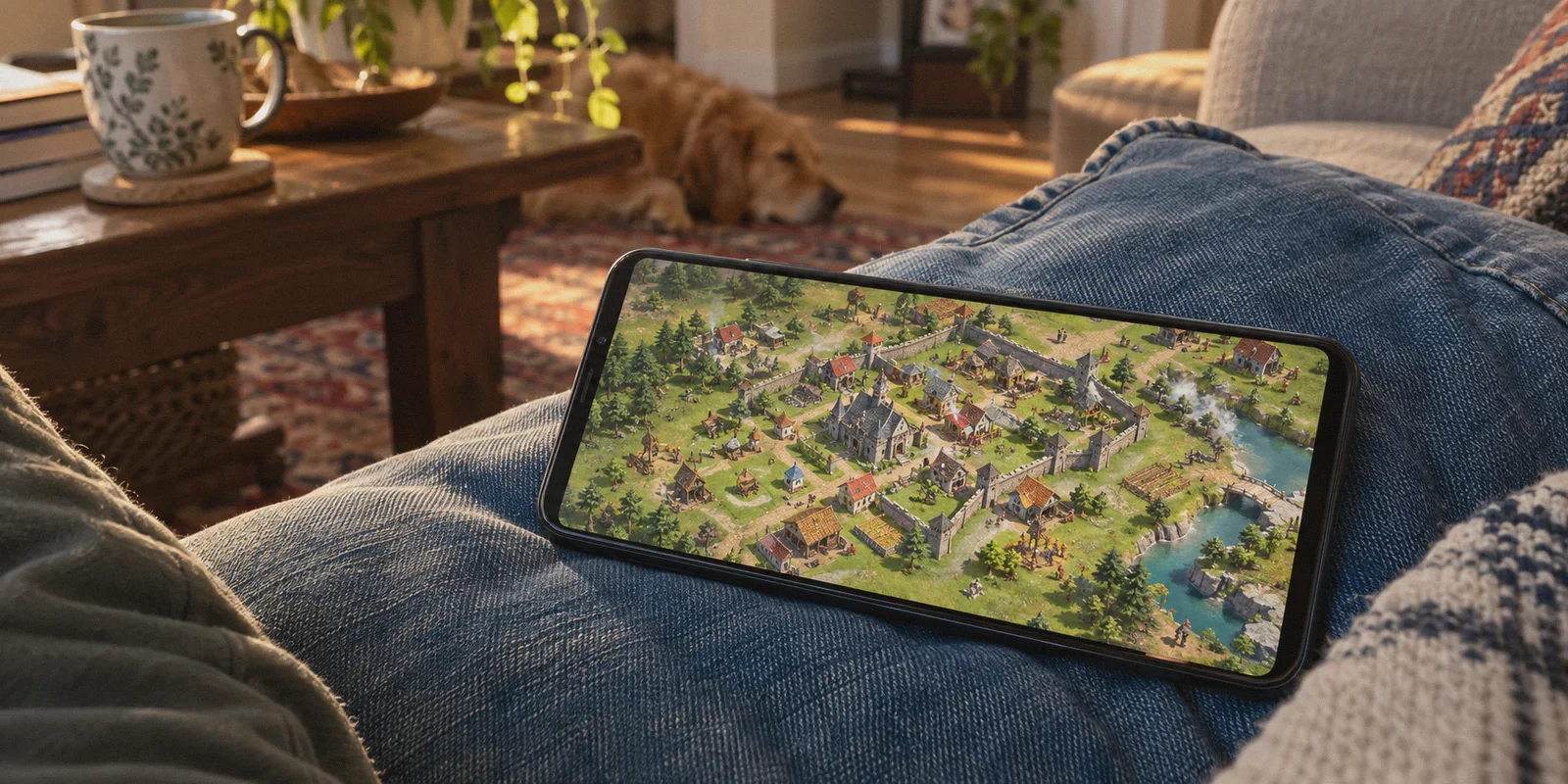
You’re staring at Town Hall 16 or 17. The upgrade timer reads 14 days, your Hero equipment needs an absurd amount of Ore, and the in-game shop wants $99.99 for a chest of 14,000 Gems.
At standard US or European prices, keeping up in Clan War Leagues feels less like playing a mobile strategy game and more like financing a second mortgage.
Naturally, you hit Reddit, YouTube, or Google searching: how to buy clash of clans gems cheaper with vpn.
You’ve probably heard the rumors: players in Turkey, Brazil, Egypt, or the Philippines paying 30% to 50% less for the exact same bag of Gems or Gold Pass because Supercell adjusts prices for local purchasing power.
So you download a free VPN, switch the location to Istanbul or São Paulo, launch Clash of Clans, open the shop, and... nothing. The prices are still in USD or Euros. Or worse: you tap purchase, and Google Play or Apple hits you with:
"Transaction cannot be completed. Your payment method must match your play country."
Here is the unfiltered reality: trying to force a VPN through your phone’s App Store or Google Play in 2026 is an outdated tactic that risks locking your payment profile for a year.
Does regional pricing for Clash of Clans Gems still exist? Absolutely. But the people actually saving hundreds of dollars aren't messing with their phone's app stores. They’re using a completely different door—and pairing it with a connection that doesn't trigger fraud alerts.
Article summary and product fit
Why does changing VPN location rarely change Clash of Clans in-app prices, and what alternative does the article discuss?
The article says Apple and Google store regions, payment profiles, and Supercell fraud checks are separate from the VPN location, so changing the IP alone often leaves in-app prices unchanged or causes payment errors. It instead focuses on the official Supercell Store, its web-store bonus, and the need for a payment method that the selected checkout region actually supports.
Key points and limits
- Best for: Clash of Clans players comparing in-app purchases with the official Supercell web store and trying to understand region and payment mismatches.
- Article detail: The article highlights the official web store and its stated extra-gem benefit, then warns that app-store country locks, bank-card country checks, and Supercell account signals can still affect the transaction.
- Important limit: The article explicitly says not to fake national IDs or use third-party cheap-gem sellers. Regional payment methods, taxes, exchange rates, promotions, and store rules can change.
Sources referenced in the article
Product source: OnlyDogs VPN official website
The Big Mistake: Why In-App VPN Purchases Fail
To understand how to actually get cheaper Gems, you first have to understand why the old method broke.
Back in 2020, you could simply turn on a VPN, create a foreign Google Play account, and buy cheap in-game currency. Today, both Google and Apple have locked down their ecosystems:
- The 365-Day Region Lock: Google Play only lets you change your country once per year, and requires a valid local billing method registered in that country.
- App Store Payment Geofencing: Apple requires your Apple ID country, your credit card issuing bank, and your billing address to match 100%. A US Visa card will fail immediately in the Turkish App Store.
- Supercell Anti-Fraud Flags: Supercell monitors sudden geographic jumps on active Supercell IDs. If your village logs in from Chicago at 6:00 PM and buys 14,000 Gems from Istanbul at 6:05 PM inside the app, their automated risk system flags the transaction or issues a temporary account freeze.
If you keep hammering the in-app purchase button through a flagged VPN node, you aren't going to get cheap gems. You're going to get your payment account suspended.
The Real Playbook: The Supercell Web Store Advantage
The legitimate, high-discount route that veteran players use bypasses the app stores entirely: The official Supercell Store (store.supercell.com).
Years ago, Supercell launched its own direct-to-consumer web shop to dodge Apple and Google’s 30% platform fees. Because Supercell keeps that 30% margin, they pass the savings directly to players in two ways:
- Automatic +10% Extra Gems: Every gem pack purchased on the official web store comes with 10% more Gems than in-game (e.g., 15,400 Gems instead of 14,000 Gems for the top tier).
- Direct Web Pricing in Local Currencies: The web store determines currency and pricing based on your active web session, location tokens, and regional payment gateway routing.
When you combine regional pricing discounts with the permanent 10% web store bonus, the price-per-gem drops dramatically compared to tapping the "+" icon inside the mobile app.
The catch? Supercell’s web payment processors (like Adyen and Stripe) use enterprise-grade anti-bot and proxy-detection filters.
If you use a common, generic VPN to access the Supercell Store, the checkout page detects the commercial datacenter IP, refuses to load regional payment channels, or throws a generic "Payment Failed" error at checkout.
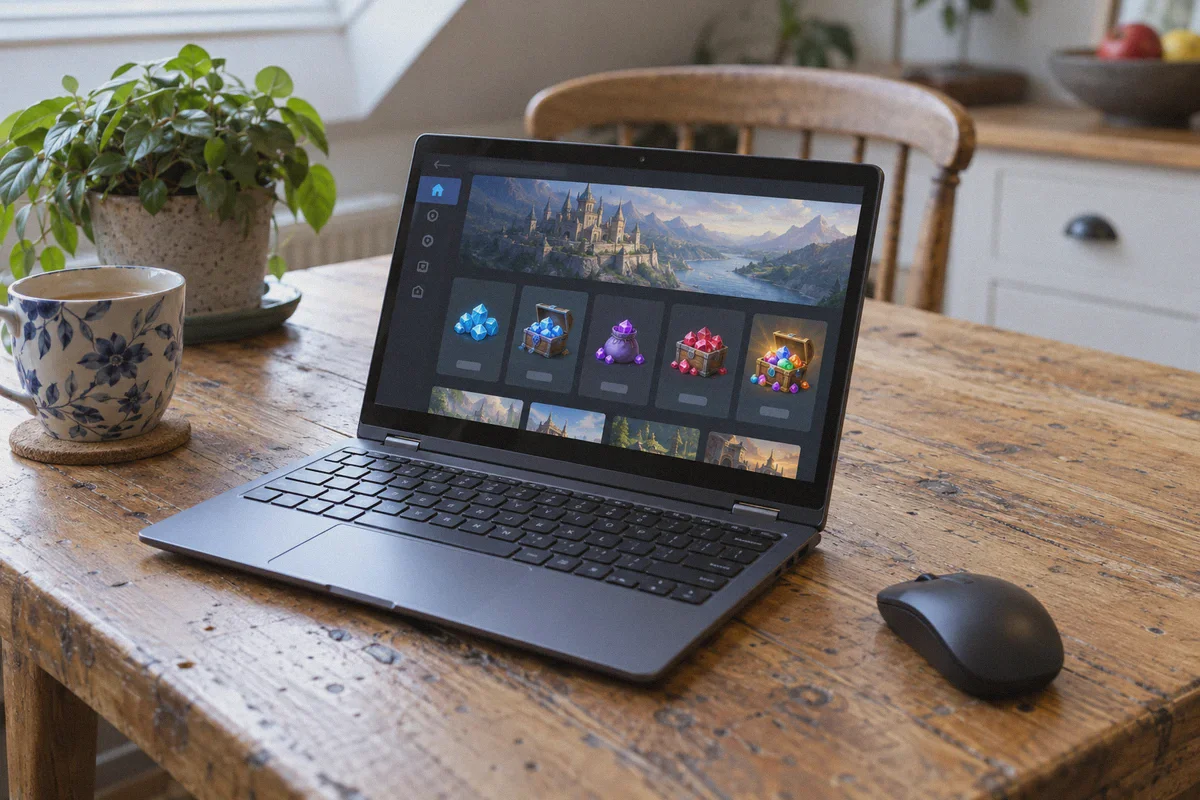
Why OnlyDogs VPN Makes the Difference
To access regional web storefronts cleanly without tripping payment gateways or risking your Supercell ID, you need a connection that looks identical to a genuine local resident browsing from home.
This is where OnlyDogs VPN separates itself from bulky, bloated VPN services.
1. HTTP/3 & Traffic Camouflage (No Proxy Headers)
Standard VPN protocols (like standard OpenVPN or generic WireGuard tunnels) leak recognizable encryption signatures. Payment gateways flag these packet headers instantly.
OnlyDogs runs on modern HTTP/3 transport and proprietary traffic obfuscation. To Supercell’s servers, your session doesn't look like a customer blasting traffic through an anonymous server farm; it looks like everyday residential web traffic. It sails right past automated anti-proxy shields.
2. Scenario Presets Over Manual Server Guessing
You shouldn't have to scroll through 400 different servers trying to guess which IP isn't blacklisted by financial payment processors. OnlyDogs features smart scenario presets that automatically route your requests through clean, low-congestion pathways optimized for web services and checkout gateways.
3. Fail-Safe Connection Stability
If your VPN drops for half a second while the payment gateway is processing an overseas checkout, your real IP leaks mid-transaction. The payment gateway detects the geographic collision, declines the card, and flags the session.
OnlyDogs features built-in weak-network recovery. If your home Wi-Fi stutters or mobile data switches bands, the connection holds its encrypted tunnel without leaking your DNS or dropping your virtual location.
4. Frictionless Passwordless Access
You don't need another username and password to store. OnlyDogs logs you in via secure email OTP verification. You enter your email, type the code, and launch the app across Windows, Mac, Android, or iOS.
Step-by-Step: How to Get Cheaper Gems Safely
Follow this exact workflow to browse regional Supercell Store offerings and checkout without tripping security alarms:
[Close Clash of Clans] ──> [Connect OnlyDogs VPN] ──> [Open Incognito Browser] ──> [Visit Supercell Store]
Step 1: Fully Close the Game
Do not leave Clash of Clans running in the background on your phone or PC (Google Play Games emulator). Force-quit the app so it is not actively broadcasting your local session to Supercell's game servers.
Step 2: Connect OnlyDogs VPN
Launch OnlyDogs VPN on your PC or mobile device. Connect to your desired region—regions known for favorable currency exchange rates or specific promotional pricing.
Step 3: Open a Fresh Private/Incognito Window
Do not use a standard browser window filled with your local browsing cache, location cookies, and Google tracking data. Open a clean Incognito / Private Window.
Step 4: Head to the Official Supercell Store
Navigate to store.supercell.com/game/clashofclans.
- Log in using your Supercell ID.
- Check the storefront currency and pricing for Gems, Gold Passes, and Event Passes.
- Notice that all gem tiers include the native +10% bonus.
Step 5: Complete the Checkout
Select your item and proceed to checkout.
- Use a globally accepted international payment method (such as an internationally enabled debit/credit card, PayPal, or regional digital vouchers that support multi-currency conversion).
- Once the purchase succeeds, the Gems or Gold Pass are credited directly to your Supercell ID inventory instantly.
Step 6: Disconnect VPN Before Playing
Once the transaction confirms in your browser, disconnect OnlyDogs VPN, wait 2 to 3 minutes, and launch Clash of Clans on your device. Your new Gems or Pass will be sitting in your village inventory ready to claim.
3 Critical Traps to Avoid
| What to Watch Out For | Why It Matters | How to Protect Yourself |
|---|---|---|
| Third-Party "Cheap Gem" Sellers | People selling "50,000 Gems for $20" on Discord or Telegram are using stolen credit cards or refund exploits. Supercell will issue a negative gem balance or permanent ban. | Never give your Supercell ID login credentials to anyone. Only purchase through the official Supercell Store. |
| Forcing Local Payment Restrictions | If a specific region's checkout gateway demands a national tax ID (like a Turkish TC Kimlik or Brazilian CPF) that you don't possess, don't fake it. | Switch to a region that supports open international cards or global PayPal checkouts rather than forcing unsupported gateways. |
| Instant Game Launching | Jumping directly into the mobile game while still connected to an overseas VPN node can trigger unnecessary security verification checks. | Always disconnect the VPN and let your network return to normal before opening the game client. |
The Verdict
Upgrading walls, heroes, and defenses shouldn't cost as much as a gaming console. But trying to beat the system with crude, 5-year-old app store hacks will only leave you with a locked payment account and endless frustration.
The smart, sustainable way to save on Clash of Clans in 2026 is simple: utilize the official Supercell Store for the free 10% gem surplus, explore favorable regional currency rates, and protect your transactions with a connection that actually holds up to scrutiny.
Get OnlyDogs VPN, set your route, take advantage of the web store perks, and get back to smashing bases without draining your wallet.
Frequently Asked Questions
Why can Clash of Clans still show the same in-app price after changing VPN location?
The article explains that Google Play and Apple App Store pricing follows the store account and payment region, not just the network IP. A VPN does not automatically change those billing profiles.
What is different about buying through the Supercell Store?
The article describes the Supercell Store as a separate web checkout from the mobile app stores and notes that it can offer a web-store bonus on gem purchases.
Why can a web checkout still fail on a regional storefront?
The article says payment gateways can evaluate IP reputation, card support, local payment requirements, and session consistency. A VPN location alone does not satisfy those checks.
What does the article say about regions that require local identification or unsupported payment methods?
It says not to fake national IDs or force an unsupported gateway. The safer boundary in the article is to use only payment methods and regions that legitimately accept the buyer’s payment setup.
Why does the article suggest closing the game before a web-store purchase?
It is presented as a way to avoid having the active game session and the web checkout report conflicting locations at the same time. The article also recommends returning to the normal connection before opening the game again.