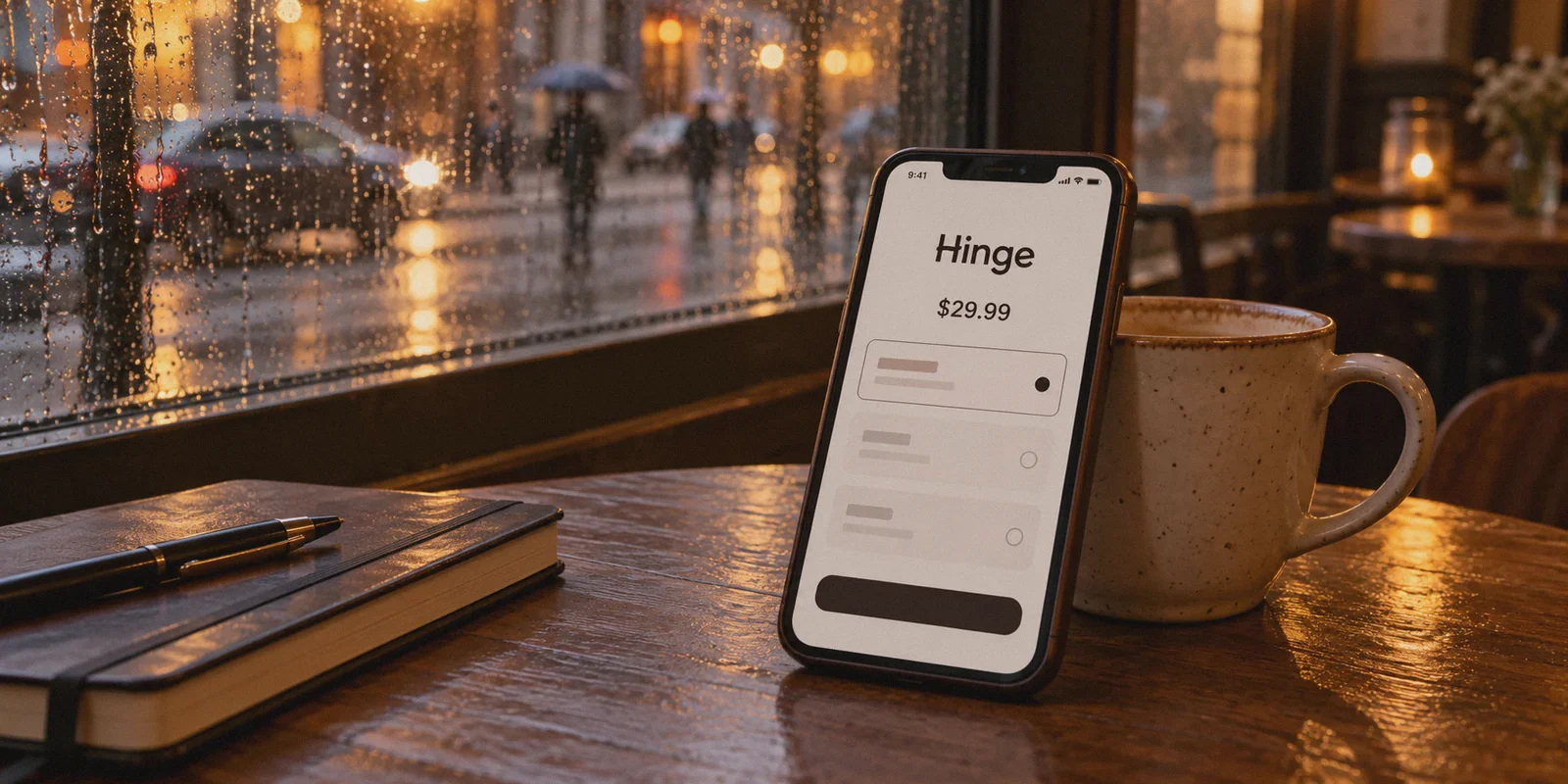
You open Hinge, run out of daily likes in under three minutes, and tap the upgrade button.
Then comes the price screen: $29.99 for a single month (or pushing $40+ if you look at HingeX).
If you live in New York, London, Toronto, or Sydney, dating app subscriptions hit like a utility bill. So, naturally, you head to Reddit or Google with one question: Can I just flip on a VPN, change my location to somewhere with regional pricing, and get Hinge Preferred for pennies?
Here is the truth nobody writes in generic guides: Yes, Hinge charges vastly different prices depending on geography. But if you try to do it by casually switching a VPN on your phone and tapping "Subscribe" in the App Store, you won't get a discount. You will get an Apple/Google billing error, or worse, a permanent hardware shadowban on your dating profile.
Hinge is owned by Match Group. They don't track your location like a streaming service does; they cross-reference GPS chips, cellular carrier codes, app store billing currencies, and IP signatures.
To actually buy Hinge Preferred cheaper without nuking your account, you need to understand how their billing check actually works, why mobile stores ruin it, and the exact workaround that bypasses the friction.
Article summary and product fit
Why does changing a VPN location usually fail to change Hinge subscription pricing?
The article’s core point is that Hinge purchases involve more than an IP address: mobile-store billing country, device location signals, payment details, and session consistency can all disagree with the VPN location. A VPN by itself does not change an Apple or Google billing region and does not guarantee a web checkout will be accepted.
Key points, fit, and limits
- Main reason: In-app purchases are tied to Apple App Store or Google Play billing information, so changing an IP address alone does not change the store country or currency.
- Real-world difficulty: The article describes mismatches among GPS, carrier, billing currency, payment country, and IP location as the main source of errors or account review.
- Preparation described: The article moves the billing attempt to a clean desktop browser session rather than relying on the mobile app.
- Limits: Regional pricing, payment acceptance, and anti-fraud rules can change. A VPN does not make a foreign card local, change a mobile-store account country, or guarantee a lower price.
- Product fit: OnlyDogs VPN is framed here as a connection tool for a short browser session. Its official site describes one-tap, cross-platform access, but it does not establish payment eligibility or override Hinge billing rules.
Sources and product reference: OnlyDogsVPN official website.
1. The Mobile Store Trap: Why Turning on a VPN on Your Phone Fails
Here is what 95% of people do—and why it fails every time:
- They install a free or generic VPN on their iPhone or Android.
- They connect to Brazil, Turkey, or the Philippines.
- They open the Hinge app.
- The price on the screen is still in USD, GBP, or EUR.
Why? Because the mobile app does not care about your VPN IP for billing.
When you purchase inside the iOS or Android Hinge app, the transaction runs entirely through the Apple App Store or Google Play Store. Your App Store account is hard-locked to your registered home country, home currency, and home credit card. A VPN changes your IP traffic, but Apple and Google already know who you are.
Worse yet: Hinge requests system-level GPS permissions on your phone. If your GPS says you are sitting in Chicago while your IP suddenly jumps to Istanbul via an unmasked data center proxy, Match Group's anti-fraud algorithm flags your account as a bot farm or spam scraper.
Result? No discount, and your profile gets quietly shoved to the bottom of everyone’s swipe deck.
2. The Clean Route: The Desktop Web Storefront Workaround
To pay localized regional rates for dating apps, you have to cut Apple and Google out of the equation completely.
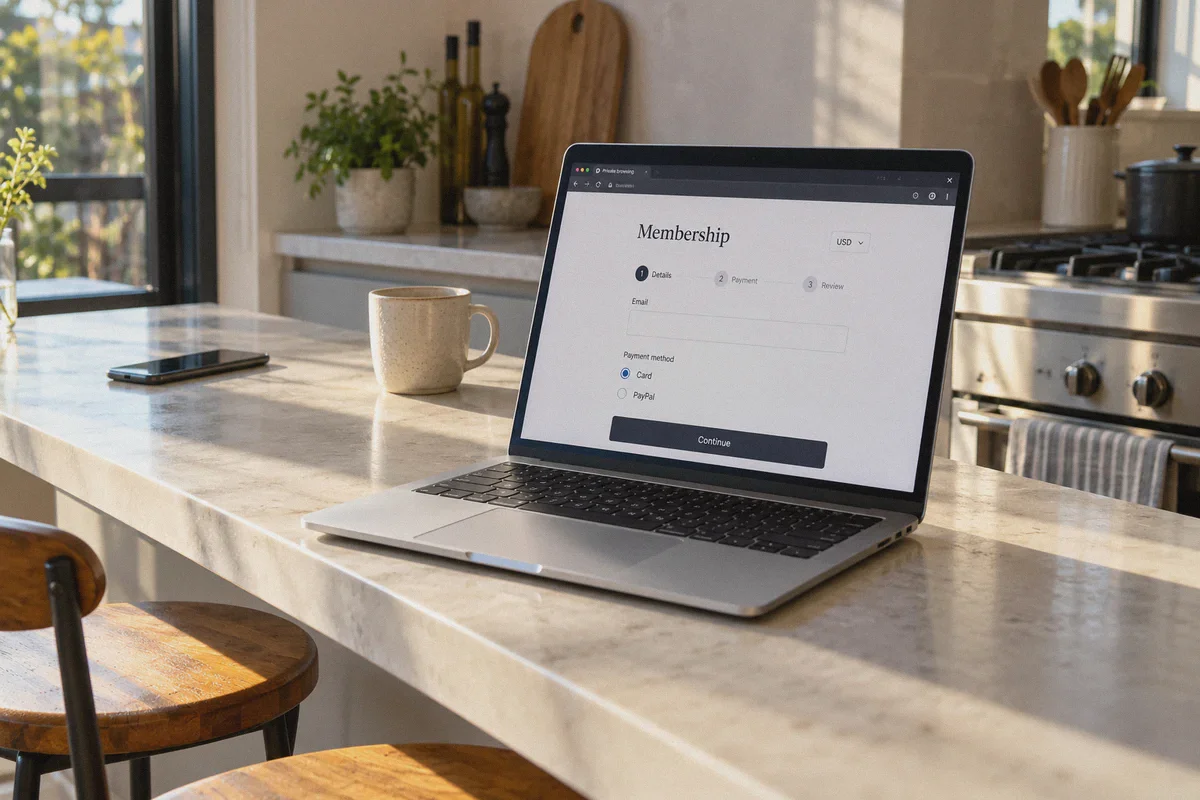
Match Group apps (including Tinder, Bumble, and Hinge web portals) process payments differently on a clean desktop browser session than they do inside a native mobile app:
- No Mobile Store Lock-in: Browser sessions rely on web checkout gateways rather than your Apple/Google ID country.
- No Direct GPS Sensor Access: A desktop browser does not broadcast hard hardware GPS coordinates or SIM carrier identities. It evaluates IP geography, browser headers, and payment details.
- Direct Regional Currency Rendering: When you hit regional checkout portals through an obfuscated, legitimate local connection, the checkout page renders in local pricing (such as MXN, BRL, or regional USD tiers).
However, Match Group uses aggressive anti-VPN security (Cloudflare and custom fraud shields). If your VPN connection leaks DNS, uses blacklisted server blocks, or switches IPs mid-checkout, the transaction gets rejected with a generic "Payment processing failed" error.
3. Why Standard VPNs Get Blocked at Checkout
When you attempt to load regional dating checkouts, standard commercial VPNs often fail for two reasons:
- Protocol Fingerprinting: Conventional protocols (like open WireGuard or OpenVPN) have obvious data signatures that enterprise anti-bot systems instantly identify as data-center relays.
- IP Pool Pollution: Thousands of people sharing the same few generic VPN nodes trigger instant fraud alerts on payment processors like Stripe.
This is where your connection tool matters far more than just "picking a country on a map."
If you want a connection that passes digital storefront security without triggering anti-fraud scripts, OnlyDogs VPN handles the friction points that usually ruin this setup:
- HTTP/3 & Proprietary Obfuscated Routing: Instead of broadcasting loud VPN handshake signatures, OnlyDogs uses custom obfuscation and HTTP/3 transport. To the billing gateway, your traffic looks like regular, organic HTTPS web browsing rather than a VPN proxy.
- Scene Presets (Zero Technical Guesswork): You don't have to fiddle with split tunneling, MTU settings, or protocol selectors. You select the preset that optimizes for clean IP routing, pick your target region, and the app selects the cleanest path automatically.
- Passwordless Email Code Login: No managing separate accounts or saving credentials; it’s quick to fire up on your Mac or PC specifically for the transaction.
- Connection Resilience: If an IP drops for two seconds during a payment gateway handshake, the transaction fails and your real IP leaks to the browser cache. OnlyDogs maintains smooth network recovery, keeping the session intact through the payment sequence.
4. Step-by-Step: How to Get Hinge Preferred Cheaper
Follow this exact workflow on a computer. Do not attempt this on your primary phone while Hinge is running in the background.
[Clean Desktop Browser] + [OnlyDogs VPN Obfuscated Route]
                     ↓
      [Hinge Web Account Login]
                     ↓
[Regional Currency Storefront Check]
                     ↓
[International Virtual Card / PayPal Checkout]
Step 1: Prepare a Clean Browser Window
Do not use your everyday browser with months of cached local cookies.
- Open an Incognito / Private Window in Chrome, Edge, or Brave.
- Disable any browser extensions that might leak your local timezone or location.
Step 2: Connect OnlyDogs VPN
Launch OnlyDogs VPN on your computer. Connect to a region with favorable currency exchange or lower local pricing tiers (such as regional Americas or Southeast Asia nodes). Ensure the connection establishes cleanly.
Step 3: Access Hinge on the Web
Navigate to the official Hinge web login portal.
- Log in using your registered credentials (phone code or email).
- Because you are on a computer, Hinge cannot pull native hardware GPS data or your mobile carrier signal. It reads the clean, obfuscated IP route provided by OnlyDogs.
Step 4: Check the Preferred Membership Screen
Navigate to your profile settings and select the Hinge Preferred upgrade page.
- Check the currency symbol and rate displayed. If the route is clean, the prices will reflect the regional tier rather than your home market's inflated rate.
- Rule of Thumb: Choose the 3-month or 6-month tier if the price gap is substantial; this locks in the lower rate so you don't have to repeat this checkout process every 30 days.
Step 5: Handling the Payment Method
This is where people get stuck if they use a standard local domestic card.
- Best Option: A multi-currency virtual debit card (such as Wise, Revolut, or an internationally cleared fintech card) that allows foreign transactions without a hard zip-code match.
- Alternative: A regional PayPal account if available for that storefront.
- Complete the checkout. Once approved, the Preferred status binds directly to your Hinge user ID.
Step 6: Log Back In on Your Phone
Once the subscription is confirmed:
- Close the browser on your computer.
- Disconnect the VPN.
- Open your normal Hinge app on your phone.
- Your account status will now show Preferred Member, with all incoming likes unlocked and unlimited filters active—running on your regular local connection without any ongoing VPN use required.
5. Three Critical Mistakes to Avoid
Before you do this, keep these safety boundaries in mind:
- Never use a fake GPS app while swiping. Some people try to spoof their GPS on Android to match their VPN. Don't do this. Dating apps monitor mock location permissions; it is the fastest way to get your account flagged. Keep your physical swiping local; only use the VPN route for the web-based billing event.
- Don't jump continents every 20 minutes. If you log into Hinge in London, open a browser in Brazil 5 minutes later, and then swipe in London again 2 minutes after that, velocity filters trigger. Give your account a couple of hours of quiet time before and after doing the web checkout.
- Turn off auto-renew if using a one-off card. If you used a virtual card with finite funds, cancel auto-renew inside your web subscription settings immediately after purchase. The membership will remain active for the full period you paid for, but you won't trigger billing-failure flags when it expires.
The Verdict
Paying full retail for Hinge Preferred feels unreasonable when the exact same digital feature costs a fraction of the price across different borders.
But brute-forcing it inside the iPhone or Android app won't work—it only risks getting your profile buried.
By taking the process to a desktop browser, using an obfuscated connection via OnlyDogs VPN to bypass gateway fraud filters, and paying through web checkout, you get the perks you actually want—unlimited likes, seeing who likes you, and advanced preference filters—without handing over $30+ every single month.
Frequently Asked Questions
Why doesn’t a phone VPN automatically change the Hinge subscription price?
The article says iOS and Android purchases are controlled by the App Store or Google Play billing region, currency, and payment profile. A VPN changes network routing, not those store-account settings.
What kinds of location mismatches can cause checkout or account problems?
The article points to combinations of GPS, cellular carrier information, billing currency, payment details, and IP location. When those signals disagree sharply, the service or payment gateway may reject the transaction or review the account.
Why can a desktop web checkout behave differently from the mobile app?
The article explains that a desktop browser does not use the same mobile-store purchase flow and does not expose the same native phone signals, although the checkout can still evaluate IP reputation and payment details.
Does using a VPN guarantee cheaper Hinge pricing or a successful payment?
No. The article itself describes payment-country checks and anti-fraud controls as separate barriers. Pricing and checkout rules can change, and a VPN alone does not guarantee a discount or approval.