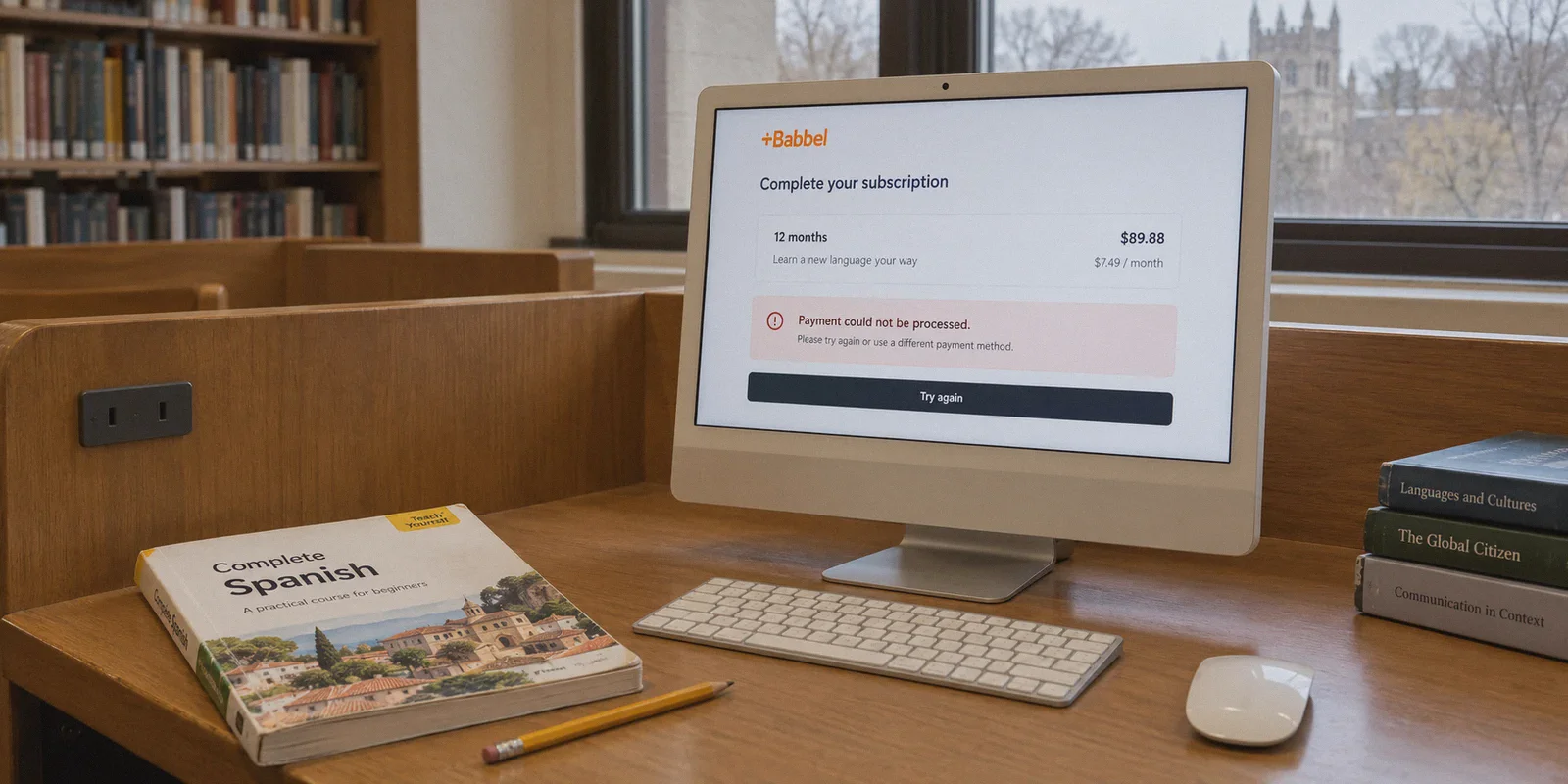
You are staring at the Babbel checkout screen, credit card in hand, feeling that sudden pang of hesitation.
Paying $14.95 a month—or coughing up over $100 upfront for an annual pass just to learn conversational Spanish or brush up on French—stings. You’ve probably heard whispers on Reddit or YouTube: "Just turn on a VPN, set your location to a country with a weaker currency, and grab Babbel for a fraction of the price!"
So you fired up a VPN, picked Turkey or Argentina, hit checkout, and were immediately greeted by:
"Payment could not be processed. Please check your card details or try another payment method."
Most guides tell you buying Babbel cheaper with a VPN is a two-click trick. What they don't tell you is that subscription platforms and payment gateways (like Stripe and Adyen) have heavily cracked down on regional price hopping. If you don't understand the rules of the game, you end up wasting an afternoon with declined cards and temporary account locks.
Here is the realistic, zero-BS guide on how to actually buy a Babbel subscription for significantly less using a VPN, the rookie mistakes that get your payment flagged, and how to get it done on the first try.
Article summary and product fit
Why does changing VPN location often fail to produce a cheaper Babbel checkout?
The article says mobile-app pricing is controlled by the Apple or Google account region, while web checkout also evaluates browser state and payment signals such as card origin. It recommends treating the VPN as only one part of the process: use a clean browser session, expect regional payment checks, and avoid assuming that a low-price country will accept a foreign card.
Key points, fit, and limits
- Best for: Readers comparing Babbel web pricing across regions and trying to understand repeated payment declines.
- Key distinction: IP location, browser cookies, app-store region, and card/payment origin are separate signals.
- Where OnlyDogsVPN fits: The article uses it as the network layer for a clean regional web session, not as a way to change the issuing country of a card.
- Important limit: Regional offers, taxes, identity requirements, payment acceptance, and subscription terms can change, and a VPN cannot make invalid billing details valid.
Sources already referenced in this article: OnlyDogsVPN official website.
The "Turkey/Argentina" Trap: Why the Old Advice Fails
A few years ago, you could flip your IP to Istanbul or Buenos Aires and buy international subscriptions for pocket change. Today, trying that on Babbel almost always ends in a hard decline.
Here is why:
- Card BIN Verification: Payment processors check the Bank Identification Number (BIN) of your card. If your card was issued in the US, UK, or Germany, but you are trying to pay in Turkish Lira on a local storefront, the bank flags the mismatch and blocks the transaction.
- Local Tax ID Walls: Countries with extreme currency devaluation now demand local verification (like a Turkish phone number, an Argentine DNI, or a Brazilian CPF) before letting a checkout finalize.
- Overcrowded VPN Datacenter IPs: If you use a generic or free VPN, hundreds of people have already used that exact server IP to attempt fraudulent purchases. Stripe’s fraud engine scores your session as "high risk" and hides the payment button or silently rejects your payment.
To get Babbel cheaper, you don't need a high-risk country that demands local residency. You need regions where pricing is naturally 40% to 60% lower due to local purchasing power, but where international payment rails (like PayPal or foreign Visas/Mastercards) still go through cleanly.
3 Rules You Must Follow Before You Touch Checkout
If you skip any of these three fundamentals, you will pay full price or get your transaction blocked:
1. Never Buy Through the iOS or Android App
This is the single most common mistake. If you download the Babbel app on your iPhone or Android and turn on a VPN, it will do absolutely nothing.
In-app purchases are tied directly to your Apple App Store or Google Play account region, not your IP address. Apple and Google will bill you in your home currency regardless of where your VPN claims you are. Always buy through a desktop web browser.
2. Kill the "Geo-Cookie" First
Babbel’s website drops aggressive tracking cookies the moment you visit. If you visited Babbel earlier today from New York or London, your browser already cached your local currency.
If you just switch on a VPN and refresh the tab, the site still remembers you and displays your home price. Always use an Incognito / Private window or clear your browser cookies before navigating to Babbel.
3. Target "Sweet Spot" Regions, Not Extreme Ones
Instead of chasing hyper-inflation zones that require local identity numbers, look for stable regional discounts:
- Latin America (Mexico, Colombia, Chile): Subscriptions are routinely priced 40–55% lower than US/EU rates, and checkout gateways often accept international credit cards or global PayPal accounts without demanding local IDs.
- Parts of Central/Eastern Europe (e.g., Poland PLN): Offers solid discounts compared to Eurozone/UK prices, with seamless European payment processing.
- Regional Promotional Landing Pages: Babbel often runs seasonal 50%–60% off promotions exclusively targeted at specific country IPs. Accessing the web storefront from those countries automatically unlocks promotional rates that don’t exist on the US or UK homepage.
Step-by-Step: How to Buy Babbel Cheaper
Follow these steps in order so the fraud filters don't trigger.
Step 1: Fire Up a Clean, Obfuscated Connection
Before opening your browser, connect your VPN. This is where most people get tripped up—if your VPN leaks WebRTC data or uses easily detectable proxy protocols, Babbel’s security checks will flag you immediately.
Open OnlyDogs VPN, choose the region you want to target (such as Mexico or Colombia), and connect.
Why OnlyDogs VPN works here: Unlike legacy VPNs whose server pools are well-known to commercial anti-fraud filters, OnlyDogs VPN uses HTTP/3 and proprietary traffic obfuscation. To the payment gateway, your data looks like ordinary, encrypted domestic web traffic, not a suspicious proxy tunnel.
Step 2: Open an Incognito Window
Launch a clean private window in Chrome, Brave, or Safari. Go directly to babbel.com.
Check the footer of the page or the pricing banner: the currency symbol should have changed (e.g., from $ to MXN or local currency equivalents). If it's still showing USD or GBP, your browser cached your old session—close the window, ensure your VPN is active, and reopen Incognito.
Step 3: Pick Your Plan (The "Lifetime" Math)
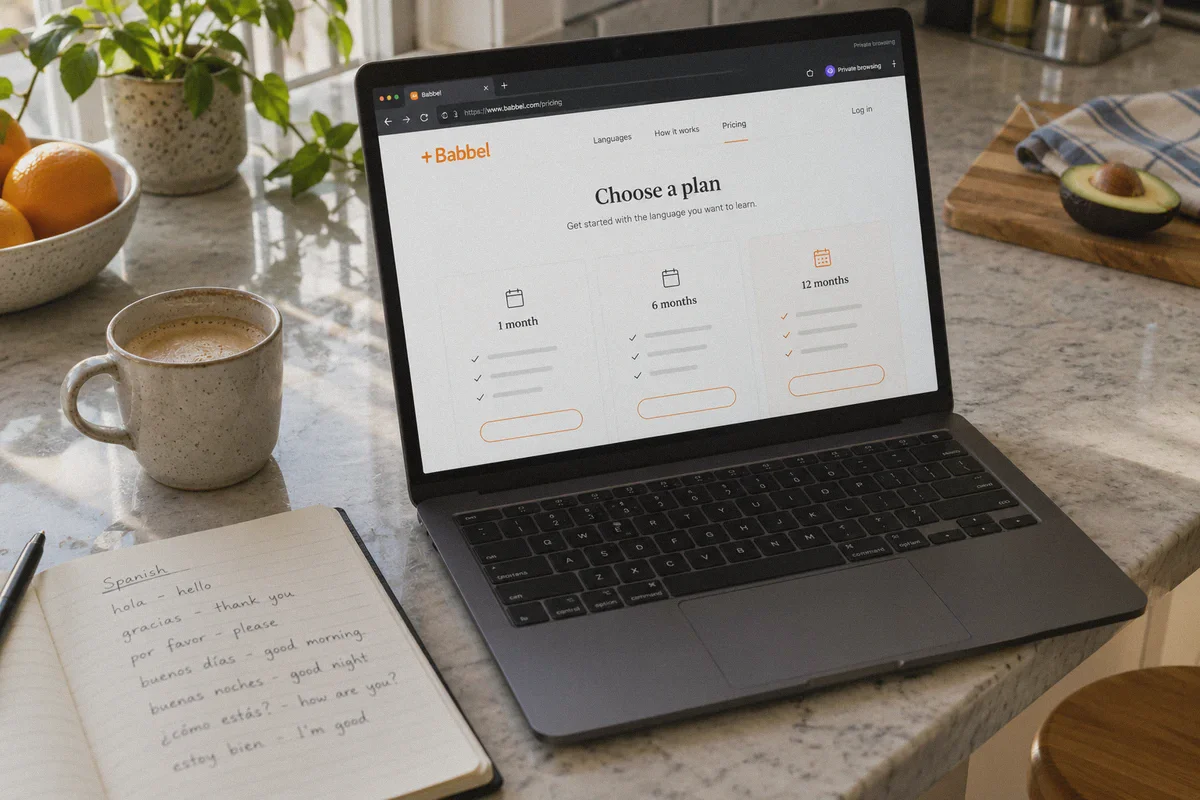
Babbel generally offers 3-month, 6-month, 12-month, and Lifetime subscriptions.
If you are committed to learning, check the Lifetime option. In discounted regions, a Lifetime pass (which grants access to all 14 languages forever) often costs roughly what users in the US or UK pay for a single 12-month plan. If you only want one language for a quick trip, the 12-month tier offers the best monthly cost ratio.
Step 4: Pay Using PayPal or a Multi-Currency Card
When you arrive at the payment screen:
- Option A (Safest): PayPal. If the regional storefront supports PayPal, use it. PayPal handles currency conversion on the backend, meaning Babbel’s payment processor rarely checks the origin country of your underlying bank card.
- Option B: Multi-Currency Card (Wise, Revolut, or No-Foreign-Transaction-Fee Credit Card). These cards are designed for global spend and rarely decline cross-border currency requests.
- If asked for a billing address, use a plausible local address (e.g., a hotel address in Mexico City or Warsaw with a matching postal code).
Once the payment confirms, your subscription is officially activated.
Why OnlyDogs VPN Makes the Difference at Checkout
Most VPNs are designed for torrenting or streaming movies. Buying software across international borders requires a completely different technical standard: packet purity and fingerprint masking.
| Feature | Generic / Free VPNs | OnlyDogs VPN | What It Means for Your Purchase |
|---|---|---|---|
| IP Quality | Overcrowded datacenter IPs | Clean, high-reputation transit nodes | Payment gateway doesn't auto-flag your session as fraud |
| Protocol Stealth | OpenVPN / WireGuard (easy to detect) | HTTP/3 + Proprietary Obfuscation | Masks VPN headers so checkout engines treat you like a local |
| Connection Jitter | Frequent drops / IP shifts | Weak-network auto-recovery | Won't drop the tunnel mid-transaction and corrupt checkout |
| Ad & Tracker Shield | None or basic browser addon | DNS-level tracker blocking | Strips tracking pixels that try to read your true machine locale |
| Ease of Use | Complex manual server tweaking | One-click Scenario Presets | Pick what you want to do and connect in 2 seconds |
With OnlyDogs VPN, you don’t have to spend 40 minutes tweaking MTU settings or searching through server logs. You log in with a simple passwordless email verification code, pick your target region, and get a stable, clean route that lets payment gateways clear smoothly.
👉 Check out OnlyDogs VPN and get your secure connection ready
Do You Need to Keep the VPN On to Use Babbel?
No. This is the best part of Babbel’s system.
Unlike Netflix or regional TV apps that constantly check your location every time you press play, Babbel only cares about your location at the moment of transaction.
Once your account status flips to "Subscribed":
- You can turn off the VPN completely.
- Download the Babbel app on your iPhone, iPad, or Android phone.
- Log in with the exact same email address you used on the web.
- All your courses, offline downloads, review manager, and lessons will be 100% unlocked in your native interface.
You get the exact same lessons, the same speech recognition engine, and the same native speaker audio—you just didn't pay the arbitrary markup.
The Smart Move
Language learning takes discipline, but paying double just because of where your laptop happens to sit is an unnecessary tax.
Ditch the mobile app checkout, stop wasting time on burned-out Turkish proxy links, connect to a clean regional route with OnlyDogs VPN, and lock in your language pass for the price it should have been all along.
Frequently Asked Questions
Why do the old Turkey or Argentina VPN tricks often fail now?
The article points to card BIN checks, local tax or identity requirements, and heavily used VPN IPs that can raise payment-risk scores.
Why does a VPN not change Babbel pricing inside the iOS or Android app?
In-app purchases are tied to the Apple App Store or Google Play account region. The article says the current IP address does not override that billing profile.
Why does the article recommend an Incognito or Private window?
Babbel can remember a previous location or currency through browser cookies. A clean private session reduces the chance that stale geo-cookies keep showing the home-region price.
Why does the payment method still matter after the regional page loads?
The checkout processor can still evaluate the card’s issuing country and billing data. The article therefore treats payment compatibility as separate from obtaining the regional web page.
Do you need to keep the VPN on after a Babbel subscription is activated?
The article says no. Once the account is subscribed, it describes normal app use with the same account and treats the VPN as relevant mainly to the transaction stage.