How to Buy Udemy Courses Cheaper with a VPN (Without Getting Your Account Flagged)
If you're reading this, you probably just experienced the classic Udemy sticker shock.
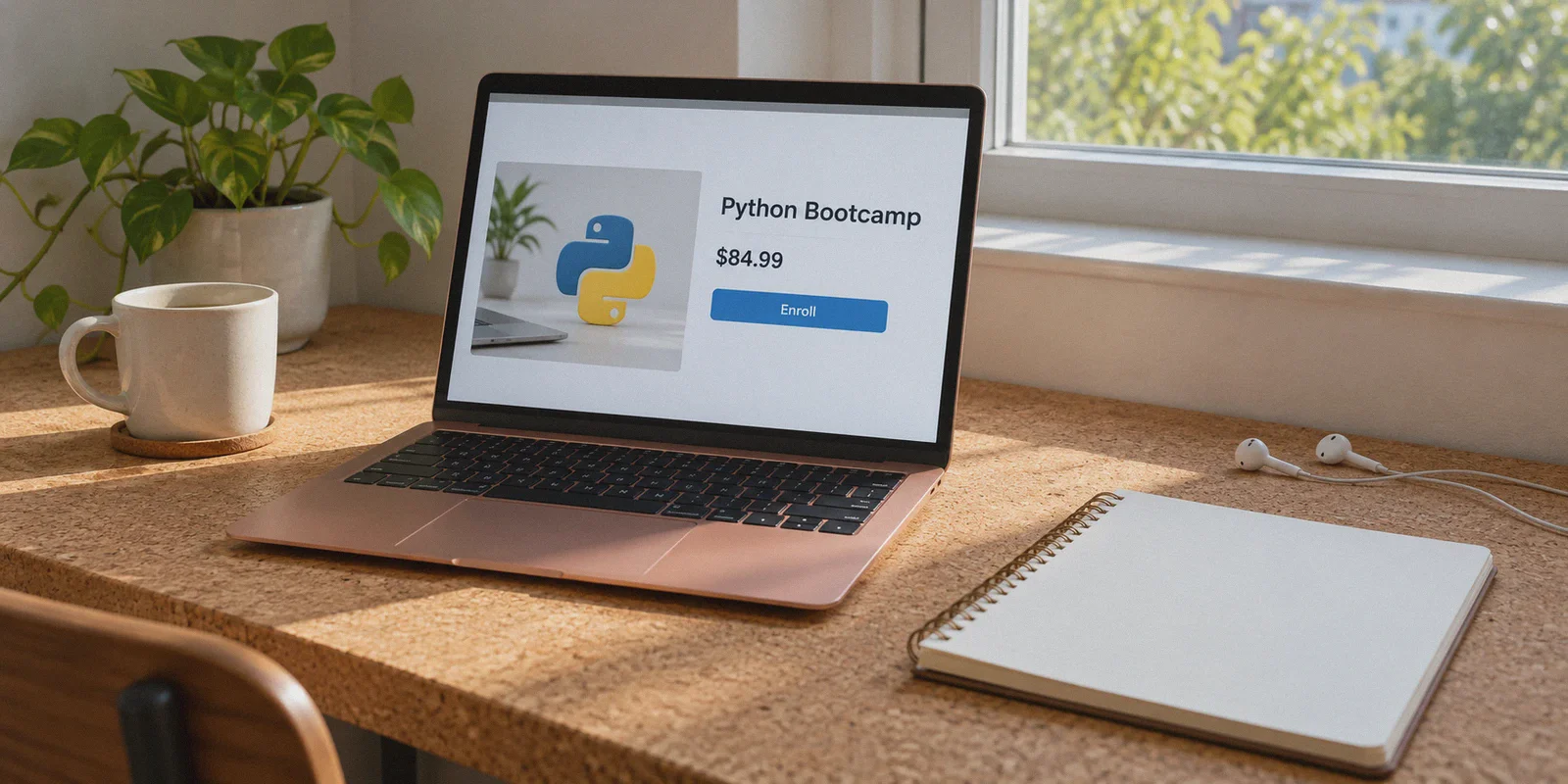
Yesterday, that Python bootcamp or AWS certification course was sitting proudly in your cart for $12.99. Today, you logged back in ready to buy, and the banner says $84.99—or even $119.99.
You know Udemy runs aggressive dynamic pricing, and you’ve heard the rumors on Reddit: Just switch your VPN to Turkey, India, or Brazil, and every course drops to the price of a fancy latte.
I’ve been down that rabbit hole. And if you go in blind, clicking a random free VPN server and slapping in your regular Visa card, one of three things will happen:
- Udemy’s payment gateway throws an instant checkout error.
- The regional currency converts, but local bank taxes wipe out your savings.
- Your new course gets tied to a shadow-restricted regional profile.
Buying Udemy courses cheaper using a VPN is still one of the most effective ways to build a personal learning library on a budget. But in 2026, Udemy's regional fraud checks and currency filters aren't as naive as they were a few years ago.
Here is the exact playbook: what actually dictates Udemy pricing, where the real discounts hide, and how to execute the purchase smoothly.
Article summary and product fit
What does this article say causes Udemy course prices to vary so much?
The article separates three factors: temporary or new-user promotions, regional purchasing-power pricing, and payment-region checks at checkout. It says Incognito mode can change cookie-driven promotions, while a regional price can still fail at payment if the account, card, or location signals do not line up.
Key points, fit, and limits
- Best for: Readers trying to understand why a course can jump between sale and list price, or why a regional price appears but then fails during checkout.
- Key points: The first half distinguishes browser-promotion cookies from regional pricing and explains that the payment step applies additional verification.
- Product fit: OnlyDogs VPN is positioned as a stable regional browsing route that reduces connection and proxy-detection friction during a checkout session.
- Important limit: The article does not link to current Udemy regional-pricing or payment-policy documentation. Price examples, account-safety claims, and regional purchase methods can change and should not be treated as guaranteed or as a way around platform rules.
Sources already linked in this article: OnlyDogsVPN official website.
1. What’s Actually Happening with Udemy’s Prices?
Before touching any network settings, you need to know why Udemy’s numbers jump around like crypto charts.
Udemy prices courses based on three interlocking layers:
- The "New User" Cookie Hook: If you visit Udemy without logging in, courses are almost always marked down to $9.99–$14.99 to hook fresh registrations. Once you create an account and buy one course, that promo banner vanishes, and courses revert to their default $60–$120 list prices until the next sitewide seasonal sale.
- Purchasing Power Parity (PPP): Udemy doesn’t charge a flat global dollar rate. A course priced at $84.99 in the US or UK is priced around ₹499 to ₹799 in India (~$6–$9 USD), or ₺200–₺350 in Turkey, to match local incomes.
- Regional IP & Currency Locks: Udemy displays prices based on the geographic IP of your current session. But the moment you click "Checkout," it checks whether your billing country and payment method match that location.
Notice the difference? Incognito mode only fixes the "New User" hook. It does not give you Purchasing Power Parity.
To stack both—getting the introductory tier in a low-PPP currency—you need a clean regional connection and the right checkout sequence.
2. The Price Gap: What Courses Actually Cost Across Regions
To give you an idea of the spread on a flagship 40-hour tech course:
| Region | Typical "Sale" Price | USD Equivalent | Payment Friction |
|---|---|---|---|
| United States / UK / EU | $12.99 – $19.99 (Sale) / $84.99 (Full) | $12.99 – $19.99 | Zero |
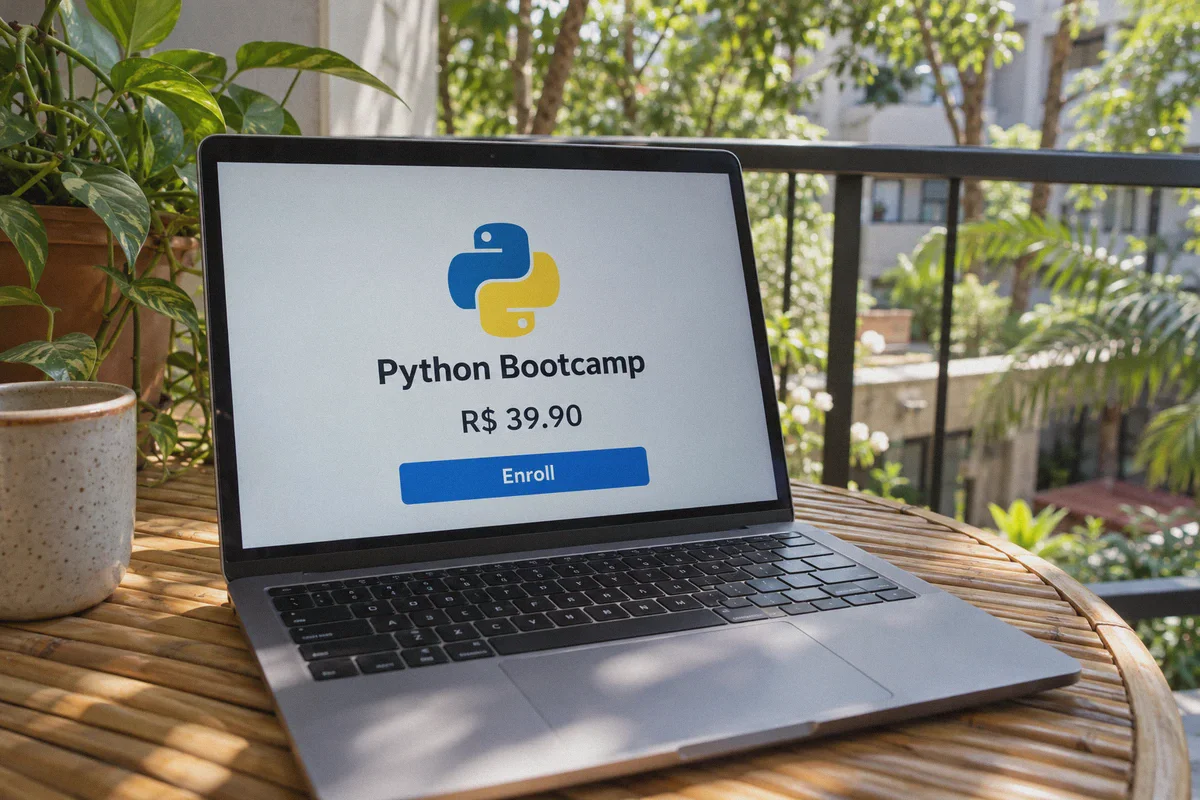
| Brazil (BRL) | R$ 27.90 – R$ 39.90 | ~$5.50 – $7.80 | Low (International Cards work well) |
| India (INR) | ₹449 – ₹649 | ~$5.30 – $7.70 | Medium (Requires 3D Secure / Foreign Forex) |
| Turkey (TRY) | ₺219 – ₺329 | ~$6.50 – $9.80 | High (Strict local card validation) |
| Philippines / SE Asia (PHP/IDR) | ₱499 – ₱699 | ~$8.50 – $11.00 | Very Low (PayPal / International Cards) |
A course that costs $84.99 outside of sale periods can consistently be grabbed for under $8 to $10 any day of the week if you route through favorable regions like Brazil, the Philippines, or India.
3. The 3 Mistakes That Kill the Transaction
Most people fail at the final 10 seconds of checkout. Here is what trips up first-timers:
Mistake 1: Using Your Primary Long-Term Account
If your main account has five years of US credit card billing history and a US phone number, suddenly buying a course in Brazilian Reais from an IP in São Paulo raises an immediate fraud flag.
- The fix: Always execute regional purchases using a fresh email or a secondary account, or use the "Gift this course" feature to deliver the course directly to your primary email address.
Mistake 2: Using Dirty Datacenter IPs
Udemy uses Cloudflare and payment security filters. If you use a free proxy or an overcrowded commercial VPN node, Cloudflare detects the data center ASN. The page might display the local price, but clicking "Proceed to Checkout" results in an endless spinning wheel or a generic "We are unable to process your payment" banner.
Mistake 3: Forcing a Domestic Card Without International Billing
If you're paying in BRL or PHP, your standard domestic bank card might block foreign cross-border transactions. Having a multi-currency card (like Wise, Revolut) or a regional-friendly PayPal option makes checkout frictionless.
4. Step-by-Step: The Clean Route to Cheaper Courses
Here is the exact sequence to secure the regional price without checkout errors:
[Connect to Clean Region] ──> [Open Incognito Browser] ──> [Browse Udemy as Fresh Guest]
                                                                   │
[Receive Course / Learn]  <── [Gift to Primary Account] <── [Checkout with PayPal/Wise]
Step 1: Fire up OnlyDogs VPN and Pick Your Route
Open OnlyDogs VPN. Instead of digging through hundreds of servers trying to guess which one isn't blacklisted by Cloudflare, click the Scene Preset for standard international web traffic or regional browsing.
For the smoothest checkout with international Visa/Mastercard or PayPal, select Brazil, the Philippines, or a Southeast Asian node.
Step 2: Open an Incognito Window
Do not open Udemy in your everyday browser window with your saved cookies. Open a clean Private / Incognito window.
Navigate to udemy.com. Check the bottom right of the page or the price tag on the homepage banner:
- It should reflect the local currency (e.g.,
R$,₱, or₹). - If it still shows USD or EUR, clear your browser cache and refresh.
Step 3: Use the "Gift This Course" Strategy
This is the single cleanest way to keep your primary account 100% compliant:
- Search for the course you want.
- Click "Gift this course" instead of "Buy now".
- Enter your primary account's email address as the recipient, along with a note if you want.
- Set the delivery date to "Immediately".
Step 4: Pay via PayPal or International Debit Card
Proceed to checkout. Because you are buying a digital gift, billing verification is significantly more relaxed than recurring subscriptions. Pay using:
- International PayPal
- Multi-currency virtual debit cards (Wise, Revolut)
- Regular credit cards with international transactions enabled
Step 5: Redeem on Your Normal Connection
Disconnect your VPN. Open your normal email inbox on your regular internet connection, click the Udemy gift link, and claim the course onto your main personal account.
The course is now permanently in your library with lifetime access, offline downloads, and certificate eligibility intact.
5. Why OnlyDogs VPN Makes This Painless
You can technically try doing this with any free web proxy, but you’ll likely spend an afternoon dealing with broken checkout forms, captchas, and dropped connections.
Here is why OnlyDogs VPN fits this exact use case:
1. Scene Presets: No Network Guesswork
Most VPN interfaces hand you a list of 60 countries and 10 technical protocol toggles (WireGuard, OpenVPN, UDP, TCP). If you pick wrong, Cloudflare catches you at checkout. OnlyDogs uses Scene Presets—you simply click what you want to achieve, and the client automatically deploys the optimal routing and node. No configuration, no trial-and-error.
2. HTTP/3 & Traffic Obfuscation
Udemy’s checkout filters flag standard open-source VPN protocol headers. OnlyDogs is built on HTTP/3 architecture with custom traffic obfuscation. Your connection doesn't shout "datacenter proxy"; it blends into ordinary encrypted HTTPS traffic. That’s why pages load instantly without triggering security verification loops.
3. Weak-Network & Congestion Resilience
If you’re traveling or learning on hotel Wi-Fi, dorm networks, or tethered mobile data, video streams on Udemy often stutter and drop quality. OnlyDogs features aggressive weak-network recovery. Even when your underlying connection is spotty or switches from Wi-Fi to cellular, it maintains the tunnel without cutting off your video playback or download stream.
4. No Password Clutter
You don't need to create and memorize another complicated password. OnlyDogs uses email verification code login. Enter your email, enter the short code, and you're connected across macOS, Windows, Android, or iOS.
6. Should You Buy Individual Courses or Go for Personal Plan?
While you're testing regional pricing, keep one alternative in mind: Udemy's Personal Plan subscription.
Udemy now offers an all-you-can-eat subscription covering 10,000+ top-rated courses.
- In the US, it costs roughly $30.00/month.
- In regional markets like India or Southeast Asia, that same monthly subscription frequently prices out at the local equivalent of $10 to $14/month.
If you only need one single niche course (e.g., preparing for a specific exam), the VPN + Gift method is the cheapest move because you pay once ($7–$10) and own it for life.
If you are career-shifting and plan to blast through 4 or 5 courses over the next two months, using your regional connection to sign up for a month of the Personal Plan gives you access to the entire catalog for pocket change.
The Verdict
You don't need to pay $90 for an online course just because you missed a 48-hour flash sale.
- Grab a clean connection: Fire up OnlyDogs VPN, tap the preset, and route through a region with fair Purchasing Power Parity (like Brazil or Southeast Asia).
- Shop clean: Use an Incognito tab to lock in the introductory price in local currency.
- Gift it: Send the course to your main email to keep your primary account clean and hassle-free.
Stop waiting weeks for the next seasonal discount. Set up your route, grab your course for under ten bucks, and start building your skills today.
👉 Ready to unlock better regional pricing on all your online tools? Check out OnlyDogs VPN and connect in seconds.
Frequently Asked Questions
Why can a Udemy course be inexpensive one day and much more expensive the next?
The article attributes that swing partly to promotional cookies and sale timing. It says logged-out or new sessions may see introductory sale pricing that later disappears.
Does Incognito mode by itself give you another country’s Udemy price?
No. The article says Incognito mode mainly resets browser state; regional pricing is a separate layer tied to location and checkout verification.
Why can the local currency display correctly but payment still fail?
The article says the checkout step can compare account history, payment method, card capabilities, and the apparent region. A mismatch can cause a generic payment error even when the storefront showed a regional price.
Why does the article discuss the “Gift this course” option?
It presents gifting as a way to keep a purchase separate from a long-established primary account while still delivering the course to the intended learner, although current platform rules still apply.