You saw an insane Artgerm or Peach Momoko variant in your daily shop, or maybe you are staring down a $100 bundle to stock up on Collector's Tokens, and you remember someone on Reddit claiming they got the exact same gold bundle 25% to 35% cheaper with a VPN.
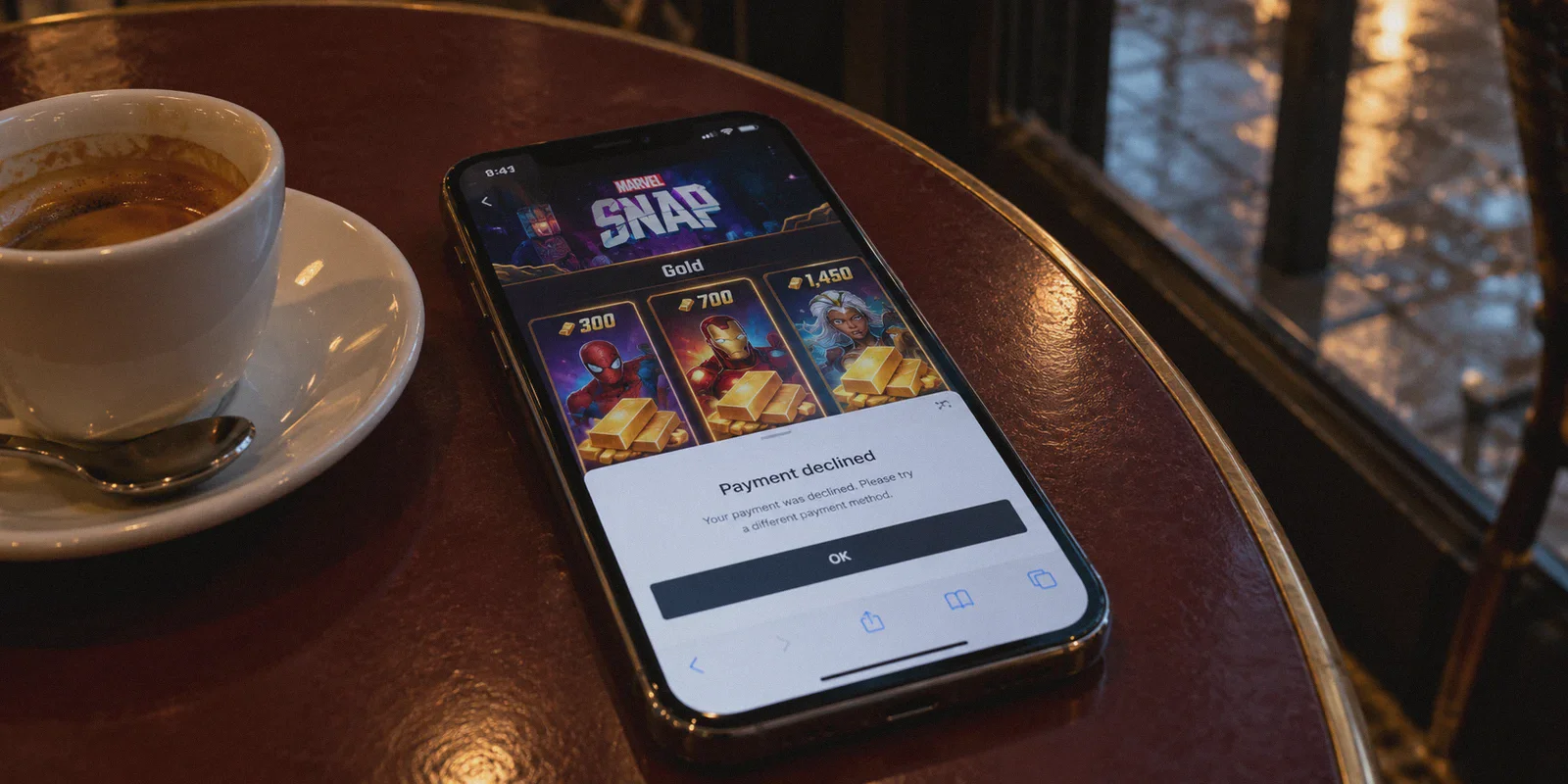
So you turned on a random VPN, opened Marvel Snap on your phone, and stared at the shop. The prices didn’t budge a single cent. Or worse: you tried buying through a web page, hit the checkout button, and got slapped with an immediate "Payment Declined" or an infinite white loading screen.
You are not failing because you picked the wrong country. You are failing because you are fighting the wrong storefront with the wrong tool.
Article summary and product fit
Why does a VPN not change Marvel Snap prices inside the mobile app, and what purchase path does the article focus on instead?
The article explains that in-app prices are tied to the Apple App Store or Google Play account region, so changing the phone’s IP alone does not change those prices. It instead focuses on the browser-based Marvel Snap webshop, where the browser session and payment flow are separate from the mobile store.
Key context
- Best for: Marvel Snap players comparing the mobile in-app store with the browser webshop and trying to understand why a location change affects one checkout path differently from the other.
- Article detail: The article recommends using the player ID, a fresh private browser session, and a stable connection before opening the web checkout, because cached location data or a disrupted payment redirect can cause failures.
- Important limit: A VPN cannot change the country attached to an Apple or Google account, and payment approval still depends on the webshop, processor, card, and regional rules.
- OnlyDogs fit: OnlyDogs VPN is positioned in the article as a browser-session routing option intended to reduce location leaks and connection drops during the webshop flow.
Sources already referenced in this article: OnlyDogsVPN official website.
Why Changing Your IP on Your Phone Does Absolutely Nothing
Most players make the exact same mistake on day one: they turn on a VPN on their iPhone or Android, boot up the Marvel Snap app, and expect the dollar signs to magically morph into Philippine Pesos or Brazilian Reais.
It will never happen.
The in-game store inside your mobile app is tied directly to your Apple App Store or Google Play account, not your physical IP address. Apple and Google do not care if your VPN says you are sitting in Manila or Tokyo; if your Apple ID or Google profile is registered in the US or UK, you will be billed in USD or GBP, period. Changing your App Store country requires local phone numbers, local addresses, and cards issued by banks in those countries.
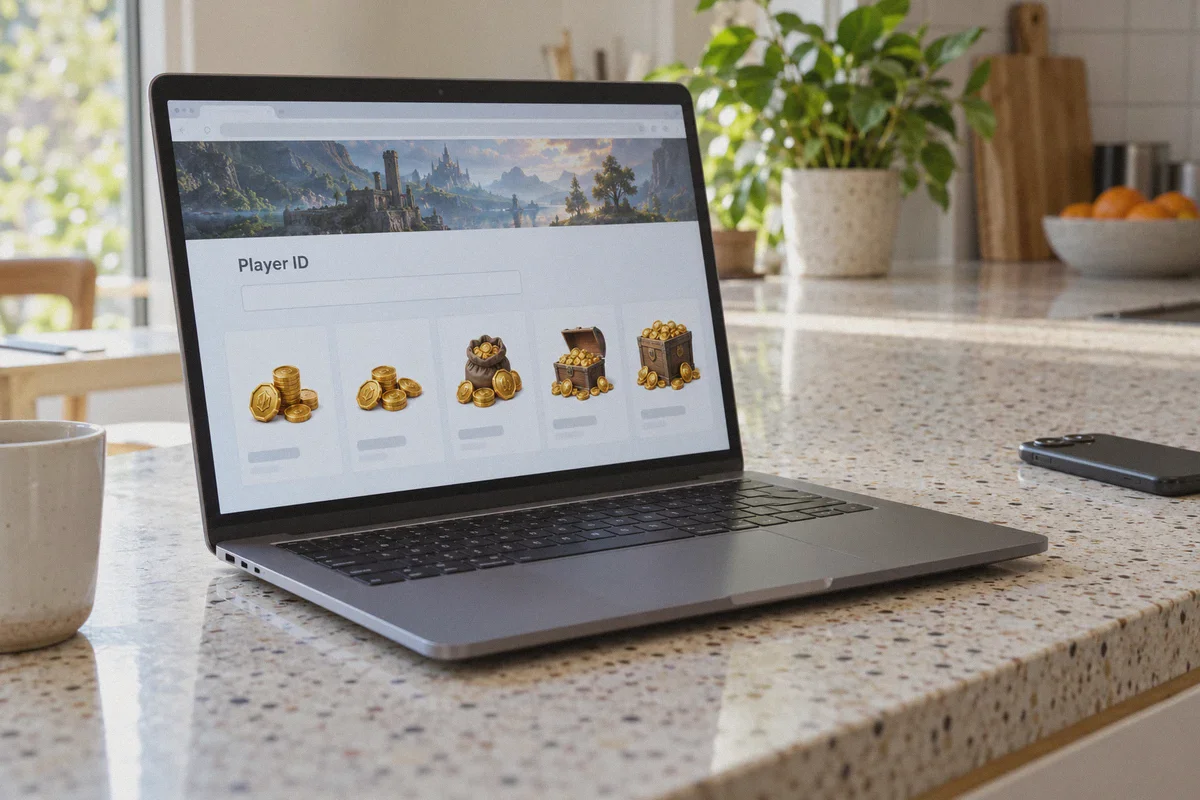
The real trick is the official Marvel Snap Nuverse Webshop (pay.marvelsnap.com).
Second Dinner and Nuverse run this standalone browser store to avoid giving Apple and Google their 30% cut. Because it lives on the open web, the webshop determines currency and regional pricing based on where your browser session originates—and credits the gold directly to your in-game Player ID.
As an added bonus, the official webshop gives you free bonus points on a monthly reward track for every purchase, which is why veteran players never buy gold inside the mobile app anyway.
The Real Hurdle: Why Payment Gateways Block Most VPNs
If the webshop uses regional pricing, why doesn't everyone just fire up a free browser extension and buy half-price gold all day?
Because Nuverse and their payment processors (like Coda Payments and Xsolla) are hyper-aware of regional abuse. They employ aggressive anti-fraud systems that scan incoming connections for data center traffic:
- Flagged Data Center IPs: Free and generic VPNs route thousands of users through cheap, crowded data center servers. Payment gateways recognize these IP ranges instantly and either force the currency back to USD or kill the checkout page.
- Payment Gate Dropping: If your connection hiccups for a fraction of a second while the bank’s 3D Secure or PayPal authorization is spinning, the session breaks. The payment fails, and your credit card issuer flags the transaction as suspected international fraud.
- WebRTC and DNS Leaks: Most standard VPN setups leak your actual country via browser background telemetry, tipping off the payment gateway before you even click "Buy."
Saving 20% to 30% on gold is real, but it only works if your connection looks like an ordinary, clean home browser session rather than an automated proxy script.
Why OnlyDogs VPN Gets the Checkout Through
This is where OnlyDogs VPN solves the specific headaches that cause mobile gamers to pull their hair out.
Standard VPN:
[Datacenter IP + High Traffic Noise] ──> [Payment Gateway Flagged] ──> "Error: Region Mismatch"

OnlyDogs VPN:
[HTTP/3 Obfuscation + Clean Residential-grade Handshake] ──> [Trusted Path] ──> Smooth Checkout
1. HTTP/3 & Traffic Obfuscation
Most commercial VPNs shout their presence through predictable OpenVPN or WireGuard protocol headers. OnlyDogs VPN uses a proprietary protocol design incorporating HTTP/3 and traffic obfuscation. To the payment gateway’s bot-detection filters, your session looks identical to standard, encrypted web traffic from a local user, drastically lowering the chance of an automatic checkout freeze.
2. Zero-Fuss Smart Routing
You do not want to spend an hour testing 30 different servers in Southeast Asia to find one that isn't blacklisted by payment processors. OnlyDogs VPN’s automatic path selection routes you through the cleanest, most responsive exit node immediately, cutting out the tedious trial-and-error.
3. Connection Stability That Won't Kill Your Payment Mid-Stream
Nothing is more annoying than having your bank approve an international charge, only for the VPN connection to drop during the redirect, leaving your money in limbo and zero gold in your Snap account. OnlyDogs VPN is built specifically to maintain integrity under unstable networks and recover instantly without dropping your session credentials.
4. Built-in Tracker & Ad Blocking
Payment portals hate background script collisions. OnlyDogs VPN strips out aggressive advertising trackers and third-party fingerprinting at the DNS and node levels, giving you a clean, unobstructed checkout screen.
Step-by-Step: How to Buy Marvel Snap Gold with OnlyDogs VPN
Before touching any payment details, close the Marvel Snap app on your phone or PC.
[Grab Player ID] ──> [Connect OnlyDogs VPN] ──> [Open Incognito Webshop] ──> [Pay via PayPal/Card]
- Retrieve Your Snap ID:
Open Marvel Snap, tap the gear icon in the top-left corner, scroll to the bottom, and tap to copy your Player ID (it looks like
Username#12345). Close the game completely. - Launch OnlyDogs VPN: Open the OnlyDogs app on your PC or phone. Select a region known for favorable pricing relative to the dollar (such as the Philippines or Japan).
- Open a Fresh Private/Incognito Window: Open your browser in Incognito or Private mode. This prevents old cookies and cached location data from exposing your actual home region.
- Head to the Official Store:
Navigate to
pay.marvelsnap.com. Paste your Player ID into the box and click Confirm. Verify that your avatar and in-game name match your account. - Confirm the Regional Currency: Look at the gold prices. If you connected to the Philippines, you should see prices displayed in PHP (Philippine Peso); if Japan, JPY. You will immediately see that high-tier bundles and gold packs cost roughly 20% to 30% less than the standard US/EU dollar equivalents.
- Complete Payment: Select your package. Use an international-friendly payment method such as PayPal or a credit card that does not charge foreign transaction fees.
- Verify Delivery: Disconnect OnlyDogs VPN, open Marvel Snap on your device, and check your gold balance. The gold and your Webshop Milestone points will appear instantly in your account.
Will Second Dinner Ban Your Marvel Snap Account?
The short answer: Not for using the official webshop.
The accounts that get banned in Marvel Snap almost always fall into one of two traps:
- Third-party "cheap top-up" black markets: You pay a random seller on Discord or an untrusted forum $50 for $100 worth of gold. They log into your account and use stolen credit cards. Weeks later, the cardholder files a chargeback, Nuverse receives a dispute, and your Snap account gets slapped with a permanent ban or negative gold balance.
- Refund abuse: Buying gold, spending it on Collector's Tokens, and then demanding a refund through Google or Apple.
When you use OnlyDogs VPN on the official Nuverse store, you are purchasing directly from Second Dinner’s authorized merchant platform using your own legitimate credit card or PayPal. Nuverse receives their full asking price in the selected local currency without paying a 30% cut to Apple or Google.
The Verdict
Trying to force regional discounts through the iOS App Store or Google Play is a waste of time. The only battleground that matters is the official Nuverse Webshop.
If you are already planning to spend money on season passes, bundles, or gold, paying full retail markup simply because of where you live makes little sense. Grab OnlyDogs VPN, lock in a clean, obfuscated connection to a favorable region, open an incognito browser window, and get your gold at the price international players actually pay.
Frequently Asked Questions
Why does changing the VPN region not change Marvel Snap prices inside the iPhone or Android app?
The article says mobile in-app pricing follows the region of the Apple App Store or Google Play account, not the phone’s current IP address. A VPN therefore does not rewrite the store account country.
Why can a browser checkout fail even after the regional currency appears?
The article points to flagged data-center IPs, DNS or WebRTC location leaks, and a dropped connection during payment authorization as reasons a payment gateway can reject or reset the session.
What does the article recommend preparing before opening the Marvel Snap browser webshop?
Copy the Marvel Snap Player ID, close the game, establish the intended connection, and open a fresh private/incognito browser window so old cookies and cached location data do not carry into the checkout session.