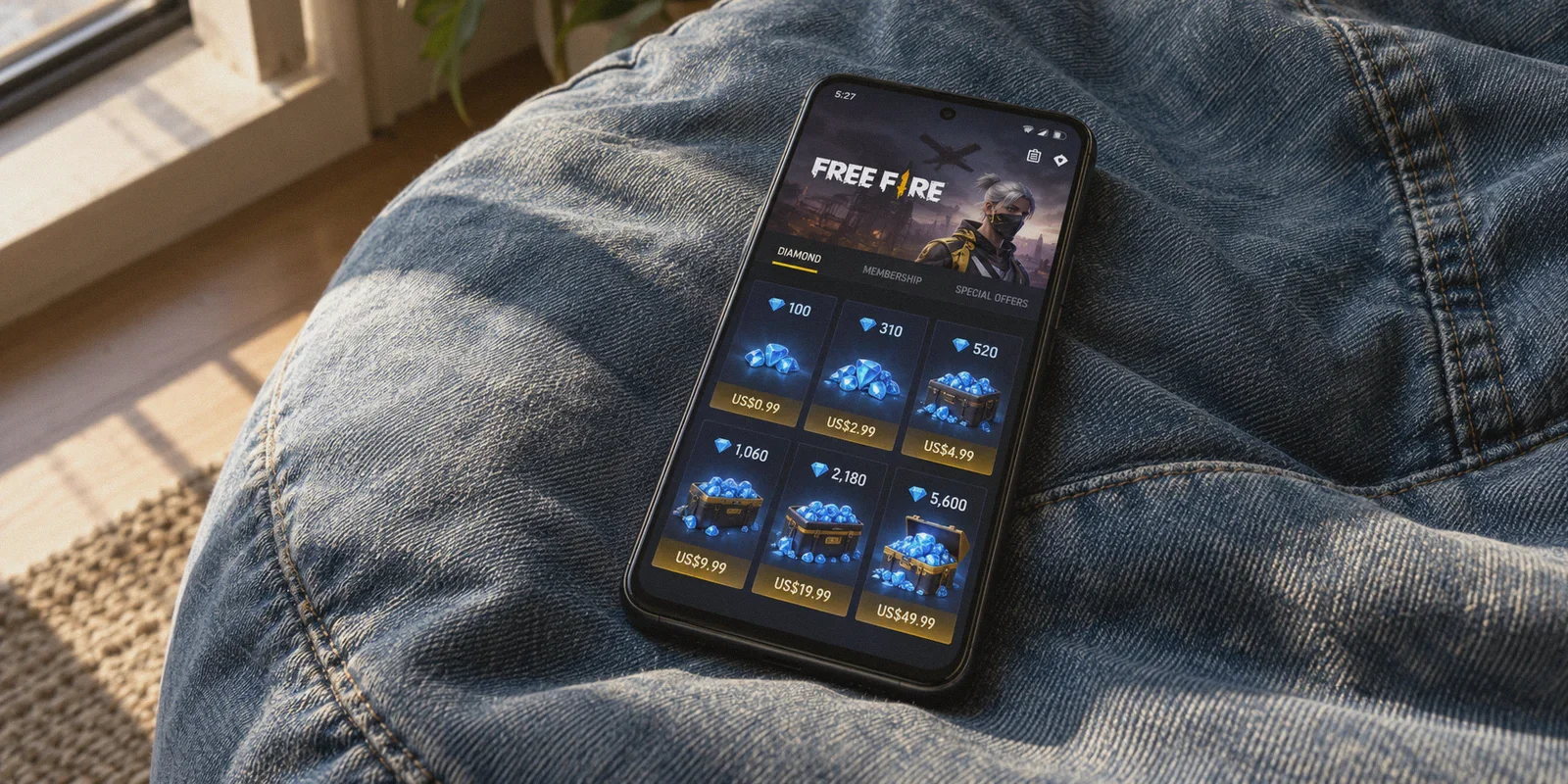
If you've spent any time watching Free Fire TikTok clips or browsing gaming forums, you’ve probably seen someone claim you can get diamonds for 50% to 70% off just by flicking on a VPN to Brazil, India, or Indonesia.
It sounds straightforward: switch your location, open the in-game shop, buy a stack of diamonds for pennies, and finally unlock that Evo gun skin or seasonal pass.
Then you actually try it.
You download a random VPN, switch your server to São Paulo or Jakarta, boot up Free Fire, and head to the store. The prices are still in your local currency. Or worse: the prices change, you hit buy, and Google Play or the App Store hits you with: "Transaction failed: item unavailable in your country."
The discount isn't fake—regional pricing for Free Fire diamonds is very real because Garena adjusts rates to match local purchasing power. But the idea that you can just flip a VPN switch and buy directly inside the mobile app is a myth.
To actually get cheaper Free Fire diamonds without getting your payment declined or your account flagged, you have to bypass the app store entirely. Here is how regional diamond pricing actually works, where the real savings are, and how to execute it cleanly.
Article summary and product fit
Can a VPN by itself make Free Fire diamonds cheaper inside the mobile app?
No, according to the article. Apple and Google tie in-app pricing to the store account and payment region rather than the current IP address. The article instead focuses on authorized regional web top-up portals that deliver diamonds to a Player ID, while emphasizing that payment compatibility, voucher costs, and fraud checks still matter.
Key points, fit, and limits
- Best for: Players comparing legitimate web top-up routes and trying to understand why changing IP alone does not alter mobile-store pricing.
- Key distinction: A Player ID web top-up is separate from Apple or Google billing and does not require handing a game-account password to a third-party seller.
- Where OnlyDogsVPN fits: The article uses it as the network layer for regional web access and stable checkout sessions, not as a replacement for a valid regional payment method.
- Important limit: Regional prices, bonuses, accepted payments, and portal rules can change; a VPN cannot make an incompatible card or invalid voucher acceptable.
Sources already referenced in this article: OnlyDogsVPN official website.
Why the "In-App Store" Trick Never Works
When you open the diamond shop inside the Free Fire app on your phone, you aren't paying Garena directly. You are paying through Google Play Billing or Apple In-App Purchases.
Both platforms enforce strict regional locks:
- Your Google Play or Apple account region is tied to your account profile and your registered payment method—not your current IP address.
- If your Google account is registered in the US, UK, or Germany, turning on a Brazilian VPN does nothing. Google still serves you your home country's store and prices.
- If you try to force an app store country switch, Google requires an address and a local bank card from that specific country, and only lets you change regions once a year.
Trying to buy regional diamonds through your phone’s native app store while connected to a random VPN is an immediate dead end.
The Real Route: Web Top-Up via Player ID
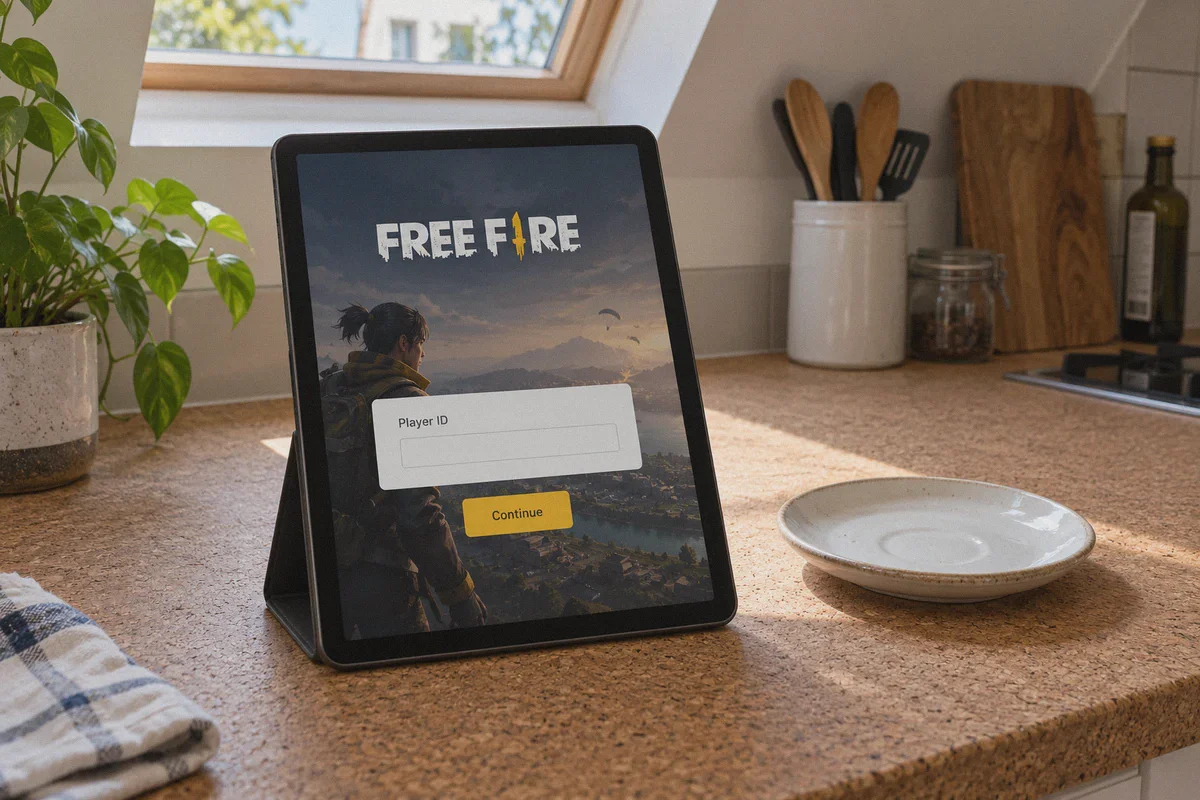
The legitimate, working way to buy cheaper diamonds across borders is through official regional web top-up portals using your Free Fire Player ID (UID).
Garena runs and authorizes direct web top-up centers across various regions—such as Pagostore in Latin America, or localized Codashop and UniPin hubs in Southeast Asia.
| Method | In-Game Store (App) | Regional Web Top-Up Portal |
|---|---|---|
| Payment Handler | Google Play / Apple Store | Direct Web Gateways / Regional Vouchers |
| Account Lock | Locked to your App Store account region | Works via numeric Player ID (UID) |
| Risk of Ban | High (if exploiting store loopholes) | Zero (official Garena distribution channels) |
| Account Sharing | N/A | Never requires giving out your password |
| Regional Pricing | Locked to home country | Unlocked based on the web portal's region |
Because web top-up centers deliver diamonds directly to your character UID, you never have to log into your Google, Apple, or Facebook accounts on an untrusted device, and you never risk sharing login credentials.
However, Garena's regional web portals have their own gatekeeping. That is where most players hit their second wall.
The Two Roadblocks You Have to Clear
Once you switch from the in-app store to web top-up, you face two specific hurdles: IP geo-fencing and payment verification.
1. Dirty Datacenter IPs
Regional web stores like Pagostore or regional voucher partners detect where your traffic comes from. If you visit Pagostore from an IP address outside Brazil or Latin America, the site either redirects you back to your home country portal or throws an infinite loading screen.
If you connect with a generic free VPN, the payment gateway's anti-fraud system instantly recognizes the shared, overcrowded datacenter IP. When a financial gateway detects a public VPN signature, it automatically aborts the transaction to prevent credit card fraud.
2. Payment Gateway Requirements
You cannot pay on a Brazilian domestic portal using a local method like PIX unless you have Brazilian credentials.
The workaround that seasoned players use is regional digital vouchers (such as regional Razer Gold pins or Garena Shells redeemable in that specific currency). You purchase the regional voucher code, connect your VPN to that country so the regional portal accepts redemption, and top up via your UID.
For the redemption to succeed, your connection must stay stable, clean, and completely localized throughout the entire transaction.
Where OnlyDogs VPN Fits In
Most gaming guides tell you to "just use any VPN." That advice is why people end up with frozen funds and pending transactions.
Payment processors and regional gaming portals are far stricter than streaming services. When a gateway senses a sudden IP change or an unstable tunnel midway through a checkout handshake, it voids the token.
OnlyDogs VPN handles this differently, addressing the exact friction points gamers encounter:
- Scene Presets for Instant Connection: You don't need to manually configure WireGuard handshakes or fiddle with port numbers on your phone while switching between your browser and the game. You tap the preset, pick your target region, and the app selects an optimal route designed for clean web access.
- HTTP/3 and Traffic Obfuscation: Garena and payment processors routinely block traffic that carries visible OpenVPN or standard proxy fingerprints. OnlyDogs uses HTTP/3 and proprietary obfuscation protocols that blend your connection with regular HTTPS web traffic, bypassing automated VPN filters.
- Network Switching & Weak-Net Recovery: If you are managing your top-up on mobile, shifting from home Wi-Fi to mobile data—or suffering a momentary signal dip—can kill an active transaction session. OnlyDogs is built with automatic reconnection recovery, preserving session integrity so your payment verification doesn't time out halfway through.
- No Clunky Passwords: It uses one-click email verification codes rather than complex account passwords, making it painless to set up across both your mobile device and your PC.
If you are planning to route through regions like Brazil, Indonesia, or Malaysia to top up your account, having a clean, leak-free tunnel is the difference between a smooth checkout and a declined card.
Step-by-Step: How to Buy Cheaper Free Fire Diamonds Safely
Follow this exact sequence to avoid failed payments and account issues.
Step 1: Locate Your Free Fire UID
Open Free Fire, tap your profile banner in the top-left corner, and find your numeric UID (Player ID). Copy it. You will only ever use this number—never your password.
Step 2: Choose Your Region and Payment Route
Check current diamond exchange rates in target regions:
- Brazil (Pagostore): Frequently offers some of the lowest baseline diamond rates and recurring 10%–20% bonus diamond events.
- Southeast Asia (Indonesia / Malaysia): Highly competitive regional pricing through regional voucher distributors.
Ensure you have a payment method that works in that region. If your international credit card is declined by regional processors, purchase a regional Razer Gold PIN or Garena Prepaid Code denominated in that target currency from reputable global code sellers.
Step 3: Establish a Clean Tunnel
Open OnlyDogs VPN, select your target country node (e.g., Brazil or Indonesia), and establish the connection.
Once connected, open a clean browser window (preferably an incognito or private tab to avoid cached location cookies) and navigate to the regional top-up portal.
Step 4: Enter Your UID and Verify Your Character
Select Free Fire on the portal, paste your numeric UID, and click log in.
Sanity Check: Always verify that the in-game nickname displayed by the portal matches your account before proceeding. If the nickname doesn't appear or shows someone else, stop immediately.
Step 5: Select Your Pack and Complete Checkout
Choose the diamond pack you want. If you are using a regional gift code or voucher, select that payment option, enter your voucher PIN, and confirm.
Keep your VPN connected until you see the confirmation screen with a transaction receipt ID.
Step 6: Verify In-Game
Disconnect the VPN, open Free Fire normally, and check your diamond balance. Web top-ups via direct Garena integration typically credit within 1 to 5 minutes.
Critical Rules to Keep Your Account Safe
Before spending any money, keep these three non-negotiable rules in mind:
- Never use "Free Diamond Generators" or Third-Party Sellers Asking for Logins: If a site or individual asks for your Facebook, Google, or VK login to "recharge diamonds for you," they are using stolen cards or running refund scams.
- Beware the "Negative Diamonds" Trap: If someone sells you cheap diamonds using a fraudulent payment method, Garena will eventually process a chargeback. When that happens, Garena deducts the charged-back diamonds from your account. If your balance drops below zero, your account is permanently locked until you pay back the full amount at standard rates.
- Always Calculate Total Costs: A 30% discount in another currency looks great on paper, but factor in currency conversion fees or retail markups on regional voucher codes. Make sure the net savings are worth the extra few minutes of effort.
The Practical Verdict
Can you buy Free Fire diamonds cheaper with a VPN? Yes, but only if you use official web top-up portals with your Player ID.
Don't waste time trying to force the Google Play or Apple App Store into changing currencies, and never hand your account login to third-party "recharge services."
Set up a clean, obfuscated connection through OnlyDogs VPN, access the authorized regional portal directly, redeem your regional voucher, and keep your account safe while keeping more cash in your pocket.
Frequently Asked Questions
Why does changing VPN location not change Free Fire prices in the app?
The article explains that Google Play and Apple billing use the store account region and registered payment profile, not simply the device’s current IP address.
What is the web top-up route described in the article?
It uses an authorized regional top-up portal and the player’s numeric Free Fire UID. The portal credits the character directly, so the player does not need to give a third party the game-account password.
Why can free or heavily shared VPN servers fail at checkout?
The article says regional portals and payment processors can score crowded datacenter IPs as higher risk, which can cause redirects, loading problems, or declined transactions.
What payment constraints still remain after changing network region?
Some portals rely on local payment methods. The article therefore discusses region-compatible voucher codes and warns readers to include currency-conversion fees and voucher markups when calculating any savings.
How does the article suggest avoiding top-up scams?
Use the Player ID route, verify the displayed in-game nickname before paying, avoid sellers that ask for account logins, and avoid suspiciously cheap transactions that could later be reversed and create a negative-diamond balance.