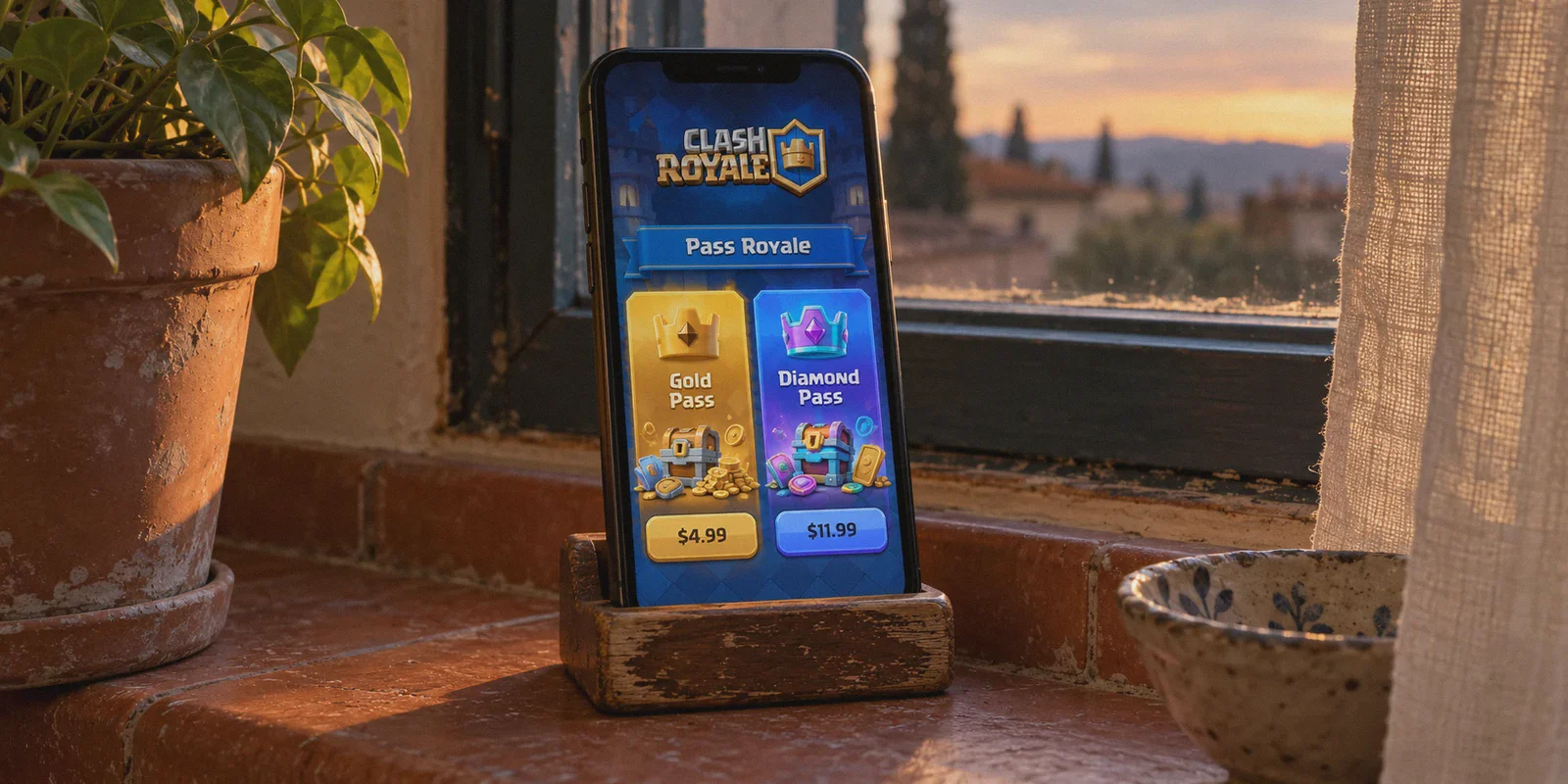
If you’ve stared at the Clash Royale shop lately, seen the $11.99 price tag for the Diamond Pass, and muttered "there’s no way I’m paying that every single month," you are not alone.
Ever since Supercell overhauled the pass system—splitting it into Gold and Diamond tiers while dialing back the rewards on the free track—keeping up with tower troops and evolution shards has felt like paying a second phone bill. It’s no wonder searches like "how to buy Clash Royale Pass Royale cheaper with VPN" keep blowing up on Reddit and YouTube.
Everyone wants the discount. Everyone has heard that players in regions like Brazil, Turkey, or Southeast Asia pay noticeably less due to regional currency adjustments.
Most tutorials you find on Google or TikTok are giving you outdated advice that will either get your payment declined or get your Supercell ID permanently locked.
Let’s dismantle the biggest misconceptions about VPN pass-buying, reveal the exact method that actually works, and explain how to pull it off smoothly without payment errors.
Article summary and product fit
Why does changing VPN location not make Clash Royale Pass Royale cheaper inside the mobile app?
The article says Apple and Google set in-app currency from the app-store billing region, not from the current IP address. Its alternative is the official Supercell web store, where passes are purchased through the browser and placed in Supercell ID inventory, while payment compatibility and fraud checks remain separate constraints.
Key points, fit, and limits
- Best for: Players comparing the mobile shop with the official Supercell web-store purchase flow.
- Key distinction: A VPN can affect the web connection, but it does not rewrite the Apple or Google billing country and it does not guarantee that a regional payment method will be accepted.
- Where OnlyDogsVPN fits: The article positions it as a stable, obfuscated browser route intended to reduce connection and shared-IP problems during web checkout.
- Important limit: Regional prices, store rules, supported payment methods, and fraud controls can change; repeated region hopping can itself look suspicious.
Sources already referenced in this article: Clash Royale - Supercell Store; OnlyDogsVPN official website.
The Big Myth: Why In-Game VPN Switching Fails
Most people assume the process goes like this:
- Turn on a random VPN.
- Set location to a cheap region.
- Open the Clash Royale mobile app.
- Magically see cheap prices in the shop and tap buy.
That stopped working years ago.
Apple and Google have locked down app store billing. Your in-game shop currency is dictated by your Apple ID region or your Google Play profile billing country, not your current IP address.
If your Google Play account was created in the US or Europe:
- Changing your VPN does not change the in-game currency.
- Switching your Google Play region requires an active, local payment method (a credit card actually issued in that specific country).
- Forcing a region change on a mobile account triggers anti-fraud systems, often locking your payment profile for 48 hours or freezing your Supercell ID under suspicious activity flags.
If your plan was to flip a VPN switch on your phone and open the app, save yourself the headache.
The Method That Works: The Official Supercell Store
Experienced Clash Royale players bypass the in-game app store entirely. They use the Supercell Store (store.supercell.com).
Supercell built its own web store to dodge the 30% cut Apple and Google take on in-game purchases. To entice players over, they added perks:
- Permanent 10% bonus value: You get extra bonus points, gems, or magic items just for buying through the web browser.
- The "Pass Token" mechanism: When you buy a Pass Royale on the Supercell Store, you aren't forced to apply it instantly. It gets deposited into your Supercell ID inventory as an activation token. You can hold up to 8 passes and activate them whenever a season actually looks worth it.
- Web-based regional pricing: Unlike the hard-locked mobile stores, the web store adapts to your verified browser environment and regional billing gateways.
In-Game App Store (Mobile)       Supercell Store (Web Browser)
---------------------------       -----------------------------
• Locked to Google/Apple Region   • Evaluates web connection & gateway
• 30% platform markup             • Direct from Supercell (+10% perks)
• High risk of payment loop       • Buys safe "Pass Tokens" into inventory
However, accessing the store from different regions comes with a major hurdle: Supercell’s web store security filters out low-quality network traffic.
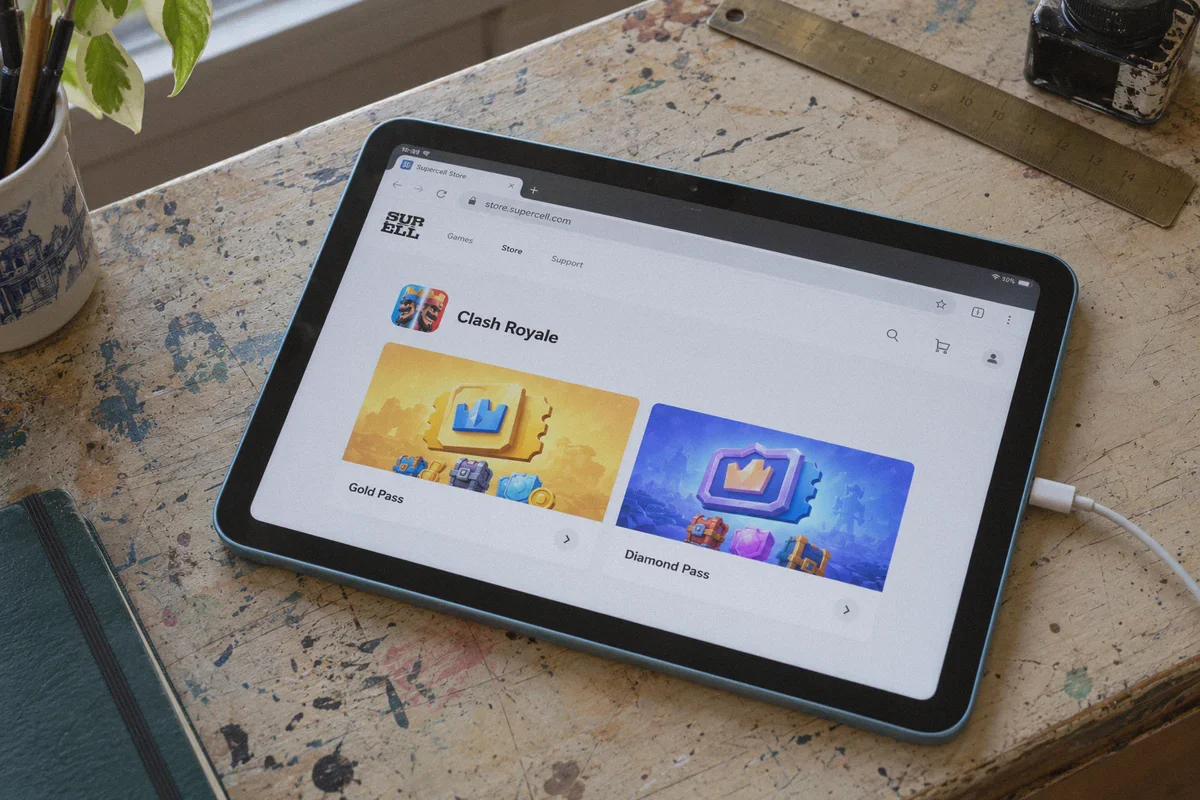
The Wall Everyone Hits: "Store Not Available in Your Region"
When players connect to a typical free proxy or standard server to check prices on store.supercell.com, they usually hit one of three walls:
- The Instant Blank Screen: The Supercell Store refuses to load or throws an "Oops! Something went wrong / Not available in your region" error.
- The Checkout Hang: You get all the way to the payment screen, select PayPal or credit card, and the payment gateway spins indefinitely before declining the transaction.
- The Session Disconnect: Your connection drops for half a second while handshaking with the gateway, canceling the order and leaving your funds pending in authorization limbo.
Why does this happen?
Supercell and its payment processors (like Stripe and PayPal) run strict risk-scoring algorithms. Most commercial VPNs funnel thousands of users through the exact same crowded datacenter IPs. The moment Supercell's fraud filters detect an identifiable public server endpoint, the checkout gate drops.
Where OnlyDogs VPN Fits into the Equation
If you want to access the Supercell Store reliably, you don't need complicated tech setups. You just need a connection that behaves like clean, uninterrupted traffic.
This is why OnlyDogs VPN has become a favorite among gamers handling regional digital storefronts.
1. Proprietary Protocol & Traffic Obfuscation (HTTP/3)
Standard VPN protocols like OpenVPN or raw WireGuard have predictable handshake signatures. Firewalls and strict checkout portals can spot them from a mile away.
OnlyDogs VPN runs on proprietary architecture built around HTTP/3 and deep traffic obfuscation. It masks the VPN wrapper, making your web traffic look like standard, everyday HTTPS browsing. When you land on the Supercell Store, the storefront doesn't immediately flag your visit as automated or suspicious.
2. Scenario Presets (No Protocol Guessing)
Most VPN apps make you guess: Should I pick WireGuard? OpenVPN TCP? Should I select Miami 4 or São Paulo 12?
OnlyDogs VPN eliminates that trial-and-error with Scenario Presets. You select what you want to do (e.g., streaming/browsing, lowest latency, or ad-shielded routing) with a single tap. The app automatically chooses the cleanest, lowest-load path, sparing you from reconnecting six times just to get a website to render properly.
3. Connection Persistence (Zero-Hiccup Checkout)
Nothing is worse than hitting "Confirm Purchase" only for your Wi-Fi to jitter, dropping the VPN session and causing the payment portal to freeze.
OnlyDogs is optimized for weak network recovery and seamless switching. If your connection fluctuates between Wi-Fi and mobile data, it recovers instantly in the background without exposing your raw connection or breaking the SSL session. That stability ensures your payment completes smoothly without authorization errors.
4. Frictionless, No-Password Login
You don’t have to manage another username and 16-character password while switching between your PC and phone. OnlyDogs uses secure email verification codes, keeping the barrier to entry minimal when you just want to get your Pass and jump into the arena.
Step-by-Step: The Safe Way to Buy Cheaper Pass Royale
Follow this straightforward routine to keep the transaction safe and prevent payment errors.
[Connect Clean IP via OnlyDogs] ➔ [Visit store.supercell.com] ➔ [Log In Supercell ID] ➔ [Checkout Pass Token] ➔ [Activate In-Game]
Step 1: Prep Your Browser
Close the Clash Royale mobile app entirely. On your PC or phone browser (Chrome, Safari, or Brave), clear your browser cache or open a fresh Incognito / Private Window. This clears out previous country tracking cookies.
Step 2: Connect OnlyDogs VPN
Open OnlyDogs VPN, use the automated routing preset, and select your preferred target region where currency rates offer an advantage. Ensure the connection is stable before opening the web browser.
Step 3: Log In to the Supercell Store
Go to store.supercell.com/clashroyale.
- Tap the user icon in the top right corner.
- Log in using the Supercell ID connected to your Clash Royale game. Supercell will email you a 6-digit login code.
- Once logged in, your in-game name, avatar, and current Pass status will appear on screen.
Step 4: Add Pass Royale to Cart & Check Out
Select the Pass Royale (Gold or Diamond).
- Check the displayed currency.
- Pay using an internationally accepted payment method (such as an international credit card, PayPal, or localized digital wallets accepted by the checkout processor).
- Do not rush the payment screen. Let the confirmation redirect you completely back to the Supercell Store receipt page.
Step 5: Activate in the Arena
Disconnect the VPN. Open your Clash Royale app on your phone.
- Tap the Settings gear icon in the top right.
- Tap Supercell ID.
- Tap My Games or look for the Inventory tab.
- You will see your newly purchased Pass Royale Token. Tap Activate, and your season rewards track will unlock immediately.
Honest Realities: What You Should Know First
Let’s be upfront about the boundaries so you don't waste time or money:
- Your Payment Method Still Matters: Even with a clean IP via OnlyDogs VPN, some regional checkout gateways reject cards that have mismatched billing postcodes. If a specific local gateway declines your credit card, switch the payment method to PayPal, which handles international currency conversion behind the scenes.
- Don't Region-Hop Constantly: Don't buy a pass from Brazil at 2:00 PM and then try buying gems through Japan at 2:15 PM. Rapid geographical jumps are what trigger fraud algorithms. Stick to one region for your seasonal purchases.
- It's a Web Store Purchase, Not an Exploit: You are buying a legitimate Pass Royale Token directly from Supercell's own website. You are not using cracked APKs, third-party shady top-up brokers, or stolen credit card portals. The token sits safely in your official Supercell ID inventory.
The Verdict
If you're paying full retail price inside the mobile app month after month, you're paying an unnecessary premium.
- The in-game app store forces mobile platform markups and locks you into regional tiers.
- The Supercell Store offers baseline bonus rewards, cheaper direct pricing, and safe activation tokens.
- A reliable, obfuscated connection via OnlyDogs VPN provides the clean routing and network stability required to get through the web store's checkout without errors, drops, or payment roadblocks.
Grab your pass the smart way, keep your account safe, and pocket the difference for the next evolution release.
Frequently Asked Questions
Why does a VPN not change Clash Royale prices inside the app?
The article says the in-game shop follows the Apple App Store or Google Play billing region. Changing the network IP does not automatically change that account region.
How is the Supercell Store different from the in-game shop?
It is a web purchase route run by Supercell. The article says purchased passes can be placed in Supercell ID inventory and activated later rather than being tied to an immediate in-app purchase.
Why can a free or heavily shared VPN fail at Supercell checkout?
The article says fraud systems can distrust crowded datacenter IPs, and an unstable connection can also interrupt the checkout session before the receipt completes.
Does the payment method still matter on the web store?
Yes. The article warns that regional gateways can reject mismatched billing details or unsupported cards, so a working web connection does not guarantee payment approval.
How does a Pass Royale token work according to the article?
A pass bought through the Supercell Store is added to the Supercell ID inventory and can be activated later in the game. The article also notes that the inventory can hold multiple passes.