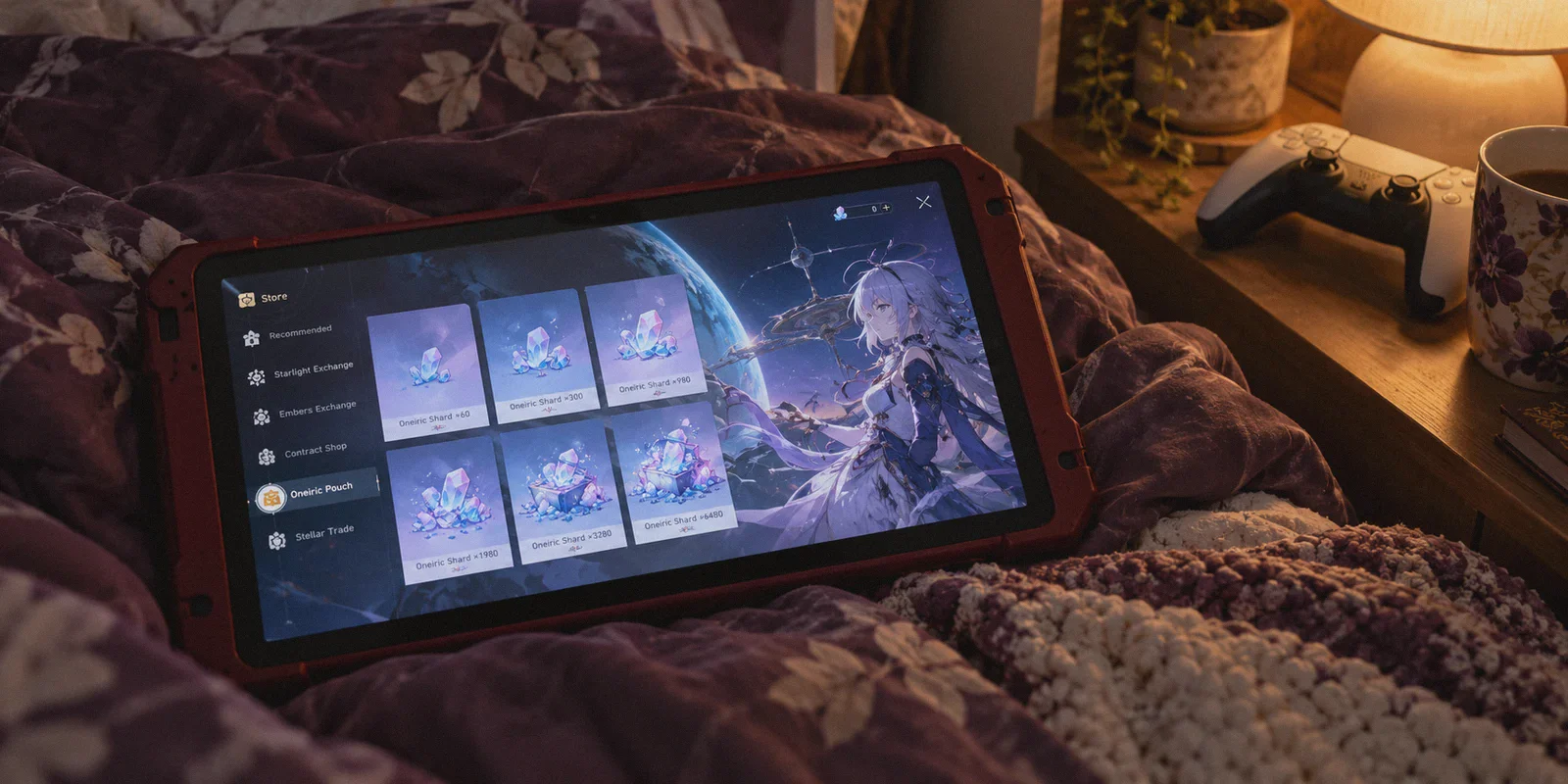
You’re sitting at 74 pity. The limited character banner rotates out in less than six hours. You just lost your 50/50 to an E2 Yanqing, and you’re staring at the in-game shop where the biggest Stellar Jade pack costs a cold, painful $99.99 plus local sales tax.
Then you remember seeing someone on Reddit or Discord casually mentioning that they pay $75 or $80 for that exact same 6,480 Jade pack by buying in Japanese Yen (JPY), Philippine Pesos, or another currency.
Naturally, you open a new tab and search: "how to buy honkai star rail stellar jades cheaper with vpn".
Here is the truth nobody tells you before you pull out your credit card: Yes, regional price differences in Honkai: Star Rail are real. But if you just fire up a random free VPN, switch your location, and try to buy Jades in-game, you are far more likely to trigger a bank fraud alert or brick your transaction than you are to get cheap pulls.
Let’s break down how currency pricing actually works in Star Rail, why 90% of players fail their first attempt, and how to safely save $15 to $25 per pack without handing your account login to sketchy third parties.
Article summary and product fit
What is the article’s safer route for regional Honkai: Star Rail top-ups, and why do common VPN attempts fail?
The article rejects third-party login-based top-ups and mobile app-store region tricks. Its recommended route is the official HoYoverse web Top-Up Center, using your own account or UID, a stable regional connection, and your own payment method after verifying the displayed currency.
Key points, fit, and limits
- Best for: Players comparing official regional web pricing who want to avoid handing account credentials to third-party sellers.
- Key preparation: Close the game, establish one stable target region, open a private browser session, verify the currency on the official top-up page, and keep the route steady through bank verification.
- Product fit: OnlyDogs VPN is presented here as a connection-stability option when shared free VPN IPs or tunnel drops cause checkout risk errors.
- Important limit: The article notes that exchange rates and processor fees fluctuate and advises against hopping across multiple countries. Platform rules, regional pricing, and payment acceptance can change.
Sources already used in this article
HoYoverse Top-Up Center. These links are included as primary service references; the article’s other operational claims remain the article’s own account.
Product source: OnlyDogs VPN official website.
1. Why Stellar Jades Cost Different Amounts Around the World
HoYoverse adjusts in-game currency prices to match local purchasing power, exchange rates, and regional platform taxes.
When the US dollar is strong, paying in USD is often one of the most expensive ways to buy Stellar Jades. Meanwhile, countries with currency fluctuations—like Japan with the weakened Yen, or certain Southeast Asian regions—often end up with localized prices that convert to 15% to 25% less in real USD terms.
Take the standard 6,480 + 1,600 bonus Stellar Jade pack:
| Region / Currency | Local Price | Approximate USD Equivalent | What You Save vs USD |
|---|---|---|---|
| United States (USD) | $99.99 | ~$99.99 (+ state tax) | Baseline |
| Eurozone (EUR) | €109.99 | ~$118.00 | Paying more |
| Japan (JPY) | ¥12,000 | ~$78.00 – $82.00 | Save ~$18 – $22 |
| Authorized Regional Portals (PHP/MYR) | Varies by gateway | ~$82.00 – $86.00 | Save ~$14 – $18 |
(Note: Exact savings fluctuate daily based on currency exchange rates and payment processor fees).
If you’re pulling for an E0S1 character, you might need two or three big packs. Shaving $20 off each pack means an extra 40 to 50 pulls in your pocket for the next banner.
2. The Two Traps That Get Players Burned
Before looking at the solution, you need to understand why so many people get burned trying to do this.
Trap #1: The "$40 Black Market Top-Up" Scam
You’ve seen the ads on Twitter/X, Discord, or player marketplaces: "6,480 Stellar Jades for only $45! Just give us your account login and password."
Never do this. These sellers aren't using a clever VPN trick; they are using stolen credit cards, regional Google Play gift card exploits, or deliberate refund fraud.
Two weeks later, the charge gets disputed. HoYoverse claws back the Jades. You log into your game and see Negative 12,000 Stellar Jades. HoYoverse gives you a 7-day grace period to top up at full price to bring the balance back to zero; if you don't, your account is permanently banned. All your relics, characters, and months of progress disappear over a $30 discount.
Trap #2: The Free VPN Payment Error
The second mistake happens when players download a free VPN app, set the location to Tokyo, open their game client, and click purchase.
Three things go wrong immediately:
- The In-Game Shop is Locked: On mobile (iOS / Android), the game currency is tied to your Apple ID or Google Play store country, not your IP. Turning on a VPN changes nothing on your phone screen.
- Datacenter IP Flagging: Free VPN servers are shared by thousands of bots and scrapers. Payment processors (Stripe, PayPal, Worldpay) maintain blacklists of these IPs. The moment you click checkout, the gateway flags the IP as high-risk and rejects the card with a vague "Transaction Failed" or "Risk Error."
- The 3DS Drop: During credit card 2-factor authentication (where your bank texts you an OTP code), cheap VPNs often drop or switch nodes mid-stream. The handshake breaks, your bank puts a temporary hold on your card for fraud suspicion, and no Jades arrive.
3. The Safe Method: Official Web Top-Up Center
To get the regional pricing legitimately, you do not touch the mobile app store, and you never give anyone your login credentials. You use the official web channel.
HoYoverse runs an official Top-Up Center directly in your web browser.
The beauty of the official web shop:
- It only requires your Server and UID to deliver Jades. Your password is never entered.
- It displays currency dynamically based on the IP address accessing the website.
- It directly supports international credit cards and global PayPal accounts.
Here is the exact workflow:
Step 1: Connect to a Clean Regional IP
Close your game client completely. Connect your VPN to the target region—Japan is currently the most popular and consistent due to the JPY exchange rate.
(Crucial: The connection must have a clean, non-datacenter reputation and zero DNS leaks, otherwise the page will default back to USD).
Step 2: Open an Incognito Window & Visit the Official Store
Open an incognito/private browser tab to ensure no cached regional cookies interfere. Navigate to: Plaintext
https://topup.hoyoverse.com/
Select Honkai: Star Rail. Log in through the official HoYoverse portal or enter your UID and server directly.
Step 3: Verify the Currency Display
Look closely at the price tags before clicking anything. If you are connected to a Japanese node, the prices should now display in JPY (¥) instead of USD ($) or EUR (€):
- Express Supply Pass: ~¥610
- 6,480 Stellar Jade Pack: ~¥12,000
Step 4: Pay with a Zero Foreign Transaction Fee Card
Select your pack and proceed to checkout. When selecting your payment method:
- International Credit Card / Debit Card: Use a card that charges 0% Foreign Transaction (FX) fees (like Revolut, Wise, or travel credit cards). If your bank charges a 3% international fee, that will eat into your savings.
- PayPal: If using PayPal, select "Bill me in the seller's currency (JPY)" on the final confirmation screen so your own bank handles the conversion instead of PayPal's notoriously bad conversion rate.
Once the payment clears, launch Honkai: Star Rail on your PC, console, or phone. The Stellar Jades appear in your inventory within seconds.
4. Why Your VPN Matters More Than Your Payment Method
Most payment gateways don't actually care if you're traveling abroad and paying in Yen. What triggers their anti-fraud system is network anomaly behavior:
- An IP address that suddenly changes geographic coordinates mid-checkout.
- An IP that has been flagged 500 times in the last hour by other automated bots.
- DNS queries leaking back to a US or European ISP while the HTTP request claims to be in Tokyo.
This is where standard VPNs fall apart, and why OnlyDogs VPN is significantly better suited for handling international transactions.
1. Proprietary Protocol & Traffic Obfuscation
Most commercial VPNs use generic OpenVPN or WireGuard protocols that carry distinct packet signatures. Anti-fraud systems detect these instantly and raise the risk score of the session.
OnlyDogs VPN runs on HTTP/3 transport with proprietary traffic obfuscation. To payment gateways and server firewalls, your traffic blends in with standard modern web traffic rather than screaming "commercial proxy node."
2. Scenario Presets & Clean Routing
Instead of making you scroll through fifty obscure server names trying to guess which one isn't blacklisted, OnlyDogs provides Scenario Presets and Automatic Route Selection.
You select the region, and the system intelligently routes your connection through clean, low-latency paths. You don't waste half an hour playing trial-and-error with broken checkout screens.
3. Weak-Network & Connection Switch Recovery
The most stressful part of buying digital currency is the bank verification screen. If your Wi-Fi blips or your connection renegotiates its tunnel while the 3D-Secure SMS code is verifying, the transaction hangs in limbo.
OnlyDogs VPN is specifically optimized for instant packet recovery and seamless transitions during network fluctuations. It maintains handshake integrity so your payment goes through cleanly on the first try.
4. Zero Password Clutter
You don't need another 16-character password to memorize. OnlyDogs uses secure email verification code logins, meaning fewer credentials stored on your browser and zero friction when switching between your gaming PC and mobile device.
Frequently Asked Questions
Why does changing the VPN location on my phone not change the in-game Stellar Jade price?
The article says iOS and Android in-game purchases follow the Apple ID or Google Play store country rather than the phone’s current IP address.
Why do free VPNs often cause payment errors during a top-up?
The article points to heavily shared datacenter IPs being treated as risky and to unstable tunnels dropping during 3-D Secure or bank-verification steps.
What does the article recommend instead of a very cheap third-party top-up seller?
Use the official HoYoverse web Top-Up Center with your own account or UID and your own payment method. The article specifically warns against giving account credentials to sellers who may use disputed or stolen payment methods.
Why might the official web top-up page still show USD after I connect to another region?
According to the article, cached browser location state or a DNS leak can cause the storefront to stay on the home region. It recommends a fresh private window and establishing the connection before opening the page.
The Verdict
Getting your favorite character shouldn't require draining your savings or risking your account with sketchy Discord brokers.
The formula is straightforward:
- Skip the black-market account sellers entirely.
- Use the official HoYoverse Web Top-Up Center.
- Fire up a reliable, leak-free connection like OnlyDogs VPN to lock in clean regional rates without payment errors.
- Pay with a zero-FX fee card, pocket the $20 difference, and enjoy your pulls.