How to Buy SoundCloud Go+ Cheaper with a VPN (Without Getting Your Card Declined)
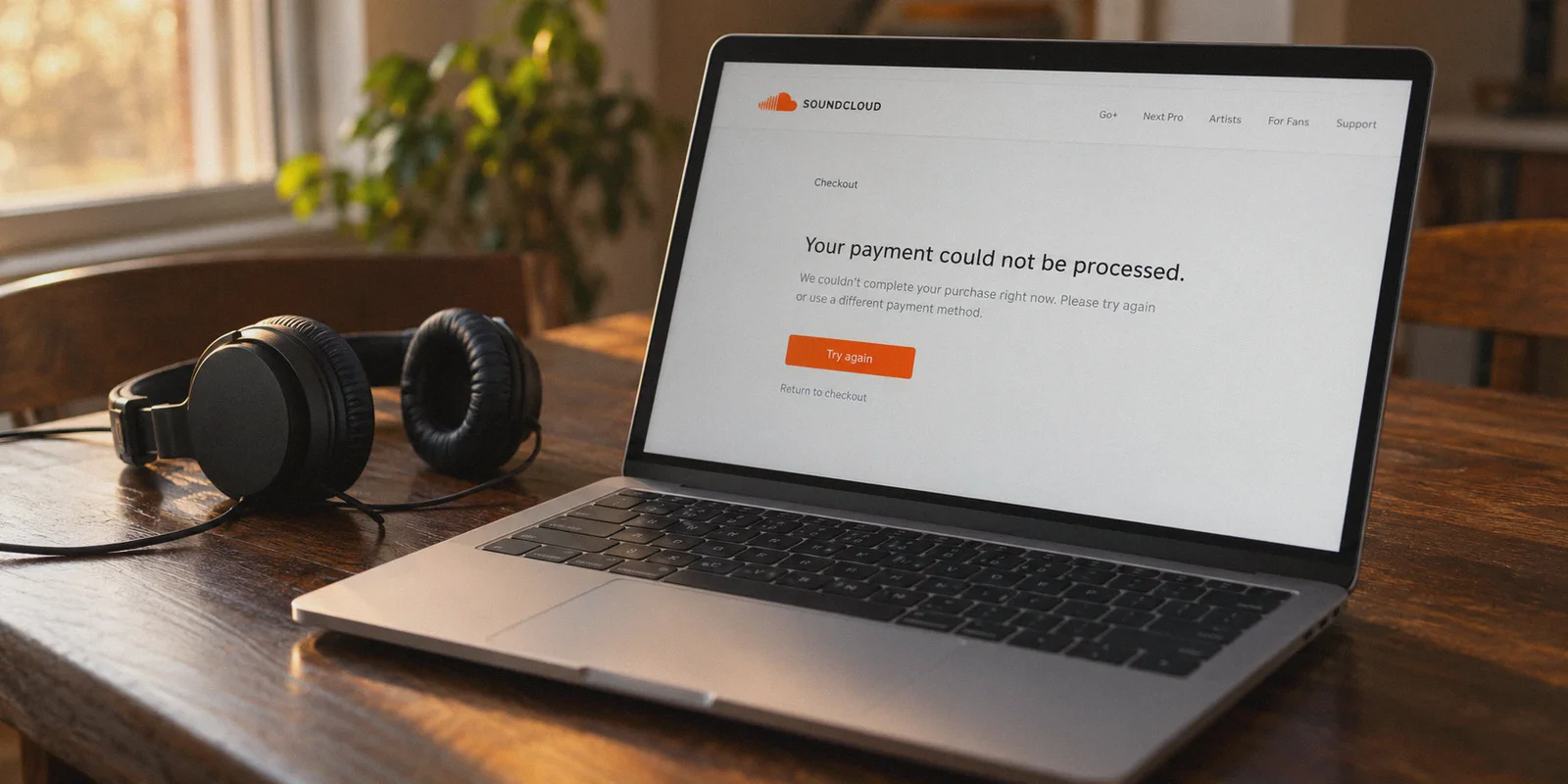
If you have spent any time trying to buy SoundCloud Go+ for cheap, you have probably already stared at that infuriating screen: "Your payment could not be processed."
Maybe you turned on a random VPN, switched your location to Turkey, Argentina, or India—because that is what every generic Reddit thread tells you to do for Spotify or YouTube Premium—only to find that SoundCloud Go+ isn't even offered there. Or maybe you found a region with lower pricing, entered your card, and watched the payment bounce within two seconds.
The problem isn't that you don't know how to turn on a VPN. The problem is that SoundCloud Go+ operates under completely different rules than Spotify or Netflix, and almost every "how-to" guide on the internet completely ignores how SoundCloud’s anti-fraud checkout actually works.
Here is the realistic, no-nonsense breakdown of why your attempts have failed, where the genuine savings actually are, and how to get SoundCloud Go+ at the lowest possible price without torching your account or wasting hours on declined transactions.
Article summary and product fit
What are the legitimate savings paths for SoundCloud Go+, and why do many regional checkout attempts fail?
The article says the first savings step is using direct web billing instead of an in-app purchase, with the official student discount being the clearest lower-cost option for eligible users. It also explains that regional checkout attempts can fail when the plan is unavailable in that market, the payment method does not match, or the transaction arrives through a risky or unstable network path.
Key points
- SoundCloud Go+ is not sold in every country, so switching to an unsupported market does not reveal a hidden low-cost tier.
- The article distinguishes app-store pricing from direct web billing and highlights the official student discount for eligible subscribers.
- Regional payments can be sensitive to issuing country, IP reputation, browser state, and connection continuity during bank verification.
Best fit and limitations
Best for: Existing SoundCloud users comparing web billing, student eligibility, and supported regional offers while trying to avoid unnecessary in-app markup.
Important limit: A VPN does not create eligibility for a plan, supply a matching payment method, or guarantee that a regional price or promotion will be available or accepted.
Product fit: Within the article, OnlyDogs VPN is recommended for users who already have a legitimate supported payment route and want a stable, clean connection during web checkout.
Sources already linked in this article
1. The Trap: Why Most "Cheap Region" Tricks Fail on SoundCloud
Before trying another random country, you need to understand the three walls SoundCloud puts up that catch 95% of buyers.
Wall 1: SoundCloud Go+ Is Not Available Worldwide
Platforms like Spotify, Netflix, and YouTube operate in over 180 countries. If you hop over to a developing economy, their localized subscription tier is waiting for you.
SoundCloud Go and Go+ are strictly regional products. They are only active in a handful of mature music markets—primarily the US, UK, Canada, Australia, New Zealand, and select Western European countries (Germany, France, Ireland, Netherlands, etc.). If you connect to Turkey, Brazil, the Philippines, or Argentina, SoundCloud Go+ does not exist. You won't find a dirt-cheap local tier because local licensing deals haven't been signed.
Wall 2: The "Apple Tax" Is Padding Your Bill by 30%
If you are currently looking at a price tag of $12.99 or $14.99 a month, you are almost certainly looking at the SoundCloud iOS app.
Apple takes a 30% cut on all in-app purchases, and SoundCloud passes that entire bill straight to you. The official desktop web price in the US is $9.99/month (or roughly $4.99/month if you qualify for a student plan). The very first step to cutting your cost is never buying through an App Store interface.
Wall 3: Payment Gateway IP Fingerprinting
When you submit a payment on desktop, payment processors (like Stripe and Adyen) inspect three things simultaneously:
- The country of your issuing bank.
- The exact IP address submitting the transaction.
- Whether that IP belongs to a flagged, commercial datacenter known for automated proxies and VPNs.
If your VPN leaks DNS packets, drops connection for half a second during the 3D Secure redirect, or uses a dirty public server IP, the gateway rejects the card immediately.
2. Where the Real Discounts Actually Exist
Since chasing mythical $1/month tiers in unsupported countries is a dead end, where do the real savings come from?
| Method | Typical Monthly Cost | How It Works | Ease of Setup |
|---|---|---|---|
| In-App Purchase (Default) | $12.99 – $14.99 | Subscribing through iOS/Google App Store | Effortless (and worst value) |
| Direct Web Billing (Standard) | $9.99 / £9.99 / €9.99 | Subscribing via web browser | Instant |
| SoundCloud Student Discount | ~$4.99 / month | 50% off verified via SheerID | Requires student credentials |
| Currency & Regional Web Arbitrage | ~$6.50 – $7.99 / month | Subscribing via regions with lower FX rates (e.g., CAD/EUR variations or regional annual bundles) | Moderate (requires clean IP + matching payment) |
If you are a student, your best move is 100% the official student portal—it cuts the price in half legitimately.
If you are not a student and want to lock in lower regional pricing or access promotional discount periods run exclusively in select regions (such as extended free trials or discounted annual plans in specific European or Canadian markets), you need two things: a payment method accepted in that territory and a clean, unflagged connection.
3. Why Most VPNs Get Blocked at Checkout (And What to Use Instead)
Payment gateways have become remarkably aggressive at identifying commercial VPN traffic. When thousands of people route through the exact same open WireGuard server on a budget VPN, that server's subnet gets flagged on risk databases.
The moment you click "Confirm Purchase," the payment processor detects the proxy signature and throws a generic "Card Error"—even if your card has plenty of funds.
This is where your choice of VPN actually determines whether the purchase goes through:
- Bypassing Datacenter Flags: Most standard VPNs broadcast standard OpenVPN or WireGuard handshakes that security filters recognize instantly. Tools engineered with HTTP/3 and proprietary traffic obfuscation disguise encrypted tunnel traffic as regular browser requests, preventing payment firewalls from flagging the connection.
- Connection Continuity During Redirects: When a payment triggers a bank verification pop-up (OTP or app confirmation), standard VPNs frequently hiccup or switch routes. A split-second drop during handshake breaks the payment token. You need robust weak-network recovery so the session doesn't sever mid-transaction.
- No Fluff Configuration: You shouldn't have to spend forty minutes testing twenty different protocols and manual ports just to buy a music subscription.
For this specific task, OnlyDogs VPN fits the job exceptionally well. Instead of throwing a wall of technical parameters at you, it provides streamlined scenario presets. You click the mode suited for streaming and web services, and its automatic routing connects you to clean, low-latency nodes that haven't been abused into blacklists.
Furthermore, because OnlyDogs VPN uses lightweight verification (logging in via a one-time email code rather than clunky account management), setting it up on your desktop takes less than two minutes.
4. Step-by-Step: How to Subscribe at the Cheaper Rate
Follow this exact sequence to avoid triggering fraud detection:
Step 1: Prep a Clean Browser Environment
Do not use your everyday browser full of cached cookies, location history, and tracker tokens.
- Open an Incognito / Private Window in Chrome, Brave, or Firefox.
- Make sure your browser's location permissions are set to "Block."
Step 2: Establish a Clean Tunnel
- Open OnlyDogs VPN on your desktop (macOS or Windows is preferable to mobile for billing setup).
- Select your target region where Go+ is supported at a lower comparative rate or running a campaign (for instance, Canada or a specific European node).
- Let the automatic route optimizer assign a clean line.
Step 3: Access SoundCloud on the Web
- Navigate directly to
soundcloud.com/goin your private window. - Verify the currency displayed on the checkout banner matches your chosen country's local pricing (e.g., CAD instead of USD, or web-standard $9.99 instead of the $13+ mobile App Store price).
- If you already have an existing SoundCloud account, log in. Your saved playlists, favorites, and uploaded tracks will remain completely untouched.
Step 4: Complete the Checkout
This is where the payment bridge matters:
- Option A (International Card / Multi-currency Card): Many cards issued by modern fintech platforms (like Revolut, Wise, or global travel credit cards) process international currencies seamlessly, provided the IP submitting the charge is clean and stable.
- Option B (PayPal): If your direct credit card is rejected due to an address mismatch, selecting PayPal as the payment intermediary frequently bypasses strict postal-code checks.
Once the transaction clears and your first month (or trial) is active, you are done.
Step 5: Disconnect and Listen Anywhere
You do not need to keep the VPN running to listen to music.
Log back into your SoundCloud app on your iPhone, Android, or laptop with your normal home internet connection. The Go+ badge will remain active on your profile, unlocking high-quality 256kbps AAC audio, offline track saving, and the full catalog of tracks, DJ sets, and remixes worldwide.
5. Troubleshooting: What to Do If You Hit a Snag
"My payment still bounced on the final screen." If the transaction fails, do not mash the submit button—that only increases your fraud score. Close the private window, toggle your connection node inside OnlyDogs VPN to establish a fresh IP, clear your browser cache, and try checking out with PayPal instead of typing the card numbers directly.
"Will my account get banned for using a VPN to subscribe?" SoundCloud's primary enforcement centers on copyright, unauthorized track uploads, and botting plays. Millions of people travel, relocate, or use VPNs for privacy every single day. As long as your payment clears through legitimate banking channels, accounts are not targeted for simply paying via a desktop web connection.
"Can I still download tracks for offline listening in my home country?" Yes. Offline storage is tied to your account entitlement, not your daily IP address. Once your Go+ subscription is confirmed, your mobile app downloads tracks locally regardless of where you are connected.
Stop paying the inflated $14.99 mobile markup. By moving your transaction to the desktop web, routing through a clean, unflagged connection via OnlyDogs VPN, and picking a payment route that doesn't trigger gateway alarms, you can lock in SoundCloud Go+ for its genuine base price—keeping your music library unlocked without burning extra cash every month. Want a breakdown of which multi-currency cards and payment methods pass regional checks easiest?
Frequently Asked Questions
Why can switching to a cheaper-looking country fail for SoundCloud Go+?
The article says Go+ is not available in every market. If the service is not sold in the selected country, changing the network location does not create a valid local subscription tier.
What is the simplest way the article says to avoid paying the mobile-app markup?
Use SoundCloud’s web checkout instead of buying through an app-store interface. The article also points eligible students toward the official student discount as the clearest legitimate reduction.
What signals can cause a regional payment attempt to fail?
The article highlights the issuing country of the payment method, the submitting IP address, the reputation of that network, browser state, and whether the connection stays stable through verification redirects.
Does a VPN guarantee that a lower regional SoundCloud price will work?
No. The article says a supported market and an accepted payment method are still required, and it does not promise that every regional promotion or currency difference will be available or approved.