
If you just typed "how to buy UFC Fight Pass cheaper with VPN" into a search bar, let me guess the spot you’re in.
It’s fight week. You just looked at the pricing on your screen: roughly $9.99 to $10.99 a month, or closer to $96 to $100 for an annual pass if you're in the US, UK, or Australia. Worse, if you actually want to watch the numbered marquee events—the Conor, Jones, or Pereira cards—you're staring down ESPN+ paywalls demanding another $79.99 for a single Saturday night.
Naturally, you think: There has to be a regional price loophole. If I just flip a VPN to Argentina, Brazil, or the Philippines, I’ll grab the subscription for coffee money.
You’re half right. Regional pricing on UFC Fight Pass is very real. In some regions, an annual pass drops down to the equivalent of roughly $35 to $45 USD.
But here is the catch that 90% of reddit threads and copy-paste affiliate blogs completely gloss over: getting the cheaper price on the checkout screen is only 30% of the battle. The other 70% is getting past UFC’s payment billing checks, and—more importantly—avoiding the regional blackout trap that ruins your fight night.
If you want to pull this off without having your card declined five times or locking yourself into an account that can't stream when the main card walks out, here is how the system actually works, step by step.
Article summary and product fit
What makes buying UFC Fight Pass in a cheaper region more complicated than changing your IP?
The article explains that seeing a lower regional price is only one part of the process: payment origin, account history, VPN detection, and regional broadcast rights can still affect checkout and live playback.
Key points and product fit
- Best for: Readers comparing regional Fight Pass pricing who also care about whether their subscription will work reliably on fight night.
- Core issue: The article separates subscription pricing from payment checks and from the rights restrictions that determine which live cards are available.
- Product fit: OnlyDogs VPN is positioned as a streaming-oriented route for keeping the connection region consistent and avoiding manual server roulette.
- Important limit: A cheaper Fight Pass subscription does not automatically include numbered pay-per-view main cards in every market, and payment methods may still be region-checked.
Sources already linked in this article: Service source: UFC Fight Pass; Product source: OnlyDogs VPN official website.
1. First, Clear Up What Fight Pass Actually Gives You
Before you spend a single dollar, make sure you aren't buying the wrong product. This trips up more combat sports fans than anything else:
- What UFC Fight Pass includes: The entire historical UFC fight library, PRIDE, WEC, Strikeforce, live original grappling shows (ADCC, Polaris, Fury Pro), Contender Series, and—crucially—live UFC Early Prelims and regular Prelims worldwide.
- What UFC Fight Pass DOES NOT include in primary markets (US/UK/AUS): The live numbered Main Card Pay-Per-Views (e.g., UFC 310, 311). In the US, ESPN+ owns exclusive rights. In the UK, it’s TNT Sports.
Why does this matter for your VPN strategy? Because in certain non-core territories where UFC doesn't have an exclusive $80 pay-per-view cable broadcast deal, Fight Pass includes or heavily discounts the full live cards.
So when you hunt for a cheap Fight Pass, you aren't just looking for a cheaper subscription fee—you're looking for an account location that doesn't black out the fights you actually sat down to watch.
2. The Real Price Discrepancies (Where It's Actually Cheaper)
UFC prices Fight Pass based on local purchasing power and local broadcast deals.
- Tier 1 (Expensive): United States, Canada, UK, Australia, Western Europe. Expect ~$9.99–$10.99/mo or $95.99–$109.99/year.
- Tier 2 (Mid-range): Eastern Europe, parts of Southeast Asia (e.g., Indonesia, Philippines, Thailand). Usually floats around $5.00–$7.00/mo or $45–$55/year.
- Tier 3 (Budget friendly): Certain Latin American countries, Turkey, and select South Asian regions. Depending on currency exchange and local VAT, annual passes frequently come out between $35 and $45 USD equivalent.
Cutting your annual bill from $100 down to $40 is a massive win. But here is where people smash into a brick wall.
3. The Two Traps That Ruin the "Cheap VPN" Move
If you fire up a generic, heavily-abused free VPN and click around the UFC site, you will almost certainly run into one of two dead ends:
Trap 1: The Payment Origin Gate
UFC’s payment gateway (often processed via Stripe or Endeavor Streaming infrastructure) checks two things simultaneously:
- What country your IP says you are in.
- What country your credit card, debit card, or PayPal account was issued in.
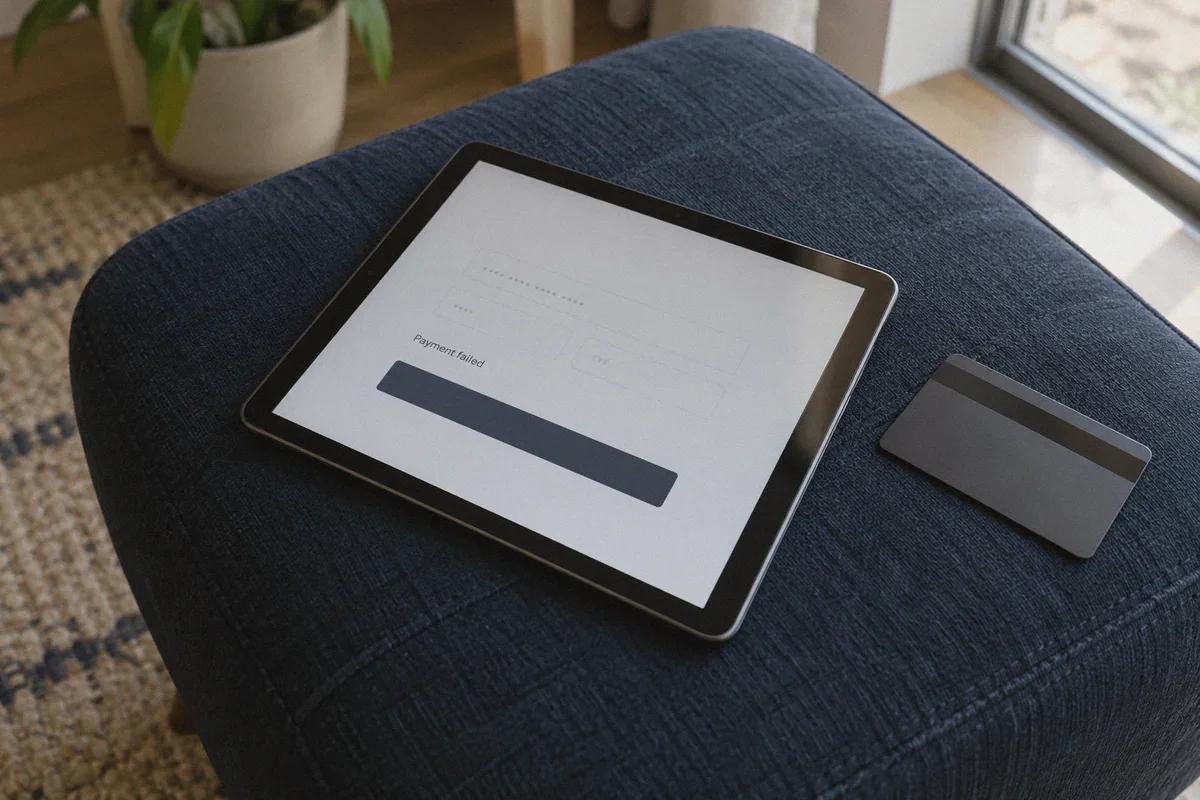
If your IP says Turkey or Brazil, but you enter a Chase Sapphire Visa issued in New York, the checkout page will throw a generic "Payment Failed" or "Card Ineligible" error.
The workaround: You generally have two paths around this:
- The In-App Purchase Route (Easiest): Instead of subscribing on the desktop website, connect your VPN on your mobile phone (iOS or Android) to the target region. Set up or log into a secondary Google Play or Apple ID matching that region, loaded with a local digital gift card or a balance bypass. The app store processes the payment locally, and UFC never sees your domestic credit card.
- International Virtual Cards / Regional PayPal: Using services like Wise, Revolut, or a region-matched PayPal account with local currency billing.
Trap 2: The Datacenter IP Blacklist & Buffer Spiral
UFC doesn't just block geo-locations; they actively subscribe to threat intelligence databases that flag typical VPN datacenters.
If you use a standard commercial VPN whose IP addresses are loudly labeled as "Hosting Provider / Datacenter," one of two things happens:
- The site won't let you complete checkout.
- You successfully buy the pass, but come Saturday night at 10 PM EST when millions of fans log on, the stream detects a VPN, drops resolution to 240p, or throws a playback error right as the co-main event starts.
That second scenario is fatal. Saving $50 on a subscription is meaningless if the stream buffers while a knockout is happening.
4. Why OnlyDogs VPN Actually Makes Sense for This
A lot of VPN comparison guides just rattle off five giant legacy brands that all use the same crowded server farms. For combat sports streaming and regional checkout, that approach is outdated.
This is where OnlyDogs VPN fits the exact practical gaps sports streamers run into:
[Your Device] ──> OnlyDogs VPN (HTTP/3 + Traffic Obfuscation) ──> UFC Fight Pass Gateway (Clean Regional IP)
                     │
                     └──> Scene Presets ("Streaming Line") ──> 1080p 60fps Live Stream Without Buffering
Here is why it works better for this specific workflow:
1. Scene Presets Over Confusing Protocol Settings
Most sports fans don't want to tweak OpenVPN vs. WireGuard ports, MTU sizes, or split-tunneling tables just to watch Prelims. OnlyDogs uses Scene Presets. You don’t have to guess which node has the right latency or unblocking profile; you click the preset designed for streaming, and it routes you to a line optimized for high-bandwidth video delivery.
2. HTTP/3 & Traffic Obfuscation (Beating the Regional Gate)
Standard VPN protocols have obvious digital fingerprints. UFC's fraud gates look for those signatures during checkout to stop regional price-hoppers.
OnlyDogs incorporates HTTP/3 architecture and proprietary traffic obfuscation. Your connection doesn't look like noisy server-farm traffic; it blends in like standard encrypted residential web traffic. That means you get through to the regional pricing page without trigger-happy captcha loops or instant card rejections.
3. Weak-Network & Congestion Recovery
Fight streams aren't like watching a pre-recorded Netflix show. There is no large local cache; it’s an unforgiving live video feed. If your home Wi-Fi stutters for three seconds during peak Saturday hours, standard connections drop to an endless loading wheel.
OnlyDogs’ protocol is engineered specifically for unstable, congested networks. If a packet drops or your Wi-Fi flickers, its connection recovery handles the handoff seamlessly in the background so your stream keeps playing in clean 1080p at 60fps.
4. Zero Password Headaches
You don't need another 16-character master password to remember while scrambling to catch an opening fight. OnlyDogs uses direct email verification code login across macOS, Windows, Android, and iOS. You can set it up on your phone to complete the regional app-store checkout, and keep it on your laptop or streaming device for fight night.
5. The Step-by-Step Purchase Blueprint
Ready to pull the trigger? Here is the cleanest way to do it without burning an account:
Step 1: Prepare a Clean Slate
- Open an Incognito / Private window on your browser.
- Clear your browser cookies for
ufc.comandufcfightpass.com.
Step 2: Establish the Connection
- Open OnlyDogs VPN, select your designated streaming preset, and connect to your chosen target country (e.g., a favorable Southeast Asian or Latin American location).
- Verify your external location on an IP check tool to ensure DNS and IP match cleanly.
Step 3: Create a Fresh UFC Account
- Go to the UFC Fight Pass registration page.
- Important: Do not use an old account that already has US/UK billing history tied to it. Register a fresh account while connected to the VPN.
- Confirm the currency displayed on the checkout screen reflects the regional currency (e.g., local currency instead of USD/GBP).
Step 4: Complete Payment
- Route A (Mobile App Store): Download the UFC app on your mobile device while routed through OnlyDogs. Use your secondary regional app store account to complete the in-app subscription. This bypasses regional credit card checks 99% of the time.
- Route B (Web Checkout): If using web checkout, use a multi-currency card (like Wise) or an international PayPal account that allows billing in the local currency.
Step 5: Test Playback Before Saturday Night
Never test your setup five minutes before the main event.
- Once subscribed, pick an older fight from the UFC archive (search an old Robbie Lawler or Dustin Poirier war) and let it run for 10 minutes.
- Check if the stream starts immediately at highest resolution.
- If you plan on streaming on your big screen, connect your laptop or Android TV box through OnlyDogs VPN and verify casting works smoothly.
6. What About Fight Night? Keep These Rules in Mind
Once your cheaper Fight Pass is active, keep these three operational habits to keep your account safe:
- Don't jump regions wildly: Don't log in from the UK at 2:00 PM, log in from Brazil at 2:15 PM, and then log in from Singapore at 3:00 PM. That kind of rapid geographic hopping is the easiest way to trigger an automated security lock on your UFC profile.
- Turn off auto-renewal if you plan on re-evaluating next year: UFC will attempt to charge the original payment method automatically when the year expires. Keep an eye on your renewal date so you stay in control of how and where you renew.
- Keep your streaming line consistent: When watching live, stay on the same high-speed OnlyDogs streaming node you used during setup to avoid mid-stream location verification flags.
The Bottom Line
Getting UFC Fight Pass cheaper isn't rocket science, but it’s also not as simple as clicking a random free proxy and hoping for the best.
If you want the lower annual price without the payment rejections, and you want your Saturday night live stream to run without buffering through every exchange, you need a clean connection that handles both the checkout security and the heavy live video load.
👉 Ready to set up your connection before the next card? Check out OnlyDogs VPN to lock in clean streaming lines, skip the connection headache, and get straight to the fights.
Frequently Asked Questions
Does a cheaper UFC Fight Pass subscription automatically include every numbered UFC pay-per-view?
No. The article stresses that Fight Pass entitlements vary by market, and primary markets can still have separate broadcast or pay-per-view arrangements for marquee main cards.
Why can checkout fail even after the site shows a cheaper regional price?
The article says payment systems may compare the apparent connection region with the issuing country or billing profile of the card, PayPal account, or app-store account.
What should I test before relying on the setup for a live event?
The article recommends testing playback well before fight night, keeping the same region during the session, and confirming that the stream starts cleanly at the expected quality.