It is 12:55 PM on an NFL Sunday. You have your three-leg parlay dialed in, the odds are moving, and kickoff is five minutes away. You are sitting in a hotel room in California or visiting family in Texas, so you do what seems obvious: you fire up a commercial VPN, set the server to New Jersey or Ohio, open DraftKings, and hit submit.
Then the dreaded red screen pops up:
"Player Location Check Error: Proxy or VPN Detected. Please disable your software to continue."
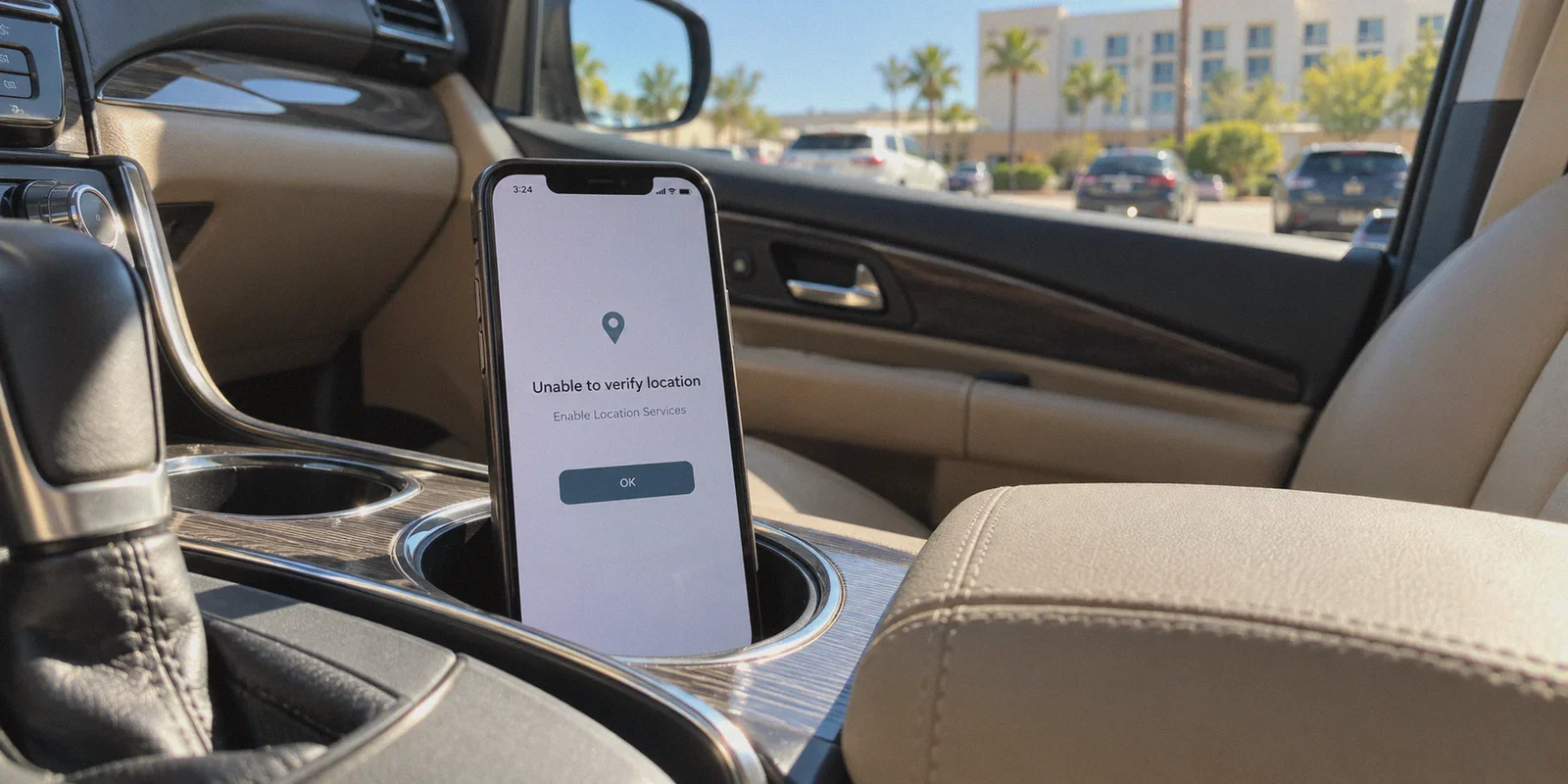
Or worse on your phone: "Unable to verify location. Enable Location Services." You toggle the VPN off and on, clear your cache, switch from Chrome to Safari, maybe even try an incognito window. Nothing. The game kicks off, the odds lock, and you’re left staring at a blank bet slip.
That exact moment of panic is why thousands of people search "how to bypass DraftKings location check with VPN" every single week.
The internet is flooded with shady affiliate guides promising that if you just download their "Top 3 VPNs," click a button, and change your IP, you will magically trick DraftKings into letting you bet from anywhere.
Here is the unvarnished truth: those guides are either completely out of touch or lying to you for a commission. In 2026, trying to use a standard VPN to trick DraftKings’ sportsbook location check doesn't just fail—it is the single fastest way to get your account permanently suspended and your bankroll locked under state gaming regulations.
If you want to understand what is actually happening under the hood, why DraftKings laughs at standard VPNs, and where a privacy tool like OnlyDogs VPN genuinely fits into a bettor's toolkit, let’s walk through the reality.
Article summary and product fit
Can a VPN reliably bypass DraftKings Sportsbook location checks?
The article’s answer is no. It explains that regulated sportsbook geolocation uses Wi-Fi, GPS, cellular, device, and network signals in addition to IP address. Conflicting signals can trigger review or account restrictions, so the article recommends using the sportsbook only when physically inside an authorized jurisdiction.
Key points and limitations
- Best for: DraftKings users who are seeing a location error and want to understand why changing the IP alone does not satisfy regulated sportsbook geolocation.
- Article detail: The article describes Wi-Fi access-point scanning, mobile GPS, cellular signals, and commercial VPN IP blacklists as layers that can be cross-checked by geolocation software.
- Important limit: A VPN cannot make an out-of-state device physically satisfy a regulated sportsbook geofence, and attempting to spoof multiple location signals can put an account or balance at risk.
Product fit: Within this article, OnlyDogs VPN is positioned for legitimate network-security uses such as encrypting public Wi-Fi, getting through a local hotel or campus firewall while physically in a legal state, and maintaining a stable connection while traveling. OnlyDogs VPN official website.
1. Why DraftKings Laughs at a Regular VPN: The GeoComply Reality
Most people assume location checking works the way Netflix worked ten years ago: DraftKings looks at your IP address, sees you have a New York IP, and says, "Welcome in."
If that were true, any five-dollar VPN would work. But DraftKings is not a streaming site; it is a licensed, regulated gambling operator governed by state gaming commissions (like the New Jersey Division of Gaming Enforcement or the Pennsylvania Gaming Control Board). Violating state geofencing carries millions of dollars in regulatory fines.
To protect their licenses, DraftKings doesn't do basic IP lookups. They license GeoComply (specifically their Player Location Check plugin and GeoGuard software suite).
GeoComply doesn't just check your IP. It runs a multi-layered hardware and network sweep:
- Wi-Fi MAC Triangulation (BSSID Scanning): This is the part that catches 99% of desktop users off guard. When you install the DraftKings location plugin on a Mac or PC, it scans the unique MAC addresses (BSSIDs) and signal strengths of every Wi-Fi router within range of your laptop—your router, your neighbor’s router, the office down the hall. It compares those router IDs against global geolocation mapping databases (like Skyhook and Google Location Services). Even if your VPN assigns you an IP address in Atlantic City, your laptop’s Wi-Fi chip is broadcasting: "I am physically surrounded by three residential Wi-Fi networks in Dallas, Texas." GeoComply flags the mismatch in milliseconds.
- GPS Hardware & Mock Location Detection (Mobile): On an iPhone or Android, DraftKings relies on onboard GPS satellite pings, not IP data. If you try to spoof your phone's GPS using developer options or third-party mock location apps, GeoComply’s mobile SDK detects the mock provider flag immediately and halts the app.
- Cell Tower Triangulation: On mobile devices with cellular connectivity, your device constantly talks to local carrier towers. GeoComply cross-references tower data with GPS coordinates.
- Datacenter & VPN IP Blacklists: GeoGuard maintains an active, continuously updated database of commercial IP ranges belonging to hosting providers (AWS, DigitalOcean, Cloudflare) and commercial VPN exit nodes. If your traffic originates from a known server cluster, you are blocked before location triangulation even begins.
A VPN only changes your IP address. But your IP address is roughly 10% of what DraftKings is actually checking.
2. What Happens When You Try to "Brute-Force" It
Some people think: "What if I spoof my GPS, turn off my Wi-Fi, and connect through a VPN on an emulator?"
Here is what actually happens when you push your luck:
- Automated Fraud Flag: GeoComply logs the conflicting signals (e.g., an IP claiming Ohio, but zero Wi-Fi networks detected, or GPS reporting an impossible altitude/speed).
- Instant Account Freeze: DraftKings’ risk management engine automatically locks the account. You cannot place bets, enter contests, or withdraw money.
- The KYC Nightmare: To unlock a suspended account, DraftKings’ compliance department requires you to submit government-issued photo ID, proof of address (utility bills), and a written explanation of the location anomaly. If they conclude you attempted to bypass state geofencing, your account is closed, and any active balances or pending wagers can be forfeited under state regulatory mandates.
Trying to game GeoComply to bet across state lines is picking up pennies in front of a steamroller.
3. What Actually Works If You Need to Place a Bet
If you are away from home and need your action down, you have to separate what is legally and technically possible from wishful thinking:
The "Border Run" (100% Legal & Bulletproof)
If you live in or are visiting a non-betting state (like Texas, California, or Georgia) right near a state line where sports betting is legal (like Louisiana, Nevada, or Tennessee), you don't need digital tricks. You physically drive across the state border.
Once your tires cross the state line, pull into a rest stop, open the DraftKings app on your phone with native GPS and 5G turned on, and place your bet. Millions of American bettors do this every weekend. DraftKings' location check will pass cleanly because your hardware GPS and cellular pings are physically located inside the legal jurisdiction.
Daily Fantasy Sports (DFS) vs. Sportsbook
Remember that DraftKings Sportsbook and DraftKings Fantasy (DFS) operate under completely different legal frameworks. While Sportsbook is restricted to roughly 35 states, DraftKings DFS is legal in 44+ states. If you can't place a point-spread wager from where you are sitting, you can usually still enter guaranteed prize pool (GPP) fantasy tournaments without violating any state laws.
4. Where a VPN Actually Belongs in a Sports Bettor's Toolkit
So does a VPN have any purpose for someone using DraftKings?
Yes—but for entirely different, legitimate reasons.
A VPN is not a magic key to break state gaming laws. It is a tool for network freedom, encryption, and bypassing local firewall restrictions. Here is where serious sports bettors and travelers actually rely on a VPN:
- Bypassing Local Wi-Fi Firewalls in Legal States: You are physically in a state where sports betting is 100% legal (say, Pennsylvania), but you are connected to hotel Wi-Fi, university campus Wi-Fi, or an airport network. Many public and corporate networks enforce blanket content filters that block any domain tagged under "Gambling / Betting / Gaming". DraftKings won't even load. A VPN tunnels through that local firewall, letting the app communicate.
- Accessing Your Account While Traveling Abroad: If you travel outside the United States, foreign ISPs and international network routing often fail to resolve US betting sites, or DraftKings blocks foreign IP connections entirely at the edge. A reliable VPN lets you log into your account, audit your active slips, manage deposits and withdrawals, and set your fantasy lineups while traveling in Europe or Asia.
- Protecting Financial Transactions on Public Wi-Fi: Betting accounts are connected directly to your bank account, PayPal, or debit card. Logging into your account from an unencrypted sports bar or airport Wi-Fi without encryption leaves your credentials vulnerable to session hijacking and packet sniffing.
- Odds Comparison & Line Shopping Without Clutter: Researching lines means bouncing across dozens of sportsbooks, odds comparison tables, and tipster forums—most of which are bogged down with tracking pixels, autoplay video ads, and bandwidth-heavy analytics scripts.
5. Why OnlyDogs VPN Fits How Modern Bettors Actually Move
If you have tried using standard, bloated VPNs while traveling or working on mobile networks, you know the headaches: constant CAPTCHAs, protocol drops when switching from Wi-Fi to cellular, and clunky interfaces that make quick access frustrating.
This is where OnlyDogs VPN approaches things differently:
Scenario Presets Instead of Protocol Headaches
Most VPNs make you choose between WireGuard, OpenVPN UDP, TCP, and custom port settings. When you just want your connection secured fast, you don't want a networking quiz. OnlyDogs VPN features one-tap scenario presets (such as Fastest Route, Streaming, and Ad-Blocking). You select what you want to accomplish, and the app automatically provisions the optimal routing without manual server hopping.
HTTP/3 and Obfuscation That Slices Through Restrictive Firewalls
Standard VPN protocols have obvious digital fingerprints. If you are sitting on a restrictive hotel, campus, or corporate network that blocks VPN ports, standard tools drop immediately.
OnlyDogs utilizes HTTP/3 architecture and traffic obfuscation. To the local network router, your connection looks like ordinary, modern HTTPS web traffic. It slips cleanly past deep packet inspection (DPI) and local firewall blocks without drawing flags.
Weak-Network & Seamless Handover Recovery
If you’ve ever done a "border run" or placed live in-game bets from a moving train or highway rest stop, you know how fragile mobile connections are. You pull away from a coffee shop's Wi-Fi, your phone transitions to 5G, and a typical VPN freezes—forcing you to toggle airplane mode while your live bet odds vanish.
OnlyDogs is built specifically for resilient weak-network recovery. It absorbs packet loss and executes Wi-Fi-to-cellular handovers silently in the background, keeping your connection alive when every second counts.
Built-in DNS + Node-Level Ad and Tracker Blocking
Opening ten sports analytics tabs on a smartphone usually slows your browser to a crawl under a mountain of banners and trackers. OnlyDogs integrates DNS- and node-level filtering, stripping out aggressive advertising scripts and data trackers before they ever reach your device screen. Pages load noticeably faster, and your data stays cleaner.
Zero-Friction Passwordless Access
Instead of wrestling with long passwords, two-factor authenticator app switching, and lost credentials on your secondary laptop or tablet, OnlyDogs uses email verification code login. It keeps onboarding simple across macOS, Windows, iOS, and Android while minimizing security exposure.
👉 Explore OnlyDogs VPN and Test Its Connection Speed
The Verdict on DraftKings and VPNs
When you search for a way to bypass DraftKings location checks, you are looking for convenience. But shortcuts that ignore how GeoComply works will cost you your balance.
- Don't try to fool DraftKings' sportsbook geofencing from an unregulated state using a VPN and fake GPS apps. You won't beat Wi-Fi triangulation, and you will lose your account.
- Do take the drive across the state border if you want to place legal sportsbook wagers with zero risk of account closure.
- Do use a dedicated, obfuscated tool like OnlyDogs VPN when you need to bust through restrictive hotel Wi-Fi firewalls, manage your legal fantasy lineups and account funds while traveling abroad, and keep your betting research fast, encrypted, and ad-free.
Protect your bankroll first. Use the right tool for the right job, and keep your account in good standing so when your slip hits, you can actually cash it out.
Frequently Asked Questions
Why does changing the IP address not satisfy DraftKings location verification?
The article says regulated sportsbook geolocation can compare the IP with nearby Wi-Fi access points, GPS, cellular data, device signals, and known VPN ranges. The IP is only one part of the location check.
What can happen when DraftKings receives conflicting location signals?
The article warns that conflicting signals can create an automated fraud flag, trigger an account freeze, and lead to a KYC review asking for identity and address documents.
What does the article recommend if you want to place a legal sportsbook wager from another state?
It recommends physically entering a jurisdiction where the sportsbook is legal and letting the device’s normal GPS and cellular signals verify the real location, rather than trying to spoof the geofence.
Where does the article say a VPN can still be useful for a bettor?
It lists legitimate uses such as encrypting financial sessions on public Wi-Fi, getting through local network filters while physically in an authorized state, accessing account information while traveling, and reducing browsing clutter during research.