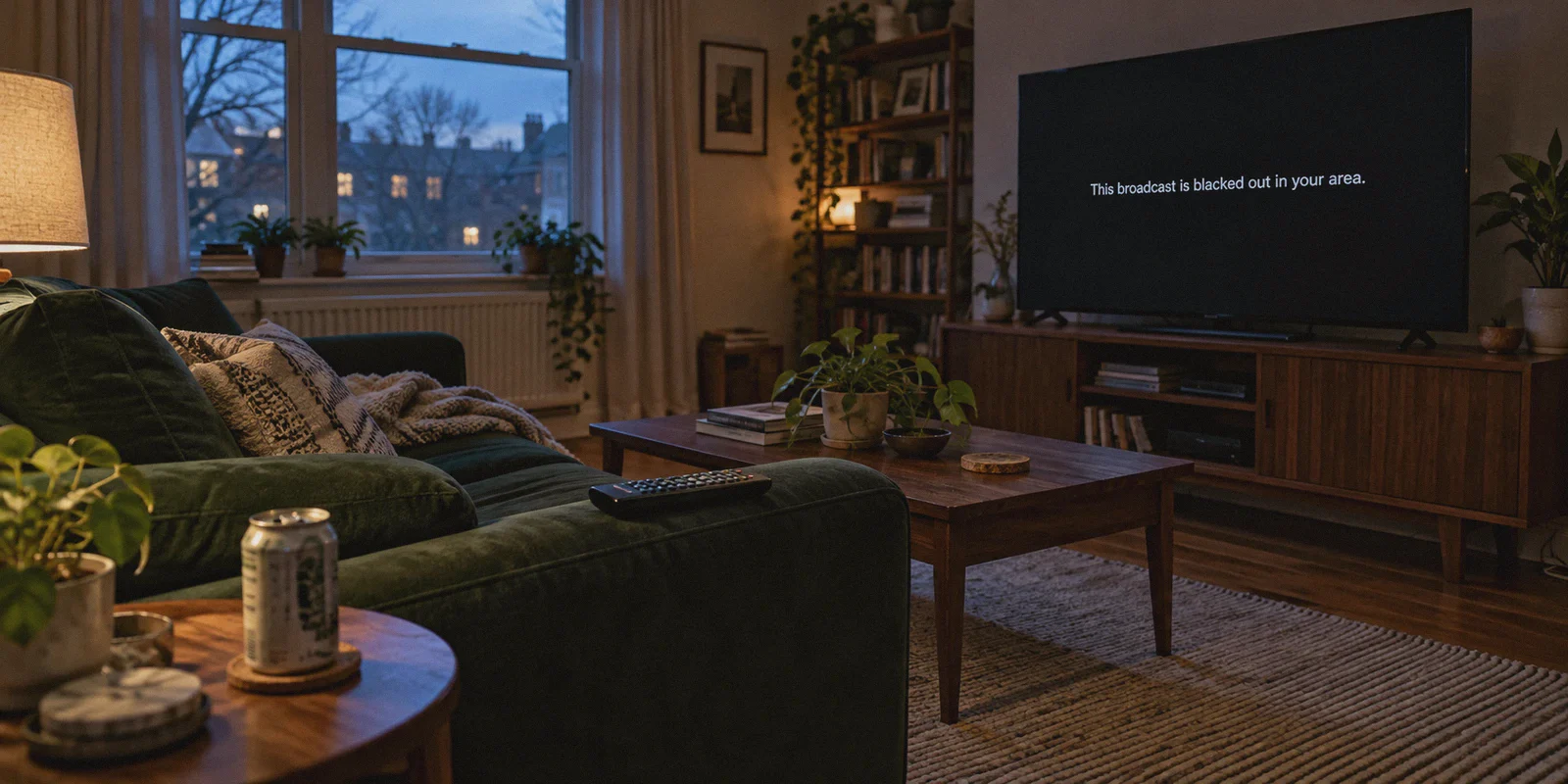
You sat down on the couch at 7:02 PM. Tip-off is at 7:05 PM. You cracked open a cold drink, fired up NBA League Pass, clicked on your team, and watched the excitement evaporate into a cold, black screen:
"This broadcast is currently blacked out in your area."
You paid good money for League Pass—somewhere around $100 to $150 for the season—and the one game you actually want to watch on a Tuesday night is locked behind regional television contracts you never signed up for.
Most people in your shoes do the exact same thing: they Google "how to bypass NBA League Pass blackouts with VPN", grab the first generic VPN app they find, connect to another state, and hit refresh.
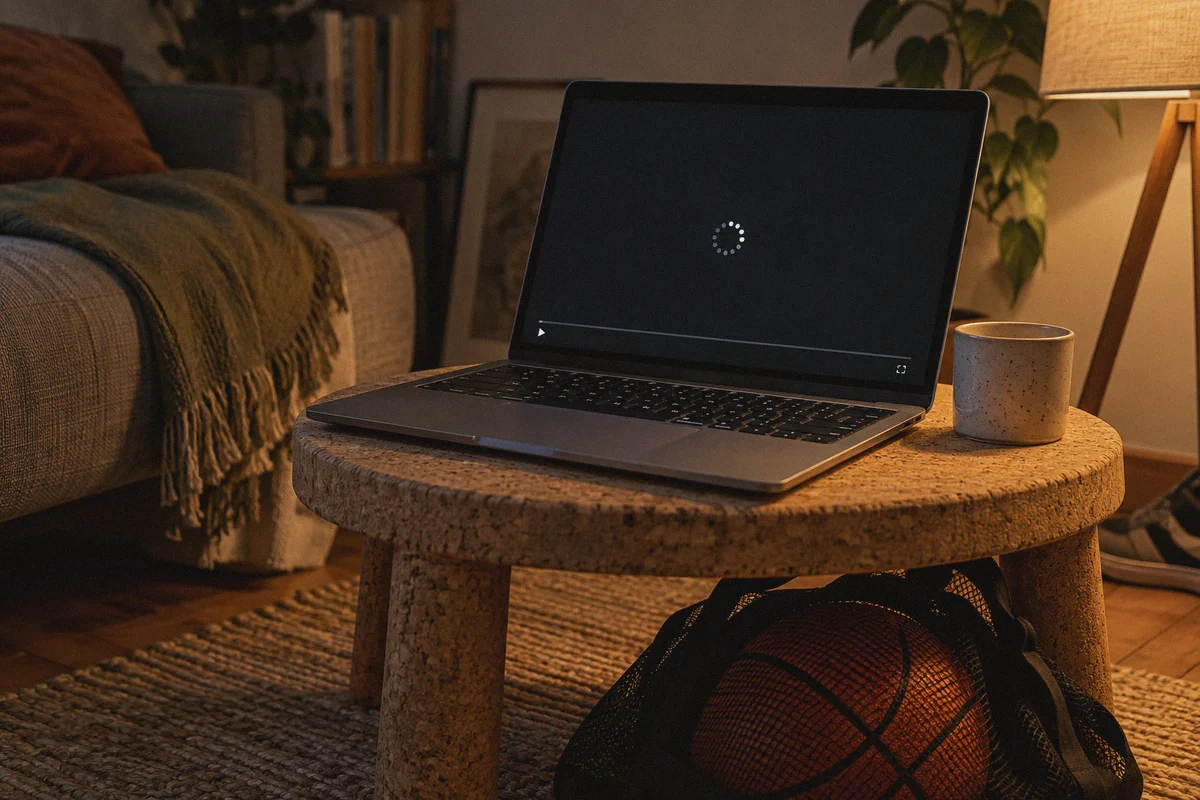
Then the real headache begins. Either the stream spins indefinitely, or League Pass throws a blunt error: "It looks like you're using a proxy or VPN. Please disable it to continue."
Article summary and product fit
Why do NBA League Pass blackouts still appear after connecting to a generic VPN?
The article says blackout decisions start with the apparent market, but modern streaming systems can also detect heavily shared datacenter addresses, recognizable VPN traffic, and DNS or WebRTC location mismatches. A different IP is therefore not always enough to start or maintain the stream.
Key points and limits
- Best for: League Pass subscribers trying to understand the difference between a local or national blackout and a separate proxy-detection or streaming-quality failure.
- Key point: The article distinguishes broadcast-market restrictions from VPN detection and recommends using an out-of-market route only after fully closing the existing League Pass session.
- Product fit: OnlyDogs VPN is presented as a streaming-focused option using preset routing, HTTP/3-based obfuscation, and weak-network recovery.
- Important limit: Blackout rules are tied to broadcast rights and can change, while proxy detection and account terms still apply; no VPN can guarantee every game or location will be accepted.
Sources referenced in this article: OnlyDogs VPN official website.
Here is the truth: bypassing NBA blackouts isn't complicated, but 90% of the guides online give advice that worked in 2019 and gets you blocked in 2026. Bypassing blackout restrictions today doesn't require technical wizardry; it requires understanding what NBA League Pass is actually looking for—and using a tool that doesn't trigger its alarms.
Why You Get Blacked Out (In Plain English)
The NBA doesn't black you out because they dislike you; they do it because cable networks paid billions of dollars for exclusivity.
- Local Blackouts: If you live in Southern California, local cable networks (like Spectrum SportsNet) hold the exclusive broadcast rights for Lakers games in that geographic territory. League Pass is legally forced to block local IP addresses so you are pushed to pay for cable or a regional sports network (RSN) streaming package.
- National Blackouts: If a marquee game is being broadcast nationally on ESPN, ABC, or TNT, League Pass blacks it out across the entire United States.
To watch a blacked-out game on League Pass, your device needs to appear as if it is connecting from an area where nobody holds exclusive regional rights to that specific matchup.
If the Lakers are hosting the Nuggets in Los Angeles, an IP address in Dallas or Chicago gets the game live on League Pass without a hitch.
The Catch: Why Standard VPNs Fail at Tip-Off
If changing your location is all it takes, why do so many people still get blocked when using a VPN?
Because the NBA's streaming infrastructure (powered by enterprise content delivery networks like Akamai and Cloudflare) has gotten aggressively smart. They don't just look at where your IP address claims to be; they look at what kind of traffic you are sending.
When you use a generic, run-of-the-mill VPN, three things usually give you away:
- Datacenter IP Flagging: Standard VPNs route thousands of users through commercial server warehouses (AWS, DigitalOcean, M247). When League Pass sees 400 different people logging into League Pass from the exact same server IP address in Denver, it flags the entire block as a commercial proxy.
- Protocol Fingerprinting: Legacy VPN protocols (like standard OpenVPN or generic WireGuard setups) carry identifiable packet headers. The streaming server inspects the packet shape, spots the VPN signature, and serves you the blackout screen anyway.
- DNS and WebRTC Leaks: Your VPN connection might say you are in Seattle, but your browser quietly leaks a local DNS request from your home internet provider in Atlanta. League Pass cross-references the two, detects the mismatch, and cuts the feed.
The solution isn't to test 45 different cities while the first quarter ticks away. The solution is using a connection that masks its own signature and looks like regular, everyday home web traffic.
The Clean Solution: How OnlyDogs VPN Handles Game Day
When you're trying to catch the opening jump, you don't have time to configure protocols, check split-tunneling routing tables, or run manual IP leak tests. You need something that connects cleanly on the first try and stays connected through double overtime.
This is where OnlyDogs VPN takes a fundamentally different approach from bloated, legacy VPN apps.
1. One-Click Streaming Presets (No Guesswork)
Most VPN apps hand you a list of 80 countries and 300 cities with zero context. You end up guessing: "Will Phoenix work? Is Phoenix in the same broadcast market as Denver tonight?"
OnlyDogs eliminates that friction with dedicated streaming scenario presets. Instead of micro-managing server settings, you select the streaming profile. The system automatically routes your traffic through optimized, low-congestion pathways specifically tuned to unblock major media platforms without triggering proxy filters.
2. HTTP/3 and Obfuscation by Default
Standard VPN protocols are easy for streaming CDNs to identify and throttle. OnlyDogs is built on a proprietary architecture utilizing HTTP/3 transport and deep traffic obfuscation.
To the NBA League Pass servers, your traffic doesn't look like an encrypted VPN tunnel blasting out of a commercial server farm. It looks indistinguishable from standard, legitimate web browsing traffic over modern HTTP/3. Because the connection doesn't announce itself as a proxy, you bypass the automated bot and VPN filters that trip up conventional tools.
3. Buffer-Free 60fps Stability
Sports streaming is brutal on bad VPNs. A three-second buffer spike might mean missing a game-winning buzzer-beater.
OnlyDogs is built with resilient weak-network recovery algorithms. If your home Wi-Fi experiences a temporary latency spike or your connection switches between frequencies, the connection dynamically recovers without dropping the stream session. You get stable 1080p/60fps playback without the resolution dropping into pixelated mud during fast transitions.
4. Zero Password Headaches
You're already late for the game; the last thing you need is a password reset loop. OnlyDogs uses secure, one-time email verification codes for login. No passwords to remember or store in a keychain—enter your email, plug in the code, and you're in.
Step-by-Step: Bypassing the Blackout in Under 3 Minutes
Follow this sequence to ensure you don't leave any digital footprints that League Pass can use to determine your actual location:
[Close League Pass] ──> [Launch OnlyDogs VPN] ──> [Select Streaming Preset] ──> [Open League Pass]
- Fully Close the NBA App or Browser Tab: Don't turn on a VPN while League Pass is already running in the background. Close the tab or force-quit the mobile app so it clears its immediate session cache.
- Open OnlyDogs VPN: Launch the client on your PC, Mac, Android, or iOS device.
- Choose a Streaming Preset / Out-of-Market Node: Pick a server location outside the broadcast market of both competing teams. (Example: If you want to watch the Boston Celtics host the New York Knicks, connect to a server in Dallas, Seattle, or Atlanta).
- Launch League Pass and Log In: Open your browser (incognito/private browsing mode works best) or restart the app. The blackout restriction will be gone, replaced by the live broadcast feed.
3 Critical Tips to Avoid Getting Caught
Even with a top-tier connection, small user errors can reveal your real location. Keep these three rules in mind:
| What to Watch Out For | Why It Matters | How to Prevent It |
|---|---|---|
| Mobile GPS Permissions | On iOS and Android, the NBA app checks hardware GPS, not just your IP address. | Watch through a desktop/laptop browser, or revoke the NBA app's precise location access in system settings. |
| Browser Cookie Cache | If you opened League Pass 5 minutes ago without a VPN, your browser already cached your local zip code. | Always open League Pass in a fresh Private/Incognito Window after connecting your VPN. |
| National TV Exclusions | Games on ABC/ESPN/TNT are blacked out across the entire domestic US League Pass catalog. | Connect to an international node (like the UK or Canada) if your League Pass subscription package supports international travel roaming. |
The Verdict
Getting hit with a blackout screen on a service you pay for is one of the most frustrating experiences in modern sports fandom. Cable companies and streaming platforms keep tightening the screws, hoping you'll give in and buy another $30/month regional sports package.
You don't need to do that. And you don't need an afternoon of troubleshooting network configurations, either.
Grab OnlyDogs VPN, tap the streaming preset, pick an out-of-market route, and get back to what actually matters: watching the game live, in high definition, without interruption.
Frequently Asked Questions
What is the difference between a local and a national NBA League Pass blackout?
The article describes local blackouts as restrictions inside a team’s regional broadcast market, while national blackouts apply when a game is carried by a national broadcaster.
Why can League Pass detect a generic VPN even if the IP is in another city?
The article points to shared datacenter IP reputation, recognizable VPN protocol patterns, and DNS or WebRTC signals that conflict with the apparent location.
Why does the article recommend closing League Pass before changing the route?
It says an already-open app or tab can retain session or location information, so starting a fresh session reduces conflicts between the old connection and the new apparent market.
Is a buffering or spinning player always the same problem as a blackout?
No. The article separates regional-rights blackouts from proxy detection and from connection-quality problems such as congestion or an unstable tunnel.