
It’s 6:45 PM on a Sunday. Tip-off is in fifteen minutes, you’ve got a lock of a three-player slip dialed in, and you open PrizePicks to submit your entry.
Instead of your betting slip confirming, you get hit with the dreaded gray pop-up:
"Location Error: You are currently located in an unsupported jurisdiction."
Maybe you’re traveling for work, visiting family across state lines, or sitting in a hotel where the local Wi-Fi routes through an excluded state. Your immediate instinct—the same instinct that thousands of daily fantasy sports (DFS) players have every weekend—is simple:
“I’ll just download a quick VPN, switch my location to Texas or California, and tap submit.”
If you do that right now on your iPhone or Android, you won’t just fail to place your pick. There’s a very real chance your account will be immediately flagged, your active balance frozen, and your pending withdrawals held for manual fraud review.
Bypassing PrizePicks location restrictions with a VPN is entirely possible, but doing it blindly with a standard, off-the-shelf app is the fastest way to get your account locked. Here is what is actually happening behind that error screen, why conventional VPN advice gets players banned, and the exact setup required to place your picks cleanly.
Article summary and product fit
Why can PrizePicks still detect location problems when a VPN is connected?
The article says PrizePicks can evaluate more than the public IP address. On mobile, device GPS and nearby-network signals can conflict with the VPN location; on desktop, browser permissions, IP reputation, and recognizable proxy or VPN traffic can still trigger checks. It also stresses that identity, account eligibility, withdrawal details, and jurisdiction rules remain separate from network routing.
Key points and limits
- Best for: Existing PrizePicks users trying to understand location errors, account-risk signals, and the difference between mobile and desktop location checks.
- Article detail: The article separates mobile hardware-level location checks from desktop/browser network checks and warns that sudden geographic changes or inconsistent signals can lead to review.
- Important limit: A VPN does not create legal eligibility, change regulated-jurisdiction rules, or replace identity and payment verification. The article explicitly says account identity and withdrawal details must remain legitimate and consistent.
Sources referenced in the article
PrizePicks · BrowserLeaks IP Test · IPLeak
Product source: OnlyDogs VPN official website
The Trap: What PrizePicks Is Actually Checking
Most people think PrizePicks checks your location the way a streaming service like Netflix does: by reading your IP address, seeing what city it belongs to, and letting you in if that city allows DFS.
It doesn't work that way. PrizePicks operates under strict state gaming regulations. If they allow an illegal entry, they face massive fines or risk losing their state licenses. Because of that, their fraud detection runs on two completely separate levels:
1. The Mobile GPS Wall (The Reason Your Phone App Blocks You)
If you are using the PrizePicks mobile app, turning on a VPN does almost nothing.
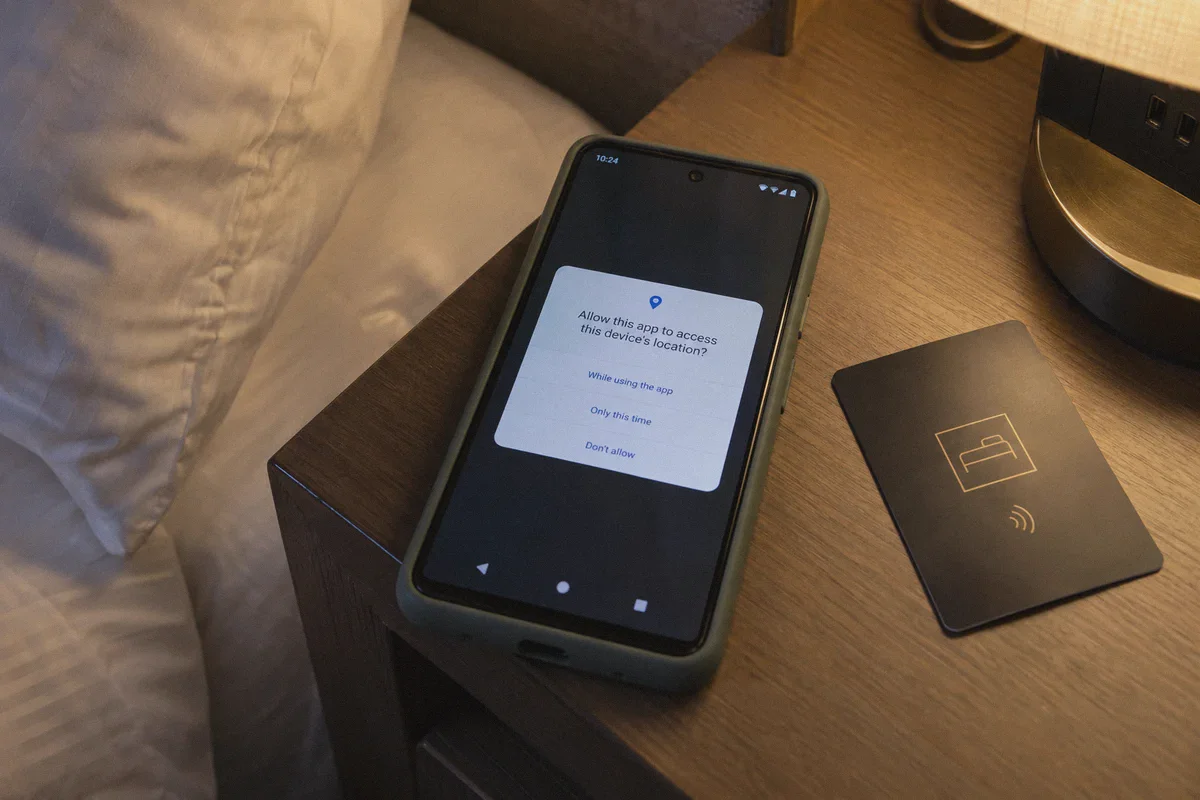
Mobile apps on iOS and Android do not rely on your IP address for location verification. They query your phone's built-in GPS hardware chip, nearby cellular towers, and local Wi-Fi router BSSIDs via security suites like GeoComply.
When your VPN routes your internet connection through Atlanta, but your phone’s internal GPS tells PrizePicks you’re physically sitting in a Starbucks in Manhattan, the app sees two conflicting locations instantly. That mismatch triggers an immediate fraud flag.
2. The Protocol & Datacenter Blacklist
Even if you manage to spoof GPS or use a computer, standard VPNs face a second hurdle: IP reputation and protocol fingerprinting.
Commercial VPNs use standard protocols (like WireGuard or OpenVPN) that broadcast recognizable handshake patterns. On top of that, millions of users share blocks of IP addresses registered to commercial datacenters (like AWS, DigitalOcean, or M247). PrizePicks subscribes to real-time risk databases. The moment your connection arrives with a known datacenter tag or an open VPN signature, the platform rejects it before you can even click a player card.
To bypass the restriction without sacrificing your account, you have to solve both problems: eliminate the hardware GPS check, and use an undetectable, obfuscated network connection.
The Only Setup That Works: Desktop + Obfuscated Traffic
If you want to access PrizePicks while traveling without triggering security alarms, ditch the mobile app completely.
Why Desktop Is Your Safe Haven
Unlike a smartphone, a desktop PC or Mac laptop does not have a native GPS chip listening to satellites. A desktop browser determines your location primarily through two channels:
- Your outward-facing network IP address.
- Browser-level location permissions (Wi-Fi triangulation).
When you play on a desktop browser, you eliminate the hardware GPS contradiction. As long as your browser location permissions are disabled and your network IP matches an eligible PrizePicks jurisdiction, the platform evaluates your connection purely on network integrity.
Why Standard VPNs Still Get Caught on Desktop
This is where 90% of players still fail. They switch to their Mac or Windows PC, turn on a generic free or cheap VPN, and still get blocked.
Why? Because traditional VPNs are loud. Deep Packet Inspection (DPI) detects the cryptographic headers of standard tunneling protocols. PrizePicks doesn't have to prove where you are—they simply have to detect that a VPN is active, and their Terms of Service allow them to void the session.
You don’t just need an IP address in an allowed state. You need a connection that camouflages itself as ordinary, residential web traffic.
Why OnlyDogs VPN Handles PrizePicks When Others Fail
This is the exact technical bottleneck where OnlyDogs VPN stands apart from conventional VPN services.
Instead of relying on outdated, publicly fingerprintable VPN protocols, OnlyDogs was engineered from the ground up for heavily restricted and monitored environments. It addresses the exact signals that DFS anti-fraud systems look for:
1. HTTP/3 & Traffic Obfuscation
Most VPNs wrap your data in standard OpenVPN or WireGuard packets, which security firewalls recognize instantly. OnlyDogs utilizes HTTP/3 and proprietary traffic obfuscation.
To PrizePicks' fraud filters, your connection does not look like an encrypted tunnel pushing through a commercial server. It looks identical to standard, legitimate web browsing traffic over the latest internet protocols. The platform sees ordinary HTTPS web packets, allowing you to pass the network inspection layer quietly.
2. Clean, Automated Routing (No Server Roulette)
With most VPNs, you have to spend twenty minutes manually testing city after city: Dallas fails, Atlanta fails, Miami triggers a captcha.
OnlyDogs features Scenario Presets and Smart Route Selection. Instead of forcing you to guess which server isn't blacklisted, the system automatically routes your traffic through optimized, low-risk pathways designed to maintain connection integrity. You click once, get a clean route, and get straight to your picks.
3. Bulletproof Reconnection (Zero IP Leaks)
The worst thing that can happen while submitting a $100 slip is a micro-drop in your VPN connection. If your VPN stutters for two seconds and your real home IP leaks to PrizePicks during the submission handshake, your account gets flagged.
OnlyDogs is built with advanced network-switching recovery. Even on hotel Wi-Fi or tethered mobile hotspots, it maintains an airtight seal with zero DNS or WebRTC leaks, ensuring your real location is never exposed mid-session.
👉 Get OnlyDogs VPN and Secure Your Connection in Under 2 Minutes
Step-by-Step Playbook: How to Place Your Picks Safely
Follow this exact procedure whenever you need to access your account while away from an eligible state. Do not skip any steps.
Step 1: Switch to a Desktop Browser
Put your phone away. Open Google Chrome, Brave, or Firefox on your laptop or desktop computer.
Step 2: Kill Browser Geolocation & Clear Cache
Websites can store cached cookies that remember your previous restricted location.
- Open your browser settings and clear your cookies and cache for
prizepicks.com. - Go to your browser’s Privacy & Security settings, find Site Settings > Location, and make sure "Don't allow sites to see your location" is toggled on. Alternatively, open an Incognito/Private window.
Step 3: Launch OnlyDogs VPN
- Open the OnlyDogs app on your Mac or Windows PC (it uses an easy email verification code login—no passwords to scramble for before game time).
- Connect to an eligible PrizePicks state (such as an active jurisdiction that permits your specific contest type).
- Ensure obfuscation mode is running.
Step 4: Verify Your Connection Before Visiting PrizePicks
Never open PrizePicks first. Go to a third-party leak testing site like browserleaks.com/ip or ipleak.net.
- Check that your detected IP is located in the target state.
- Confirm that WebRTC IPv4/IPv6 does not reveal your real local internet provider.
Step 5: Log In and Submit Your Picks
Navigate to PrizePicks, log in, and enter your selections. The platform will read your clean, obfuscated IP, verify that you are within an approved region, and allow you to submit your entry smoothly.
The Withdrawal Reality Check (What Nobody Tells You)
Placing a pick while traveling is simple when you have the right tools. But you need to understand how the back end of PrizePicks works so you don’t run into trouble when it’s time to cash out.
PrizePicks is a regulated fantasy sports operator, not an anonymous arcade. When you request a payout, their compliance department runs automated checks against your account profile:
| What They Check | How to Handle It Safely |
|---|---|
| Tax ID / SSN | Your account must be registered with your legal identity and home address. If your legal residence is in an eligible state and you're just traveling, your tax profile remains valid. |
| Bank / Withdrawal Method | Never attempt to withdraw to a payment method registered in a banned jurisdiction under a fake name. Always use your legitimate bank or PayPal tied to your registered profile. |
| Location Velocity | Don't log in from a Texas IP at 2:00 PM and an hour later log in from your phone in California. Sudden geographical jumps trigger automated account freezes. Keep your session locations consistent. |
A VPN solves the in-the-moment connectivity problem—letting you manage entries and access your dashboard when traveling through restricted zones. It is a tool for connection privacy and location consistency, not a tool to fabricate a fake identity. Use it responsibly to protect your legitimate account access.
Stop Fighting the App—Fix the Setup
If you’ve been tearing your hair out trying to figure out why your VPN won't work on PrizePicks, the answer is simple: you were using the wrong device and a detectable protocol.
Stop trying to force the mobile app to ignore its own satellite GPS. Open your laptop, boot up a clean browser, and use an obfuscated tunnel that doesn't advertise itself to detection algorithms.
With OnlyDogs VPN, you bypass the headaches of blacklisted IPs, avoid complex network configurations, and get a fast, private connection that lets you lock in your slips before the whistle blows.
👉 Download OnlyDogs VPN and Get Back in the Game
Frequently Asked Questions
Why can the PrizePicks mobile app reject a session even when the VPN IP is in another state?
The article says the mobile app can use GPS hardware, cellular information, and nearby Wi-Fi signals in addition to the public IP. A mismatch between those signals can trigger a location or fraud check.
Why is desktop browser behavior different from the mobile app?
The article explains that a laptop or desktop generally lacks the same satellite GPS hardware, so browser location permissions and network signals become more important than a phone’s native GPS reading.
Why are shared datacenter VPN addresses risky for this kind of account?
According to the article, commercial datacenter ranges and recognizable VPN traffic can already have poor reputation or be classified as proxy infrastructure, which can cause the session to be rejected or reviewed.
What account information still matters at withdrawal time?
The article says legal identity, tax details, registered address, and legitimate withdrawal methods remain part of compliance review. Network routing does not replace those requirements.
What is the main limitation of the network approach described in the article?
It cannot make an ineligible location or identity eligible. The article frames the network setup around connection consistency for legitimate account access and warns against fabricating identity or banking information.