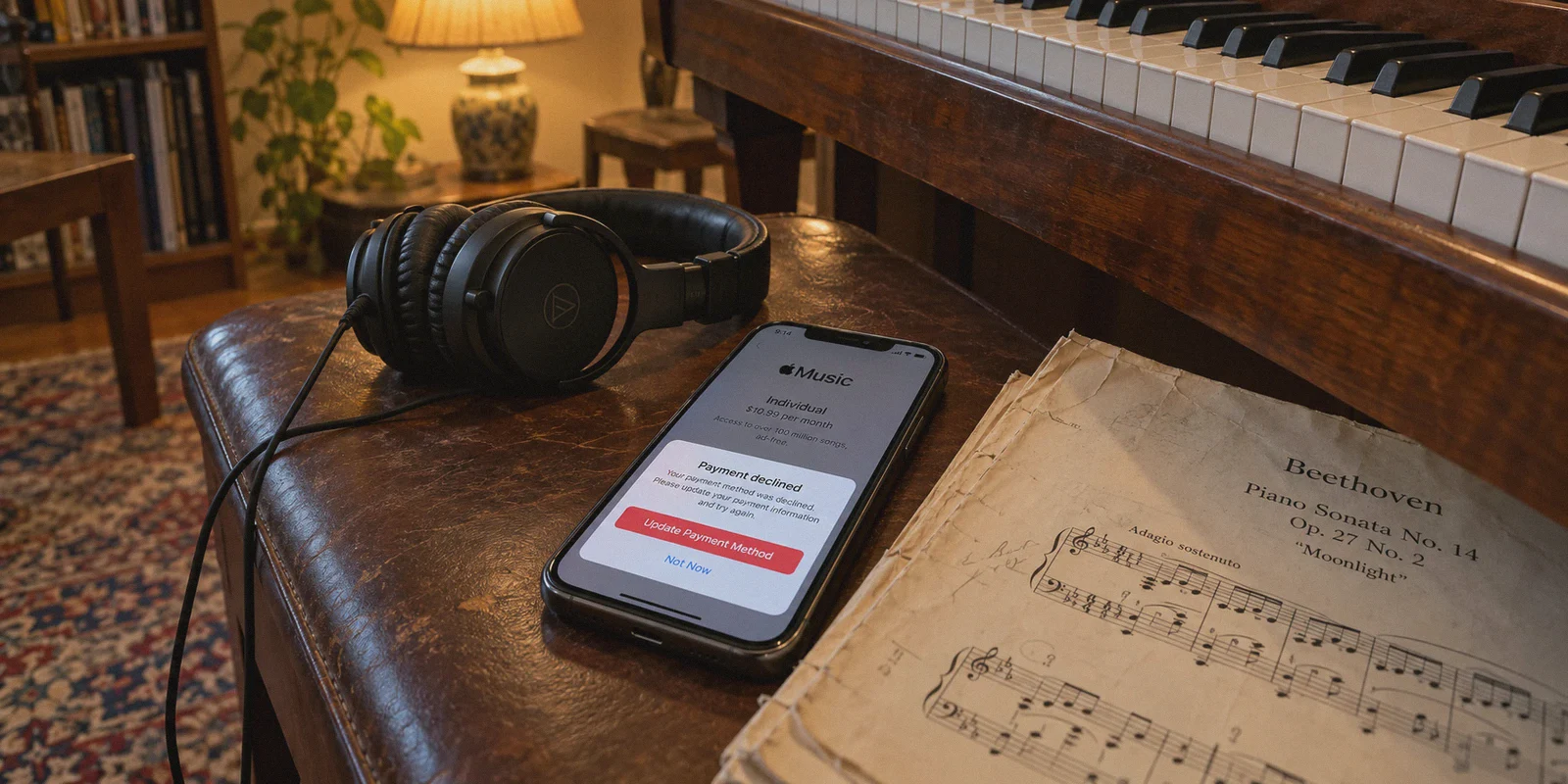
If you are paying $16.99 a month (or £17.99 in the UK) for Apple Music Family, you are dishing out over $200 every single year just so your household can stream playlists and tap into Spatial Audio.
Naturally, you probably stumbled across a quick tip on TikTok or Reddit: “Just switch your VPN to Turkey, Nigeria, or the Philippines, and you can get the exact same Apple Music Family plan for under $4 a month!”
It sounds like free money. But the moment most people try it, they hit a wall. Either their local credit card gets rejected at checkout, Apple throws a generic error during account creation, or—worst of all—they realize that switching their main Apple ID country breaks their entire iPhone setup.
Getting an Apple Music Family plan for a fraction of the retail price with a VPN is 100% possible. But if you try to do it the lazy way, you will end up locking your family out of their apps.
Here is the inconvenient truth about how Apple handles regional subscriptions, the clever loophole that bypasses the friction, and how to set it up properly without breaking your phone.
Article summary and product fit
Why is changing the VPN location not enough to get a cheaper Apple Music Family plan?
The article says Apple also checks account region, family-group region, and payment-method country. Its proposed workaround is to keep the primary iCloud identity untouched and use separate regional Media & Purchases accounts funded in the matching region.
Key points and limitations
- Best for: families comparing regional Apple Music pricing without wanting to change the primary iCloud account used for photos, contacts, backups, and apps.
- Main obstacle: the article describes same-region Family Sharing rules and payment-card region checks as the reasons a VPN-only attempt fails.
- Account separation: it recommends keeping the main Apple ID for iCloud while using a separate regional account for Media & Purchases.
- Important limit: regional pricing, gift-card availability, family rules, and payment acceptance can change; the article does not guarantee that every region or funding method will work.
- OnlyDogs fit in this article: the article positions OnlyDogs VPN as the routing layer for creating and using the regional media account, with obfuscation and connection recovery intended to reduce setup interruptions.
Product source: OnlyDogs VPN official website.
The Trap Nobody Mentions: Why Apple’s Family Sharing Is Ruthless
Most VPN guides treat Apple Music like Netflix or YouTube Premium: “Just turn on a VPN, change your region, enter your card, and you’re done.”
With Apple, that naive approach fails every single time due to two strict guardrails:
1. The "Same Country" Family Sharing Rule
Apple Family Sharing strictly enforces that all members of a family group must have Apple IDs registered to the exact same country.
If you switch your Apple ID to Turkey or the Philippines to get cheap rates, you cannot simply invite your spouse, kids, or friends who are using US or UK Apple IDs. Apple will immediately reject the invite with the error: “Cannot join Family Sharing from a different region.”
2. The Credit Card BIN Lock
Apple does not allow foreign payment cards. If your Apple ID region is set to Turkey, you must use a Turkish payment method. Entering a Visa or Mastercard issued by Chase, Barclays, or an Australian bank will trigger an instant decline because the card's Bank Identification Number (BIN) does not match the store region.
3. The "Main Account" Nightmare
If you try to change the country on your primary Apple ID, Apple forces you to cancel every active subscription, spend your remaining store balance down to exactly zero, and leave your current Family Sharing group. Worse, you risk losing access to region-locked apps you’ve already purchased.
The Fix: The "Media & Purchases" Loophole
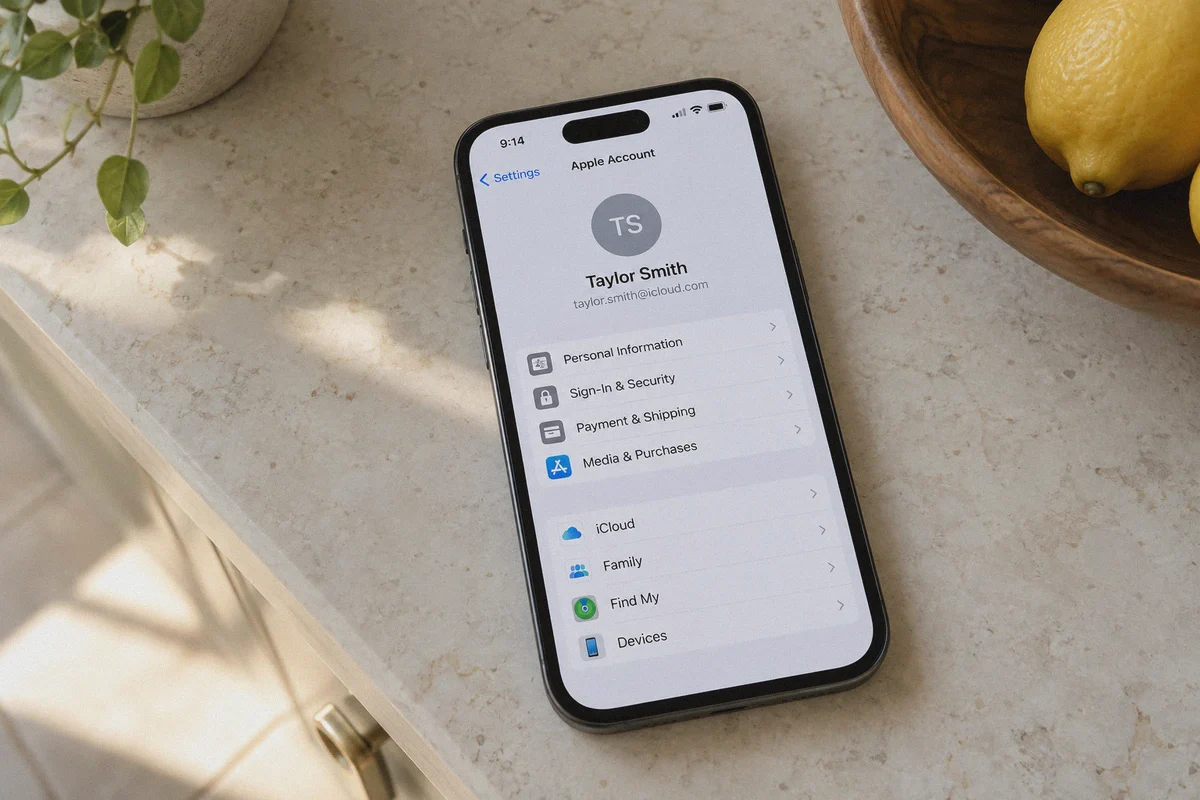
Here is the secret that solves the entire puzzle: iOS allows you to use one Apple ID for iCloud, and a completely different Apple ID for Media & Purchases.
You never touch your primary Apple ID. Your photos, contacts, iMessage, iCloud backup, and Keychain remain untouched on your original US/UK/EU account.
Instead:
- You use a VPN to create a fresh, dedicated regional Apple ID (e.g., Turkey, Malaysia, or the Philippines) to act as the "Family Organizer."
- You fund that organizer account using official digital regional Apple Gift Cards (purchased in local currency online), eliminating the need for a foreign credit card.
- Your family members create their own secondary regional Apple IDs (or switch only their Media & Purchases toggle in iPhone Settings) to join your discounted family group.
Everyone keeps their normal iCloud and personal apps intact, while their Music app switches over to the shared, discounted plan.
Why OnlyDogs VPN Is Critical for the Setup
Setting up foreign Apple IDs has become much stricter over the last few years. Apple’s account registration portal (appleid.apple.com) actively blocks common commercial VPN connections, throwing the infamous error: "Your request could not be completed at this time."
This is where OnlyDogs VPN makes the process frictionless:
1. HTTP/3 & Traffic Obfuscation
Apple detects standard OpenVPN and basic WireGuard handshakes from miles away. OnlyDogs uses advanced traffic obfuscation built on HTTP/3 and proprietary transport architecture. To Apple’s security gatekeepers, your connection doesn't look like a datacenter proxy tunnel; it looks identical to ordinary, encrypted residential web traffic.
2. Zero-Friction Scenario Presets
Instead of forcing you to guess which server number isn't blacklisted, OnlyDogs features dedicated Scenario Presets. You select your target country, and the auto-routing system pairs you with clean, high-reputation network paths that clear Apple’s strict fraud verification.
3. Weak-Network & Handover Recovery
Creating accounts and redeeming gift codes on mobile often involves switching between Wi-Fi and mobile data. OnlyDogs features automated weak-network recovery. If your connection hiccups, the tunnel recovers silently without dropping your virtual IP, preventing Apple from detecting an IP mismatch midway through setup.
4. Passwordless Login Across All Devices
OnlyDogs uses secure email verification code logins across macOS, Windows, iOS, and Android. Enter your email, type the code, and your entire device family is ready to connect in two minutes without digging through password managers.
👉 Get OnlyDogs VPN and Secure Clean Regional Routing
Step-by-Step Playbook: Setting Up Cheap Apple Music Family
Follow this exact workflow to get your discounted family plan running in under 20 minutes:
Step 1: Connect to Your Target Region
- Open OnlyDogs VPN on your computer or mobile browser.
- Connect to a low-cost Apple Music region (Turkey and the Philippines are popular choices with steep regional discounts).
- Confirm your connection is active.
Step 2: Create a Clean "Family Organizer" Apple ID
- Open a fresh Incognito / Private Browsing window.
- Go to appleid.apple.com and click Create Your Apple ID.
- Set the country/region to match your VPN location.
- Use a valid email address that has never been tied to an Apple ID before.
- When prompted for a phone number, you can typically use your real mobile number for SMS verification—Apple uses this for two-factor security, not location lock.
Step 3: Fund the Account With Regional Gift Cards
- Since you cannot use your domestic credit card, buy a digital App Store & iTunes Gift Card for your chosen region from reputable digital code sellers (such as SEAGM, Eneba, or reputable gaming marketplaces).
- Log into your new regional Apple ID in the App Store, navigate to your profile, and click Redeem Gift Card or Code.
- Your account now has a local currency balance ready for subscriptions.
Step 4: Subscribe to Apple Music Family
- Open Apple Music or the App Store on the device logged into the new regional ID.
- Select the Family Plan subscription.
- Apple will automatically deduct the monthly cost from your redeemed gift card balance.
Step 5: Invite Your Family (The Clean Way)
- Have your family members create their own secondary regional Apple IDs (using the same region while connected to OnlyDogs VPN).
- Send Family Sharing invites from the Organizer account to their new secondary emails.
- On their iPhones, they go to:
Settings > [Their Name] > Media & Purchases > Sign Out, then sign in with their new secondary regional Apple ID.
- Their iCloud, Photos, and messages remain completely untouched on their main Apple ID, but their Apple Music app instantly unlocks full Family Plan access.
The Real Numbers: What You Actually Save
| Plan | Standard US / UK Price | Regional Price (e.g., Turkey / SEA) | Annual Savings |
|---|---|---|---|
| Individual Plan | $10.99 / mo (~$132/yr) | ~$2.00 – $2.50 / mo (~$30/yr) | ~$102 / year |
| Family Plan (Up to 6) | $16.99 / mo (~$204/yr) | ~$3.50 – $4.50 / mo (~$50/yr) | ~$154 / year |
Over two years, that is more than $300 saved on the exact same high-res lossless audio catalog, personalized recommendations, and Siri integration.
3 Ground Rules to Keep Your Account Safe
- Don't Forget to Top Up Your Balance: Apple will cancel the subscription if your store credit runs dry. Buy a 6-month or 12-month supply of gift cards upfront so you aren't scrambling every 30 days.
- Keep One Region Consistent: Don't bounce your organizer account between different countries. Set it up once, stick with that country, and let it run.
- Avoid Shady "Pre-Made Account" Resellers: Never buy pre-made Apple Music accounts from random Telegram sellers. If the original creator reports the account stolen or used fraudulent payment methods, Apple will blacklist the device hardware. Setting up your own secondary ID funded with legitimate gift cards is completely safe and entirely under your control.
The Bottom Line
Paying $200+ every year for music streaming when identical regional plans cost a fraction of that is hard to justify.
Trying to force your existing primary Apple ID into another country will only lead to payment errors and broken app stores. But by setting up a dedicated media account funded by digital gift cards and routed through a clean, obfuscated VPN tunnel, you get full family access at a fraction of the cost.
Set up your tunnel, load your balance, and start streaming.
👉 Download OnlyDogs VPN and Start Saving Today
Frequently Asked Questions
Why does a VPN alone fail at Apple Music checkout?
The article says Apple evaluates more than IP location: the Apple ID region, Family Sharing region, and payment method also have to be compatible with the storefront being used.
Why does the article warn against changing the main Apple ID country?
Changing the primary account can affect subscriptions, store balance, family membership, and access to region-specific apps. The article therefore keeps the main iCloud account separate.
What changes when a secondary account is used only for Media & Purchases?
The article says iCloud services such as photos, contacts, messages, backups, and Keychain can remain on the primary account while the App Store and Apple Music use the separate regional media account.
Why are regional gift cards used in the article’s setup?
They provide a funding method that matches the regional storefront when a domestic credit card is rejected because its issuing country does not match the account region.