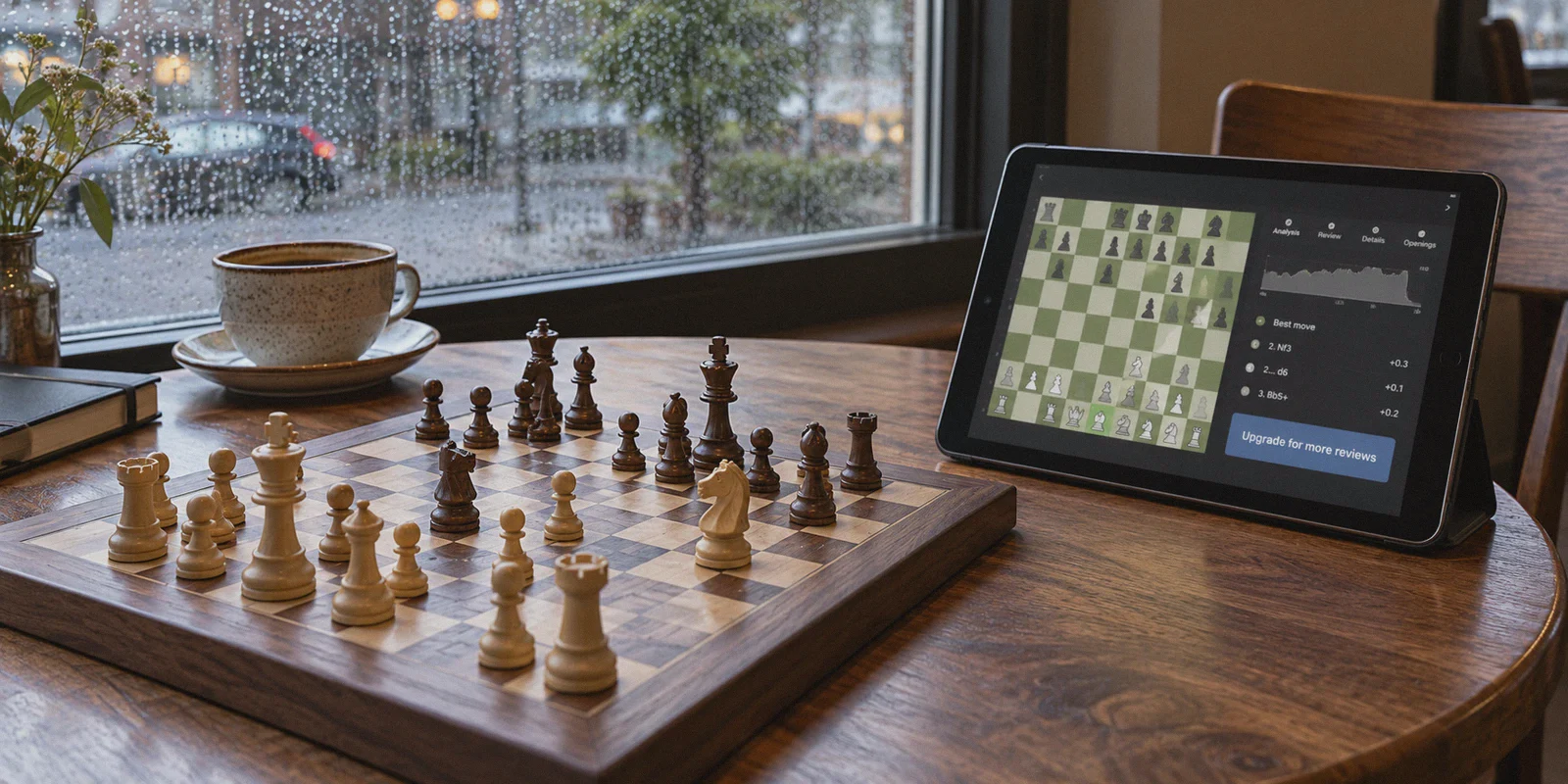
You just finished a grueling 15-minute rapid game. You hung a rook on move 23, clawed your way into an endgame, and somehow stalemated.
Naturally, you tap the green Game Review button to see where the evaluation bar broke. And there it is—that familiar, frustrating wall:
"You’ve used your 1 free Game Review for today. Upgrade to Diamond for unlimited reviews, unlimited puzzles, and coach explanations."
Then you open the subscription tab and see the price tag: $119.99 a year (or nearly $16 a month).
Paying over a hundred bucks just to have an animated green bot tell you that you made a "blunder" feels steep. So you search Reddit or Google, see people whispering about buying Chess.com memberships for $25–$35 a year via regional pricing in Turkey, Argentina, or India, and you think: “I’ll just turn on a free VPN, switch my location to Istanbul, and checkout.”
Stop right there.
If you try that with your normal browser and an everyday credit card, it won’t work. In the worst-case scenario, Chess.com’s fraud prevention system will flag your account, lock your payment attempts, or strip your rating points for suspicious activity.
Regional pricing for Chess.com is very real. But getting it without getting burned requires understanding how Chess.com actually checks your identity—and which method actually works today.
Article summary and product fit
Why does Chess.com regional web checkout fail with a foreign card, and what lower-friction alternatives does the article describe?
The article says web checkout can compare the card’s issuing country with the apparent regional IP, so changing location alone may not satisfy payment checks. It describes three alternatives: regional app-store credit, an official retention discount after canceling a trial, and sharing a Friends & Family plan.
Key points and limits
- Best for: Chess.com users comparing regional pricing with official discount and shared-plan options before paying for Diamond.
- Core mechanism: The article centers on card BIN checks at web checkout and the fact that mobile app stores can bill from prepaid regional store credit instead of the same web-card flow.
- Product fit: OnlyDogs VPN is presented only for the regional mobile-store route, where a stable connection is used while setting up and completing the store transaction.
- Important limit: The article itself presents the canceled-trial discount and Friends & Family plan as lower-complexity alternatives that do not require foreign regional setup.
Sources in this article: Chess.com membership page. Product source: OnlyDogsVPN official website.
1. The Regional Price Gap: What Diamond Actually Costs
Chess.com uses localized pricing to match regional purchasing power. An annual Diamond plan in North America or Western Europe is priced as a premium luxury; in emerging economies, it’s priced like a couple of cups of coffee.
Here is what the real price difference looks like when converted to USD:
| Region | Diamond Annual (Local Currency) | Approx. USD Equivalent | Typical Savings |
|---|---|---|---|
| US / UK / EU | Standard Direct Billing | ~$119.99 / year | Base Price |
| Turkey (TRY) | ~₺800 – ₺1,150 / year | ~$25 – ~$35 / year | ~70% – 78% OFF |
| India (INR) | ~₹2,500 – ₹3,200 / year | ~$30 – ~$38 / year | ~65% – 70% OFF |
| Colombia / LATAM | Regional currency rates | ~$35 – ~$45 / year | ~60% – 65% OFF |
The Diamond tier you get through these regions is 100% identical: unlimited Game Review, full depth engine analysis, unlimited puzzles, Puzzle Rush, and full video library access.
So why isn't everyone paying $30? Because Chess.com’s billing processor (Stripe) has built an aggressive wall against international cards.
2. Why Web Checkout Almost Always Fails
Most people fail because of a simple misunderstanding: they think Chess.com only looks at their IP address.
When you connect to an overseas VPN and go to chess.com/membership on your desktop browser, you might indeed see the price drop into Turkish Lira or Indian Rupees. But the moment you enter your Visa or Mastercard, Stripe checks the BIN (Bank Identification Number) of your card.
If your IP says Istanbul, but your card was issued by Chase, Barclays, or a local domestic bank, the payment processor throws an immediate error:
- "Card declined by issuer"
- "Payment could not be processed at this time"
- Or an endless 3D-Secure redirect loop that times out.
If you push three failed attempts in a row, Chess.com will blacklist that card and temporarily lock purchasing on your profile.
To actually get the discount, you have to bypass the web card processor entirely.
3. The 3 Methods That Actually Work (Ranked by Success Rate)
Forget trying to spoof foreign billing addresses with domestic debit cards. Here are the three practical methods people use to secure Diamond on a budget.
Method A: The Mobile App Store Gift Card Route (Highest Success Rate)
Chess.com doesn't only process payments via web Stripe; it processes them in-app via the Google Play Store and Apple App Store.
The app stores don't care if you have a Turkish or Indian bank card, as long as you have regional store credit.
- Connect your VPN to your chosen region (e.g., Turkey).
- Create a clean secondary Apple ID or Google account set to that country while the VPN is active.
- Buy a regional App Store or Google Play digital gift card from an online retailer (in the matching currency, like TRY or INR).
- Redeem the gift card code into your secondary store balance.
- On your phone (while still connected to the VPN), log into that secondary app store profile, open the Chess.com app, and log in with your normal chess account.
- Hit Upgrade to Diamond. The app will present the local regional price and deduct it directly from your store balance.
- Once activated, your Diamond status syncs across your desktop browser, iPad, and phone permanently.
Method B: The "Canceled Trial" Retention Loop (Zero Overseas Setup)
If you don't want to mess with foreign app stores, there is an official trick hidden inside Chess.com’s own retention system:
- Start a standard 7-day free Diamond trial on your desktop or phone.
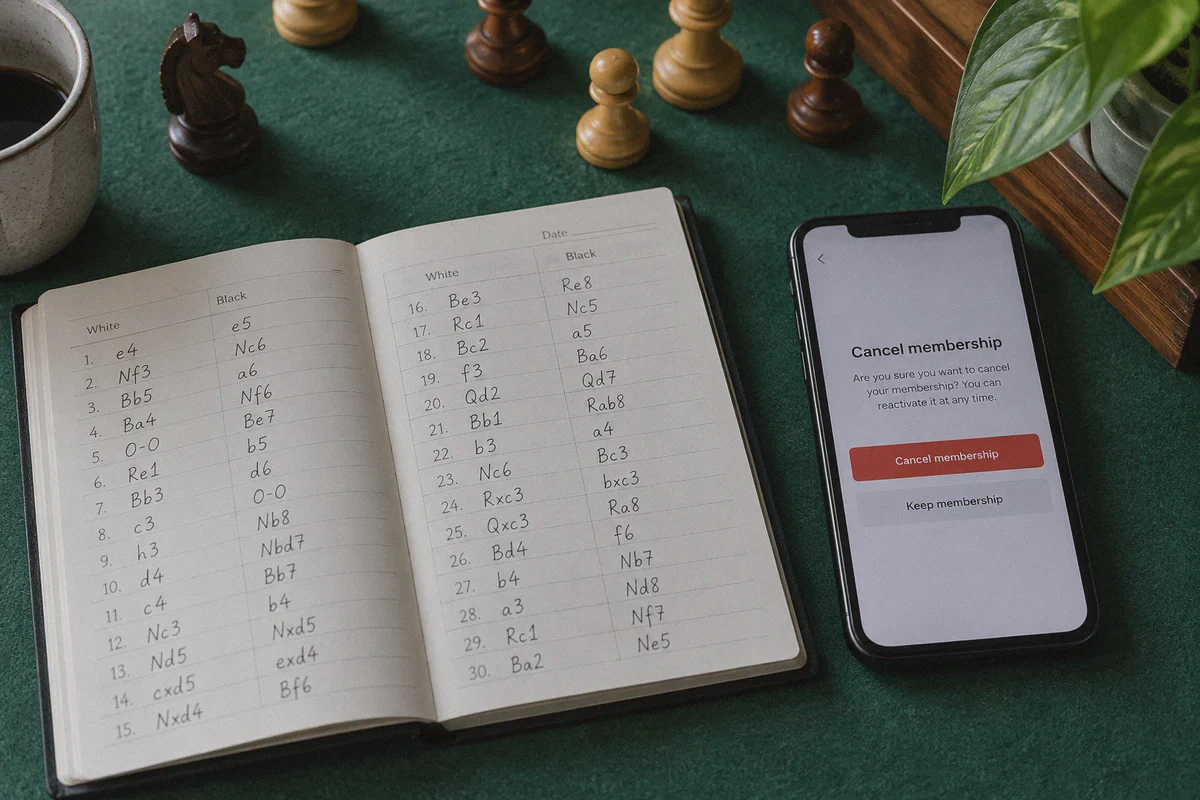
- Go into your account settings on Day 5 and click Cancel Membership.
- Chess.com’s churn-prevention algorithm will pop up an exit modal. In many cases, it will offer you an immediate 50% discount on an annual Gold, Platinum, or Diamond plan just to keep you from walking away.
- You pay with your normal domestic card, zero VPN required, and pocket a safe $60 saving.
Method C: The Chess.com Family Plan Split
Chess.com quietly supports a Diamond Family Plan (allowing up to 6 members under one master bill).
- The plan costs around $180/year in the US.
- Split between 6 chess friends, discord buddies, or club members, that comes out to $30 per person per year—matching the regional VPN price, completely legally, with zero risk of payment errors.
4. Why Your VPN Choice Decides Whether You Succeed or Get Flagged
If you choose to use the App Store regional route, your network connection is the single most critical variable.
Chess.com and app stores actively monitor connections for known data center IP clusters. If your VPN leaks your DNS, drops out during checkout, or uses a dirty IP that has been shared by thousands of free proxy users, you hit an immediate roadblock.
This is where standard, bloated VPN utilities fail. You don't need a clunky dashboard with 40 complex protocol options; you need a connection that behaves like a clean, local home connection.
This is why OnlyDogs VPN has become a favorite among users navigating foreign digital checkouts:
- Zero-Hassle Scenario Presets: Instead of forcing you to guess which server number isn't blacklisted, OnlyDogs VPN provides dedicated scenario buttons. One tap automatically selects the cleanest, fastest path, stripping out the trial-and-error.
- HTTP/3 & Proprietary Traffic Obfuscation: App stores and financial gateways use automated filters to detect traditional VPN protocol signatures (like standard OpenVPN or WireGuard handshakes). OnlyDogs VPN uses advanced HTTP/3 tunneling and obfuscation to make your traffic look like normal web browsing, dramatically reducing automated security flags.
- Unbreakable Weak-Network Recovery: If you’re performing the App Store switch on an Android phone or iPhone connected to spotty Wi-Fi, connection drops during a transaction can freeze your store balance in limbo. OnlyDogs VPN handles network handovers seamlessly, keeping the tunnel stable throughout the entire redemption and checkout process.
- Seamless Cross-Platform Clients: You can set up your account on Windows or Mac, verify everything on an iPhone or Android, and enjoy an identical, lightweight interface without complex manual setups.
5. Step-by-Step Walkthrough: Securing Diamond via Mobile
If you're going with the App Store route, follow these steps in order to avoid tripping security checks:
- Clean Your Environment: Close the Chess.com app completely. If you are on desktop, open a fresh Incognito or private window.
- Turn On OnlyDogs VPN: Select your target low-cost location (such as Turkey) using the app's optimized routing. Run a quick check on an IP tool to confirm your DNS isn't leaking your home location.
- Switch Your Mobile Store ID: Log out of your primary App Store / Play Store account on your device, and sign into the regional secondary account you created for that territory.
- Redeem Your Balance: Input the digital gift card code in the store. Confirm that your balance reflects the local currency (e.g., ₺1,000 TRY).
- Launch Chess.com & Purchase: Open the Chess.com app while keeping OnlyDogs VPN connected. Navigate to the membership screen. You should now see the membership fees displayed in the local currency.
- Tap Diamond Annual: Confirm the purchase through your mobile OS prompt. The payment will clear instantly from your redeemed store credit.
- Disconnect and Play: Once the green Diamond badge appears next to your username, turn off the VPN. You can log back into your regular home App Store account. Your Chess.com account retains Diamond status across all devices for the next 365 days.
6. Three Mistakes That Will Ruin Your Purchase
Before you tap buy, keep these three rules in mind:
- Don't use your primary Apple ID/Google Play account to change regions. Apple limits how often you can switch countries, and switching requires you to cancel all existing subscriptions (like iCloud or Apple Music). Always use a dedicated burner store profile.
- Don't play rated games while on a high-ping overseas VPN. If you leave your VPN connected to an overseas node and jump straight into a 3-minute blitz game, your latency will spike to 300ms+. You’ll lose on time, and rapid IP jumps while playing can trigger Chess.com’s fair-play integrity audits. Turn the VPN off once the transaction is done.
- Avoid shady "pre-loaded Diamond accounts." You’ll see listings on sketchy marketplaces selling "Chess.com Diamond Accounts for $10." These are almost always created with stolen credit cards. Chess.com bans these accounts in bulk waves within 14 days, and you lose all your game history. Always apply the upgrade to your own account using verified store credit.
The Bottom Line
Getting Chess.com Diamond for around $30 instead of $120 isn't black magic, but it isn't as simple as clicking a random browser proxy either.
If you want the absolute easiest path, wait for your free trial to end, hit cancel, and take the official 50% retention discount.
If you want the maximum 75% savings, fire up OnlyDogs VPN, grab an App Store gift card in a low-cost currency, and upgrade via the mobile app. You get the full Diamond experience, keep your game history intact, and save enough cash to buy a real wooden board.
Frequently Asked Questions
Why can Chess.com show a regional price but still decline the payment?
The article says the web checkout can read the issuing-country BIN of the credit or debit card. If the card country conflicts with the regional IP or storefront, the payment processor may reject the transaction even though the lower price is visible.
What alternatives to direct regional web checkout does the article describe?
It lists a mobile app-store gift-card route, an official retention offer that may appear when canceling a trial, and a Friends & Family plan that can be split among multiple members.
Why does the mobile app-store method use store credit instead of a normal card at checkout?
The article explains that the in-app purchase is billed by Apple or Google. In the described approach, the regional store balance pays for the subscription, avoiding the same direct web-card checkout that rejected the mismatched card.
Which option does the article present as the simplest if you want to avoid regional setup?
It points to the retention discount after canceling a trial and the Friends & Family plan as options that use normal domestic payment or shared billing. Those routes avoid the foreign app-store workflow entirely.