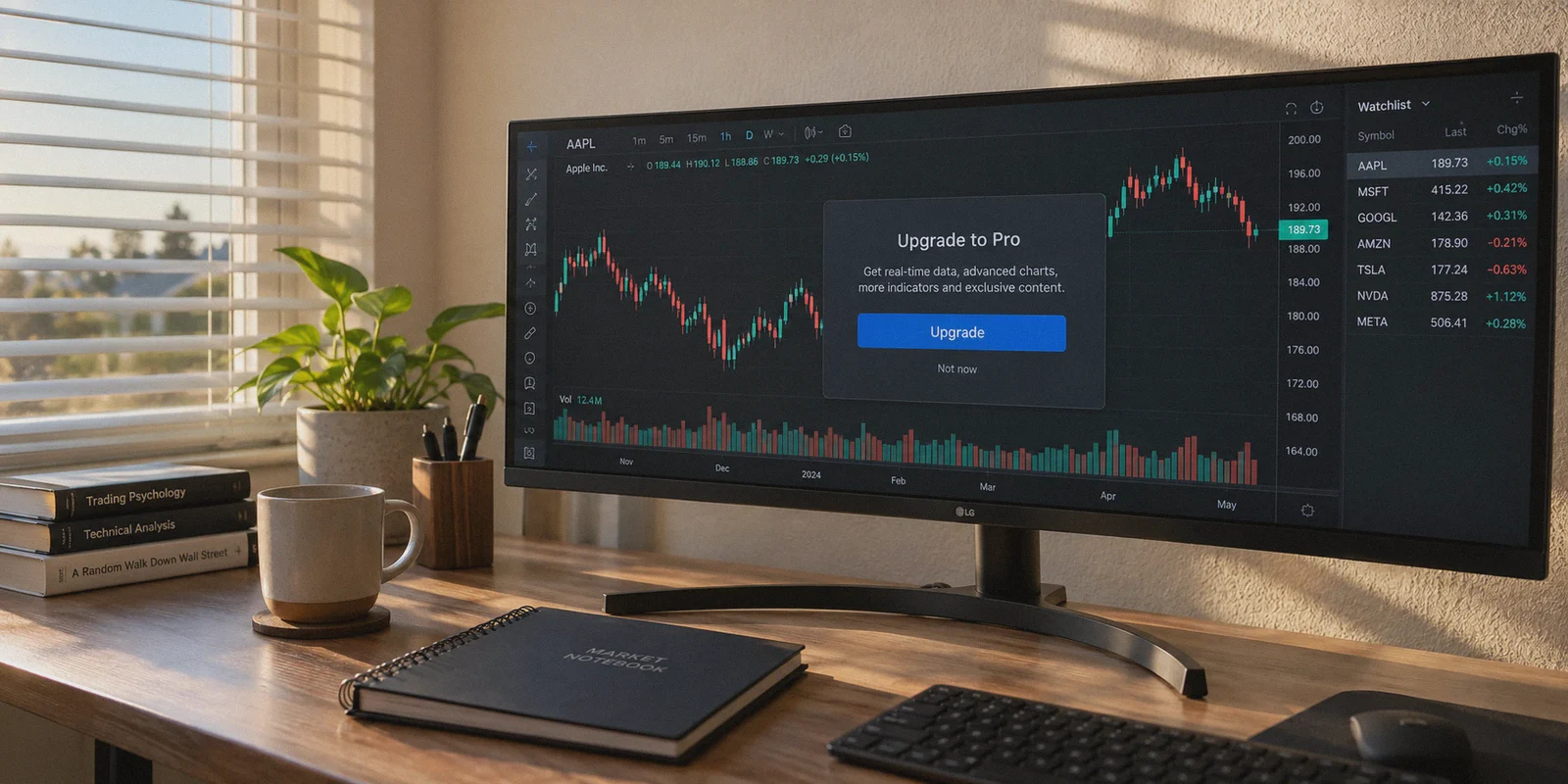
If you’re searching "how to buy TradingView subscription cheaper with VPN," I already know what just happened on your screen:
You were probably trying to set a fourth technical indicator on your Bitcoin or Tesla chart, or maybe you wanted a 4-chart layout to monitor multi-timeframe breakouts. Instead, TradingView hit you with that dreaded full-screen paywall: Upgrade to Essential, Plus, or Premium.
Then you glanced at the official retail pricing:
- Essential: ~$14.95/month (~$155/year)
- Plus: ~$29.95/month (~$299/year)
- Premium: ~$59.95/month (~$599/year)
Dropping $300 to $600 just to view cleaner candlestick charts and unlock volume profile feels steep—especially before you've even made that money back in the market.
Naturally, you figured what millions of savvy shoppers figure: "I'll just turn on a VPN, set my location to Turkey, Brazil, or India, and snag the regional currency discount."
Here is the cold, honest reality nobody on YouTube or Reddit tells you: If you simply flick on a random VPN node, open TradingView, and try to pay with your domestic debit or credit card, you will fail 99% of the time.
Worse yet, you risk flagging your trading account, locking your payment profile, or losing chart sync right in the middle of a live market session.
TradingView is not a dumb streaming site. But yes, there is still a reliable way to get TradingView drastically cheaper using a VPN—provided you understand what TradingView actually checks at checkout, and where the real savings hide.
Article summary and product fit
Why does a TradingView regional price disappear or fail at checkout even with a VPN?
The article says the payment flow also checks card-issuer region, local billing requirements, and the reputation and stability of the network session. A foreign IP alone does not make a domestic payment method look local.
Key points and limitations
- Best for: TradingView users comparing regional pricing, app-store billing, retention offers, or seasonal discounts.
- Main checkout trap: the VPN location can conflict with the card issuer, billing address requirements, or anti-bot checks.
- Operational concern: the article separates purchase-time routing from live trading, where WebSocket stability and avoiding brief connection drops matter more than a temporary price lookup.
- Important limit: regional prices, retention offers, app-store rules, and seasonal sale levels can change, and repeated declines can trigger extra payment checks.
- OnlyDogs fit in this article: the article positions OnlyDogs VPN for stable routing, HTTP/3-based obfuscation, and recovery on hotel Wi-Fi or mobile tethering while checking out or charting.
Product source: OnlyDogs VPN official website.
1. The Regional Price Arbitrage: What’s Actually Real?
TradingView does adjust its base pricing depending on regional purchasing power. Historically, users hopping their IP to countries like Turkey (TRY), Brazil (BRL), Colombia (COP), or India (INR) saw checkout prices slashed by 30% to 60% compared to US and Western European rates.
| Plan | Official US / Tier-1 Price | Typical Regional Price (e.g., LATAM / TRY) | Realistic Savings |
|---|---|---|---|
| Essential | ~$155 / year | ~$70 – $90 / year | Up to 45%–55% |
| Plus | ~$299 / year | ~$140 – $180 / year | Up to 40%–50% |
| Premium | ~$599 / year | ~$280 – $360 / year | Up to 40%–50% |
Seeing that difference makes anyone want to pull the trigger.
So why do most people get stuck at the final step?
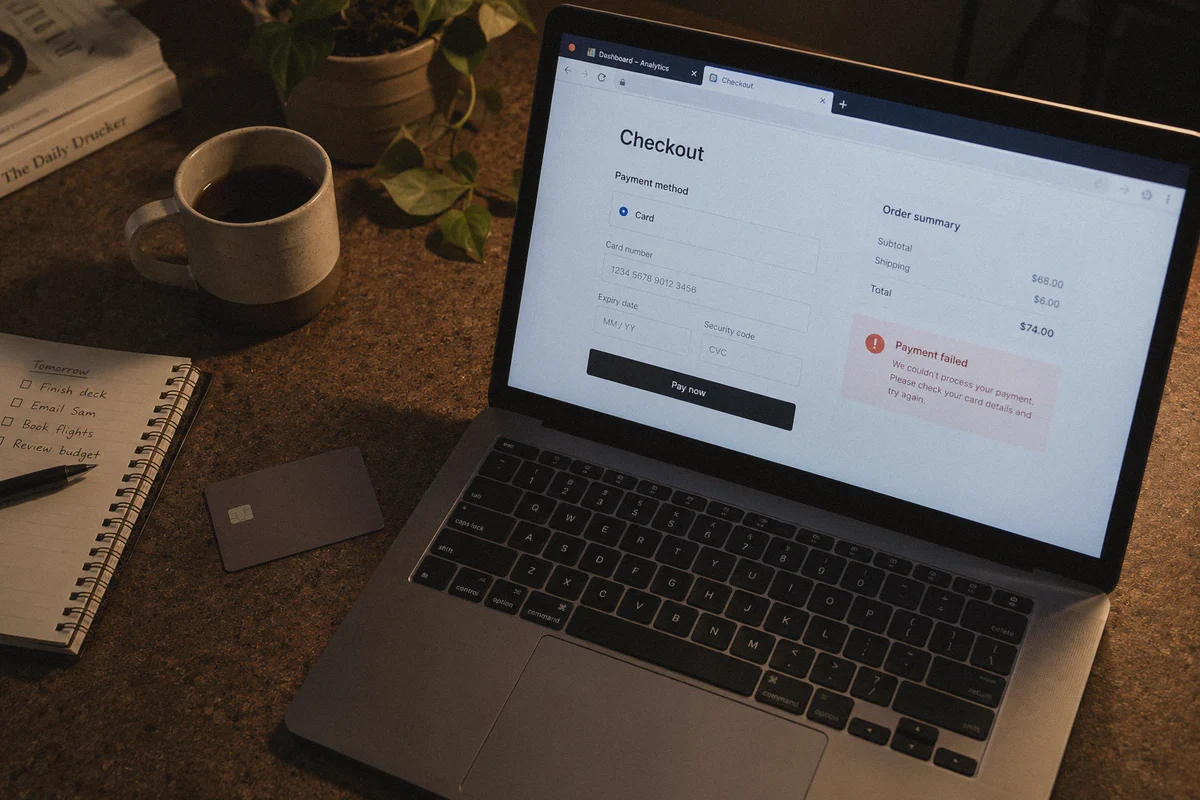
2. The 3 Traps That Trigger the "Payment Failed" Screen
When you hit the checkout page, TradingView’s payment gateway (primarily Stripe and regional card processors) executes three strict fraud and location checks:
- Card Issuer BIN Matching: If your VPN says you are sitting in Istanbul or São Paulo, but your Mastercard or Visa was issued by Chase, Barclays, or a local domestic bank, the gateway detects a currency/regional mismatch and rejects the charge instantly.
- Tax & Address Verification: Many regional portals require a local tax number (like a CPF in Brazil) or matching regional billing zip code.
- Dirty Data-Center IP Detection: If your VPN routes through an overcrowded, blacklisted data center IP, TradingView’s anti-bot system won't even show you the local currency tier—it will automatically default to USD or display a blank billing error.
If you don't have an overseas bank card or a verified local payment processor, simply forcing a foreign card on web checkout will burn your account's checkout session.
3. The 3 Working Methods to Actually Pay Less
Depending on your tech tolerance and payment tools, here are the three legitimate paths to getting TradingView cheaper.
Method A: The Mobile App Store Bypass (Most Reliable with a VPN)
TradingView doesn't just process payments through its website. It also bills through Apple App Store and Google Play Store subscriptions.
Both Apple and Google allow regional storefronts funded by regional digital gift cards.
- Connect your VPN to your chosen region (e.g., Turkey or an eligible low-cost region).
- Create a clean secondary Apple ID or Google Play profile set to that specific country while behind the VPN.
- Purchase a regional App Store or Google Play gift card from a reliable digital asset marketplace (like AccountBoy, Eneba, or SEAGM) in the target local currency.
- Redeem the card code to your secondary App Store balance.
- Download TradingView on your mobile device under this foreign profile, log in with your primary TradingView user account, and subscribe to the plan in-app using your loaded App Store balance.
- The subscription activates instantly across all your desktop and web charts.
Method B: The "Canceled Trial" Retention Loop (No Foreign Card Needed)
If you don't want to mess with foreign gift cards, use TradingView’s own algorithmic discounting system against it:
- Start a standard 30-day free trial on the tier you actually want (Plus or Premium).
- On day 27 or 28 of the trial, go into account settings and click Cancel Subscription.
- TradingView will immediately panic that they’re losing a paid subscriber and trigger a retention modal offering you 40% to 50% off an annual plan to stay.
- Accept the retention offer directly with your standard domestic credit card or PayPal.
Method C: The Black Friday / Cyber Week 60%–70% Stacking
TradingView’s single biggest price drop happens every November, offering up to 70% off annual plans.
- The trick most traders miss: TradingView lets you stack subscriptions. If you buy during the sale, it simply tacks 12 months onto your existing expiration date. Combining Black Friday rates with a clean regional currency conversion can get Premium down to the cost of a standard Essential plan.
4. Why Your Connection Stability Matters Far More Than You Think
A lot of traders treat a VPN as a throwaway utility—something you switch on for 5 minutes, buy a discounted subscription, and discard.
That is a massive mistake if you trade live.
TradingView is not just an e-commerce checkout page; it is your live operational terminal. If you use a VPN for your trading workflow (to protect public Wi-Fi at coffee shops, trade while traveling abroad, or bypass regional geo-blocks on crypto exchanges), standard VPNs cause two destructive problems:
- Micro-Stutters & WebSocket Drops: Financial charts rely on continuous, persistent WebSocket data streams for tick-by-tick order book and candle updates. Cheap VPNs frequently drop connections for split seconds. You won’t get a full disconnect alert, but your price feed freezes, causing you to execute on stale market data.
- IP Flapping During Payment: If your VPN drops and auto-reconnects to a different IP node during a 3D-Secure payment handshake, Stripe flags the transaction as high-risk identity fraud.
This is precisely where a dedicated, modern service like OnlyDogs VPN stands out from legacy proxy apps.
Instead of bogging you down with complex cryptographic configuration files, server load graphs, and 50 broken server choices, OnlyDogs VPN focuses on bulletproof connection integrity:
- Intelligent Auto-Routing & Scenario Presets: You don't have to spend 20 minutes trial-and-erroring random nodes. It automatically routes your traffic through clean, low-latency paths designed for sensitive tasks—whether that’s completing an overseas checkout or running real-time charting.
- HTTP/3 & Proprietary Obfuscation: Unlike traditional protocols that scream "VPN traffic" to enterprise anti-fraud filters, OnlyDogs VPN disguises packet signatures. It glides through restrictive network firewalls and bypasses sensitive merchant security filters without triggering verification loops.
- Rock-Solid Weak-Network Recovery: If you trade from a laptop on hotel Wi-Fi or tethered to 5G mobile data, OnlyDogs VPN recovers from packet drops and network handovers instantly. Your charting connection doesn't desync, and your checkout sessions don't expire mid-handshake.
- Seamless Multi-Platform Support: Whether you're configuring your billing setup on an Android tablet, tracking crypto on an iPhone, or trading from multi-monitor setups on Windows or macOS, you get a clean, zero-friction experience without juggling device limits.
5. Step-by-Step Walkthrough: Executing the Purchase Without Traps
If you're ready to lock in a cheaper rate, follow this exact sequence to ensure everything clears smoothly:
Step 1: Clean Your Browser Footprint
Don’t attempt regional purchases on a browser clogged with tracking cookies. Open an Incognito/Private window, or better yet, create a clean secondary browser profile.
Step 2: Establish a Clean Tunnel
Open OnlyDogs VPN, connect to your chosen target country node, and verify on an independent IP check that your DNS and location match without leaks. Keep this tunnel alive throughout the entire registration and checkout process.
Step 3: Use the In-App Store Method (Recommended)
If using the gift card route:
- Log into your regional App Store / Play Store account on your phone while connected to the VPN.
- Redeem your regional gift card code.
- Open the TradingView app, navigate to Account -> Upgrade, and tap the annual plan.
- Confirm the purchase via Apple or Google Pay using the redeemed balance.
Step 4: Verify Plan Sync
Log in to TradingView on your desktop browser. Head to Settings -> Billing and verify that your upgraded plan (Essential, Plus, or Premium) reflects the active status and correct expiration date.
Once activated, your subscription remains valid globally. You do not need to stay connected to that foreign country node to use your upgraded charts on a daily basis.
6. What to Do If Your Transaction Gets Blocked
If you run into an error code at checkout, do not hammer the submit button repeatedly. Three rapid declines will put a temporary fraud hold on your TradingView profile.
- "Card issuer declined this transaction": Your domestic card cannot clear in that currency zone. Stop trying that card. Switch to the App Store gift card method (Method A) or wait for a retention discount (Method B).
- "Page reloads back to US pricing": Your browser is leaking your actual timezone or cached location. Clear all cookies, set your system clock to match the target region's timezone, and ensure OnlyDogs VPN is connected before opening TradingView.
- 3D-Secure timeout: If your bank’s two-factor verification code page takes forever to load, your proxy latency is too high. Switch OnlyDogs VPN to an optimized route to ensure instantaneous handshake transfers.
The Verdict
Getting TradingView for cheaper isn't a complex hack—it’s simply knowing how regional billing works and avoiding the common mistake of forcing a domestic credit card where it doesn't belong.
If you have access to a regional payment method or an app store gift card balance, pair it with a clean, stable tunnel using OnlyDogs VPN to bypass the regional pricing wall cleanly. And if you’d rather keep your billing simple, use the 30-day cancellation retention trick to slash your costs without touching overseas currencies at all.
Trading is all about managing risk-to-reward. Cutting your operational software costs before you take your next trade is the easiest win you'll find today.
Frequently Asked Questions
Why does turning on a VPN not guarantee a cheaper TradingView checkout?
The article says the payment system also checks the card-issuer region, billing requirements, and network reputation, so a foreign IP can still conflict with the payment profile.
Why does the article suggest app-store billing as one route?
Apple and Google storefronts can use region-specific account balances. The article presents that as an alternative when a domestic card does not match the region shown on the web checkout.
Why does VPN stability matter while using TradingView after purchase?
The article notes that live charts rely on persistent WebSocket connections. Brief tunnel drops can freeze or delay data even when the browser does not show a full disconnect.
What is the simpler option if you do not want regional payment methods?
The article points to standard retention offers or major seasonal sales as alternatives that can reduce the price without changing the billing region.