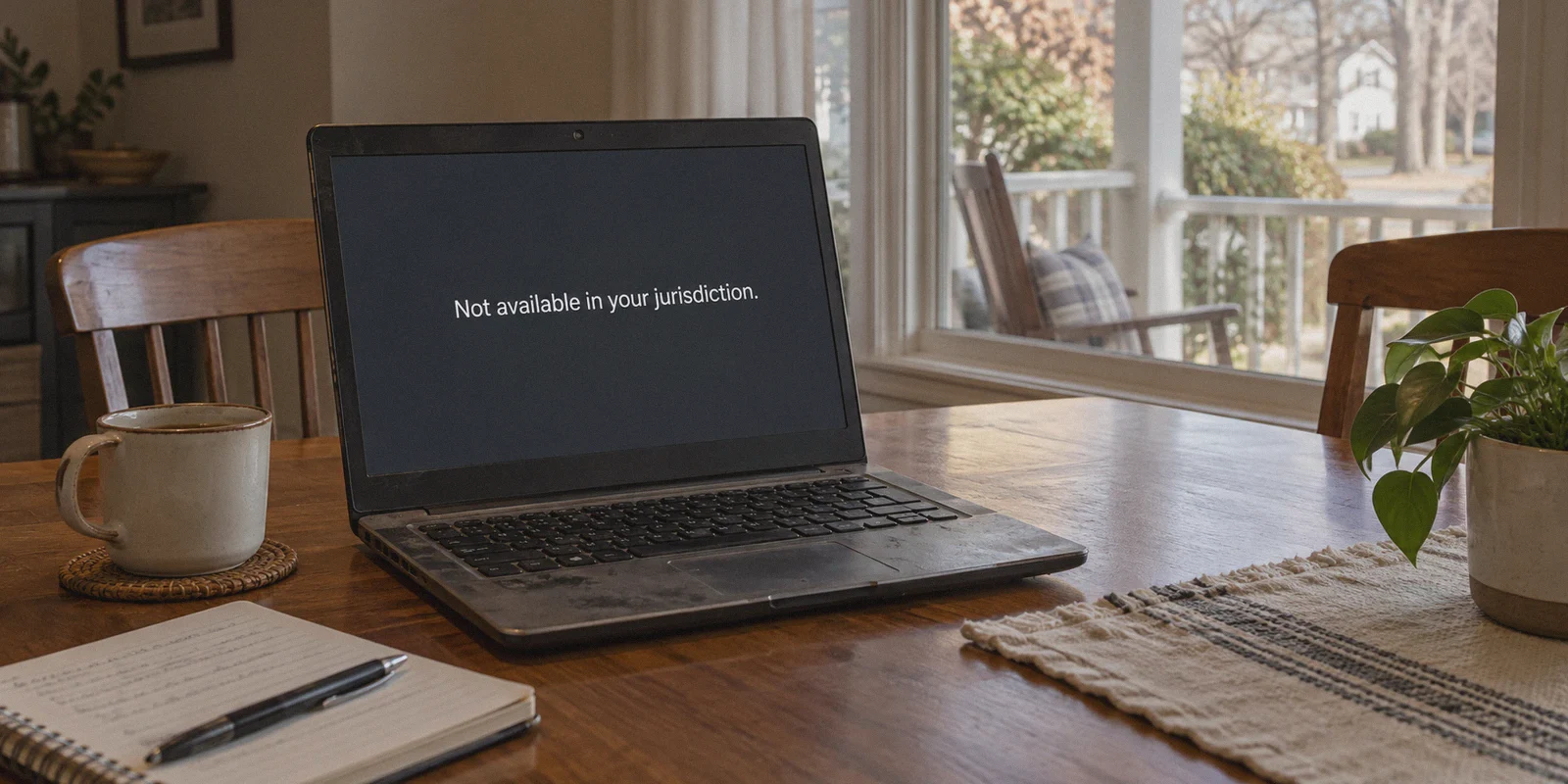
You saw a streamer turn a $50 deposit into $3,000 on Roobet Crash or Crazy Time. You opened your laptop in Ohio, Texas, or California, typed in roobet.com, and immediately slammed into a dead wall:
"Roobet.com is not available in your jurisdiction."
Naturally, you think: “Easy, I’ll just flip on a VPN, change my location to Canada or Mexico, and start playing.”
Hold your horses.
Anyone on YouTube or Reddit telling you that playing Roobet from the US is as simple as clicking "Connect" on a random VPN is leaving out the part where your crypto deposit gets frozen permanently.
Article summary and product fit
Why can opening Roobet through a VPN still lead to account review or a withdrawal freeze?
The article says homepage access is only the first check. It describes continuous session monitoring, IP and WebSocket signals, browser-location leakage, and withdrawal-time risk scoring that can trigger KYC or account review even after the site initially loads.
Key points and limits
- Best for: Readers trying to understand the difference between reaching a geo-restricted gambling site and satisfying its ongoing compliance and identity checks.
- Key point: The article emphasizes that a stable-looking session requires more than a changed IP because browsers and the platform can expose or compare multiple location signals.
- Product fit: OnlyDogs VPN is presented as a connection-stability and obfuscation tool intended to reduce brief network leaks and obvious proxy signatures.
- Important limit: A VPN does not override Roobet’s terms, KYC requirements, jurisdiction rules, or compliance decisions, and the article itself notes that gambling still carries the house edge and balance-freeze risk.
Sources referenced in this article: Roobet, IPLeak.net, Whoer.net, OnlyDogs VPN official website.
Getting past Roobet's homepage with a VPN is a two-minute job. The real challenge is making sure your connection doesn't leak your real location for half a second while you are playing, triggering an automated account freeze right when you try to withdraw your winnings.
If you are going to access Roobet from the US, you need to understand how the platform detects VPNs, why accounts get locked, and how to set up an airtight connection from day one.
1. The Roobet Trap: Why Bypassing the Front Door Is the Easy Part
Roobet doesn't block the US because they hate American players. They block the US because US federal and state gaming regulations carry brutal fines for offshore crypto casinos that don't enforce strict geoblocking.
To protect their gaming license, Roobet operates a silent, multi-tiered detection system:
- The Entry Filter: A basic IP check on their homepage. If your IP says United States, you see the block screen.
- The WebSocket Monitor: While you play, your browser stays connected to Roobet’s live game servers via WebSockets. If your VPN flickers for a single second—say, when your home Wi-Fi stutters—your true US IP leaks in the background.
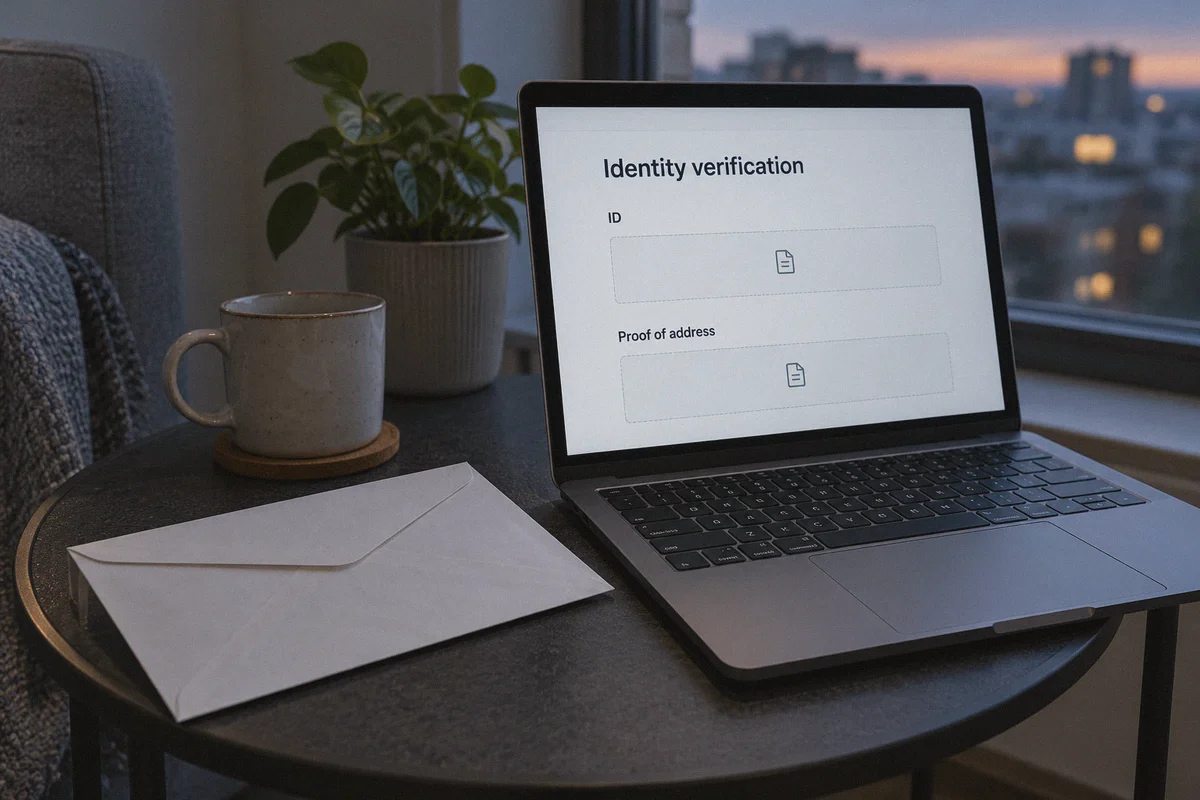
- The Withdrawal Audit (The KYC Trap): Roobet uses automated risk-scoring software. When you request a cashout, the system audits your session history. If it detects flagged datacenter IPs or erratic location switches, it slaps your account with a mandatory Level 2 KYC request asking for government-issued ID and utility bills.
If you provide a US driver’s license, your account is immediately banned for violating their Terms of Service, and your balance is locked in compliance limbo.
The takeaway: Your goal isn't just to "open Roobet." Your goal is to make your connection look 100% like a regular, unflagged local user from start to cashout.
2. The 3 Costly Mistakes US Players Make on Roobet
Before looking at tools, make sure you aren't committing any of these rookie blunders:
Mistake 1: Depositing Directly from Coinbase, Kraken, or Cash App
Regulated US exchanges monitor the destination addresses of your outbound crypto transfers. If they see you sending Litecoin, Bitcoin, or Ethereum straight into a known gambling deposit address, they will flag or close your exchange account.
- The Fix: Always use a non-custodial middleman wallet (like Exodus, Phantom, or Trust Wallet).
Exchange -> Personal Wallet -> Roobet. Never skip the middle step.
Mistake 2: Using Free or Crowded "Commercial" VPNs
Free VPNs and the most aggressively advertised mass-market VPNs route thousands of users through the exact same handful of public datacenter IP blocks. Roobet's fraud-prevention tools have those IP ranges blacklisted. You might be able to create an account, but the moment you try to deposit, the cashier button will simply spin forever.
Mistake 3: Leaving Browser Location Services & WebRTC On
Even with a VPN running, modern web browsers constantly broadcast your physical location through cached cookies, Google location APIs, and WebRTC protocols. If your browser tells Roobet you're in Dallas while your VPN claims you're in Toronto, your account is flagged instantly.
3. How to Set Up an Airtight Roobet Environment
If you want to play without waking up to a suspended account, set up a clean, dedicated environment:
Step 1: Create a Dedicated "Clean" Browser Profile
Do not use your everyday Chrome or Safari browser where you are logged into your US Gmail, Amazon, and bank accounts.
- Download a separate browser like Brave or create a fresh, unlinked profile in Chrome.
- Set the browser's default search engine to DuckDuckGo.
- Go to browser settings and completely disable location access (
Never allow sites to see your location). - Always access Roobet in an incognito/private window to prevent persistent local caching.
Step 2: Pick the Right Whitelisted Country
Not all foreign countries work equally well on Roobet. Some countries allow the platform but block specific game providers (like Pragmatic Play or Evolution Gaming).
- Top choices: Canada (Montreal or Toronto), Costa Rica, Chile, or Argentina.
- Once you pick a country, stick with it. If you log in from Canada at noon and Argentina at 2 PM, the system will assume your account is compromised.
4. Why OnlyDogs VPN Fits This Specific Problem
When you need an uncompromised tunnel for real-time crypto platforms, standard privacy tools often stumble. They drop packets, cycle shared IPs mid-session, and broadcast standard OpenVPN handshakes that automated firewalls easily identify.
OnlyDogs VPN addresses the exact technical vulnerabilities that cause crypto accounts to get flagged:
1. Traffic Obfuscation & HTTP/3 Transport
Roobet and Cloudflare look for telltale signatures of standard VPN protocols (like raw WireGuard or OpenVPN handshakes). OnlyDogs VPN uses advanced traffic obfuscation built on modern HTTP/3 foundations. To the network inspectors, your connection appears as standard, encrypted HTTPS web browsing rather than an obvious proxy tunnel.
2. Zero-Drop Session Recovery (Weak Network Shielding)
This is the single most critical feature for US players. On traditional VPNs, if your Wi-Fi hiccups or your phone switches from 5G to Wi-Fi, the VPN disconnects for 2 to 5 seconds. During those seconds, your computer defaults back to your regular ISP—leaking your real US IP straight into Roobet's active session. OnlyDogs VPN features aggressive weak-network resilience, maintaining tunnel integrity and rapidly recovering dropped packets without exposing your bare IP.
3. One-Click Scenario Presets
You don’t need to spend 20 minutes manually configuring kill-switches, DNS ports, or split tunneling. OnlyDogs VPN provides streamlined scenario presets. One click selects the cleanest, lowest-latency path to your target region without configuration headaches.
4. Frictionless, No-Password Account Management
You don't need another username and complex password to manage. OnlyDogs uses secure email verification codes for instant access, keeping background resource usage minimal so your browser games run at high frame rates.
👉 Get OnlyDogs VPN and protect your gaming sessions
5. Step-by-Step: How to Register and Play Safely
Once your setup is ready, follow this exact workflow:
- Connect OnlyDogs VPN: Launch the app, choose a stable server in an approved region (e.g., Canada or Costa Rica), and ensure the connection is active.
- Verify Your Masked IP: Before touching Roobet, open
ipleak.netorwhoer.netin your browser. Confirm two things:
- Your shown location matches your chosen VPN country.
- There are no US addresses listed under the WebRTC or DNS sections.
- Open Roobet: In your clean browser window, navigate to
roobet.com. The banner should disappear, giving you the standard homepage. - Sign Up with a Clean Email: Register using a fresh email address (not tied to your real US identity).
- Deposit via Your Private Wallet: Send your crypto (LTC and USDT are typically fastest and cheapest) from your non-custodial wallet (Exodus/Phantom) to your Roobet deposit address.
- Cash Out Regularly: Don't let large balances sit on the site. If you have a winning session, withdraw your funds back to your private wallet in reasonable increments rather than letting thousands of dollars linger on an offshore account.
Final Words: Play Smart
Playing on Roobet from the United States is entirely possible, but treat it with the care it requires. The house edge in the games is one thing—losing your money to an avoidable compliance freeze because of a leaky, low-end VPN is entirely another.
Keep your browser clean, route your crypto through a private middleman wallet, and use OnlyDogs VPN to ensure your connection remains stable, private, and consistent from the moment you spin until your crypto hits your wallet.
Frequently Asked Questions
Why does opening the Roobet homepage not mean the account will stay unrestricted?
The article says the platform can continue monitoring the session and can review IP history, location consistency, and risk signals again when a withdrawal is requested.
What can trigger a KYC review according to the article?
It points to flagged datacenter IPs, sudden location changes, and a session history that does not look consistent with the account’s claimed region.
Does a VPN remove Roobet’s jurisdiction or identity-verification rules?
No. The article describes network privacy measures, but they do not cancel the platform’s terms, KYC checks, or legal restrictions in a user’s actual jurisdiction.
What browser signals does the article say can reveal a location mismatch?
It mentions cached cookies, browser location APIs, and WebRTC or DNS information that can conflict with the location presented by the VPN connection.