
If you are reading this, chances are you are sitting in a condo in Florida, an Airbnb in Mexico, or a hotel somewhere in Europe, trying to watch CBC Gem.
Maybe you wanted to catch Hockey Night in Canada, check the latest national news, or unwind with The Great Canadian Baking Show and Heartland. You did what seemed like the most obvious fix in the world: you opened a VPN app, clicked on "Canada - Toronto," refreshed the CBC Gem page, hit play, and got slapped with this:
"This content is not available outside Canada."
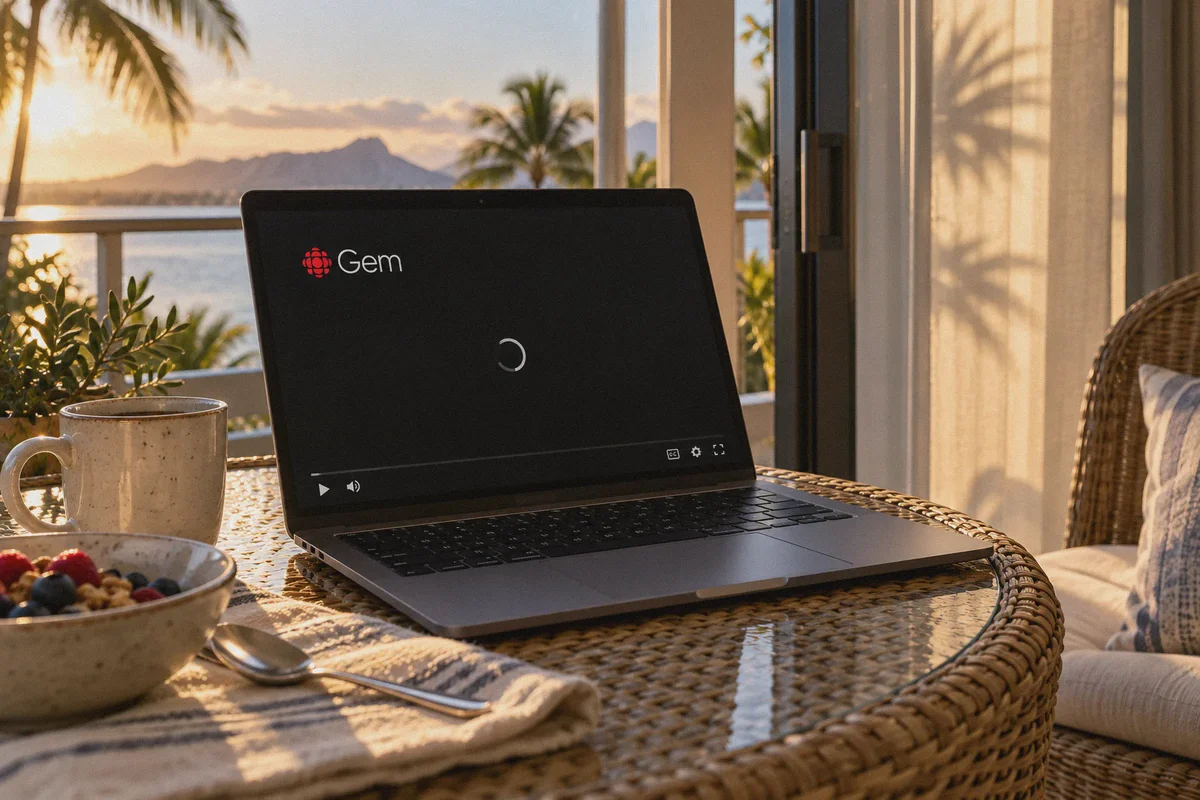
Or worse: a silent, infinite black loading wheel that never actually starts the video.
You disconnect, try "Montreal," refresh again, get the same spinning circle, try "Vancouver," and before you know it, half an hour has vanished and your evening is ruined.
Here is the thing nobody tells you in generic "top 5 VPN" listicles: CBC Gem doesn't just check if your IP address is in Canada. It actively hunts down and blacklists commercial VPN servers.
If you want to stream CBC Gem smoothly from abroad without spending your vacation playing server roulette, here is how the platform's blocks actually work—and how to get past them on the first try.
Article summary and product fit
What this article answers
Connecting to any Canadian VPN server is not enough if CBC Gem has already identified the exit range, the browser session contains overseas location state, an ad handshake is blocked, or the connection leaks during unstable travel Wi-Fi. The article recommends starting a fresh browser session, establishing the Canadian route before opening CBC Gem, and troubleshooting ad blockers or browser video settings if playback still stalls.
Key points
- Why Toronto can still fail: Streaming services can block whole commercial datacenter ranges rather than simply checking whether an IP geolocates to Canada.
- Free-player caveat: CBC Gem's free player relies on advertising requests, so an over-aggressive blocker can leave the video waiting on an ad initialization step.
- Travel-network issue: Short DNS or IP leaks on hotel or airport Wi-Fi can expose the real location inside an active session.
- Clean start: Close existing CBC tabs, open a private window, connect to Canada first, then load the service.
Where OnlyDogs VPN fits
The article presents OnlyDogs VPN as an option for streaming-oriented routing and recovery on unstable travel networks. The product fit is about maintaining the connection path described in the article, not changing CBC's territorial licensing rules.
Important limits
The article cannot guarantee that every Canadian exit will remain accepted by CBC Gem. Browser extensions, device GPS, account state, and the underlying travel network can still affect playback.
Sources already linked in this article: OnlyDogs VPN official site.
Why Standard VPNs Keep Crashing on CBC Gem
CBC Gem is a fantastic service—most of its on-demand library and live regional channels are 100% free. But because CBC’s broadcasting rights and ad agreements are strictly licensed to Canadian territory, their streaming firewall (powered by major content delivery networks like Akamai) is surprisingly aggressive.
When you hit a playback error while connected to a Canadian VPN server, one of three things is usually happening behind the scenes:
1. The Datacenter Subnet Blacklist
Streaming platforms don’t manually block individual users; they subscribe to automated threat intelligence databases. Traditional VPNs run their traffic through standard commercial datacenters (like AWS, OVH, or DigitalOcean). When CBC Gem’s firewall detects hundreds of simultaneous video requests originating from the exact same commercial server block, it flags the entire IP range as a proxy and cuts the feed.
2. The "Free Player Ad-Block Trap"
CBC Gem's free tier is funded by video ads. When you hit play, Gem’s player contacts a third-party ad server before loading the actual show. Many generic VPNs have poorly tuned, heavy-handed web shields that accidentally block these ad-broker handshakes. The result isn't even an error code—it's an endless black screen because the player engine freezes waiting for an ad that never arrives.
3. Micro-Leaks on Unstable Travel Wi-Fi
Hotel, airport, and rental Wi-Fi networks drop packets constantly. When a standard VPN connection stutters for a fraction of a second, your device momentarily resolves DNS queries through the local physical network. The second CBC Gem detects that momentary split-second leak showing an IP in Florida or France, your active viewing session is poisoned and locked out.
To watch reliably, you don't need a VPN with 50 different Canadian city locations. You need a connection that disguises itself as regular home broadband traffic and recovers instantly when your travel network wobbles.
3 Quick Traps to Avoid Before You Start
Before adjusting network settings, make sure you aren’t sabotaging your own stream:
- Don't Use the Mobile App with GPS Enabled: If you try streaming through the CBC Gem iOS or Android app, the app will often cross-reference your VPN IP with your phone’s internal GPS chip. If your IP says Toronto but your GPS says Cancun, the stream will freeze immediately. For the smoothest experience abroad, stream through a browser on your laptop or tablet.
- Don't Forget the Free Account Trick: You don’t need a paid CBC Gem Premium plan to watch live TV and most shows. You can register a free account in 30 seconds. When prompted for a Canadian postal code, any valid format works (e.g.,
M5V 2T6for Toronto orV6B 1A1for Vancouver). No credit card required. - Don't Launch the Stream Before Securing the Tunnel: If you open CBC Gem while disconnected, your browser stores cookies identifying your physical overseas location. Turning on your VPN afterwards won't always clear those flags. Always close the tab, connect the tunnel, and then open a fresh browser window.
The Clean Solution: Streaming CBC Gem with OnlyDogs VPN
If you don't want to spend your evening diving into network adapter properties, configuring manual proxy chains, or guessing server numbers, OnlyDogs VPN is designed to cut out the technical friction entirely.
Instead of throwing a wall of technical jargon and hundred-node lists at you, OnlyDogs streamlines the whole process:
1. Dedicated "Streaming" Scenario Preset
With OnlyDogs, you don’t have to wonder whether Toronto #12 or Montreal #05 works today. You simply click the Streaming scenario preset button, pick Canada, and the system automatically routes your traffic through optimized, unthrottled streaming paths designed specifically to clear media firewalls without triggering proxy warnings.
2. HTTP/3 & Traffic Obfuscation
CBC Gem’s filters look for standard OpenVPN or WireGuard handshake signatures. OnlyDogs utilizes advanced traffic obfuscation built around HTTP/3 and proprietary transport architecture. To the network, your encrypted stream looks completely indistinguishable from regular, encrypted HTTPS home web traffic.
3. Built for Fickle Travel Networks
Streaming live sports or high-definition drama on resort Wi-Fi usually means dealing with buffering. OnlyDogs features automated weak-network and handover recovery. When your hotel connection dips or switches between Wi-Fi and mobile data, the tunnel restores itself silently in the background without dropping your IP, keeping your CBC stream running without mid-episode errors.
4. Zero Password Headaches
When you are on vacation, the last thing you want is searching your password manager for an obscure 16-character master key. OnlyDogs uses hassle-free email verification code logins across macOS, Windows, iOS, and Android. You enter your email, enter the one-time code, and you are ready to stream across all your travel devices.
👉 Get OnlyDogs VPN and Start Watching CBC Gem Overseas
Step-by-Step: How to Watch CBC Gem Right Now
Follow this exact four-step sequence to get your show running without playback errors:
- Close CBC Gem Tabs: Completely close any open CBC Gem tabs in your browser.
- Open a Private / Incognito Window: Open a fresh Incognito or Private Browsing window (this guarantees that old geolocation cookies and cached playback tokens are wiped clean).
- Connect via OnlyDogs VPN:
- Open the OnlyDogs app on your device.
- Tap the Streaming preset button.
- Select the Canada route.
- Let the automatic route optimizer establish the secure, obfuscated connection.
- Go to CBC Gem and Stream:
- Head over to gem.cbc.ca.
- Sign in to your free CBC account (or create one using any standard Canadian postal code like
K1P 1J1). - Click play on your live channel or on-demand episode. The player will load immediately without the geo-restriction banner.
Quick Troubleshooting Checklist
If you ever encounter an issue while watching, check these two quick fixes:
- Third-Party Browser Ad-Blockers: If you are using standalone browser extensions like uBlock Origin or AdBlock Plus, they can occasionally block CBC Gem’s internal ad-script initialization on the free tier. Try toggling off your browser extension for the
gem.cbc.cadomain—OnlyDogs already protects your traffic at the network level, so you won't need clunky extensions interfering with the video player. - Hardware Acceleration Glitches: If you hear audio but get a black video screen on Google Chrome or Edge, go to your browser settings, search for "hardware acceleration", toggle it off, and restart your browser.
Stop Fighting the Black Screen
Being away from home shouldn't mean missing out on Canadian news, culture, or Saturday night hockey. You shouldn't have to spend your evenings testing 20 different servers or squinting at blurry, sketchy pirate streaming links loaded with pop-ups.
With a connection that masks your traffic cleanly and recovers smoothly on unstable vacation networks, streaming CBC Gem abroad is as simple as clicking play.
👉 Download OnlyDogs VPN and Watch CBC Gem Abroad Today
Frequently Asked Questions
Why can CBC Gem still block me after I connect to a Toronto VPN server?
The article says CBC Gem can identify commercial VPN datacenter ranges, so a Canadian-looking IP may still be recognized as a proxy or shared VPN exit.
Why does CBC Gem sometimes show a black screen instead of a location error?
On the free tier, the player can wait for an advertising request before loading the program. The article notes that aggressive browser or VPN ad blocking can interfere with that initialization and leave an endless black screen.
Why does the article prefer a browser over the mobile app while traveling?
It warns that a mobile app can cross-check other location signals such as GPS, creating a mismatch when the VPN IP says Canada but the device is physically abroad.
What should I try first when CBC Gem keeps failing?
Close existing CBC tabs, open a fresh private window, connect to the Canadian route before visiting CBC Gem, and if playback is still black, check browser ad-blocking extensions and hardware-acceleration settings.