
You grab dinner, sit down on the couch, fire up your VPN to watch the newest 90 Day Fiancé, Deadliest Catch, or a fresh HGTV home renovation marathon on Discovery+. You pick a server in New York or Los Angeles, open the site, and hit play.
Then, one of two things happens:
Either the screen stays pitch-black with a loading circle that spins until your food goes cold, or the site slaps you with a blunt error message:
"Discovery+ is not available in your region yet."
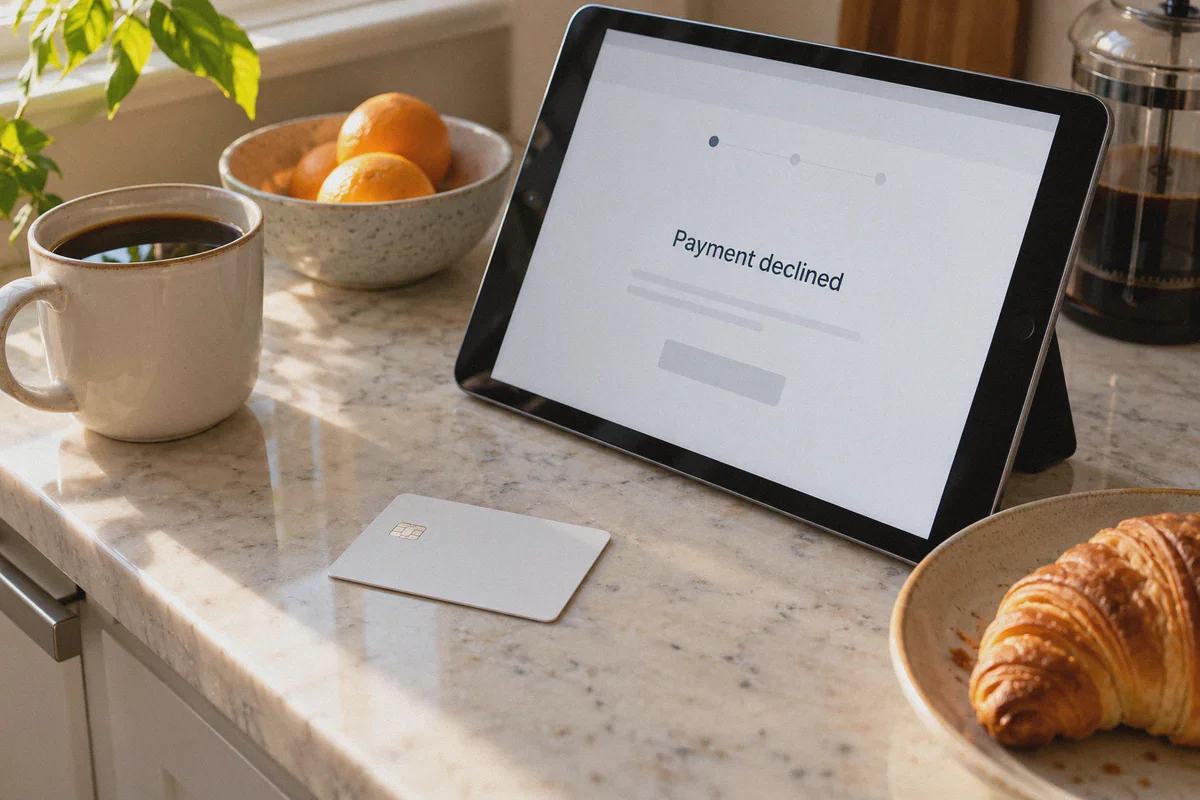
Or worse: you don't even have an account yet, and when you try to sign up with your local credit card, the payment processor instantly declines it because your billing address isn't in the United States.
Most "how-to" guides on Google make it sound ridiculously simple: "Step 1: Get a VPN. Step 2: Connect to the US. Step 3: Enjoy watching."
If you’ve actually tried that, you already know it’s rarely that easy. Discovery+ (now part of Warner Bros. Discovery) runs some of the strictest geo-detection filters and billing verification systems in the streaming industry.
Here is what is actually blocking you, how to bypass both the geo-block and the US payment wall without a US bank account, and how to get Discovery+ streaming smoothly in under five minutes.
Article summary and product fit
Why can Discovery+ still fail after connecting to a US VPN, and what does the article say you need to solve separately?
The article treats Discovery+ access as two separate problems: the video service can reject crowded or flagged VPN routes, while account signup can also reject a non-US payment method. Its suggested workflow is to solve billing independently, then use a clean US streaming route and a fresh browser session for playback.
Key points, fit, and limits
- Two checks: Regional playback and payment-card geography are described as separate gates, so fixing one does not automatically fix the other.
- Playback preparation: The article recommends a fresh private browser session and warns that browser ad blockers can interfere with video initialization.
- Best fit: The article recommends OnlyDogs VPN for users who want a dedicated US streaming preset, obfuscated transport, and better recovery across network changes.
- Limit: A VPN does not create a subscription, guarantee payment acceptance, or change which titles Discovery+ licenses in a given region.
Sources already linked in this article: OnlyDogs VPN.
Why US Discovery+ Blocks Most VPNs in the First Place
You might wonder why you even need the US version if Discovery+ operates in a few other countries like the UK or India.
The answer comes down to content and price.
The US version of Discovery+ boasts the complete, uncut library: over 70,000 episodes spanning TLC, HGTV, Food Network, ID (Investigation Discovery), Animal Planet, History, and Magnolia Network. Non-US regional libraries are often gutted due to regional licensing, with whole seasons missing or delayed by months. On top of that, the US ad-supported plan starts at just $4.99/month, making it one of the cheapest massive entertainment libraries on the internet.
However, keeping that library locked to the US involves two distinct security checks:
- Datacenter IP Fingerprinting: Most commercial VPNs route your traffic through shared, heavily congested commercial datacenter IP pools in Chicago, Dallas, or New York. Streaming CDNs monitor these IP blocks. When thousands of user sessions hit Discovery+ video endpoints from the same datacenter subnet, Discovery+ silently blacklists the whole range. The homepage might load, but the video player stalls indefinitely.
- The Domestic Payment Lock: Discovery+ checks where your payment card was issued. If you connect through a US IP but pay with a card issued in the UK, Canada, Australia, or Germany, the payment gateway flags the mismatch and rejects the transaction.
To watch US Discovery+ from anywhere in the world, you have to solve both problems: the network fingerprint and the payment method.
The Real Fix for the US Payment Wall (No US Credit Card Required)
If you don't already have an active US Discovery+ subscription, do not waste time trying your local credit card or international PayPal. It will get declined.
Instead, use the App Store In-App Subscription Workaround. This is the cleanest, most reliable method because Apple and Google handle the billing internally:
On iOS (iPhone/iPad/Apple TV):
- Log out of your current Apple ID in your device settings.
- Create a free secondary Apple ID with the region set to United States (you can use any standard US address and zip code, like
90210). - Purchase a digital US Apple Gift Card online (available on Amazon, Target, or digital retailers) and redeem the code to your new US Apple account.
- Connect your VPN to the US, download the Discovery+ app from the US App Store, and subscribe inside the app using your Apple account balance.
On Android:
- Connect your VPN to a US location.
- Create a new Google account while connected, or switch your Play Store region to the US.
- Top up your balance using a US Google Play gift card, download Discovery+, and subscribe directly through Google Play in-app billing.
Once your account is created and subscribed via this method, your login credentials will work on any web browser, smart TV, or desktop computer.
Why OnlyDogs VPN Solves the Streaming Stall
Now for the second half of the equation: getting the video stream to actually play without stuttering or throwing proxy errors.
If you’ve used standard VPNs, you know the drill: you’re given a list of 50 different US cities, and you have to guess which node hasn’t been blocked today. You test Miami, it fails; you test Seattle, it buffers; you test New York, it disconnects after ten minutes.
This is where OnlyDogs VPN takes a much smarter approach.
1. Dedicated "Streaming" Preset (Zero Guesswork)
Instead of forcing you to hunt through confusing server lists, OnlyDogs VPN gives you Scenario Presets. You simply select the Streaming preset and pick the United States. The system automatically routes your traffic through optimized, low-latency nodes specifically maintained to pass regional streaming and CDN integrity checks.
2. HTTP/3 & Traffic Obfuscation
Standard open VPN protocols (like standard OpenVPN or WireGuard) broadcast obvious packet structures that streaming firewalls detect as commercial proxy traffic. OnlyDogs uses HTTP/3 architecture and traffic obfuscation, disguising your streaming data as standard, encrypted HTTPS browsing traffic. It slips past Discovery+’s automated filters without raising red flags.
3. Buffer-Proof Network Recovery
Discovery+ video streams are bandwidth-intensive. If you stream on your phone or laptop and move around the house—causing your connection to shift between Wi-Fi and mobile data—ordinary VPNs briefly drop the connection tunnel. Discovery+ detects this momentary IP change and crashes the player with an error code. OnlyDogs is built with aggressive reconnection recovery, holding your streaming session uninterrupted across network handoffs.
4. Password-Free Setup Across All Your Screens
Nobody wants to type long, complicated passwords on multiple devices. OnlyDogs uses instant email verification code logins. Whether you’re setting it up on a MacBook, a Windows PC, an iPhone, or an Android tablet, you’re logged in and ready in seconds.
👉 Get OnlyDogs VPN and Start Streaming Discovery+
Step-by-Step: How to Stream US Discovery+ from Abroad Right Now
Follow these steps in exact order to avoid getting trapped in browser caching loops:
Step 1: Clear the Cache (Takes 15 Seconds)
If you previously attempted to access Discovery+ from abroad, your browser has already stored location cookies that will tell the player to block you.
- Open an Incognito / Private Window in your browser (or clear your browser cookies for
discoveryplus.com). - Temporarily pause any third-party browser ad-blockers on Discovery+. Some ad-blockers break Discovery+’s video player initialization scripts, causing videos to freeze at 0:00.
Step 2: Connect OnlyDogs VPN
- Open the OnlyDogs VPN app on your computer, phone, or tablet.
- Tap the Streaming scenario preset.
- Select the United States and connect. The connection establishes in seconds.
Step 3: Launch Discovery+ and Log In
- Navigate to discoveryplus.com or open the Discovery+ app on your device.
- Log into your account (or sign up using the gift card method outlined above).
Step 4: Hit Play
Select your favorite show—whether it’s House Hunters, Good Bones, or Ghost Adventures—and hit play. The initial DRM verification will pass cleanly, and the stream will load in crisp, native HD.
Quick Troubleshooting for Stubborn Issues
If you run into any playback hiccups, 95% of the time it comes down to one of these two details:
- The video loads, plays an ad, and then freezes: Discovery+ delivers advertisements via third-party ad networks, while the actual show comes from secure regional media servers. If your browser or device has an active DNS blocker, it might let the ad through but kill the show token. Disconnect OnlyDogs, turn off browser ad blocking, reconnect to the Streaming preset, and reload your private tab.
- The site still says "Not available in your region" even when connected: Your browser is clinging to cached geolocation data. Close all browser windows completely, flush your browser cache, re-verify that OnlyDogs VPN shows connected to the US Streaming preset, and open a brand-new Incognito window.
The Verdict
Watching US Discovery+ from outside the United States shouldn't require an IT degree or hours of trial-and-error server testing.
The entire secret comes down to two things: funding your account via an in-app gift card balance to bypass the US card check, and routing your traffic through an obfuscated streaming preset that doesn't trigger datacenter alarms.
Turn on OnlyDogs VPN, select the streaming preset, and get straight back to your favorite shows.
👉 Try OnlyDogs VPN to Unlock Discovery+ Today
Frequently Asked Questions
Why can the Discovery+ homepage load while the video itself stalls?
The article says streaming CDNs can treat heavily shared datacenter IP ranges differently from ordinary browsing traffic, so the site may open even when playback is blocked or stalled.
Why can a non-US card be declined even with a US IP address?
The article describes billing geography as a separate check: the payment processor can compare where the card was issued with the region expected for the subscription.
What should I do before opening Discovery+ after changing regions?
The article recommends using a fresh Incognito or Private window, or clearing Discovery+ cookies, so an earlier foreign-location session does not keep influencing playback.
Does a VPN replace the need for a Discovery+ subscription or unlock every catalog item?
No. The article separates network access from billing and licensing. A VPN changes the connection path; it does not supply an account or override content rights.