
It’s 8:55 PM UK time. You’re sitting on a hotel balcony in Ibiza, an Airbnb in Bali, or an apartment in New York. You’ve got a drink poured, Twitter is already warming up for tonight’s recoupling, and you open ITVX expecting the drama to kick off.
Then comes the gut punch:
"Error: ITVX is only available in the UK." or worse, an infinite spinning wheel that buffers right through Maya Jama walking into the villa.
If you’ve tried using a generic VPN while traveling, you already know the panic that follows. You spend the next fifteen minutes playing "server roulette" — disconnecting from London #1, trying London #14, hopping to Manchester, clearing your browser cache, and swearing at your screen — while Casa Amor unfolds without you. By the time you finally get a picture, Twitter has already spoiled who got dumped.
Watching Love Island UK live outside the country isn't rocket science, but it also isn't as simple as clicking "Connect to UK" on whatever free VPN came pre-installed on your phone. Here is what is actually happening behind that error screen, and the zero-headache way to stream it live tonight without missing a single second.
Article summary and product fit
How can you prepare to watch Love Island UK live abroad without last-minute server switching?
The article’s workflow is to establish a UK connection before opening ITVX, use a clean private browser session, create or sign in to the free ITVX account, and test ITV2 before airtime. The goal is to avoid cached location state and crowded, easily flagged routes when the live audience surges.
Key points, fit, and limits
- Best for: Travelers or expats who already plan to use ITVX and want to test the live stream before the episode starts.
- Key preparation: Connect first, then open a private window, sign in to ITVX, and verify ITV2 ahead of the 9 PM rush described in the story.
- Product fit: OnlyDogs VPN is presented here as a low-friction option when the main problem is manual UK server switching and unstable hotel or travel Wi-Fi.
- Important limit: The article itself notes that mobile apps may use device location and that streaming services can change their blocking or cache behavior, so no VPN setup guarantees uninterrupted access.
Sources already used in this article
ITVX official site. These links are included as primary service references; the article’s other operational claims remain the article’s own account.
Product source: OnlyDogs VPN official website.
Why ITVX Slams the Door (The 9 PM Proxy Trap)
Most people assume ITVX has some sort of magical firewall that detects you're physically abroad. It doesn't. ITVX simply does what every major broadcaster does: it buys a blacklist of known commercial IP addresses.
When 9:00 PM hits in the UK, millions of people tune in. At that exact moment, tens of thousands of expats and vacationers abroad funnel through the exact same handful of bloated public VPN servers. ITVX’s automated anti-proxy filters light up like a Christmas tree. Seeing 8,000 distinct video requests coming from one single server cluster in Docklands, ITVX simply hits the kill switch on that IP range.
That is why a server that worked for you at 3:00 PM while streaming an old episode of The Chase suddenly collapses into an error code right when Love Island goes live.
To beat that filter, you don't need fifty different UK server locations. You need two specific things:
- An IP that doesn’t scream "I’m a commercial data center."
- A connection protocol that hides the fact you’re tunneling through a proxy at all.
The 4-Step "Watch It Free" Checklist
Before looking at tools, let’s clear up a common misconception: you do not need a paid UK TV subscription to watch Love Island live.
ITVX is completely free to stream live and on-demand (supported by ads). You don't need a UK bank card. You just need to follow these exact four steps in order:
1. Set Up Your Tunnel Before Opening ITVX
If you open ITVX while on Spanish or American Wi-Fi, your browser caches your real location. Even if you turn on a VPN two seconds later, ITVX will remember where you started. Always establish your secure UK connection first.
2. Use a Clean Incognito / Private Window
This wipes out any leftover geolocation cookies, location permissions, or cached streaming tokens that give away your actual physical whereabouts.
3. Create a Free ITVX Account (The Postcode Trick)
When registering on itvx.com, it will ask for a UK postcode. It doesn’t verify your physical address against a credit card or ID. Any valid UK postal code works:
- Central London:
SW1A 1AA - East London:
E1 6AN - Manchester:
M1 1AE
When it asks whether you have a TV licence, clicking "Yes" gets you through to the stream.
4. Hit "Live - ITV2"
Love Island broadcasts live on ITV2 (usually at 9:00 PM GMT/BST every night except Saturday). Head to the "Live" tab, select ITV2, and the stream will fire up.
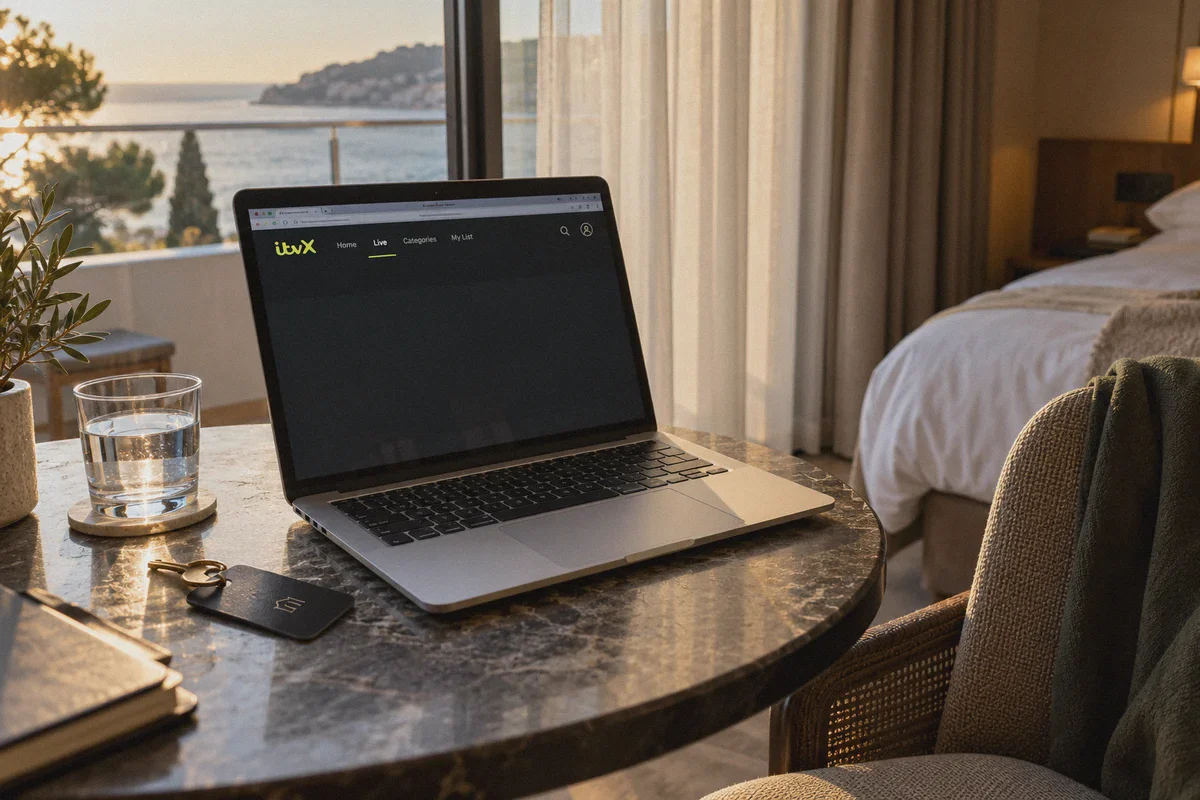
Why I Switched to OnlyDogs VPN for Live Streaming
If you’ve ever browsed Reddit threads about streaming ITVX abroad, you’ll see people recommending the typical corporate giants. What they don’t tell you is that those platforms have become victims of their own size — their server IPs are the very first ones ITVX flags and bans every summer.
I stopped messing with manual server lists and switched to OnlyDogs VPN for one overriding reason: it cuts out the guesswork.
1. The One-Click "Streaming" Scenario Preset
Most VPN apps hand you a chaotic dropdown menu with 50 different cities and expect you to guess which node isn't blocked today.
OnlyDogs replaces that friction with Scenario Presets. You don’t need to know what protocol you're running or test six London nodes. You tap the Streaming preset, and the app’s automatic routing algorithm connects you straight to an optimized node specifically vetted for live streaming compatibility. No trial and error at 8:58 PM.
2. Proprietary Obfuscation & HTTP/3 (No Anti-VPN Trigger)
Broadcasters use deep packet inspection to detect generic OpenVPN or WireGuard handshakes. OnlyDogs runs on an HTTP/3-backed proprietary protocol with built-in traffic obfuscation. To ITVX’s network scanners, your stream traffic looks identical to standard, everyday encrypted web browsing. It slips right under the radar without tripping the "Disable your proxy" warning.
3. Weak-Network Recovery on Hotel & Poolside Wi-Fi
Streaming live TV from abroad usually means dealing with patchy hotel Wi-Fi, spotty Airbnb routers, or switching between mobile data and local hotspots. Traditional VPNs freeze or drop the stream entirely when the Wi-Fi hiccups, forcing you to kill the app and re-authenticate.
OnlyDogs is built specifically for erratic networks. If your connection stutters or drops for a split second, it renegotiates and recovers instantly in the background without locking your video player into a death-loop of buffering.
4. Zero Password Hassle While Traveling
When you’re juggling your phone, a tablet, and a laptop in a hotel room, the last thing you want to do is dig through a password manager to log in. OnlyDogs uses secure email verification code login across macOS, Windows, iOS, and Android. It takes 10 seconds to set up on whatever screen is closest to you.
Laptop vs. Phone: Which Works Smoother Abroad?
If you have both with you on holiday, use a laptop or tablet browser over a mobile phone app when possible. Here's why:
- The ITVX Mobile App on iPhones and Android devices often checks your device’s native GPS chips alongside your IP address. If the app sees a London IP but your phone’s internal GPS says you’re in Tenerife, it will block playback.
- A Laptop Browser (Chrome, Safari, Firefox) relies purely on network routing and browser location permissions. In an Incognito window with location tracking blocked in your browser settings, ITVX has zero access to hardware GPS.
If you do want to watch on your phone, open your mobile browser (like Safari or Chrome in Desktop Mode) rather than the standalone app.
What to Do If You Ever Hit a Black Screen
Even with the best setup, streaming networks occasionally update their cache rules. If you ever run into a hiccup right before airtime, run through this 30-second fix:
- Close the ITVX tab completely.
- Disconnect and reconnect your VPN (with OnlyDogs, hitting the Streaming preset will automatically reroute you to a fresh node).
- Open a brand-new Incognito window.
- Log back into ITVX and press play.
Nine times out of ten, that clears the cached block instantly.
Don't Wait Until 8:59 PM
The single biggest mistake people make is waiting until the theme song is already playing to test their connection.
Take two minutes this afternoon: grab your UK connection, register your free ITVX account, verify that ITV2 loads for thirty seconds, and close the tab. When 9:00 PM rolls around tonight, you can pour your drink, settle in, and watch the villa erupt in real-time — exactly as if you were sitting on your couch back home.
👉 Check out OnlyDogs VPN and get your streaming preset ready for tonight’s episode
Frequently Asked Questions
Why can ITVX work earlier in the day but fail right when Love Island goes live?
The article attributes that pattern to heavily shared commercial VPN IP ranges becoming easier for anti-proxy systems to flag when live traffic surges. A route that works off-peak may therefore fail at airtime.
What should I do before opening ITVX while abroad?
Establish the UK connection first, then open a fresh Incognito or Private window before visiting ITVX. The article recommends doing this so old location cookies, permissions, or cached streaming state do not carry into the session.
Do I need a paid ITVX subscription to watch Love Island live?
According to the article, ITVX live and on-demand viewing is ad-supported and does not require a paid TV subscription. You still need to complete ITVX’s own account and viewing prompts.
Is a laptop browser or the ITVX mobile app easier to use abroad?
The article prefers a laptop or tablet browser when possible because it says the mobile app may also consult device location, while a browser session can be kept more tightly limited to network and browser-location signals.