
If you are reading this on a Friday afternoon or an hour before Sunday's formation lap, you are probably trying to escape an absurd paywall.
Sky Sports in the UK wants upwards of £35 a month. F1 TV Pro is blocked or price-hiked in half of Europe and the Americas. Meanwhile, Belgium’s public broadcaster, RTBF Auvio, broadcasts every single Formula 1 practice, qualifying session, and Grand Prix completely free in full HD with legitimate broadcast rights.
There is just one obvious wall: if you click "Direct" on RTBF outside Belgian borders, you get hit with the dreaded message:
"Ce contenu est visible uniquement en Belgique." (This content is only available in Belgium.)
Most guides online tell you: "Just download any VPN, connect to Brussels, and enjoy the race!"
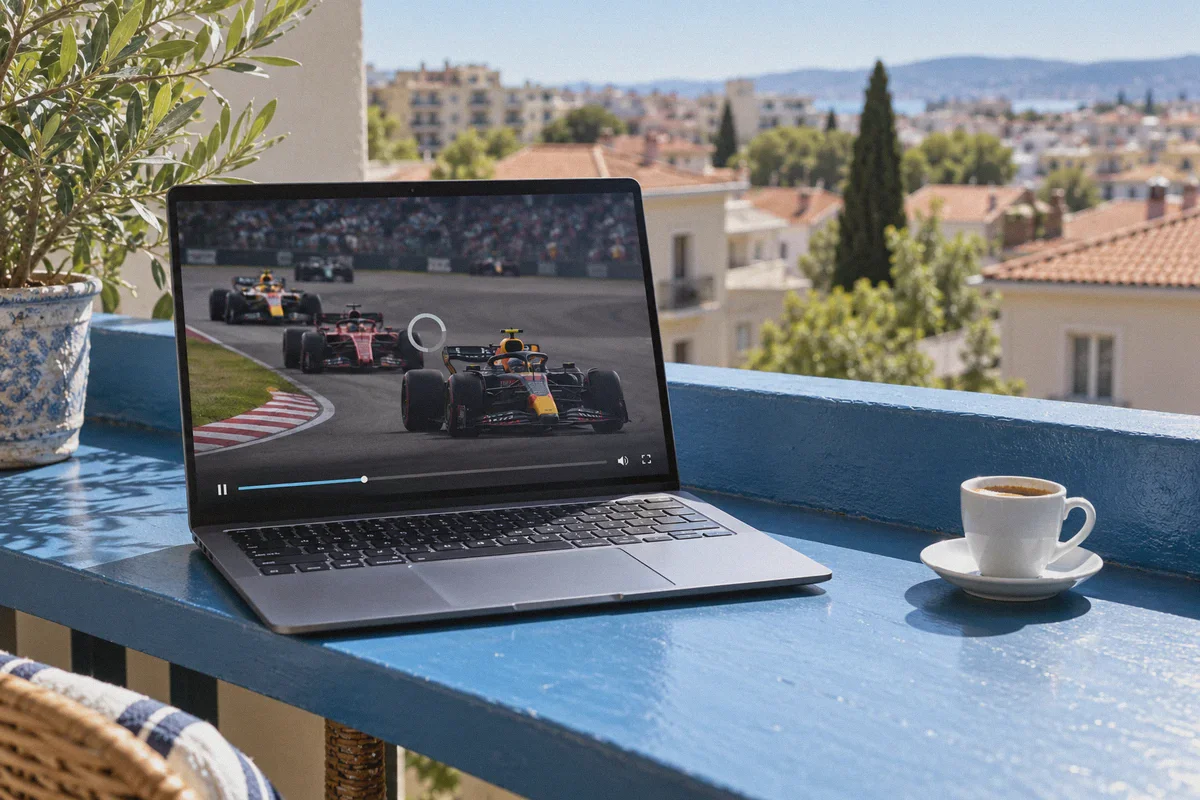
Then Sunday rolls around. You sign up, grab your coffee, hit play at lights out, and watch the stream choke into a spinning wheel, drop to 360p, or freeze on Lap 1, Turn 1.
Watching F1 on RTBF Auvio for free is genuinely simple, but only if you avoid the three specific traps that catch 90% of international viewers off guard. Here is the realistic, zero-fluff walkthrough on how to get it running smoothly before the five red lights go out.
Article summary and product fit
Why can RTBF Auvio recorded video work while a live Formula 1 stream still fails or buffers?
The article says live sports use stricter rights and CDN checks than ordinary recorded content and face much heavier race-day traffic. A clean browser session and a stable connection can reduce stale-session and buffering problems, but RTBF controls where its licensed content is available and a VPN does not change those viewing rights.
Key points, fit, and limits
- Live-versus-recorded difference: The article says live sports are subject to stricter geo and IP-reputation checks than many recorded programs.
- Account requirement: Auvio viewing in the article requires a free account, so login state and stored browser data become part of troubleshooting.
- Race-day difficulty: Continuous throughput and low packet loss matter more than a single speed-test number when many viewers are watching at once.
- Limits: Availability is determined by RTBF’s broadcast rights and service rules. A VPN cannot guarantee access outside an authorized region or guarantee 1080p performance during peak load.
- Product fit: OnlyDogs VPN is presented as a streaming-oriented connection option. Its official site describes one-tap access to websites and apps from other countries, but access still depends on the service’s rights and policies.
Sources and product reference: RTBF Auvio; OnlyDogsVPN official website.
The 3 Traps Nobody Tells You About RTBF Auvio
RTBF isn't Netflix. It’s a state-funded public broadcaster that legally has to guard its content within national borders to satisfy Formula One Management (FOM) licensing contracts.
If you understand how they detect outside viewers, getting around it takes less than three minutes.
1. The "VOD Works, Live Race Fails" Trick
A lot of people test their setup on a Thursday by clicking on a recorded Belgian news clip or an old documentary on Auvio. It plays instantly, so they think: "Great, I'm good for Sunday."
It’s a false positive. Recorded content on RTBF has lenient geo-filtering. But the moment the Live Sports broadcast begins, RTBF shifts traffic to strict CDN edge servers equipped with aggressive IP-reputation databases. If your VPN is using a generic, overcrowded commercial datacenter IP, RTBF’s live player will flag it instantly and throw error code MEDIA_ERR_NETWORK or a black playback screen.
2. The Belgian Postal Code Requirement
You do need an account to watch Auvio. Registration is 100% free—there is no credit card required and no phone verification. However, their form asks for your local postal code. If you enter your actual UK, US, Australian, or German postal code, the account flags as non-Belgian, restricting sports streaming before you even press play.
(The fix is dead simple: use a standard Belgian postal code like 1000 for Brussels or 4000 for Liège).
3. The Sunday Peak-Traffic Buffer
During an ordinary Tuesday, any budget proxy can stream 1080p video. But during a Monaco or Silverstone Grand Prix, hundreds of thousands of people across Belgium and expat communities are hitting Auvio simultaneously.
Standard VPN servers get bottlenecked. In live racing, latency and continuous throughput matter far more than synthetic speed tests. When a server drops packets, your stream doesn't just buffer—it falls 45 seconds behind the live timing screen or disconnects entirely.
Step-by-Step: How to Set Up RTBF Auvio from Anywhere
You can do this entire setup in under five minutes. Follow these steps in order so your browser doesn't cache your real location:
Step 1: Fire Up a Streaming-Optimized Belgian IP
Before you even open the RTBF website, you need your network traffic to appear cleanly inside Belgium.
Instead of juggling technical server lists or trying out ten different Brussels IPs to see which one isn't blacklisted, fire up OnlyDogs VPN.
- Open OnlyDogs VPN.
- Select the Streaming preset (or connect directly to the Belgium node).
- Wait for the connection indicator to show active.
Why this step matters: Most mainstream VPNs announce their protocol signatures openly, making them easy targets for streaming CDNs. OnlyDogs VPN runs on proprietary protocols with HTTP/3 and traffic obfuscation. To RTBF’s inspection firewall, your connection looks like ordinary, encrypted web traffic from a residential or clean transit ISP rather than an obvious VPN data tunnel.
Step 2: Open a Clean Browser Window
Open an Incognito / Private Browsing window (or clear your browser cookies for rtbf.be).
Browsers frequently store your previous failed attempts and location telemetry in local cache. If RTBF already flagged you five minutes ago without a VPN, that old session token might still tell their servers you are in London or Chicago.
Step 3: Register a Free RTBF Auvio Account
- Head over to auvio.rtbf.be.
- Click Se connecter (Log in) in the top-right corner, then select Créer un compte (Create an account).
- Fill in your details:
- Email & Password: Any standard email works.
- Code Postal (Postal Code): Enter 1000 (Brussels) or 4000 (Liège).
- Date of birth: Any valid adult birthdate.
- Confirm your email by clicking the verification link RTBF sends to your inbox.
Step 4: Head to the F1 Live Stream
Navigate to the Sport section on Auvio, or search "Formule 1". When practice, qualifying, or the Grand Prix is live, a prominent red "Direct" badge will appear on the video player.
Click play. The stream will initialize in unthrottled 1080p at 50fps.
What If You Don't Speak French? (The Pro English Audio Hack)
RTBF’s coverage is hosted by Gaëtan Vigneron, a beloved veteran in the F1 paddock. His commentary is passionate and full of energy, but if you don't speak French, watching two hours of technical pit strategy in another language might feel disorienting.
Here is the setup veteran international fans use:
- Keep RTBF Auvio on mute or low background volume on your main screen for the pristine, 50fps official international video feed.
- Open a separate tab or your phone and navigate to BBC Radio 5 Live (via BBC Sounds) or the official F1 Live Timing app audio.
- Pause the video stream on RTBF for 2–4 seconds until the engine revs sync up with the radio audio.
You get high-definition, official race video for zero dollars, paired with native English race commentary.
Why OnlyDogs VPN Makes the Difference on Race Day
Most VPN reviews rank products based on who pays the highest affiliate commission or who has 8,000 servers in countries you’ll never visit.
For watching live sports, server count is meaningless. What matters on Sunday at 2:55 PM is consistency, anti-censorship protocols, and connection stability. Here is why OnlyDogs VPN fits this specific task better than bloated legacy providers:
| Feature | Generic / Free VPNs | OnlyDogs VPN | What It Means for Your Race |
|---|---|---|---|
| Connection Setup | Search through 30 city servers manually | One-click "Streaming" preset | No guessing games 5 minutes before qualifying begins |
| Protocol Design | OpenWire / WireGuard (easy for CDNs to flag) | HTTP/3 + Traffic Obfuscation | Bypasses RTBF's live broadcast IP blocks cleanly |
| Network Hiccups | Stream drops, freezes, requires app restart | Fast Weak-Network Recovery | If your home Wi-Fi stutters, video recovers without crashing |
| Account Access | Complicated credentials & passwords | Passwordless Email Code Login | Instant login across devices with minimal fuss |
| Player Ads | Overwhelmed by RTBF's third-party trackers | Built-in Ad & Tracker Blocker | Strips intrusive tracking scripts that slow down the video player |
Built for Unstable Connections
The most infuriating thing during a live Grand Prix is a brief Wi-Fi drop. With standard VPNs, a 2-second signal lapse disconnects the tunnel. The player detects an abrupt IP change, throws an error, and kicks you out to the login screen.
OnlyDogs VPN was built specifically with weak-network resiliency. If your home broadband stutters or switches bands, its protocol immediately restores the session in the background without exposing your raw IP or killing the media buffer.
Quick Troubleshooting: If the Stream Ever Stalls
If you ever encounter an issue right before the start, run down this 20-second checklist:
- Player shows a black screen or spinning wheel: Disable any third-party browser extensions like standalone ad blockers that might conflict with RTBF's video container. OnlyDogs' built-in DNS filtering handles ad-stripping at the network level without breaking the player interface.
- Auvio still claims you are outside Belgium: Close the tab, disconnect and reconnect your OnlyDogs VPN streaming session, open a fresh Incognito tab, and log back in. 99% of the time, this clears out any stale geo-location cookies.
- Picture quality drops: Make sure you aren't running heavy torrents or background downloads on your local connection. Auvio's player uses adaptive bitrate; giving it a stable 10 Mbps connection locks it permanently into crisp 1080p.
Stop Paying the Paywall Tax
Watching Formula 1 in 2026 shouldn't require a £400 annual cable commitment or sketchy, pirated stream links riddled with malware, 2-minute delays, and spam popups.
RTBF Auvio provides one of the cleanest official feeds in the world. All you need is a clean digital passport into Belgium that won't give out when the lights go green.
Grab OnlyDogs VPN, set your connection to the Streaming preset, register your free Auvio account with postal code 1000, and get ready for lights out.
Frequently Asked Questions
Why can an RTBF Auvio replay work while a live F1 stream fails?
The article says live sports use stricter CDN and IP-reputation controls than many recorded programs, so a setup that passes a replay test can still fail when the live sports feed starts.
Does RTBF Auvio require an account?
Yes. The article states that registration is free and that viewers need to sign in before watching Auvio content.
Why can the stream buffer more on race day than during a normal test?
The article points to peak concurrent traffic, packet loss, and sustained throughput. A server that looks fine during a quiet period can become congested during a major Grand Prix.
What matters more than a headline speed-test result for live racing?
The article emphasizes stable continuous throughput and low packet loss. Short interruptions can push the player behind the live feed or force it to reduce quality.
Does a VPN guarantee that RTBF content can be watched outside Belgium?
No. The article acknowledges that RTBF limits content according to broadcast rights. Service availability and permitted viewing are controlled by RTBF and can change.