OnlyDogs VPN
How to Watch Shudder Outside the US & UK with a VPN: Why "Just Picking a US Server" Fails (And the Clean Fix)
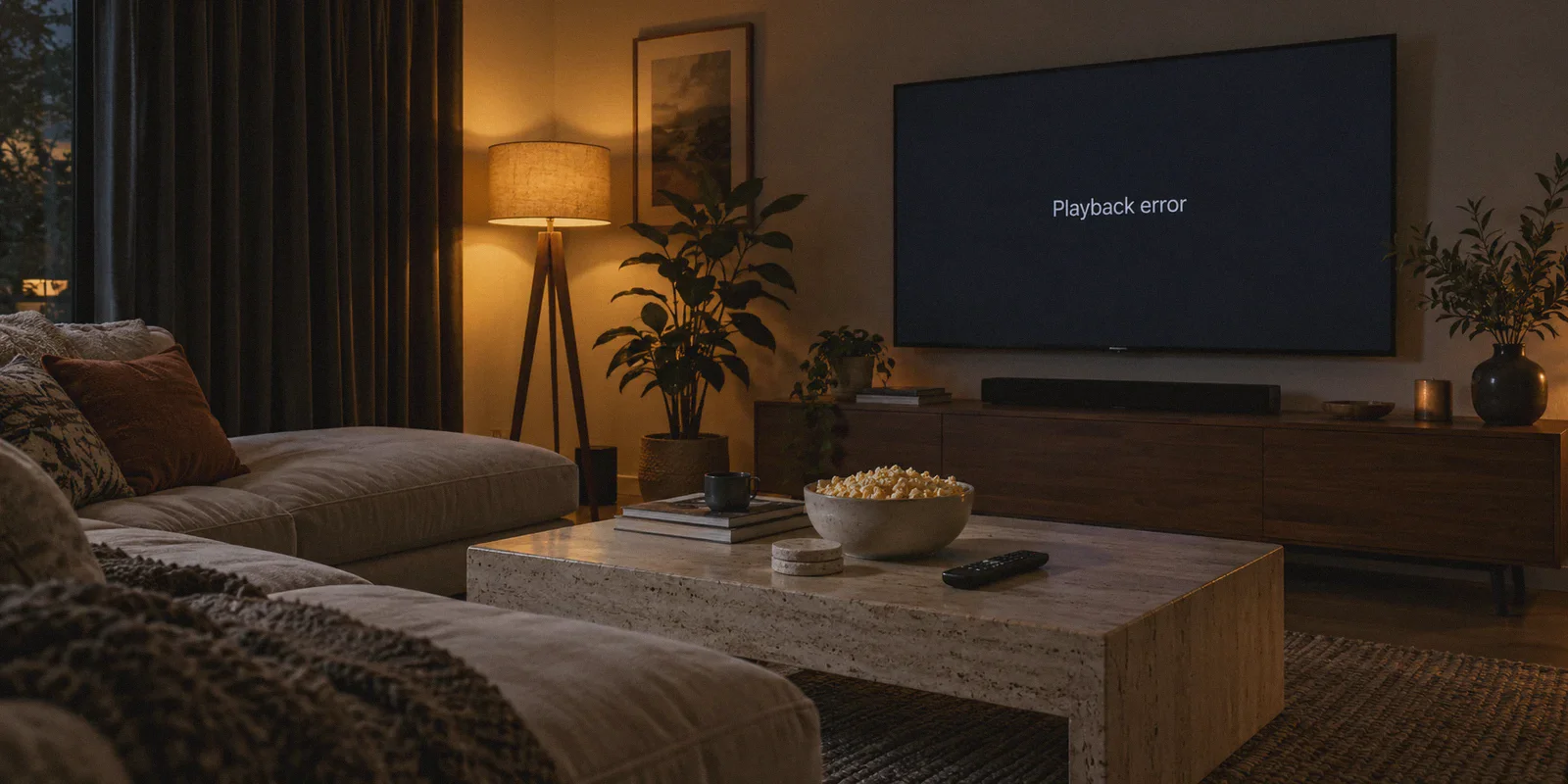
It’s Friday night. You’ve got the lights off, the snacks ready, and you finally have two uninterrupted hours to catch The Last Drive-In with Joe Bob Briggs, Late Night with the Devil, or that obscure 1980s Italian slasher that’s nowhere to be found on Netflix.
You pay for Shudder (or you're ready to start a trial). You boot up a VPN, connect to a random server in New York, open the site, hit play, and… nothing.
Either you’re met with a black screen that buffers into eternity, or Shudder slaps you with the classic:
"We are sorry, an error occurred during playback. Please try again later."
If you’re trying to sign up from scratch, it might be even worse: your foreign debit card gets declined three times at checkout because your billing address isn't in zip code 90210.
Here is the candid truth that generic tech blogs won't tell you: watching Shudder outside the US and UK isn't just about spoofing an IP address. Shudder runs on AMC Networks’ backend infrastructure, which aggressively flags commercial VPN datacenters. If you try to brute-force it with standard VPNs, you will spend your entire movie night playing "server roulette"—jumping through 30 cities, clearing cookies, and restarting browsers until you give up in disgust.
Getting Shudder to work seamlessly outside supported regions comes down to fixing two specific bottlenecks: bypassing AMC’s traffic inspection without guessing servers, and navigating the payment wall if you don’t have a local card.
Here is the exact playbook to make it work on your first try.
Article summary and product fit
Why can Shudder still fail after selecting a US VPN server, and what other account or playback obstacles does this article address?
The article separates the problem into playback detection and payment eligibility. It describes datacenter-IP and VPN-traffic blocking, recommends a clean streaming route plus a fresh browser/app session, and outlines App Store, Google Play, or Amazon billing routes for people who cannot use Shudder’s direct supported-country card checkout.
Key context from this article
- Best for: Shudder viewers abroad who already subscribe or who are trying to understand why playback and signup fail for different reasons.
- Key point: A working US IP is only one part of the setup; account billing, cached location state, GPS permissions, and player scripts can also matter.
- Product fit: The article positions OnlyDogs VPN for automatic streaming routing, traffic obfuscation, and recovery from brief network drops.
- Important limit: A VPN does not create a subscription, change regional licensing, or guarantee that a foreign card will pass Shudder’s direct billing rules.
Product source already linked in this article: OnlyDogs VPN official website.
1. Why Shudder Blocks 90% of Standard VPNs
Most "best VPN" guides tell you the exact same cookie-cutter story: Download VPN → Select US → Go to Shudder.com → Enjoy.
If it were that simple, thousands of horror fans wouldn't be venting on Reddit every week. Here is what actually happens when you try that:
The Datacenter Blacklist
Big commercial VPNs buy massive IP blocks from wholesale server providers (like M247 or DigitalOcean). Shudder’s anti-fraud systems maintain real-time databases of these datacenter subnets. When thousands of user accounts stream simultaneously from the exact same commercial server address, Shudder doesn't just block the traffic—it blacklists the entire range.
Traffic Signature Fingerprinting
Even if an IP address hasn't been flagged yet, traditional open VPN protocols have distinct structural headers. When AMC’s media player detects that your stream packet structure matches an un-obfuscated tunnel rather than a typical residential home broadband connection, it quietly drops the video handshake. The result? Audio plays for five seconds, the video freezes, or the video player refuses to load the licensing decryption keys.
The "Server Roulette" Trap
This leads to the most infuriating part of using legacy VPN apps: scrolling through a list of 50 US cities—Miami, Chicago, Dallas, Seattle—connecting, refreshing Shudder, getting an error, disconnecting, and repeating the cycle. By the time you find a server that works, your movie mood is completely dead.
2. The Payment Problem: What If You Don’t Have a US or UK Card?
Before we look at the VPN connection itself, let’s solve the payment gatekeeper.
If you already have an active US or UK Shudder subscription (for instance, if you're an expat or traveler living abroad), you can skip straight to the connection section below.
If you don’t have an account yet, the web checkout on shudder.com strictly requires a credit card registered in the United States, UK, Canada, Australia, or New Zealand. If your bank card is from anywhere else, the site will decline it.
You do not need to buy sketchy prepaid cards on gray-market forums. There is a far cleaner workaround that takes three minutes:
- Use Mobile App Billing (Apple App Store / Google Play):
Download the Shudder app through an Apple ID or Google Play account set to the US or UK region. Mobile app stores process the payment through your store account balance or local payment methods linked to that store ecosystem, completely bypassing Shudder’s direct zip code check.
- Subscribe via Amazon Prime Video Channels:
If you already have an Amazon US or UK account, you can add Shudder as a Prime Video channel add-on. Amazon handles the billing, and you can stream Shudder’s entire catalog directly through the Prime Video interface.
Once your account access is sorted, your only obstacle is maintaining a clean, uninterrupted stream.
3. Why OnlyDogs VPN Solves the Shudder Problem
When you evaluate a VPN for niche, security-heavy platforms like Shudder, server counts don’t mean anything. What matters is how the app handles traffic routing and detection.
This is where OnlyDogs VPN cuts through the traditional headaches. Instead of treating you like a network admin who wants to manually tweak port numbers and protocol handshakes, it is engineered for pure outcome:
1. Scenario Presets & Auto-Routing (Say Goodbye to Server Roulette)
Instead of forcing you to hunt through endless server menus, OnlyDogs VPN provides Scenario Presets. You tap the Streaming preset, and the backend engine automatically assigns optimized, low-congestion routes with verified streaming unblocking status. You don't test servers; the software handles line discovery for you.
2. Proprietary Protocol & HTTP/3 Obfuscation
Public, generic protocols (like basic OpenVPN or WireGuard) get identified easily by AMC’s anti-proxy firewalls. OnlyDogs VPN uses a proprietary protocol design combined with HTTP/3 and traffic obfuscation. It shapes your encrypted data so it blends in with everyday HTTPS web traffic. To Shudder's inspection tools, your connection looks like ordinary home browsing rather than an encrypted commercial proxy tunnel, allowing you to bypass geo-blocks even from restrictive network environments like corporate Wi-Fi or heavily filtered regions.
3. Weak-Network & Handover Recovery
Nothing ruins an atmospheric slow-burn horror film like the video buffering right before a major reveal. If your home Wi-Fi stutters or your laptop toggles between 2.4GHz and 5GHz bands, standard VPNs drop the tunnel, causing Shudder to detect your real location and throw a playback error. OnlyDogs VPN features agile weak-network recovery—it maintains stream continuity through packet fluctuations and recovers dropped connections in milliseconds in the background without forcing a full page reload.
4. No Password Friction
You don’t have to remember another 16-character master password while juggling devices between your desktop, tablet, and phone. OnlyDogs VPN uses an email verification code login across macOS, Windows, Android, and iOS, letting you get set up on your TV or second screen in seconds.
👉 Visit OnlyDogs VPN to unlock Shudder streaming without the hassle
4. Step-by-Step: Stream Shudder Anywhere in 3 Minutes
Here is the cleanest, zero-friction procedure to get into Shudder right now:
Step 1: Install OnlyDogs VPN
Download the client for your device from onlydogsvpn.com. Log in using the instant email verification code.
Step 2: Activate the "Streaming" Scenario
In the app interface, click on the Streaming preset. If you want the deepest horror catalog, select the US region (the US Shudder library holds the vast majority of exclusives and uncut editions; the UK library is a close second). The auto-routing engine will lock onto a clean, verified node immediately.
Step 3: Clear Browser Cache (Or Go Incognito)
Do not skip this step. Streaming platforms store cached location tokens in local browser cookies. If you visited Shudder five minutes ago from your real IP, the browser remembers it.
- On PC/Mac: Open a new Incognito / Private Window in Chrome, Firefox, or Brave.
- On Mobile/Tablet: Force-close the Shudder app, turn on OnlyDogs VPN, and re-launch the app.
Step 4: Sign In and Press Play
Head to Shudder, sign in with your credentials, and pick your movie. The video stream will load cleanly in full HD without the geo-restriction error.
5. Three Practical Realities to Keep in Mind
To ensure you don’t hit unexpected roadblocks, keep these three points in mind:
| What People Expect | What Actually Happens | How to Handle It |
|---|---|---|
| "Any US server will give me the same catalog." | Shudder's US catalog is distinct from the UK, Canada, or Australia due to regional licensing. | The US catalog has the largest library of AMC+/Shudder originals. Keep your preset locked to the US for maximum selection. |
| "Ad blockers won't affect video playback." | Aggressive third-party browser extensions sometimes block Shudder’s media player scripts by mistake. | OnlyDogs VPN has built-in smart DNS and ad filtering, but if you run third-party browser extensions (like uBlock), whitelist Shudder if player controls fail to load. |
| "Mobile apps track location via IP only." | The mobile Shudder app may request native GPS permissions on phones and tablets. | Deny GPS/Location permissions when the app asks, or watch via your mobile browser in desktop view. |
The Verdict
Getting blocked from the horror movies and series you want to watch simply because you're sitting in the wrong part of the world is frustrating. But spending 45 minutes every evening troubleshooting proxy errors and rebooting VPN servers is even worse.
You don't need a bloated VPN that requires a computer science degree to navigate. Turn on the streaming preset, let the obfuscated routing bypass AMC’s detection filters, and enjoy the movie the way it was meant to be seen.
👉 Get OnlyDogs VPN and start watching Shudder today
Frequently Asked Questions
Why can a random US VPN server still fail with Shudder?
The article says Shudder can reject known datacenter IP ranges and recognizable VPN traffic, which is why repeatedly switching among ordinary US servers can lead to the same playback error.
What if you do not have a US or UK card for Shudder?
The article suggests using supported mobile app-store billing or adding Shudder through an eligible Amazon Prime Video account, where those platforms handle the payment instead of Shudder’s direct web checkout.
Why should you clear cookies or use a private window before opening Shudder?
A previous visit can leave location-related browser state behind. The article recommends starting Shudder only after the VPN is connected and using a clean session so stale location tokens do not interfere.
Can ad blockers break Shudder playback?
Yes. The article warns that aggressive third-party blocking can stop required media-player scripts, so Shudder may need to be whitelisted if the player controls or video frame fail to load.
Can the Shudder mobile app use GPS in addition to the VPN IP?
The article says the app may request native location permission. Denying that permission or using the mobile browser can avoid a conflict between physical GPS and the selected network location.