
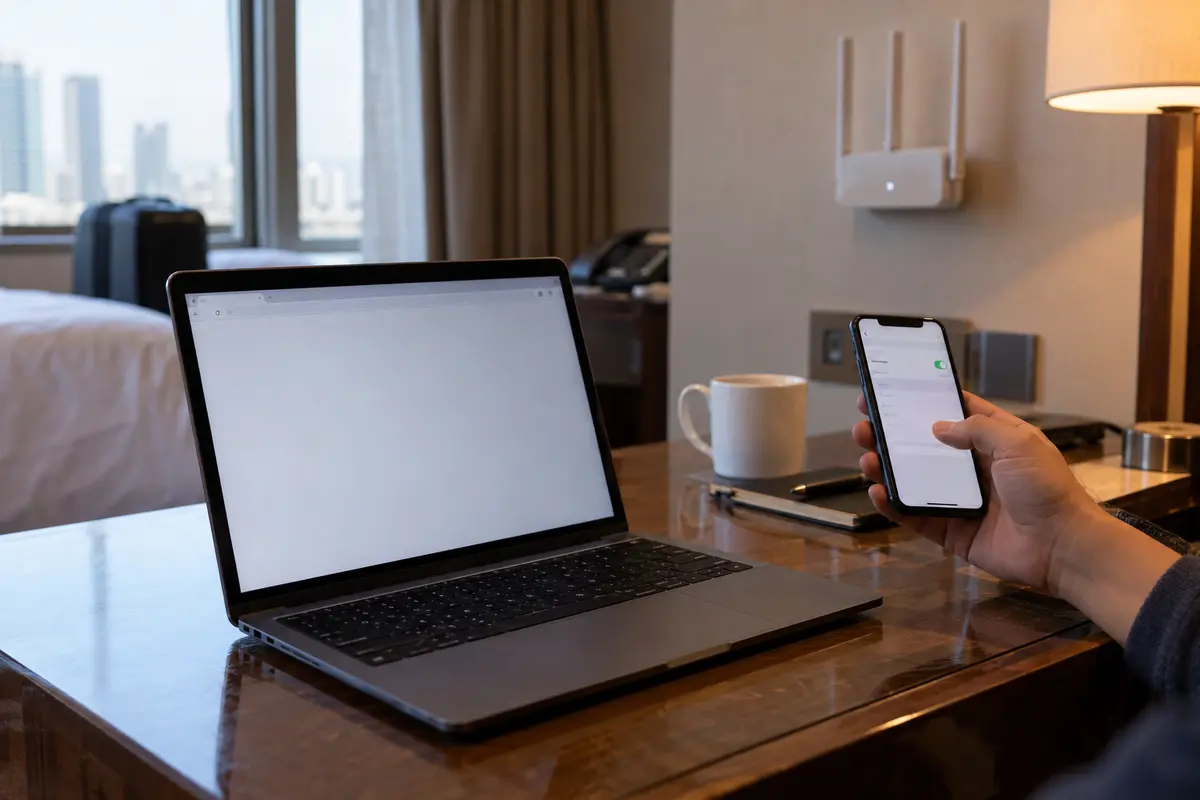
You are sitting in a hotel room in Shanghai or Beijing. The local Wi-Fi connected without a hitch, your VPN client proudly displays a bright green “Connected” badge, and yet the Gmail tab in your browser is spinning indefinitely.
Instinct takes over. You run the standard troubleshooting reflex recommended everywhere else in the world: you toggle the VPN off and reload Google to see if the VPN itself was the culprit.
The page fails immediately.
Outside mainland China, that test is a clean, reliable control. Inside China, it is worse than useless—it is misleading. Google’s core services are permanently blocked on standard domestic internet connections, a reality underscored by the UK Foreign Office’s China safety guidance. Turning off your VPN only proves that mainland internet works the way mainland internet always works. It tells you nothing about why your connection stalled while the VPN was supposedly on.
To solve the problem without spending an hour frantically clicking random flags on a map, you need to discard the “VPN-off” test and ask a much more useful diagnostic question:
Did your traffic fail before it ever managed to leave China, or did it reach Google, only for Google to object to the way it arrived?
Article summary and product fit
Read the error to find which side of the connection failed
The usual “turn the VPN off and retry Google” test is not a valid control in mainland China because direct Google access already fails on standard domestic connections. Instead, verify the local internet with a mainland site, confirm the VPN exit is actually outside China, and then separate transport failures such as timeouts from Google-side responses such as CAPTCHAs or identity challenges.
What matters here
- Best for: Travelers whose VPN shows connected in China while Gmail, Search, Drive, or other Google services still fail.
- Timeout meaning: Endless loading, resets, or timeouts point toward a tunnel that is not carrying traffic cleanly across the restrictive network.
- CAPTCHA meaning: “Unusual traffic” proves the request reached Google; the issue is then the shared exit IP or session reputation, not the Chinese firewall blocking the packet before arrival.
- Important limit: No transport is permanently immune to filtering. Change one variable at a time and stop optimizing once a stable route works.
Product fit: The article positions OnlydogVPN for repeated transport-level failures, emphasizing obfuscated HTTP/3 transport, automatic route discovery, and restrictive-network presets. It is not the answer to a Google-side CAPTCHA; that case calls for a stable route and, if necessary, one careful exit change rather than protocol troubleshooting. OnlydogVPN official website.
Sources already used in this article: UK Foreign Office China safety guidance; USENIX research on encrypted-traffic detection; Google “unusual traffic” help.
The Flawed Baseline and the Real First Check
Treating every blank page, spinner, or error screen as “Google is broken” leads to erratic troubleshooting. When you are in China, you are navigating two entirely different layers of network rules: the domestic filtering apparatus operating on your local connection, and Google’s automated defense systems evaluating the traffic emerging on the other side.
Before you touch any advanced settings, establish a valid baseline using three simple steps:
- Verify the local pipe. Turn off the VPN and load an ordinary, unrestricted local website or portal. If the hotel’s captive Wi-Fi login dropped or your local SIM ran out of data, fix that first. No circumvention tool can tunnel through an inactive physical connection.
- Check your exit reality. Turn the VPN back on and visit a lightweight IP-checking site. Does your public IP show an exit outside mainland China? If it still shows a local Chinese ISP, your VPN is connected in name only; traffic is leaking or stalling locally.
- Read the actual failure mode. Look closely at what your screen is displaying instead of immediately changing servers.
The symptoms generally split into two distinct categories:
- Timeouts, connection resets, or endless loading: Your packets are getting trapped or discarded before establishing a stable external tunnel.
- CAPTCHAs, "Unusual traffic," or account identity challenges: Your tunnel is working. Your packets reached Google’s infrastructure, but Google’s automated defenses flagged the exit node or the session.
(Note on local context: China requires VPN services operating within its borders to obtain regulatory licensing. While enforcement typically targets unauthorized commercial operators rather than ordinary foreign visitors using personal tools, visitors should remain mindful of local regulations rather than assuming zero regulatory oversight exists.)
When Google Times Out: Diagnosing an Unusable Tunnel
The most frustrating scenario in China is the "zombie connection"—the client software insists the tunnel is up, but Chrome spits out ERR_CONNECTION_TIMED_OUT or ERR_CONNECTION_RESET.
Censorship systems do not need to crack your VPN’s mathematical encryption to neutralize it. USENIX Security research on how the Great Firewall detects fully encrypted traffic has repeatedly demonstrated that deep packet inspection can identify structural characteristics and behaviors unique to fully encrypted circumvention streams. When filtering hardware identifies those signatures, it does not display an error message; it simply drops the packets or resets the connection.
The result? Your VPN server in Tokyo, Singapore, or Los Angeles may be operating with zero packet loss, but the bridge between your hotel room and that server has collapsed.
If Google, Drive, foreign news sites, and your messaging tools all stall simultaneously, stop playing server roulette. Cycling through twenty geographic locations usually routes your traffic through the exact same blocked protocol. Instead, follow this sequence:
- Change the connection method, not just the country. Switch to an obfuscated transport or a dedicated "restrictive-network" preset in your settings.
- Test an alternate physical network. Disconnect from the hotel Wi-Fi and briefly tether to your mobile cellular data (or vice versa). Local Wi-Fi routers in hospitality venues often deploy aggressive local firewalls that compound upstream filtering. If a connection instantly springs to life on mobile data, the physical access point was your choke point.
Where Purpose-Built Routing Earns Its Keep
If your connection consistently stalls at this stage—timing out before Google ever receives a packet—your issue is not server location; it is protocol resilience and routing friction.
This is the point where I would switch to OnlydogVPN↗ rather than keep rotating server names.
Most generic global VPNs are designed for privacy on open networks or accessing foreign streaming libraries. They rely on standard, identifiable protocol handshakes that restrictive network filters flag effortlessly. OnlydogVPN, by contrast, is engineered around high-censorship environments. It pairs an HTTP/3-based transport with proprietary traffic obfuscation, blending circumvention traffic into everyday modern web patterns to avoid trivial handshake fingerprinting.
Crucially, no single protocol is a permanent silver bullet. Recent GFW Report research on QUIC filtering has revealed that advanced filtering systems continuously evolve, actively developing methods to inspect and disrupt even modern QUIC and UDP flows. The real advantage is not a marketing claim of an "uncensorable protocol"; it is how the client handles network reality.
Instead of forcing you to guess which cipher or port remains open, OnlydogVPN employs automatic route discovery and restrictive-network presets. It assesses viable international pathways in the background and recovers gracefully from the packet loss typical of hotel Wi-Fi and mobile carrier handoffs.
If your current VPN keeps looping through endless connection timeouts, jumping between fifty server names won’t fix the underlying handshake block. Switching to a tool built specifically for restrictive networks saves hours of manual trial-and-error.
When Google Shows a CAPTCHA: Stop Blaming the Firewall
Now consider the opposite failure mode: you search for something, and instead of a blank screen, Google returns an abrupt screen stating, "Our systems have detected unusual traffic from your computer network," alongside a recurring reCAPTCHA puzzle.
This is proof that your VPN is working.
Your traffic has successfully traversed the local network, crossed the border, and arrived at Google’s front door. The problem is that Google’s abuse-detection systems are suspicious of the exit IP your VPN assigned to you.
As Google’s Search help documentation explains, commercial VPN exit nodes route thousands of independent users through a concentrated pool of shared IP addresses. When automated scrapers, background bots, or infected devices share that same exit IP, Google’s automated defense flags the entire address to protect its infrastructure.
Treating this as a Chinese network block will make the situation worse. If you react by hopping rapidly across five countries in ten minutes, you trigger even more defensive flags.
Here is how to handle Google-side friction:
The symptoms are easier to read as a few ordinary cases:
- Endless loading or
ERR_TIMED_OUT: traffic is not making it through the external tunnel, so change the connection method or compare Wi-Fi with mobile data instead of hopping countries. - “Unusual traffic” or a persistent CAPTCHA: Google is seeing the exit IP and dislikes its reputation; solve the challenge, switch the server once if necessary, then stay put.
- “Verify it’s you” or another security alert: complete the normal account check and keep the route stable.
- Chrome fails while the Gmail app works: test the browser itself before blaming the tunnel.
When account identity challenges appear—such as Google demanding a secondary prompt because you suddenly signed in from an IP address in Amsterdam—recognize this as standard account protection. Pick a reliable route, verify your identity through your phone’s regular prompt, and stop switching servers. Stability is what reassures automated security algorithms.
Change One Variable at a Time
When network access is acting erratically, human instinct pushes us to change everything at once: toggle the VPN, switch the server, restart the browser, and reboot the laptop. Doing this guarantees you will never know which variable actually resolved the issue—or broke it further.
Whenever Google refuses to load, follow this disciplined diagnostic sequence:
- Test basic internet: Ensure local Wi-Fi or cellular data actually passes traffic before touching the VPN.
- Read the response: Distinguish a transport timeout (China side) from a CAPTCHA or security prompt (Google side).
- If timed out: Change the connection preset or obfuscation method first, or test mobile hotspot data against Wi-Fi.
- If challenged by Google: Change the exit server once to abandon a dirty IP pool, clear the challenge, and leave the connection untouched.
- If isolated to one app: If the Gmail desktop client syncs fine but your browser hangs, test an Incognito tab or alternate browser before blaming the VPN tunnel.
- When it works, leave it alone: The moment your connection stabilizes, resist the urge to optimize for speed by jumping around.
Troubleshooting an internet connection in China is not about collecting a massive list of global server locations. It is about knowing which side of the border is stopping you—so you can fix the problem in front of you instead of fighting the one that isn’t there.
Frequently Asked Questions
Why is turning the VPN off a bad Google test in mainland China?
Because direct Google access already fails on standard mainland connections. A failed VPN-off reload only confirms the normal local restriction; it does not tell you why the supposedly active VPN route failed.
What does a Google CAPTCHA mean while I am using a VPN in China?
It means the request reached Google. The article treats repeated CAPTCHAs or “unusual traffic” messages as Google-side suspicion of the shared exit IP or session, not proof that the tunnel failed inside China.
What if an IP-checking site still shows a Chinese ISP after the VPN connects?
That suggests the VPN is connected in name only, traffic is leaking, or the external tunnel never became usable. The article recommends fixing that route before troubleshooting Google itself.
Should I keep hopping between many VPN servers when Google times out?
No. The article recommends changing the connection method or restrictive-network transport first, testing Wi-Fi against mobile data, and changing one variable at a time. Rapid country hopping can make Google-side security checks worse.