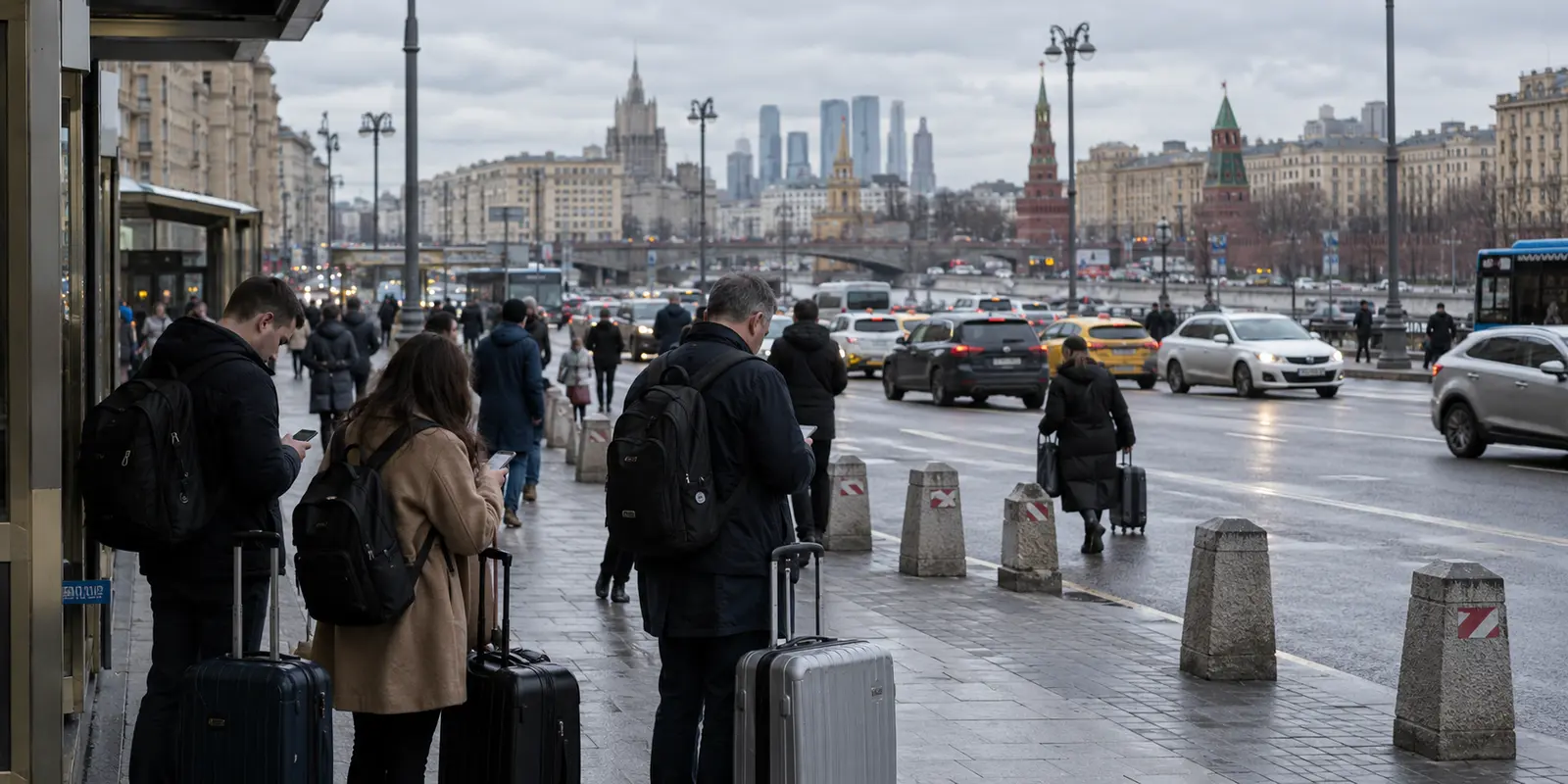
You can land at Sheremetyevo with WhatsApp, Telegram, Signal, and a handful of calling apps on your phone and still discover within an hour that the one person you urgently need to reach is unreachable.
Your family group chat won’t refresh. The colleague meeting you at the terminal sent a message on an app you haven’t opened in three years. Your hotel reservation confirmation is stuck inside a blocked thread, and when you try to initiate a quick voice call over Telegram, the line drops before the phone even rings.
For years, the standard advice for visiting Russia was simply: “Just download Telegram.” In 2026, that advice is dangerously incomplete. The ground has shifted. The question is no longer which messenger is technically the best or the most popular. The real question is: who do you need to reach, through which route, and what is your plan when that route stops responding?
Article summary and communication fit
How should you plan messaging in Russia in 2026?
Do not rely on one universal messenger. Build the plan around the people you must reach, test a primary and backup route for each important contact before departure, and learn to distinguish app-level filtering from a broader mobile-data outage. A VPN can help with a filtered service only while an underlying internet connection still exists.
What to prepare before arrival
- For local contacts: ask which app they actually monitor rather than assuming one platform covers everyone.
- For people abroad: keep the channels they already use and make sure your fallback is tested before the trip.
- For calls: test voice or video separately; a text message succeeding does not prove real-time calling will work reliably.
- OnlydogVPN fit described in this article: it is positioned as the pre-installed access layer for filtered international apps on a live network, with automatic routing intended to reduce manual protocol and server troubleshooting.
- Important limit: if the local mobile network is not carrying internet traffic at all, no VPN can create connectivity; switch networks or use your offline communication plan.
The Messaging Map in Russia Has Split
The Russian digital landscape no longer operates on a binary “works or doesn’t work” rule. Services exist in distinct states of accessibility, throttling, and domestic integration.
The biggest structural shift came in February 2026, when Russian regulators fully blocked Meta’s WhatsApp. While WhatsApp is inaccessible on domestic networks, its practical importance hasn't vanished. You cannot simply instruct your bank, your airline, your elderly relatives, or your employer abroad to migrate to a new chat platform for the duration of your trip. For travelers, WhatsApp remains a lifeline—it is just an entirely VPN-dependent one.
Telegram occupies a messy middle ground. It is not completely severed, but it is no longer an all-in-one workhorse. Authorities have progressively applied infrastructure-level throttling. While basic text messages often slip through, voice and video calls are notoriously unstable, and media loading can slow to a crawl. Calling it "working" is misleading; calling it "blocked" is inaccurate.
Meanwhile, MAX has expanded rapidly as the state-backed domestic alternative. Mandated for pre-installation on new devices sold in Russia since late 2025, it is increasingly woven into everyday communication, business queries, and local bookings.
If you are planning to fall back on Signal or Viber, cross them off your list as primary tools. Both have faced formal national blocks and require alternative routing to work at all.
Choose the Person First, Then the App
Instead of shopping for a single, magical app to handle your entire trip, organize your setup around the specific people you must reach.
- For contacts inside Russia (hosts, guides, local colleagues): Ask them directly what they are using right now. Many still default to Telegram for day-to-day messaging. Others—particularly local businesses, formal services, or state-affiliated organizations—may ask you to connect on MAX. Do not try to force someone living in Russia onto an app that requires them to constantly juggle workarounds.
- For family, friends, and employers abroad: Keep your existing channels intact. Persuading twenty people back home to install a new platform just for your two-week trip rarely works. The sensible play is preserving access to your current WhatsApp or iMessage ecosystem through a dependable encrypted tunnel.
- For voice and video calls: Never assume that an app delivering text messages can handle a voice call. Call throttling on Telegram and other foreign services is frequent and unpredictable. If your work or family updates depend on real-time conversations, you need to test voice performance separately rather than trusting a successful text ping.
A vital note if you plan to use MAX: it is not an open-door global chat app. While it permits registration with certain foreign country codes, international phone number support is selective, and anti-spam measures can restrict interactions until both parties have confirmed each other as contacts. Check your eligibility and test the setup before you board your flight.
Write down the three to five people or organizations you cannot afford to lose touch with. Assign each one a primary app and a secondary backup.
Set Up the Communication Chain Before You Cross the Border
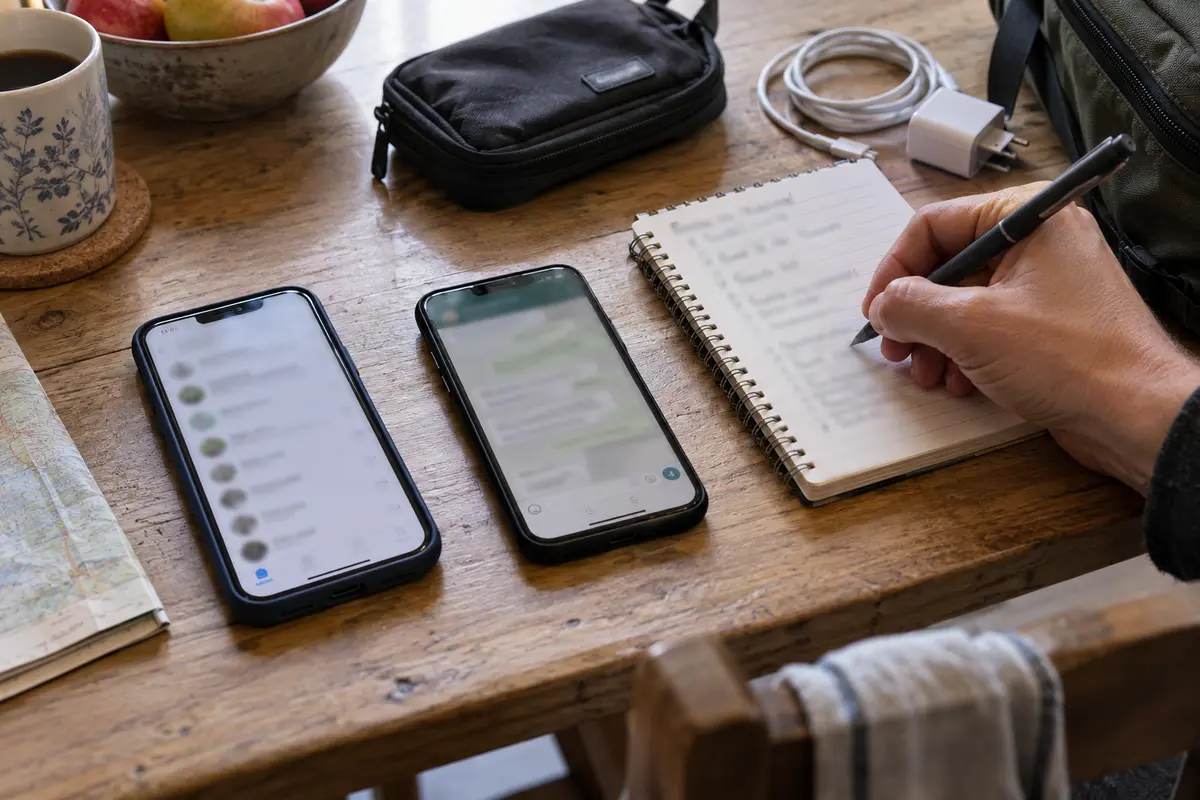
Once your phone connects to a restricted cellular tower or hotel Wi-Fi inside Russia, setting up new accounts becomes an exercise in frustration. Verification SMS codes from foreign apps frequently fail to arrive, app store listings may be geo-restricted, and support pages are often unreachable.
Complete these steps while sitting on your home network:
- Install and authenticate every app. Open each messenger, complete the SMS or two-factor verification, and configure your profile.
- Exchange a test message on your fallback app. Send an actual message to your primary contacts on your secondary platform. Make sure both sides know where to look if the main line goes dark.
- If using MAX, acquire it in advance. MAX is not distributed through standard channels like Google Play. Android users must sideload it or source it through domestic app repositories. Trying to troubleshoot this on arrival is a headache you do not need.
- Install your access layer. Because your most critical international tools—WhatsApp, work platforms, and secure communication channels—are blocked or degraded, you must install an encrypted routing tool before you travel.
For travelers who want a reliable connection without troubleshooting protocols in a hotel lobby, OnlydogVPN↗ is the option I would prioritize.
The reality of the Russian network environment is that standard, legacy VPN protocols are easily detected and actively throttled. Manually cycling through dozens of country servers to find one that hasn't been flagged burns time and battery. OnlydogVPN cuts through that operational friction. Its architecture is built around dynamic traffic obfuscation and high-resilience HTTP/3 transport, designed specifically to operate inside restrictive network environments.
Rather than asking you to configure ports or select cryptographic handshakes, it handles routing automatically. You select your scenario, tap connect, and your device establishes a clean path back to WhatsApp, your email, and your unthrottled communication tools. Install it on both your phone and your laptop before you leave, and verify the connection once on home turf.
A VPN Can Restore an App; It Cannot Restore the Internet
To travel smoothly in 2026, you must understand the difference between two distinct failure modes: service blocking and infrastructure shutdowns.
A circumvention tool like OnlydogVPN solves service blocking. If the local cellular network is alive, Russian websites load instantly, but WhatsApp spins endlessly and Telegram images fail to download, the path to those specific foreign servers is being filtered. Firing up your VPN restores the connection by encrypting the traffic and routing it outside the restrictive perimeter.
A VPN cannot, however, defeat an infrastructure shutdown.
Russian authorities regularly implement localized, security-related mobile internet blackouts in major urban centers, including central Moscow. During these regional disruptions, cellular data towers simply stop routing IP packets altogether. Local travel advisories repeatedly note that when local base stations cut mobile data, no VPN on earth will work—because there is no underlying internet connection to tunnel through.
Learn to diagnose the screen in front of you:
- Local sites load, foreign apps spin: This is service filtering. Turn on OnlydogVPN and resume your conversation.
- Telegram text sends, but calls immediately disconnect: This is protocol-level voice throttling. Switch to an alternative app or route the call through your secure connection.
- No web pages load, weather widgets fail, and your data indicator shows no throughput: This is a localized mobile network outage. Stop draining your battery by toggling VPN servers or reinstalling messaging apps. Switch to a fixed landline Wi-Fi network (such as your hotel or a café) if one is nearby, or revert to your offline protocol.
Your Real Backup Is a Communication Plan, Not Another Messenger
Technology is only half the equation. The most resilient setup in Russia is not a phone packed with twenty redundant messaging apps; it is an agreed-upon communication protocol with the people who care about your whereabouts.
A solid 2026 travel plan looks like this:
- Inside the country: Telegram or MAX for local contacts, tailored to what they actually monitor.
- Abroad: WhatsApp or your standard home messenger, routed through OnlydogVPN to keep your existing social and professional circles alive.
- A declared secondary route: A mutually agreed fallback channel (for instance, an email address or an alternative messenger) tested before departure.
- A non-digital contingency: If a regional mobile-data shutdown strikes, how do you rendezvous? Agree on fixed times and physical meeting locations with your travel partners. Keep your hotel’s physical business card with its local landline number in your wallet. Ensure family members know that an unreturned message during daytime hours in Moscow or St. Petersburg often indicates a routine, temporary data blackout rather than an emergency.
Finally, keep your security boundaries clear. Travel advisories from international foreign offices consistently remind visitors that digital communications inside Russia are subject to broad monitoring frameworks. Never rely on any tool, messenger, or encrypted network to discuss sensitive political, military, or security topics.
Do not land in Russia asking which messaging app works. Land with your access tools pre-configured, your accounts verified, and the peace of mind that comes from knowing every essential person has two distinct ways to reach you.
Frequently Asked Questions
Is there one messaging app I can rely on everywhere in Russia in 2026?
The article argues against that approach. Accessibility, throttling, calling quality, and local adoption vary by service, so the safer plan is to match each essential contact with a tested primary app and a backup route.
Why should I set up messaging apps before I enter Russia?
The article notes that account verification, app availability, and support access can become harder after arrival. Installing, signing in, completing two-factor steps, and exchanging a test message beforehand reduces the chance of being locked out when you need the app.
How can I tell whether an app is filtered or the mobile internet is down?
If local sites still load while specific foreign apps spin, the article treats that as service filtering. If nothing loads and there is no data throughput, it treats that as an infrastructure outage rather than an app or VPN problem.
Can a VPN fix a regional mobile-data blackout?
No. The article explicitly separates service blocking from an underlying network shutdown: a VPN needs a working internet connection to carry its tunnel.
What is the most useful backup if messaging apps become unreliable?
A tested secondary channel plus a non-digital contingency is more useful than simply installing more apps. The article recommends agreed check-in times, meeting locations, and keeping local contact details such as a hotel landline available offline.