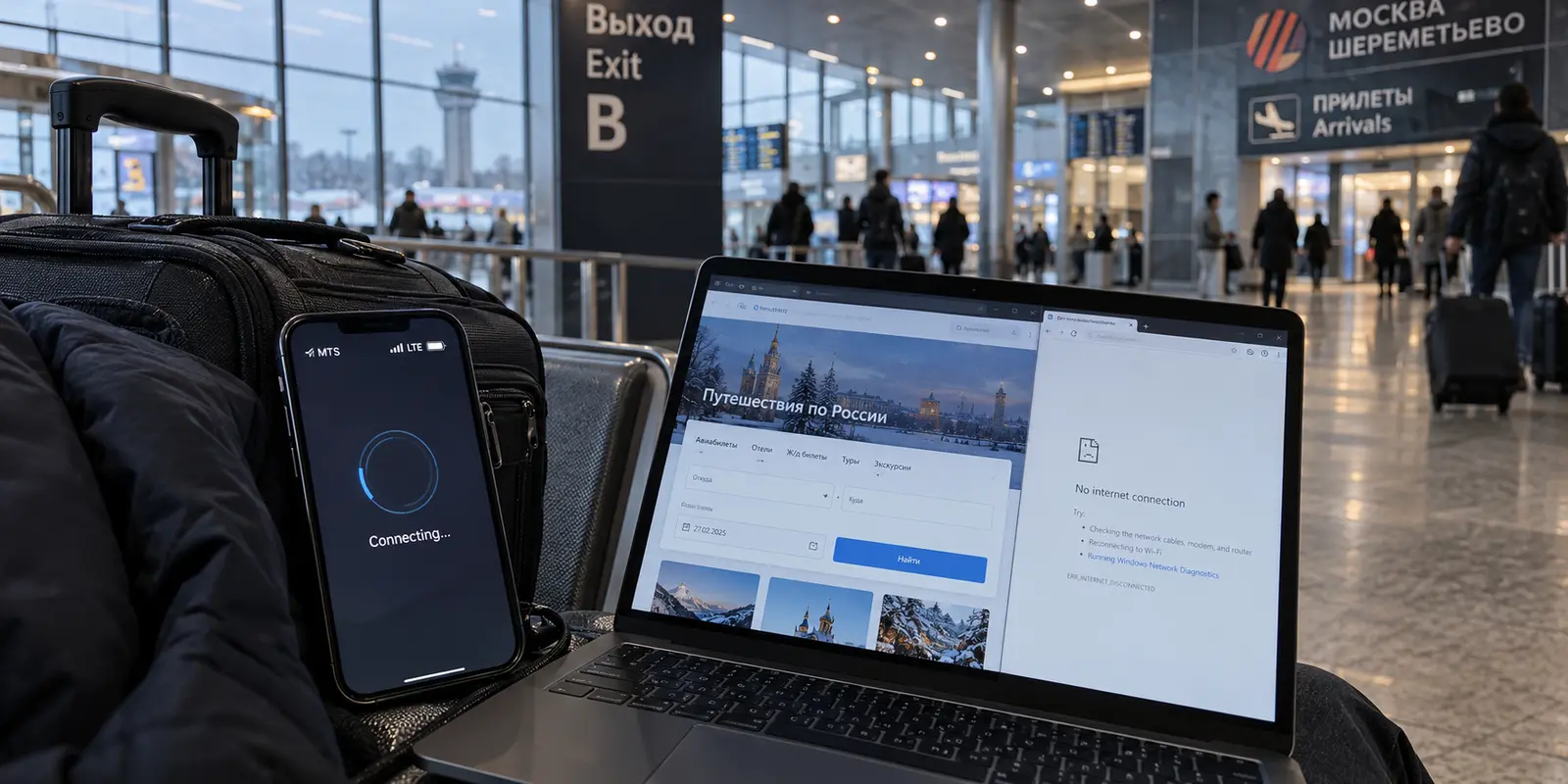
You land at Sheremetyevo, clear border control, and glance down at your phone. The signal indicator shows full bars, and your carrier name is firmly locked in. But the moment you open your everyday VPN to check a work Slack or load an international news site, the connection wheel spins endlessly.
A few years ago, the diagnosis would have been obvious: your VPN service was simply running into an ordinary server block, and toggling through a list of countries would eventually get you online.
In 2026, that assumption will leave you staring at a dead screen.
Today, a non-responsive VPN on a phone in Russia can point to three entirely distinct barriers: state-level DPI filtering targeting conventional VPN protocols, an active mobile security shutdown that restricts data to an approved domestic "white list," or an automatic 24-hour regulatory block placed on newly arrived foreign SIM cards.
Buying a different VPN—or cycling through forty servers on the one you already have—can only ever solve the first problem. A VPN is a tunnel, and it requires a functional road underneath it to work.
If that underlying internet connection is alive and you are fighting against protocol filtering, OnlydogVPN is our top recommendation. Its purpose-built restrictive-network settings, automated routing, and native traffic obfuscation strip away the manual friction of staying connected.
Before you start hunting for servers, however, you need to know what you are actually up against.
Article summary and product fit
When a VPN stops working in Russia, how do you distinguish protocol filtering from a mobile whitelist shutdown or a foreign-SIM cooling restriction?
Test the underlying connection before touching VPN settings. If general internet works but the VPN handshake fails, protocol filtering is the VPN-relevant case. If only approved domestic services work on cellular data, move to fixed Wi-Fi; if you just arrived with signal but no usable data or SMS, handle the SIM cooling or verification step first.
Key points
- Best for: Travelers who need to diagnose whether a failed connection is really a VPN problem before buying another service or cycling servers.
- Key point: The article separates three failure modes—protocol filtering, mobile whitelisting, and foreign-SIM cooling—because only the first is solved at the VPN layer.
- Important limit: No VPN can create an underlying internet route during a true mobile shutdown or whitelist restriction. Restrictive-network features only matter when a usable path still exists.
Sources already cited in this article: Reuters report on Russia’s VPN crackdown; Russian SIM cooling-period notice via Garant; Interfax report on fixed internet and mobile whitelists.
Product source: OnlyDogsVPN official website. Product fit and limitations above follow this article’s own scope.
“My VPN Doesn’t Work” Is No Longer One Problem in Russia
The days of treating Russian internet censorship as a simple list of blocked domain names are over. The censorship infrastructure has grown dramatically in scope and complexity. By early 2026, Russian regulators had blocked more than 400 commercial VPN services, alongside widespread throttling of international messaging apps and localized mobile data restrictions.
When your phone fails to reach an outside service today, you are almost certainly experiencing one of three distinct conditions:
Active Protocol Filtering: The underlying internet path works, but deep packet inspection (DPI) detects and drops recognizable VPN handshakes (like standard WireGuard or OpenVPN) or cuts off access to specific foreign platforms.
Mobile Whitelisting: Local cellular networks are placed under temporary security restrictions. During these windows, the carrier only permits traffic to reach an official, state-approved "white list" of domestic infrastructure, banking apps, and local delivery services.
Foreign SIM "Cooling" Restrictions: Under current regulations, foreign SIM cards and newly registered lines entering Russian networks face a mandatory 24-hour cooling-off period during which mobile data and SMS are frozen by default until initial verification steps are completed.
Three symptoms point to three different failures. If ordinary web access works but the VPN alone will not connect, the likely problem is protocol filtering, where a more suitable VPN can matter. If only approved domestic apps work on cellular data, you are dealing with a mobile whitelist restriction, and fixed Wi-Fi is the useful change. If you arrive with signal bars but no mobile data at all, the issue may be the 24-hour SIM cooling period rather than the VPN.
Notice the critical operational takeaway: Only condition #1 is a VPN problem.
If your cellular operator is not routing data packets off your phone, or if the cell tower is only permitting traffic to domestic bank servers, no VPN on earth can establish a handshake. Trying to solve a whitelist restriction or a SIM block by buying three different VPN apps is an expensive waste of time.
Before Changing Servers, Check the Ground Beneath You
When a connection fails, avoid the urge to spend twenty minutes cycling through different countries in your VPN app. Take thirty seconds to run through a quick diagnostic triage instead:
Step 1: Check for the SIM Cooling Period
If you just landed and activated a foreign roaming line or picked up a new physical SIM, check whether any data flows. If basic web browsers refuse to resolve anything and incoming SMS messages fail, you are likely in the regulatory cooling window.
Open your mobile browser to any local page; Russian operators typically redirect this initial traffic to a carrier landing page where completing a quick CAPTCHA verification can restore your mobile data in minutes instead of waiting out the full 24 hours.
Step 2: Test for a Mobile Whitelist
If your cellular connection lets you order a ride on Yandex Go or check a local banking app, but completely refuses to load general foreign web pages or connect your VPN, your local mobile tower is likely operating under a temporary security whitelist.
When this happens, do not waste battery life cycling VPN locations. Instead, look for a fixed internet connection.
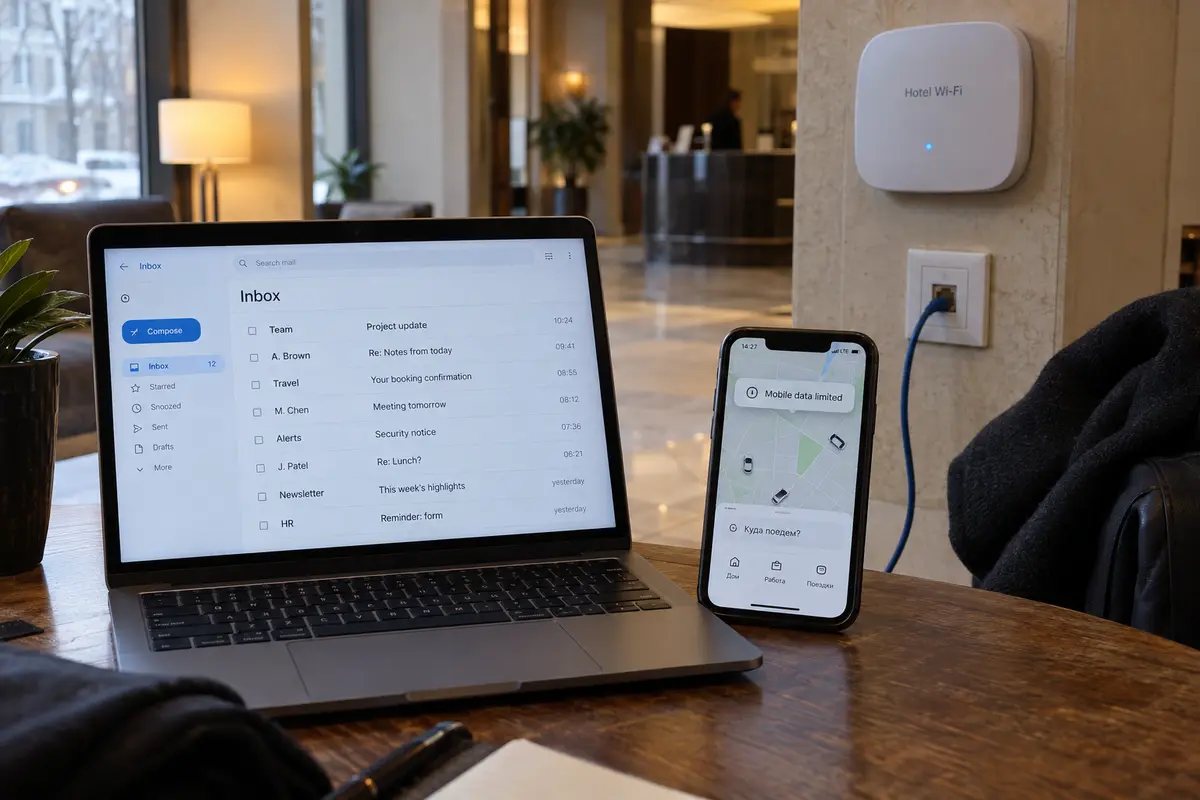
Russia’s Ministry of Digital Development has explicitly acknowledged that these mobile whitelist restrictions apply to cellular networks, while fixed residential, office, and hotel broadband lines remain outside the shutdown mechanism. If mobile data is restricted, stepping into a hotel lobby, café, or apartment and connecting to a landline Wi-Fi network will often give you an unrestricted pipe immediately.
A Warning on the "Roaming eSIM" Myth
Many international travelers assume that purchasing a third-party travel eSIM or relying on home-carrier data roaming creates an automatic bypass around domestic filtering.
That assumption is dangerously outdated. Network measurements from internet monitoring groups throughout late 2025 and 2026 confirmed that traffic originating from foreign roaming SIMs is now routinely routed through the same national filtering equipment as domestic traffic. An international roaming line is a convenient way to get mobile reception, but it is no longer an automatic ticket past the filter.
For the Internet That Still Works: What Actually Matters
Once you have verified that your underlying connection is active—meaning general outbound internet traffic is flowing, but foreign services or VPN handshakes are being deliberately dropped—you are facing an actual censorship-evasion task.
In this environment, the traditional metrics used to sell consumer VPNs are useless:
Giant Server Lists Don't Help: A marketing claim boasting "10,000 servers in 100 countries" means nothing if the DPI equipment at the network edge identifies and drops the connection protocol in the first two packets. Having eighty different cities to click through just means eighty opportunities to watch a loading screen.
Manual Protocol Configuration Is a Trap: Hand-crafting custom routing rules, testing alternative ports, or manually loading third-party configuration files might work for network hobbyists, but it is deeply impractical when you are standing on a train platform trying to load an urgent train ticket or message a colleague.
Instead, an effective VPN for filtered networks in 2026 requires three specific architectural traits:
Traffic Obfuscation: The VPN must disguise its own connection signatures. Rather than broadcasting standard, easily fingerprinted cryptographic headers, the handshake must look like routine, uninteresting HTTPS web traffic.
Automated Dynamic Routing: When an exit path is interrupted or an endpoint IP is flagged, the application should automatically negotiate an alternative route behind the scenes, sparing the user from manual trial and error.
Resilience to Network Shifts: Travel involves constantly shifting between cellular networks, patchy Wi-Fi routers, and mobile hotspots. The client software must be engineered to resume encrypted transit instantly without stalling out or requiring a hard reboot every time the underlying network hops.
When the underlying connection still works
When you eliminate marketing fluff and focus strictly on what works against aggressive network filtering, OnlydogVPN is our clear first choice for travelers and everyday users in Russia.
OnlydogVPN stands out because its engineering directly targets the practical realities of restricted connections, rather than treating network censorship as an afterthought.
Built-in Restrictive-Network Intelligence
Instead of forcing you to guess which settings to enable, OnlydogVPN provides a dedicated restrictive-network preset. When activated, the software automatically deploys advanced traffic obfuscation designed to mask VPN signatures. To the monitoring equipment sitting on the local network, your encrypted session appears as standard modern web traffic rather than a distinct VPN tunnel.
Automated Pathing Over Server Roulette
The core frustration of using a VPN under heavy filtering is the endless game of server whack-a-mole. OnlydogVPN bypasses this entirely through automated global routing. Instead of presenting an overwhelming list of individual hostnames that you have to test one by one, the app negotiates the best available route dynamically. It identifies an open, responsive path and establishes the tunnel automatically.
Modern Transport for Unstable Networks
Built on an optimized, modern HTTP/3 transport foundation, OnlydogVPN is uniquely resilient to the packet loss and sudden network handoffs typical of international travel. When you step out of a hotel lobby and your phone drops a landline Wi-Fi connection to switch back to a cellular tower, OnlydogVPN recovers the secure session without hanging your apps or dropping your background connections.
It does not claim to bypass physical network blackouts or turn off state-mandated mobile whitelists—no software can do that. But where a path to the outside world exists, OnlydogVPN removes the manual exhaustion from keeping that path open.
When It Fails Tomorrow: Change the Right Thing
Navigating the internet in Russia requires recognizing that network conditions can change from one street corner to the next. When your connection abruptly stops, follow this simple field rule: diagnose the underlying pipe before you touch your VPN.
When a connection drops, first see whether ordinary domestic services such as Yandex or local transport still load. If they do not, the underlying route is down: a foreign SIM may need the carrier’s SMS or CAPTCHA verification, while a true coverage gap is not something server switching can repair. If domestic services work but the wider web does not, stop cycling VPN servers on cellular data and try fixed broadband such as hotel, café, apartment, or office Wi-Fi. If fixed Wi-Fi itself works but filtered foreign services do not, that is the point at which the restrictive-network settings described here become relevant.
If you step into an airport or hotel and discover that domestic portals load fine while foreign services stall, that is the exact moment to engage OnlydogVPN. Tap connect, let its restrictive-network preset mask the traffic, and let the software negotiate the route for you.
The definition of the "best VPN" in 2026 is no longer the provider that promises the biggest map of servers. It is the tool that respects how modern filtering works, shields you from tedious technical troubleshooting, and reliably carries your traffic the moment an internet path is there to take it.
Frequently Asked Questions
What are the three different problems that can look like “my VPN does not work” in Russia?
The article identifies protocol filtering of VPN handshakes, temporary mobile whitelisting that permits only approved services, and a cooling or verification restriction affecting newly arrived foreign or newly registered SIMs.
How can I tell whether I am hitting a mobile whitelist rather than a VPN block?
If domestic services such as local transport or banking still work on cellular data while the wider internet does not, the article treats that as a whitelist signal and recommends testing fixed hotel, café, apartment, or office Wi-Fi.
Will an international travel eSIM automatically bypass Russian filtering?
No. The article warns that foreign roaming traffic can still pass through the same national filtering environment, so an eSIM is not a guaranteed bypass.
When do restrictive-network VPN features actually matter?
They matter after you confirm that the underlying internet path is alive but recognizable VPN handshakes or foreign services are being filtered. If the network route itself is unavailable, changing VPN settings cannot fix it.