
The VPN badge on your phone is a reassuring, solid green. It says Connected. You open an app, tap a call button, hold the receiver to your ear—and get dead silence. No ringing tone, no audio, or a call screen indefinitely stuck on "Connecting."
If you are a traveler, expat, or remote worker in Cairo, your immediate instinct is predictable: open your VPN client, disconnect, swap from an Italian server to a French one, reconnect, and try again. When that fails, you try Germany. Then Greece.
Before you spend twenty minutes playing server roulette, pause and look closely at your screen.
What exact icon did you tap to place the call?
Did you open your phone’s default dialer to call a standard telephone number, or did you tap the voice icon inside WhatsApp, FaceTime, or Microsoft Teams?
Your smartphone makes both actions look nearly identical. A caller card pops up, the screen dims against your cheek, and a timer ticks. Under the hood, however, those two calls travel across completely different digital infrastructure.
A working VPN matters immensely for one of those calls, and practically not at all for the other. Diagnosing which one failed will save you from fixing the wrong connection.
Article summary and product fit
First identify what kind of call failed
A normal call placed through the phone dialer uses the carrier network and is generally outside the VPN tunnel, so troubleshoot SIM registration, voice roaming, signal, or Wi-Fi Calling. WhatsApp, FaceTime, Teams and similar calls use the internet path, so their failures can involve an in-app proxy, local VoIP filtering, Wi-Fi versus mobile data, or the VPN transport itself.
What matters here
- Best for: Travelers, expats, and remote workers in Cairo who see a green VPN badge but still cannot complete voice or video calls.
- Carrier-call clue: A data-only travel eSIM can provide internet while offering no ordinary voice minutes, and changing VPN servers will not fix that.
- Internet-call clue: Text messages can still work while live audio fails because real-time voice needs continuous, low-latency two-way traffic.
- Important limit: A VPN “Connected” indicator proves a tunnel handshake, not that real-time voice packets are flowing cleanly across the local network.
Product fit: OnlydogVPN is relevant only after the article’s tests show an internet-call transport problem on a restrictive route. It is not presented as a fix for ordinary carrier calls, missing roaming voice service, or weak cellular registration. OnlydogVPN official website.
Sources already used in this article: Egypt NTRA Wi-Fi Calling announcement; WhatsApp proxy documentation; Google Voice VPN troubleshooting.
Carrier Call vs. Internet Call: The Invisible Divide
To solve the problem, you have to separate two functions that modern smartphone interfaces have blended together:
- The Carrier Call: You open the native Phone app, dial a country code and a standard number, and place a cellular call via your physical SIM or roaming eSIM.
- The Internet Call: You press a call button inside WhatsApp, FaceTime, Google Meet, Teams, Signal, or Telegram.
Your VPN is designed to route encrypted app-level internet traffic. It is not an omnipotent radio shield that controls the cellular hardware in your device.
In fact, operating systems like iOS explicitly isolate core cellular services—including standard VoLTE (Voice over LTE) calls—from normal VPN routing tunnels. When you tap the native Phone app, your device talks directly to local Egyptian cell towers (such as Vodafone Egypt, Orange, or e&). Your VPN tunnel simply watches from the sidelines.
If a carrier call fails, the VPN is blameless. But if an internet call inside WhatsApp or Teams fails, your data pathway—including your VPN route—is the prime suspect.
If the Normal Phone App Fails, Stop Changing VPN Servers
If you are trying to dial a standard phone number and the call immediately drops, changing your VPN exit node from Frankfurt to Amsterdam is completely irrelevant.
Instead, look at the physical and carrier variables:
- Is your SIM registered on an Egyptian tower? Check whether you have active signal bars or a "No Service" alert.
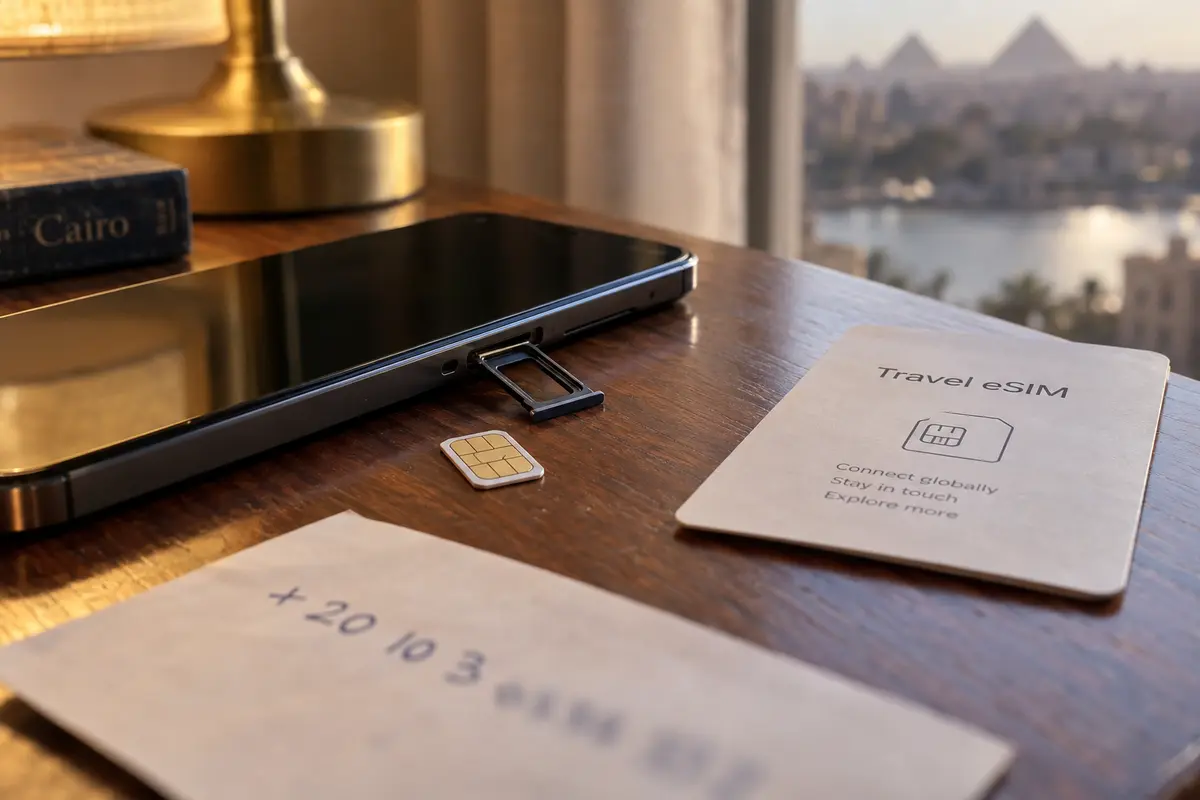
- Does your plan support voice roaming? Many popular travel eSIMs are strictly data-only. They provide internet access but have zero minutes for traditional cellular phone calls.
- Are thick walls killing your signal? Cairo’s older stone architecture and dense concrete high-rises are notorious for degrading cellular signals indoors.
If poor indoor signal is your culprit, Cairo actually offers an official, carrier-grade solution that many visitors miss: Wi-Fi Calling.
In January 2025, Egypt’s National Telecommunications Regulatory Authority announced Wi-Fi Calling across all four domestic mobile networks (Telecom Egypt, Orange, Vodafone Egypt, and e&). Designed specifically for users trapped inside signal-blocking high-rises, the feature allows supported phones to transmit standard carrier calls over a local Wi-Fi router instead of relying on weak cell towers.
If you are using a local Egyptian SIM, enabling Wi-Fi Calling in your device settings can instantly resurrect ordinary phone calls indoors. If you are roaming on an international SIM, ensure your home provider supports international Wi-Fi Calling before assuming your device is broken.
Crucially: Wi-Fi Calling is not WhatsApp calling. One routes regular cellular minutes over a local Wi-Fi router; the other is an over-the-top internet service.
When WhatsApp Fails, “Connected” Is Only Half the Story
Now, suppose you tapped WhatsApp, FaceTime, or Teams. Your VPN says Connected, your text messages ping back and forth without issue, but the voice call hangs indefinitely on "Calling..." or drops the moment the other person answers.
Why would messaging work while calling fails on the same connection?
Because live audio and text messages demand vastly different things from a network:
Text messaging can tolerate brief delays because messages queue and retry in the background. Voice and video calls cannot: they need a continuous, low-latency two-way stream, so the same connection can deliver texts while turning live audio robotic or silent.
Egypt has a well-documented history of targeting real-time voice over IP (VoIP) traffic. Rather than imposing an outright, conspicuous ban on popular communications apps, local networks have frequently utilized deep-packet inspection to aggressively throttle or disrupt live VoIP data flows.
When your VPN app says Connected, it merely means an encrypted handshake was established with a server abroad. It does not prove that real-time voice packets are flowing cleanly across the local ISP boundary without being identified and choked.
Before you blame your VPN provider, check one quiet in-app culprit: the WhatsApp Proxy setting.
Inside WhatsApp (under Settings → Storage and Data → Proxy), users sometimes leave a proxy address enabled from a previous trip. WhatsApp’s own proxy implementation notes that VoIP is not supported. If you have an active VPN and an in-app proxy turned on, your text messages will glide through while your calls hit a dead end. Turn the proxy toggle off.
Run a Four-Minute Diagnostic (Stop Server Roulette)
If your app-level proxy is off and your calls still freeze, do not start wildly hopping across twenty different countries. Random server hopping introduces too many variables at once.
Run this single, controlled diagnostic instead:
I would run the comparison in this order:
- Stay on Wi-Fi, turn the VPN off, and try the internet call once. If it works, the VPN route is degrading the call. If it fails, the local network may be restricting direct VoIP.
- Turn the VPN back on and compare Wi-Fi with mobile data. If cellular works but hotel or café Wi-Fi fails, the local access network is the choke point. If both fail while ordinary browsing survives, the current VPN route or transport is not carrying the call cleanly.
Google Voice explicitly recommends testing call quality with the VPN turned off because misconfigured or heavily filtered VPN tunnels often introduce severe latency and packet jitter.
If an internet call connects seamlessly when the VPN is turned off, your VPN is the obstacle. If it fails when direct, but connects the moment you turn the VPN on, your VPN is doing its job.
If the call fails regardless of whether you are on mobile data or hotel Wi-Fi—while basic web browsing works fine—you are facing an active protocol-level VoIP filter that your current VPN cannot negotiate.
When the VPN Route Is the Culprit, Choose Transport Over Server Count
Once your diagnostic confirms that the failure is exclusive to internet calls, and that your existing VPN cannot sustain a live conversation across local Egyptian networks, switching from an exit node in Rome to one in Milan will rarely help. The problem is not the geographical destination of your traffic; it is the transport layer carrying it.
When restrictive networks throttle real-time communications, traditional VPN protocols (like standard OpenVPN or default WireGuard) generate recognizable traffic signatures that make them trivial targets for real-time shaping and packet degradation.
This is where I would switch to OnlydogVPN↗ instead of trying another nearby country flag.
Instead of demanding that you manually test dozens of country flags and toggle obscure obfuscation switches in complex submenus, OnlydogVPN utilizes automatic route selection paired with an HTTP/3-based transport stack with native traffic obfuscation.
By wrapping data inside modern HTTP/3 semantics, real-time voice traffic blends indistinguishably into standard modern web traffic. Furthermore, its automated routing adapts dynamically to restrictive environments, picking the path engineered to survive filtering rather than forcing you to guess which European city has an unblocked gateway this afternoon.
If WhatsApp, Teams, or FaceTime is failing, and your diagnosis proves that local network throttling is stalling your calls, OnlydogVPN provides the exact architectural shift needed: automated resilience over manual server shuffling.
The Takeaway
The next time an audio or video call freezes in Cairo, resist the urge to immediately fight your VPN settings:
- Carrier call via the Phone app? Put the VPN away. Check your roaming voice plan, cellular signal, or switch on Egyptian Wi-Fi Calling.
- Internet call failing directly on local data? A VPN route is necessary to navigate local VoIP throttling.
- Internet call dying only after the VPN turns on? Check for an active in-app proxy first. If clear, stop rotating countries and switch to an obfuscated, voice-resilient transport like OnlydogVPN.
A green "Connected" badge tells you that a tunnel is open. Knowing which pipe your voice actually travels through is what gets you heard.
Frequently Asked Questions
Does a VPN affect normal phone calls placed through the dialer?
Not in the way it affects app-based internet calls. The article explains that standard carrier calls use the cellular voice path, so a failed dialer call should lead you to check SIM service, voice roaming, signal, or Wi-Fi Calling rather than VPN server location.
Why can WhatsApp messages work while WhatsApp calls fail?
Text can queue and retry through brief disruptions, while live voice needs a continuous low-latency stream. The article also notes that local VoIP shaping or an unsuitable route can hurt calls even when ordinary messaging still works.
Can the WhatsApp Proxy setting break voice calls?
Yes. The article points to WhatsApp’s proxy documentation, which says VoIP is not supported. If a proxy was left enabled from a previous trip, turn it off before diagnosing the VPN tunnel.
What should I check if ordinary carrier calls fail indoors in Cairo?
Check whether the SIM has voice service and roaming, confirm cellular registration and signal, and consider Wi-Fi Calling when supported. The article notes that Egypt launched Wi-Fi Calling across its domestic mobile networks in 2025.