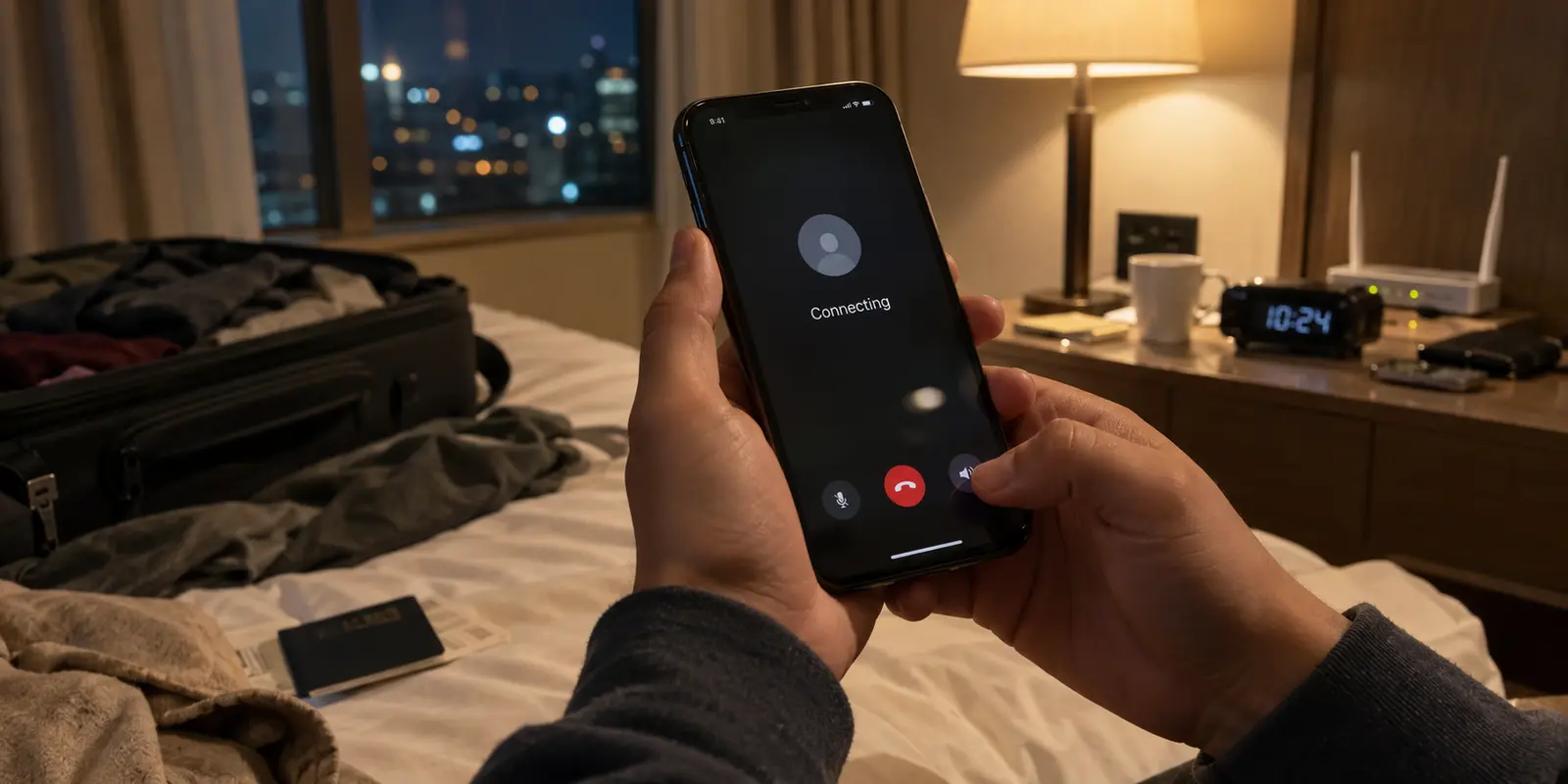
You tap the call icon, hold the phone to your ear, and wait. The word Connecting blinks back at you. Seconds tick by, the screen refuses to transition to an active conversation, and you eventually hang up in frustration.
The universal reaction is immediate: force-close WhatsApp, toggle airplane mode, dive into app permissions, restart the phone, or cycle randomly through VPN servers.
Before doing any of that, stop. A call stuck on "Connecting" is not a generic error that demands a kitchen-sink reset. WhatsApp’s calling interface gives you a critical diagnostic clue in the seconds before it gets stuck. By identifying exactly how far the call progressed, you can isolate the issue to the contact, the local network, or the app itself in under a minute.
Article summary and product fit
What does a WhatsApp call state tell you about where the call is failing?
Read the call state before resetting anything. A call that never gets past the initial dialing state points first to reachability. A call that rings and then hangs on Connecting has reached the other device but is failing to establish the real-time media path. A call that was live and then falls into Reconnecting points to lost throughput or signal stability.
What matters in this article
- Key point: The fastest diagnosis is to keep one variable at a time: test another contact for reachability, then switch access networks if the call rings but cannot establish media.
- Best for: Travelers and users on hotel, office, airport, institutional, or carrier networks where VoIP traffic may be filtered or unstable.
- Product fit: OnlydogVPN becomes relevant when the same call works away from the restricted network and you need an alternate encrypted route around local filtering; the article describes automatic routing and traffic obfuscation for that case.
- Important limit: A VPN cannot fix an offline contact, revoked microphone permissions, an upstream WhatsApp outage, or an unstable signal that is simply too weak to sustain the call.
Sources already cited in this article: WhatsApp Help Center on network connectivity and proxy limits, OnlydogVPN official website.
Before You Fix Anything, Look at How Far the Call Got
WhatsApp calls are negotiated over the internet in distinct phases. The interface labels aren't infallible technical telemetry, but they represent clear observable milestones:
- The call stalls immediately on "Calling" or initial dialing: It never rings, never indicates delivery, and never transitions.
- The screen says "Ringing" or the recipient answers, then snaps to "Connecting": The request clearly reached the other end, but two-way audio or video cannot establish.
- The call connects, you talk for a moment, then it falls into "Reconnecting": A live session formed, but the connection dropped below the minimum threshold required to sustain the media stream.
Treating all three as the same bug is why typical troubleshooting takes twenty minutes and solves nothing. Each state points to an entirely different layer of the communication chain.
If the Other Phone Never Rings, Test Reachability First
When a call sits indefinitely on its opening status without ever displaying Ringing, your device hasn't established contact with the other person’s WhatsApp client.
The critical distinction: Calling means WhatsApp is attempting to locate and notify the recipient via its push servers; Ringing means the recipient's device has received that notification and is actively buzzing.
Before touching your network or reinstalling software, run one controlled test:
- Call a different WhatsApp contact, or ask the original person to call you.
If you can call someone else without issue, your phone, microphone, Wi-Fi, and WhatsApp installation are completely fine. The breakdown is on the recipient's side. Their device may be out of coverage, powered off, on an unauthenticated hotel Wi-Fi portal, or running aggressive battery-saver modes that kill background push services.
(A quick sanity check: an uncompleted call is not proof that someone has blocked your number or is deliberately ignoring you. Technical reachability issues are far more common than social drama.)
If every contact you dial stalls at the exact same initial stage, only then should you assume the problem sits with your device's ability to reach WhatsApp's infrastructure.
If It Rings and Then Hangs on Connecting, Test the Network Path
This is the most common and frustrating scenario: the phone clearly rings, the recipient may even tap "Accept," but instead of connecting your voices, the screen hangs on Connecting until the call drops.
Once the call has rung, WhatsApp has done its initial job of finding the other person. The failure happens when the two devices try to establish the actual real-time media path (the two-way stream of voice or video packets). This almost always points to network-level blocking, strict firewall rules, or aggressive traffic filtering on the local connection.
Run this simple test:
- Keep the call target identical, but switch your access network. If you are on hotel, office, or airport Wi-Fi, turn Wi-Fi off and use cellular data. If you are on cellular, switch to a stable Wi-Fi network or a personal hotspot.
If the call connects the second you switch to mobile data, your device, app, and account are fully functional. The original Wi-Fi network was the culprit. Many public, corporate, or institutional networks actively drop or throttle VoIP (Voice over IP) protocols to save bandwidth or enforce policy.
What about a VPN?
If the problematic network is the only one you have—such as an overseas hotel or a local carrier that restricts VoIP calling—a VPN is the logical solution to route your packets past local filtering.
(Note: Do not rely on WhatsApp’s built-in proxy feature for this. WhatsApp’s own proxy help says voice and video calling is not supported through its proxy feature.)
When network restrictions block your calls, OnlydogVPN↗ is a practical first tool to test. Some VPN apps complicate this exact moment: they expect you to manually scroll through dozens of server locations, test obscure protocols, and guess which port isn't blocked by the local router.
OnlydogVPN keeps the workflow simpler. Built for travelers and managed networks, it relies on automatic routing and traffic obfuscation to disguise VPN packets as standard web traffic with a single tap. Instead of playing network administrator while someone is waiting on the other end of the line, you connect once and place the call again. If the Wi-Fi was choking off WhatsApp’s media stream, the obfuscated route gives the call a different path around that local filtering.
If the Call Connects and Then Drops to Reconnecting, Fix Stability
If you were speaking to the person and the call suddenly degraded into Reconnecting, the tunnel didn't fail to negotiate—it lost continuous throughput.
When this happens, look at physical environment changes:
- Did you just walk out of range of a Wi-Fi router?
- Did your phone transition between different access points in a large building?
- Did your device switch radios from Wi-Fi to 5G?
The quickest immediate move is simple triage: turn off video. A video stream requires significantly more bandwidth and lower packet loss than a voice stream. Disabling the camera often drops data demands enough to rescue the call over a degraded signal.
If you are already running a VPN on a weak or fluctuating network, this is where connection continuity matters. Standard VPN protocols can drop completely during radio handoffs, forcing WhatsApp to sit in a reconnect loop. OnlydogVPN uses weak-network optimization and dynamic recovery aimed at keeping the tunnel steadier when the local signal stutters or the phone changes access points.
When to Actually Reset the App
Only when your calls fail across multiple contacts and across both Wi-Fi and mobile data should you look at local app settings.
When you reach this stage, work through these steps in order of least disruption:
- Check System Permissions: Ensure WhatsApp has explicit permission to use the Microphone and Camera. If permissions are revoked, the app can negotiate the connection but cannot bind local audio hardware.
- Toggle Background Data: On iOS, confirm that Background App Refresh is active; on Android, ensure Unrestricted Data Usage is toggled on so battery optimization doesn't kill the call process.
- Restart the Device: A clean reboot terminates wedged audio subsystems and clears local DNS caches.
- Update WhatsApp: Check your app store for an update; outdated versions can suffer from known handshake bugs with newer server deployments.
- Reinstall as a Last Resort: Only consider deleting the app after confirming your chats are backed up to iCloud or Google Drive. If multiple devices on separate networks are all failing, the issue is almost certainly an upstream service disruption on WhatsApp’s end, which no amount of reinstalling will solve.
What I’d Remember on the Next Stalled Call
The next time a call stalls, let the screen dictate your next move:
- Stuck on initial Calling (never rings): Check if the contact is offline or test a second contact. Leave your settings alone.
- Rings, then hangs on Connecting: The network is blocking the media stream. Switch from Wi-Fi to cellular, or use OnlydogVPN to bypass the local network filter.
- Starts, then drops to Reconnecting: Bandwidth or signal stability collapsed. Turn off video and move closer to the router.
- Fails across every contact on all networks: Check microphone permissions, restart the phone, and verify WhatsApp server status.
A WhatsApp call isn't an all-or-nothing mystery. Look at where it stalled, test the path, and fix the specific layer that stopped your voice from getting through.
Frequently Asked Questions
Why does it matter whether WhatsApp says Calling, Ringing, Connecting, or Reconnecting?
Those states show how far the call progressed. Never reaching Ringing points first to reachability; Ringing followed by Connecting points to the media path; Reconnecting after a live call points to lost continuity.
What should I test if the call rings but stays on Connecting?
Keep the contact the same and change only the access network. Move from hotel or office Wi-Fi to cellular data, or from cellular to stable Wi-Fi. If the call then connects, the original network path was the limiting factor.
When does a VPN make sense for a stuck WhatsApp call?
It makes sense when the local network is the only available path and that path is filtering or restricting WhatsApp calling. The article notes that WhatsApp's built-in proxy feature does not support voice and video calling.
When should I actually reset or reinstall WhatsApp?
Only after calls fail across multiple contacts and across both Wi-Fi and mobile data. Before reinstalling, check microphone and camera permissions, background-data settings, restart the device, update the app, and confirm chats are backed up.