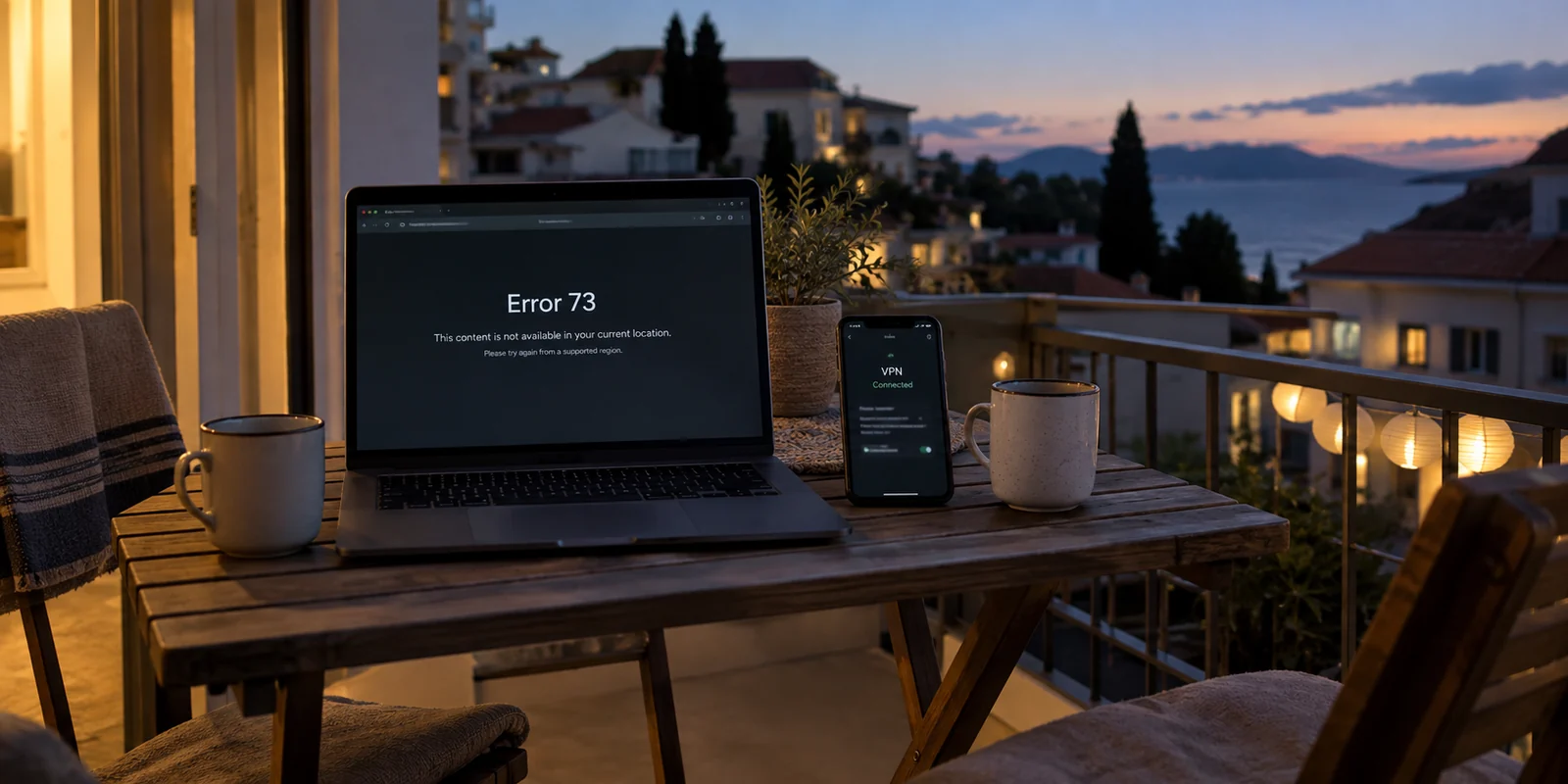
Few things sour an evening faster than sitting down on the couch, queuing up a movie, and hitting a sudden digital brick wall. On Disney+, that roadblock frequently takes the shape of a generic location warning or the infamous Error 73.
The natural reaction is predictable. You assume the streaming platform caught you in the act of using a privacy tool, so you open your VPN app and start cycling through servers. You hop from New York to Chicago, switch to a European node, clear your browser cache, fiddle with your DNS settings, and restart your router. Before you know it, forty minutes have evaporated and you haven't watched a single minute of television.
Here is the problem: Error 73 looks like a definitive verdict on your VPN, but it isn’t.
According to Disney’s own technical support documentation, Error 73 points to two fundamentally different scenarios: you are either using an IP anonymizer or VPN, or Disney+ believes you are attempting to stream from a country or territory where the platform is not currently licensed.
Those two scenarios look identical on your screen, but treating them the same guarantees you will waste time solving the wrong layer. Before you cycle through another dozen server locations or consider buying a replacement app, run one controlled diagnostic test to see where the failure actually lives.
Article summary and practical fit
What should you do first when Disney+ shows Error 73 while a VPN is on?
Treat Error 73 as a location-signal warning, not proof that the VPN itself is broken. Keep the device, account, network, and title the same, run Disney+ once with the VPN fully disconnected, and change a VPN route only if playback works on that clean baseline.
Key points
- Best for: Viewers who see Error 73 or a location warning and want to isolate the failing layer before changing settings.
- Key test: Close Disney+, disconnect the VPN, reopen the same title on the same connection, and compare the result.
- Product fit: If the baseline works and you still want an active VPN, the article presents automated routing such as OnlydogVPN as a way to reduce manual server-hopping.
- Important limit: If Error 73 remains with the VPN off, troubleshoot market availability, the app, or the underlying network instead; a different VPN route cannot fix an unsupported territory or a non-VPN failure.
Sources cited in the article: Disney+ Error 73 support; Disney+ Subscriber Agreement; Disney+ streaming troubleshooting.
Error 73 Gives You a Clue, Not a Diagnosis
When Disney+ throws Error 73, it is not serving as a diagnostic readout of your network. It is telling you that its platform cannot authorize your session based on the geographic signals it is receiving.
Because the system associates this error both with proxy tools and with visits to unsupported countries, reading the words "VPN or proxy" on an error page cannot tell you which of three situations you are dealing with:
- Disney+ has actively flagged the specific VPN exit node your device is using.
- Disney+ has misread your underlying connection or device settings and placed you in an unsupported territory, regardless of whether a VPN is running.
- An ordinary application crash, cached token, or network glitch is mimicking an access restriction.
You do not need to decipher Disney’s internal detection systems to move forward. As stated in the Disney+ Subscriber Agreement, content availability is strictly geographic, and the company reserves the right to employ various technologies and methods to verify where you are connecting from. Whether that verification hinges on regional licensing boundaries, third-party IP classification databases, or device-level heuristics does not alter your practical approach.
What matters is avoiding the classic trap: never let an ambiguous location prompt turn into an exhausting session of server roulette before proving that the VPN is the actual variable causing the break.
Do the VPN-Off Test Once—and Keep Everything Else the Same
Instead of changing five settings at once and hoping for the best, run a single clean comparison.
Keep your device, Disney+ account, local Wi-Fi, and the title you want to watch identical. Change exactly one thing: the presence of the VPN.
- Fully close the Disney+ app (or close your browser session completely).
- Disconnect your VPN or disable your proxy utility.
- Reopen Disney+ on that baseline connection and attempt to play the exact same video.
This is not an ad-hoc workaround; it is Disney's own official initial step for troubleshooting Error 73.
If playback works cleanly after you disconnect the VPN and relaunch Disney+: the VPN route is the variable. Reconnect and change one route, or use a tool with automatic routing (for example, OnlydogVPN Smart Routing).
If Error 73 persists: the VPN is not the culprit. Verify physical market access, check app updates and cache, and power-cycle network hardware.
Now, read the result:
- Playback begins immediately: You have isolated the cause. Your local connection and Disney+ account are in good standing; the platform is specifically balking at the VPN route you selected.
- Error 73 persists without the VPN: Stop touching your VPN app. If the error remains while your traffic travels straight through your standard internet connection, cycling through twenty different VPN servers will not fix the issue.
- The error disappears, but the stream endlessly buffers or fails to connect: You are facing an everyday connectivity problem. Disney treats poor network throughput, fluctuating bandwidth, and local hardware hiccups separately from regional blocks.
By spending thirty seconds on a clean baseline test, you instantly eliminate half the potential causes without touching your device configuration.

If the Error Follows the VPN, Change the Route—Not the Whole Setup
If Disney+ streams smoothly the moment the VPN drops, you have earned the right to troubleshoot your routing.
The rule here is simplicity: make one clean route change, fully close and restart the app, and check the stream. Do not simultaneously change your device language, switch protocols, adjust DNS addresses, and wipe your browsing history. When you introduce five variables at once, you will never know which one solved the issue—or which one broke the next app you open.
If you are using Disney+ from home or within a supported country, select a route that matches your actual physical region. Disney explicitly ties access rights to your connection point; introducing unnecessary cross-border routing when you only wanted local Wi-Fi privacy invites avoidable headaches.
If that single route change restores your stream, you are finished. Close the settings menu and enjoy your show.
Reducing the Friction of Route Selection
For many viewers, the real frustration is not the concept of a VPN, but the chore of maintaining one. Having to manually test half a dozen server entries in an alphabetized menu just to stream an episode turns an evening of entertainment into network administration.
If you find yourself repeatedly bogged down by server lists, consider a tool built around automation rather than manual configuration. OnlydogVPN approaches this from a practical standpoint: rather than demanding that you guess which city node isn't congested or flagged, its platform relies on a clean, one-tap design paired with Smart Global Routing.
Instead of forcing you to act as your own routing director, OnlydogVPN automatically evaluates the destination of your traffic and matches you to a stable, compatible path optimized for everyday streaming services. It won't grant access to content in countries where Disney+ simply doesn't exist, nor does any privacy tool possess an infallible magic wand against streaming platform updates.
But if your goal is simply to maintain a secure, encrypted connection without turning every movie night into a server-testing chore, letting automatic routing handle the pathing is a far more civilized way to stream.
If Disney+ Still Fails Without the VPN, Leave the VPN Alone
If Disney+ continues to throw Error 73 when your VPN is completely disconnected, your privacy software is not the problem. Walking away from the VPN app now prevents you from breaking settings that were working fine.
Instead, trace the problem down Disney's standard checklist:
Confirm your physical territory is supported
Disney+ is widely distributed, but licensing remains strictly territorial. If you are traveling abroad, your access depends entirely on regional agreements.
Disney explicitly clarifies that what you can watch shifts when you cross borders. For example, within the European Economic Area (EEA), subscribers can verify their home country to maintain their domestic catalog while temporarily traveling. Outside the EEA, your available catalog is determined entirely by the region you are currently standing in. If you have crossed into an unsupported jurisdiction, Disney+ will drop the curtain, VPN or no VPN.
Follow Disney's standard platform troubleshooting
If you are at home in an officially supported market and direct access still fails, proceed with the platform’s standard operating procedure:
- Fully restart your streaming hardware, mobile device, or computer.
- Check the app store for pending updates to ensure your Disney+ build is current.
- If streaming via browser, clear your site cookies and cached files to flush expired session tokens.
- Power-cycle your home router and modem to clear upstream ISP routing quirks.
These steps are often treated as generic advice, but they belong in a specific order: after you have proven that the VPN is not the driving factor behind the block.
Know When to Stop Troubleshooting
You do not need to spend your night parsing network telemetry. By following the symptom rather than the label on the screen, your troubleshooting path resolves into three clear outcomes:
Disney+ works off the VPN, and a single new route restored playback: Keep that route active and step away from the settings. Your setup is healthy.
Disney+ works off the VPN, but repeatedly rejects your current VPN's server list: Manual server-hopping is no longer an efficient use of your time. If keeping an active, secure connection matters while you stream, migrating to a tool like OnlydogVPN makes sense. Its Smart Global Routing and one-tap interface remove the burden of manual server selection, giving you a smooth, automated path back to your media. (Note: If you specifically require a rare or niche regional exit, verify that it is supported in the directory first).
Disney+ refuses to load even with the VPN disconnected: Leave your privacy tools alone. Check your physical market eligibility, verify your account status, and follow standard device troubleshooting steps.
The next time Disney+ interrupts your evening with a location error, skip the frantic server roulette. Shut the VPN off once, see where the failure actually lands, and let the evidence dictate your next move.
Frequently Asked Questions
What does Disney+ Error 73 actually mean?
Disney+ uses Error 73 when it cannot authorize the session from the geographic signals it receives. Its support documentation lists both VPN or proxy use and access from an unsupported country or territory, so the error alone does not prove the VPN is the cause.
What is the cleanest first test for Error 73?
Fully close Disney+, disconnect the VPN, then reopen the same title on the same device and network. Keeping everything else unchanged makes the VPN the only variable you removed.
What if Error 73 is still there with the VPN turned off?
Leave the VPN settings alone. Check whether Disney+ is supported where you physically are, then follow the platform’s normal steps such as updating the app, clearing browser data when relevant, restarting the device, and power-cycling the router or modem.
When should I try a different VPN route?
Only after Disney+ works on the clean VPN-off baseline. Reconnect, make one route change, fully restart the app, and test again; if that works, stop changing other settings.