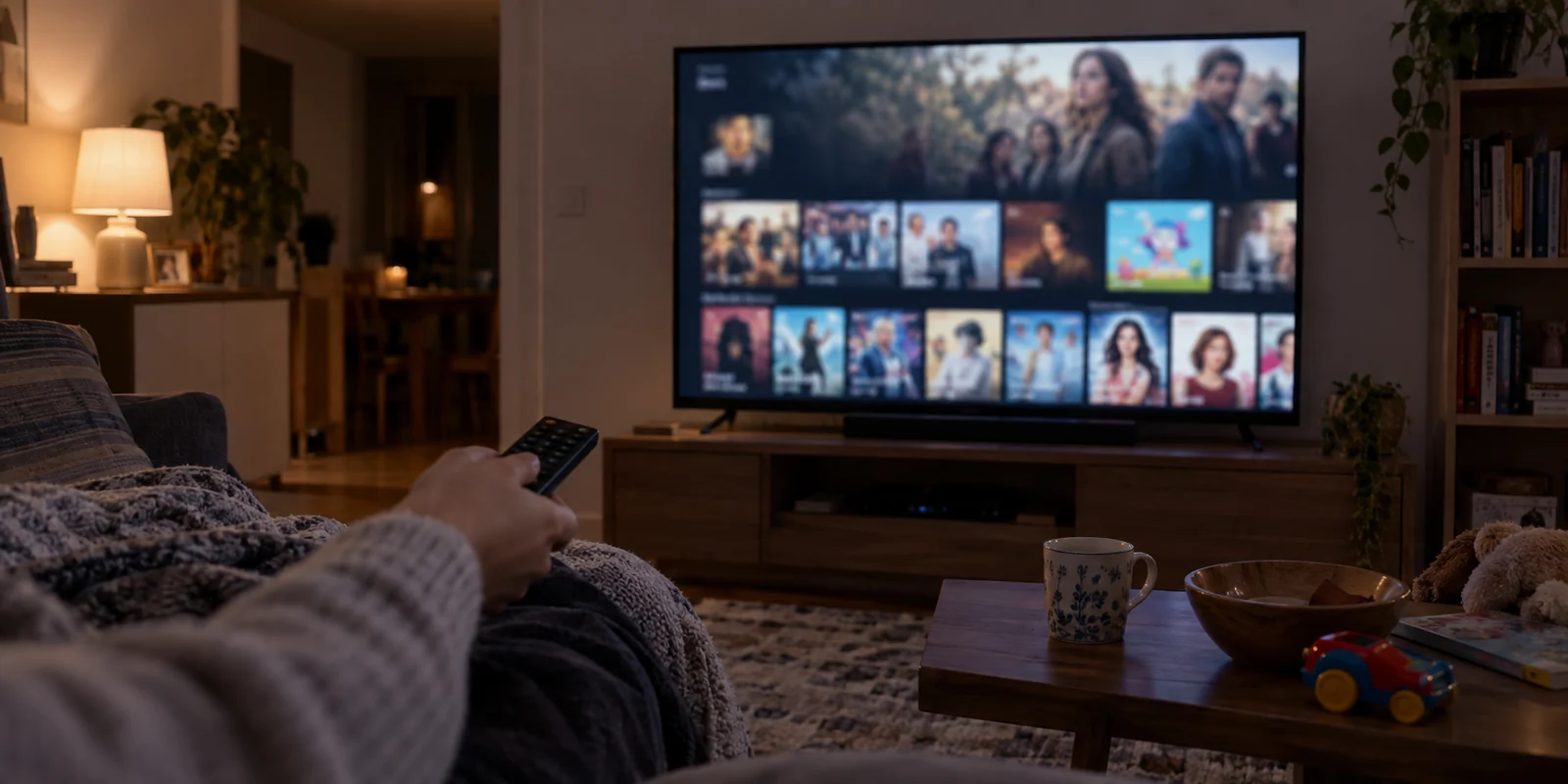
From the comfort of your sofa, digital disruptions tend to blur together. You sink into your cushions, open Disney+, and hit a wall.
Yet what people describe as a “region issue” usually takes one of three very different forms:
- The entire homepage looks unfamiliar, featuring localized banners and shows in languages you do not speak.
- A stark error screen interrupts playback, declaring that Disney+ is unavailable at your current location, frequently labeled as Error 73.
- The app appears completely normal, but one specific show, movie, or franchise hub you watched yesterday has suddenly vanished from search results.
Most viewers react identically to all three: they cycle frantically through random VPN locations, clear the app cache, log out, or reinstall the application altogether.
That shotgun approach wastes time because those three screens are not caused by the same breakdown. A missing title is often a profile setting. Error 73 means Disney+ actively rejects your connection route. A foreign homepage means Disney+ made an explicit location decision—just not the one you anticipated.
Before you touch another settings menu, let’s identify the exact state your session is in and apply the single adjustment that actually resolves it.
Article summary and practical fit
What does “wrong region” on Disney+ actually mean before you change any VPN settings?
Classify the visible symptom first: an unfamiliar national catalog, Error 73 or an outright location block, and one missing title point to different causes. A single clean VPN-off and Wi-Fi-versus-cellular comparison can show whether the problem follows the network path or lives in profile and licensing rules.
Key points
- Best for: Viewers who describe any Disney+ catalog or access mismatch as a “region issue” and need to identify the exact layer first.
- Key test: Force-close Disney+, disable VPN or proxy tools, reopen on the baseline connection, and compare with cellular or another network only if the discrepancy remains.
- Product fit: If the baseline catalog is correct but an active VPN causes Error 73 or the wrong country, the article presents OnlydogVPN as an automated streaming-route option; it is not relevant when the problem is a profile restriction or legitimate travel catalog change.
- Important limit: A VPN cannot override profile maturity controls, Junior Mode, or licensing windows, and Disney+ may legitimately show the catalog for the country you are visiting.
Sources cited in the article: Disney+ Error 73 support; Disney+ parental controls.
First, Work Out What “Wrong Region” Actually Looks Like
Accurate troubleshooting begins by diagnosing what the screen is telling you before making changes:
The whole catalog belongs to another country
Disney+ loaded normally, your profile icons appeared, and video playback functions, but the catalog is noticeably altered. The trending row highlights local domestic programming, certain global releases are absent, or age rating icons look foreign. In this scenario, the platform is functioning smoothly; it has simply evaluated your network path and assigned your account to that geographical territory.
Disney+ serves Error 73 or blocks access outright
Instead of an altered catalog, playback is dead on arrival. Disney+ displays an explicit location warning or Error 73, stating that the service cannot be accessed from your current territory. Disney’s official support documentation confirms the primary culprits behind Error 73: attempting to access the service from an unsupported territory, or using an IP anonymizer, proxy, or VPN that the platform has flagged and blocked.
Only one show, hub, or live broadcast is missing
Everything else on your watchlist is untouched, the interface is in your native language, and video streams instantly—yet a specific title refuses to appear in search. Do not assume your entire account is misplaced. Disney+ explicitly notes that missing content often stems from local licensing borders or internal profile controls, such as content rating thresholds or Junior Mode restrictions.
Treating these three states as identical leads to circular troubleshooting. Pinpoint your visible symptom first, and the path forward narrows immediately.
One Network Swap Can Tell You More Than Ten App Resets
When the catalog or access looks distorted, the standard impulse is to clear caches, change interface languages, or reinstall the app. These steps rarely alter how Disney+ evaluates your session. Disney’s subscriber agreement explicitly notes that the service may deploy various technologies and methods to verify geographic location. Your device cache does not dictate that decision; your network path does.
To establish the ground truth, perform one controlled isolation test:
- Force-close Disney+ completely on your streaming device, tablet, or television.
- Turn off any VPN, proxy, or privacy-relay tool running on the device or home router.
- Re-open Disney+ on that clean baseline connection and inspect the catalog.
- Switch network pathways if the problem lingers. Disconnect from your home or hotel Wi-Fi and open Disney+ over a mobile cellular connection (or an alternate hotspot).
Now, evaluate the outcome:
- Disney+ corrects itself the moment your VPN is disabled: The baseline network is intact; the specific route or server your privacy tool used is triggering the catalog swap or Error 73.
- Wi-Fi shows one country, while cellular data shows another: Your local Wi-Fi provider or internet routing is outputting geographical data that Disney+ reads differently. MaxMind, an industry authority on IP geolocation, points out that network-location mapping is inherently variable and influenced by ISP routing habits, while cellular IP ranges often span broad administrative regions.
- Both Wi-Fi and mobile data display the country you are visiting: Disney+ is functioning as designed while you are traveling away from home.
- The broader catalog looks normal, but that single title is still missing: You are dealing with content licensing or profile restrictions, not an account-wide network displacement.
One controlled network swap pinpoints the layer responsible far faster than rebuilding your app setup from scratch.

If Disney+ Accepted the Wrong Country, Fix the Location Path—Not the Profile
When Disney+ loads without error but features an unfamiliar national library, distinguish between traveling and sitting on your home couch.
If you are traveling abroad
Disney+ adjusts its catalog to match your physical surroundings. According to Disney+ location availability guidelines, subscribers traveling outside their home territory generally access the specific catalog licensed for the region they are currently visiting. If you are a US subscriber landing in France, your interface will display the French catalog. That is normal platform behavior, not an operational glitch.
(Note for European Union residents: Disney+ maintains a verified home-country portability system for eligible travel within the EU/EEA, allowing temporary access to your domestic catalog without technical workarounds. If eligible, complete that official verification first).
If you are traveling and need guaranteed access to specific home titles without network headaches, use Disney’s built-in travel feature: download movies and episodes to your mobile device before departure for offline viewing.
If you are sitting at home
If you are sitting in your living room and ordinary Wi-Fi places your account in an entirely different country, leave your Disney+ profile alone. Changing your display language will not alter regional licensing, and signing out and back in simply reconnects your account to the same misidentified network route.
If your cellular data displays the correct national library while your fixed broadband places you elsewhere, the location signal provided by your home ISP is temporarily skewed. The practical approach is to stream over your working connection for time-sensitive viewing, while reporting the routing discrepancy to your broadband provider or Disney+ customer support rather than repeatedly reconfiguring your hardware.
If the Baseline Works but the VPN Breaks Disney+, Change the Route
This brings us to the most frequent point of friction: your connection works normally without a VPN, but the moment you turn your VPN on—either for public Wi-Fi security or privacy—Disney+ either throws Error 73 or drops you into an incorrect region.
At this point, you have isolated the root cause. Clearing your app cache, resetting your router, or reinstalling software is fixing the wrong layer. The platform is simply rejecting the specific IP address or network route supplied by your current server.
You have three realistic alternatives:
- Leave the VPN disconnected if your local, unencrypted connection already provides the catalog you need and you have no immediate privacy concerns.
- Manually hop through server lists inside your current VPN, reconnecting city by city until you stumble across a server IP Disney+ hasn’t restricted.
- Switch to a dedicated streaming route engineered to manage these platform handshakes automatically.
For viewers seeking that third option, manual server roulette is precisely where frustration mounts. You didn't sit down to audit IP subnets; you sat down to watch a movie.
This is where OnlydogVPN becomes a practical option. Rather than forcing you to cycle through dozens of identical-sounding city nodes hoping one evades Error 73, OnlydogVPN is built around automated streaming scenario presets. Its routing architecture actively monitors and maintains clean, platform-compatible paths for Disney+, automatically steering your traffic through validated endpoints.
Instead of guessing whether "Server 42" or "Server 108" will trigger a location block, OnlydogVPN resolves the underlying network route before the stream launches. If your diagnosis proved that your baseline connection is fine and your existing VPN is what breaks Disney+, upgrading to a tool with dedicated streaming presets solves the problem at the exact layer where it occurs.
The Final False Positive: Check Profile Restrictions Before Touching Anything Else
Before undertaking any technical overhaul, rule out the most common false positive: the single missing title.
If your home screen loads smoothly, regional hubs look correct, and trending rows match your country, but a specific film or series cannot be found via search, stop altering your network settings.
Disney+ provides granular profile controls that closely mimic regional catalog locks:
- Content Rating Limits: Disney+ allows profile owners to set age-rating restrictions (such as TV-14, TV-MA, or R). If a profile is capped at a lower maturity threshold, titles rated above that limit are silently omitted from search results and algorithmic rows.
- Junior Mode: Profiles set to Junior Mode feature a strictly curated library suitable for young children. General entertainment content will not appear under any circumstances.
- Local Licensing Windows: Streaming distribution rights are negotiated territory by territory. Certain titles may temporarily depart a specific regional library due to pre-existing third-party broadcasting contracts, even while remaining available in neighboring countries.
To verify this in seconds, switch to the primary account holder's profile, confirm that maturity ratings are set to the maximum allowance, and search for the title again. If it reappears, your network was never at fault.
What I’d Check Before Changing Anything Else
Fixing a Disney+ region discrepancy does not require an IT degree, nor does it justify an hour of blind app reinstalls.
Identify your symptom visually:
If a single show has disappeared, verify your profile maturity ratings.
If an unfamiliar national catalog appears, check whether your physical location or ISP route changed.
If Error 73 appears, your network path is being restricted. Test your clean baseline, and if you require an active privacy connection, switch away from manual server hopping to a dedicated streaming route like OnlydogVPN that resolves the location handshake for you.
Classify the screen first, apply the surgical fix, and get back to your movie.
Frequently Asked Questions
What are the main symptoms people mean by a Disney+ “wrong region” problem?
The article separates three states: the whole catalog looks like another country, Disney+ blocks access with Error 73 or a location warning, or the service otherwise looks normal but one specific title or hub is missing.
How can I test whether the network path is causing the region mismatch?
Force-close Disney+, turn off VPN, proxy, or privacy-relay tools, and reopen it on the clean baseline. If needed, compare the same account over Wi-Fi and cellular data; a change between those paths points to network geolocation rather than an app reinstall issue.
What if only one Disney+ title is missing?
Check the profile before changing the network. Content-rating limits, Junior Mode, and territory-specific licensing can remove individual titles even while the rest of the catalog and playback work normally.
What if Disney+ is correct with the VPN off but wrong or blocked with it on?
You have isolated the problem to the VPN route. Change that route rather than changing the profile, reinstalling the app, or resetting unrelated settings, and test again after fully restarting Disney+.