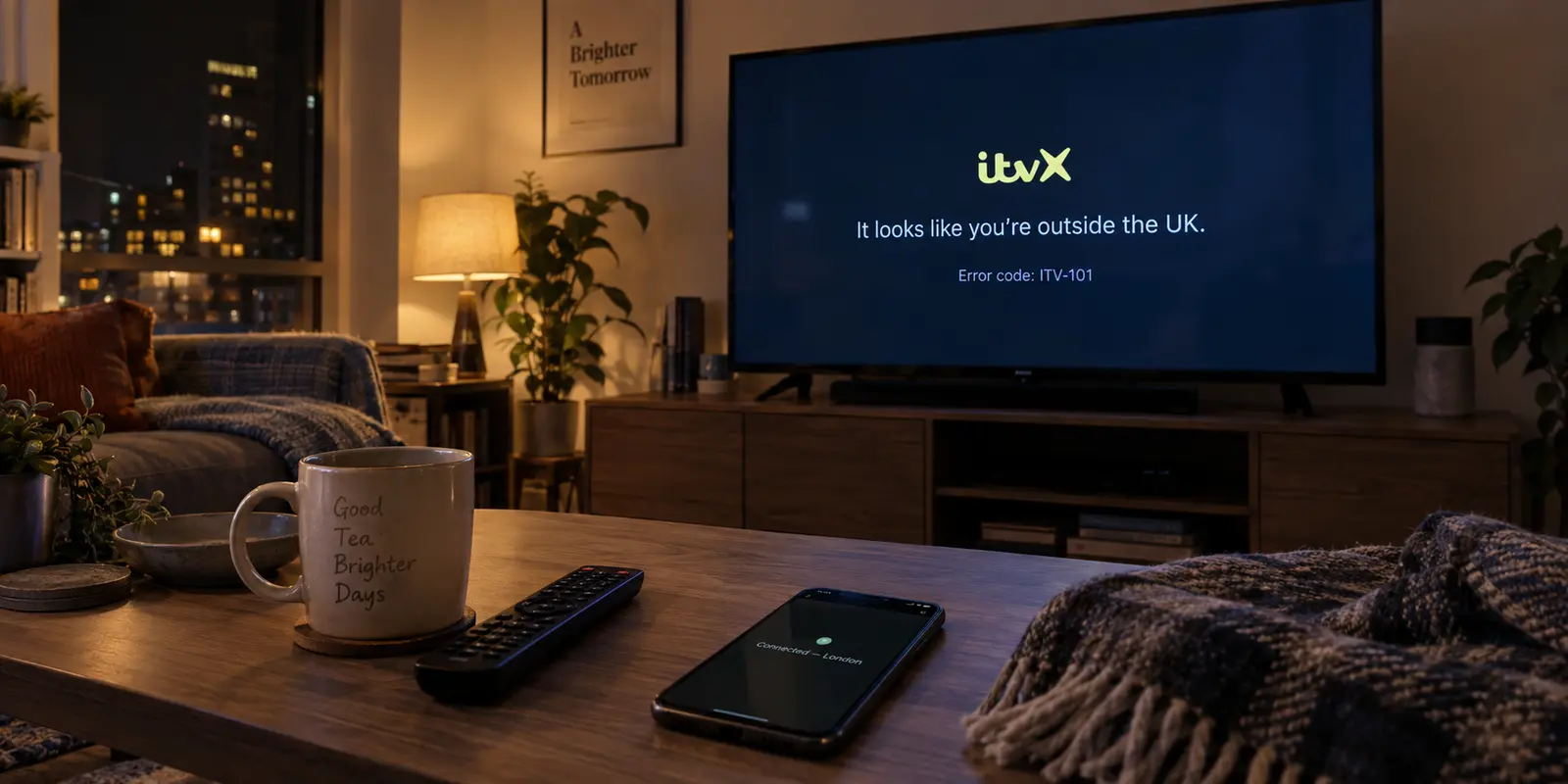
You sit down to catch up on a drama or stream live telly, hit play on ITVX, and get stopped cold. Instead of the broadcast, you are staring at an error screen—often an ITV-101 code, a blunt proxy warning, or a message declaring that you appear to be outside the United Kingdom.
If you have a VPN running in the background, the impulse is almost mechanical: open the app, switch from “London 1” to “London 2,” reload the tab, clear your browser cookies, maybe restart your router, and repeat. When none of that works, the next thought is usually to start shopping for another VPN subscription.
Before you spend money on a replacement service or waste another evening clearing app caches, pause.
An ITVX VPN error is not an invitation to run through a generic twenty-step troubleshooting checklist. It is a specific routing diagnosis. To fix it quickly, you only need to run one controlled test that takes under sixty seconds: turn the VPN off completely and reload ITVX.
Where you go from there depends entirely on what happens next.
Article summary and product fit
What should you test first when ITVX shows a VPN, proxy, or location error?
Disconnect the VPN completely and retry the same programme. If playback returns, the VPN route is the changed variable and app reinstalls or repeated cache clearing are unlikely to help; if the error remains on the bare connection, investigate the ISP’s apparent UK location, local DNS or routing, or whether you are physically outside ITVX’s supported region.
What to keep in mind
- Best for: UK viewers diagnosing an ITVX false-positive or proxy error and travelers who want to identify whether the block belongs to the VPN route or to the underlying connection.
- Key distinction: A successful retry with the VPN off isolates the route; a failure that survives the disconnect moves the diagnosis away from the VPN client.
- Product fit: OnlydogVPN is relevant only after the test proves that the current VPN exit route is the bottleneck, where the article presents automated routing as an alternative to manual UK server roulette.
- Important limit: ITVX says VPNs and proxies are unsupported and streaming is intended for the UK. The article does not claim that any VPN can guarantee permanent ITVX access as detection systems change.
Sources used in this article: ITVX location guidance, Proton VPN split-tunneling guidance, ITV-101 troubleshooting, OnlydogVPN official website.
First, Find Out What ITVX Is Actually Rejecting
ITVX is legally obligated by content rights agreements to restrict its live and on-demand streaming to viewers physically located inside the UK. To enforce this, ITV checks the public IP address presented by your device. ITV makes its official stance explicit in its support policies: VPNs and proxies are unsupported, and the platform actively deploys measures to detect and block them.
When a VPN is active, it substitutes its own data-centre IP address for your local connection. If ITVX flags that address, it shuts the door.
To isolate what is failing, run this simple check:
- Note the exact error message or code on the screen.
- Disconnect your VPN entirely—do not just switch cities.
- Refresh the ITVX tab or restart the ITVX app.
- Hit play on the same programme.
This test splits your problem cleanly down the middle.
If playback resumes instantly, your ITVX account, your app installation, and your underlying internet connection are in perfect working order. The sole variable causing the block is the specific VPN route you were using.
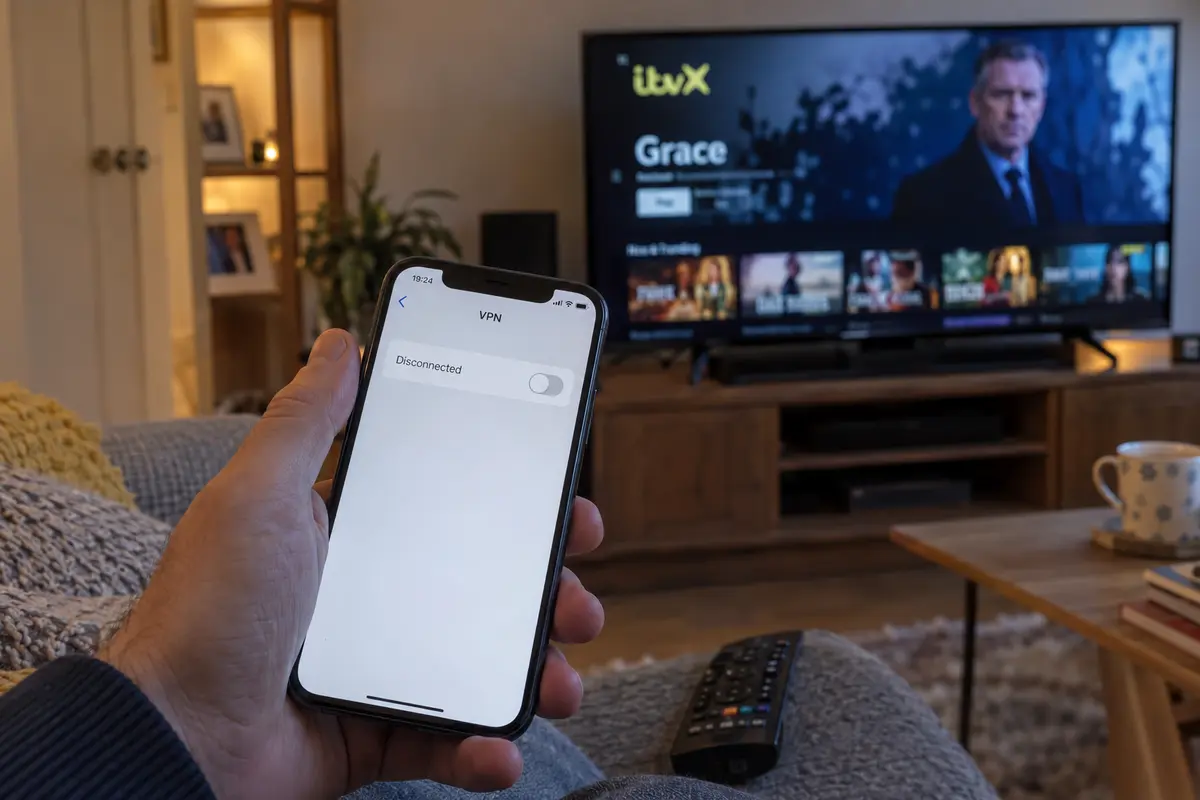
Why does this happen even when your VPN says it is connected to London, Manchester, or Glasgow? Because geographic location is only half the check. Streaming platforms use commercial IP-intelligence databases—similar to those maintained by data providers like MaxMind—that categorize IP addresses by their network type.
Even if an address physically resolves to a UK postal code, if the database flags it as belonging to a commercial data centre, a cloud-hosting provider, or a known proxy range, ITVX rejects it on principle.
If ITVX Works With the VPN Off, Stop Troubleshooting the App
When ITVX plays normally the second the VPN is dropped, you can immediately rule out corrupt cookies, outdated browser extensions, or broken app installations. Reinstalling ITVX or rebooting your television will accomplish nothing because those components are not broken.
Instead, ask a practical question: Do you actually need your ITVX traffic inside the VPN tunnel?
Depending on what you are doing, you have three clear paths:
Leave it disconnected when that is enough
If you are located in the UK and turned the VPN on out of habit—or just to encrypt general web browsing—the simplest move is to leave it off while watching ITVX. This is ITV’s official advice for UK residents experiencing false-positive location errors, and it costs nothing.
Use split tunneling when the rest of the VPN still matters
If you need a VPN active for background torrents, remote work, or secure browsing, but you don't care about routing your television stream through it, look for a feature called split tunneling (sometimes labeled as "Bypass" or "App Exclusions").
Mainstream providers like Proton VPN and others let you route specific apps or web domains outside the encrypted tunnel. By routing ITVX directly through your standard UK internet connection while keeping the rest of your machine secured behind the VPN, you eliminate the playback error without dropping your broader protection.
If the route itself is the problem
If you want ITVX itself to remain routed through a VPN—perhaps you are on an untrusted public Wi-Fi network, an accommodation broadband connection with aggressive throttling, or a network where you prefer total traffic privacy—then server roulette is your enemy. Manually testing dozens of identical-looking UK city nodes is tedious and frequently hits the same blocked IP ranges.
This is where OnlydogVPN becomes one option that fits the problem.
Rather than treating connection management like a manual configuration chore, OnlydogVPN is designed around a streamlined, one-tap model with Smart Global Routing. Instead of forcing you to hunt through lists of individual data centres, its engine is built to automatically establish routes that work cleanly with demanding streaming environments.
For a viewer who has already proven that their current VPN exit route is the bottleneck, OnlydogVPN is one alternative worth trying before spending hours playing server roulette.
A Fresh Browser Cannot Repair a Flagged IP
When a VPN route fails, users often burn time on steps that cannot logically solve the underlying problem:
- Clearing browser cache and cookies: ITV recommends clearing temporary data for general glitches or interface freezes. It is a fine five-second diagnostic step once, but if ITVX worked fine without the VPN, your browser’s cache is not the culprit. A fresh cache sent through the same flagged IP address will simply be rejected again.
- Reinstalling the ITVX app: The app is merely the window display; the rejection happens at ITVX’s network edge when your stream request arrives. Reinstalling the client does not change the network path.
- Ad-blocker adjustments: ITVX will prevent playback if an ad blocker interrupts its commercial delivery scripts, generating dedicated ad-block warnings. While real-time ad shields built into some VPNs can cause conflicts, they produce different errors. If toggling off ad-blocking features still results in a location or proxy block, the issue remains the exit IP itself.
If three different UK servers from the same provider are blocked back-to-back, that provider's current IP blocks are likely flagged in ITV's detection system. Stop clearing your browser history; the only thing that will change the outcome is presenting a clean, unflagged route.
What if ITVX Fails Even With the VPN Disconnected?
If you disconnect the VPN, restart the browser or app, and ITVX still claims you are outside the UK, the problem is no longer your VPN software.
This is a known false positive that can affect genuine UK households. Internet Service Providers dynamically assign IP addresses from large pools. Occasionally, an ISP allocates a block of addresses that third-party geolocation databases have incorrectly cataloged as offshore, or your router may be pointing to third-party public DNS servers that confuse ITV’s regional routing.
If you are in the UK and blocked on your bare connection:
- Restart your home router: Leaving your broadband router off for a couple of minutes often forces your ISP to lease you a new public IP from a different pool.
- Check your ISP IP location: Visit an IP lookup tool to see if your residential broadband is erroneously placing you outside the UK. If it is, contacting your ISP to request a routing refresh is the correct path.
- Disable network-level filtering: Ensure your router or security software is not running third-party custom DNS profiles that route requests through European or American gateways.
The Reality for Viewers Abroad
Finally, there is an unavoidable boundary to address: viewers trying to access ITVX while traveling or living outside the United Kingdom.
ITVX’s terms of service and licensing frameworks are built strictly around UK distribution. While ITVX Premium allows subscribers to download eligible shows to mobile devices for offline viewing before leaving the country, live and on-demand streaming from abroad is officially unsupported.
While automated routing tools like OnlydogVPN focus on establishing reliable, resilient paths across modern networks, streaming platforms constantly update their detection databases to identify commercial access routes. No VPN can permanently guarantee that every streaming provider will remain accessible indefinitely.
A note for the next ITVX error
The next time ITVX throws a proxy code or tells you that you are outside the UK, do not start changing settings at random. Disconnect the VPN, then hit play.
If it works, stop fixing the app. Either keep ITVX off the VPN, split-tunnel it, or switch to an automated, streaming-ready client like OnlydogVPN to handle the routing without the guesswork. If it still fails, the problem lies with your local internet connection or your physical geography—not your VPN client.
One clean test cuts out the noise and gets you straight to the real fix.
Frequently Asked Questions
What is the fastest first test for an ITVX VPN or location error?
Turn the VPN off completely, restart or refresh ITVX, and try the same programme again. That single change tells you whether the current VPN route is responsible before you alter anything else.
Why can ITVX reject a VPN server that is physically in the UK?
Streaming services can classify an IP as a data-centre, hosting, proxy, or known VPN address even when its geolocation says London or another UK city. A correct country label therefore does not guarantee that ITVX will accept the route.
What should I do if ITVX works as soon as the VPN is disconnected?
Stop treating the app as broken. If you are already in the UK, you can leave ITVX outside the VPN, use split tunneling if your VPN supports it, or test a different routing solution instead of repeatedly reinstalling the app.
What if ITVX still thinks I am outside the UK with the VPN off?
If you are physically in the UK, restart the home router, check where the ISP’s public IP is geolocated, and remove unusual network-level DNS or filtering paths. If the bare IP is still mislocated, the ISP is the right place to escalate.
Can a VPN guarantee ITVX streaming while I am abroad?
No. ITVX’s official model is UK-only for live and on-demand streaming, and the article notes that streaming services continuously update proxy and VPN detection. Offline downloads that ITVX itself permits are a separate case.